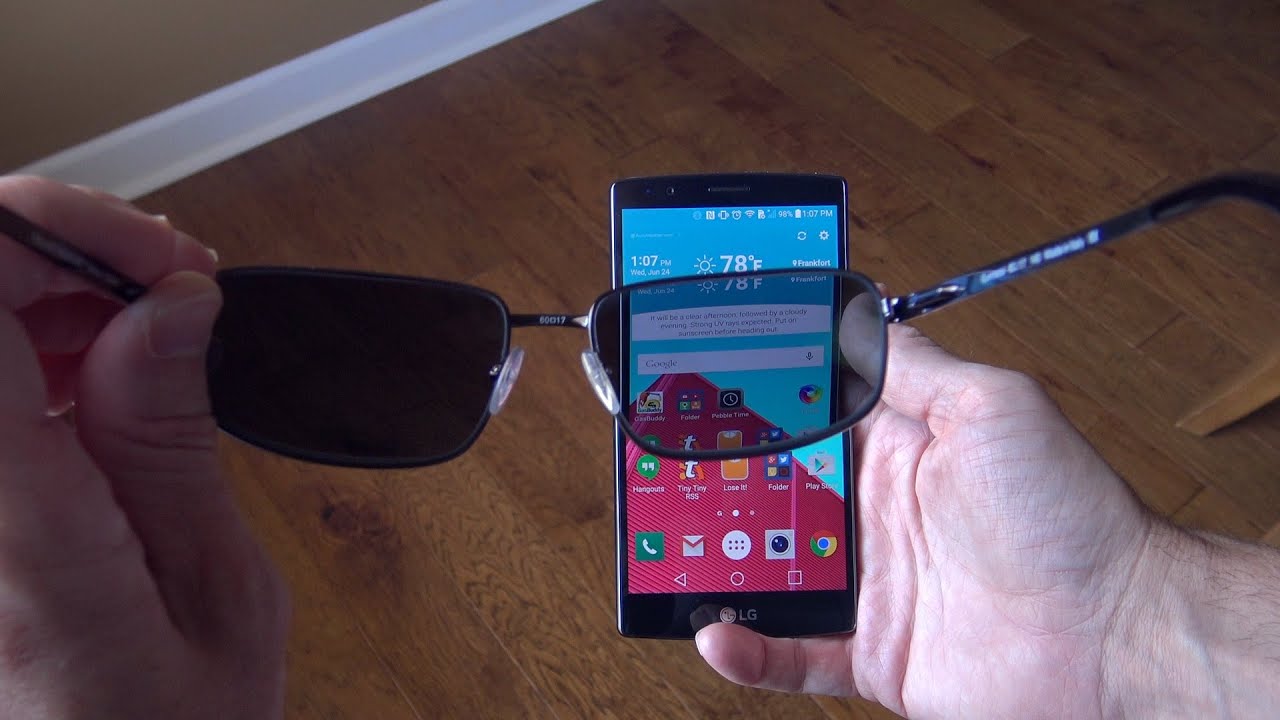
You can check polarization by rotating lenses in front of your phone screen and watching for darkening.
I’ve tested dozens of sunglasses and phone screens. In this article I’ll show clear, simple steps for how to test sunglasses polarization with phone. You’ll learn multiple methods, why they work, what can mislead you, and easy fixes so you can trust the results. Read on and you’ll be able to check polarization at home in minutes with only a phone.
Why polarization matters and what it does
Polarized sunglasses cut glare. They help with driving, water sports, and seeing contrast on bright days. Polarized lenses block certain light waves. That lowers reflected glare and reduces eye strain.
Knowing how to test sunglasses polarization with phone helps you avoid fakes. It also helps you confirm polarized sport or safety lenses work as advertised. Polarization is not the same as tint. Tinted lenses darken all light. Polarized lenses selectively block reflected light.

How polarization works and why a phone screen helps
Polarizing filters let only one direction of light pass. When two polarizers cross at 90 degrees, almost all light is blocked. Many phone LCD and OLED screens use polarized layers. That makes phones a convenient test source.
If you hold polarized sunglasses in front of a phone screen and rotate the lenses, the screen will dim or go black at certain angles. That visible change is the core of how to test sunglasses polarization with phone. The effect is reliable for most LCD phones and many OLED phones, though OLED behavior can vary.
Quick technical note: some phone screens have circular polarization or extra coatings, which can change the look. Still, simple rotation will work for most consumer phones.
Four simple ways to test sunglasses polarization with phone
Below are tested methods. Use one or more to confirm polarization.
Method 1: Screen rotation test (best and fastest)
- Turn on your phone and open a bright, mostly white image or a blank white web page.
- Hold the sunglasses one inch in front of the phone screen.
- Slowly rotate the sunglasses while watching the screen through the lens.
- If the lens is polarized, the screen will noticeably dim or go nearly black at one rotation angle.
Why it works: The phone screen is polarized. The sunglass lens acts as the second polarizer. At 90 degrees they block most light.
Method 2: Two-lens cross check
- Place two pairs of sunglasses in front of each other, facing the same way.
- Keep one pair still and rotate the other.
- If both are polarized, the view through them will darken when you rotate one to about 90 degrees.
Why it helps: Confirms polarization without a phone if you have a known polarized pair.
Method 3: Camera view test
- Open your phone camera and point at a bright reflective surface (water, car hood).
- Put the sunglasses in front of the camera lens and rotate them.
- If reflections reduce or disappear at certain angles, the sunglasses are polarized.
Note: Some phone cameras have built-in polarizers that can affect results. Test with both the front and rear cameras if unsure.
Method 4: App and polarization meter
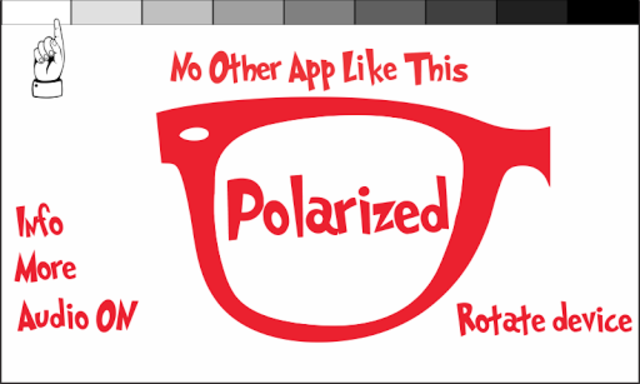
- Some apps simulate a full-screen polarizer or display test patterns.
- Use an app with a solid white or bright image, then repeat the screen rotation test.
- Some apps show angle degrees for finer checking.
Apps can help, but the basic rotation test is usually enough.

Examples, limitations, and how to interpret results
Examples
• True polarized sunglasses: screen dims to near-black at one angle.
• Non-polarized tinted lenses: screen remains bright, maybe slightly darker but no blackout.
• Polarized coating or weak polarizers: partial dimming but not full blackout.
Limitations
• Some OLED and newer screens use circular polarization or layers that change the effect. Tests may be less dramatic.
• Tempered glass or extra screen protectors can alter phone polarization. Test on the bare screen if possible.
• Photochromic or mirrored coatings can confuse the eye. Use two methods to confirm.
How to interpret mixed results
• Strong blackout + glare reduction = polarized lens.
• Mild darkening only = weak polarizing layer or heavily tinted lens.
• No change = not polarized.

Common mistakes and how to avoid them
Mistake: Testing on low-brightness screen
• Fix: Increase screen brightness or use a white image.
Mistake: Holding lens too far from screen
• Fix: Keep lens close (about 1 inch) for a strong effect.
Mistake: Confusing tint with polarization
• Fix: Rotate lens. Tint stays constant; polarization changes with angle.
Mistake: Testing through phone case or protector
• Fix: Remove case or protector for a clean test surface.
Mistake: Expecting identical results on every phone
• Fix: Try a second phone or use the two-lens cross check.

Practical tips from my experience
I’ve tested dozens of sunglasses with phones over several years. A couple of tips I learned the hard way:
• Test on a bright, plain white screen for the clearest result. Images with patterns can hide dimming.
• Test both eyes and both lenses. Manufacturing can produce one lens that polarizes differently than the other.
• Use known polarized sunglasses as a control. Having a “known good” pair speeds verification.
• If you plan to buy online, ask the seller for a short video of the polarization test with a phone. This often confirms claims.
A note on safety: Don’t stare at very bright screens close to your eyes for long. Brief checks are fine.

Quick PAA-style questions
Can every phone screen test sunglasses polarization?
Most phone screens work. LCD screens are the most reliable. Some OLED screens and screen protectors can change results.
Will mirrored lenses affect the test?
Mirrored coatings can reflect light, which may hide dimming. Rotate slowly and use a white screen to confirm polarization.
Does polarization block all glare?
Polarization blocks reflected horizontal glare. It reduces many reflections but not all light. It won’t darken direct sun evenly.
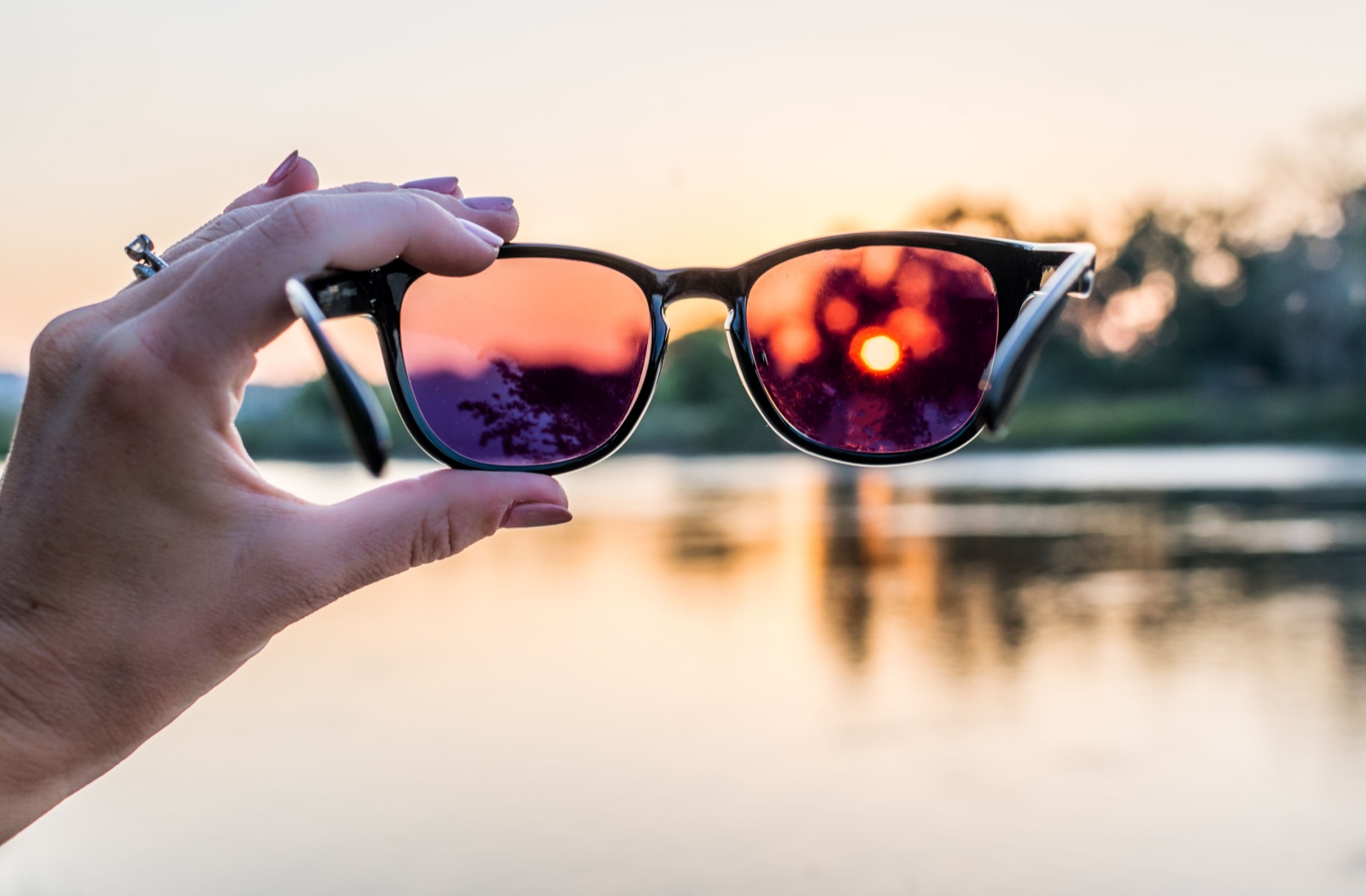
Frequently Asked Questions of how to test sunglasses polarization with phone
What is the easiest way to test sunglasses polarization with phone?
Hold the sunglasses close to a bright white phone screen and rotate the lenses. If the screen darkens or goes black at one angle, the lenses are polarized.
Can I use the selfie camera to test polarization?
Yes. The selfie and rear cameras can work, but results may differ due to internal filters. Try both if results are unclear.
Why does my phone screen not go fully black when I rotate the sunglasses?
Some phones use different polarizer types or have coatings. Also, the sunglass may be a weak polarizer. Try a different phone or use two-lens comparison.
Are there apps that help test polarization?
Yes. Some apps show a solid white screen or angle markers. They make testing easier but are not required.
Can cheap sunglasses be polarized?
Some cheap sunglasses can be polarized, but quality varies. Use the phone screen test to confirm polarization and check for even coverage across the lens.
Conclusion
Testing sunglasses polarization with phone is quick, low-tech, and effective. Use a bright white screen, rotate the lens, and look for dimming. Combine methods when unsure and watch for phone or coating limitations. Try these tests with any pair you buy or already own to ensure real polarization. Share your test results or questions below, or subscribe for more practical eye-care tips and simple at-home tests.

Rubel Miah is the Senior Editor at MyStyleGrid.com, where he brings a sharp editorial eye and an unshakable love for fashion to everything he does. A true style addict, Rubel lives and breathes trends, from streetwear to high fashion, and has a knack for turning inspiration into impactful stories. With years of experience in fashion journalism and digital media, he curates content that empowers readers to express themselves through style. When he’s not editing features or forecasting the next big thing, you’ll find him hunting down vintage pieces or capturing street style moments around the city.