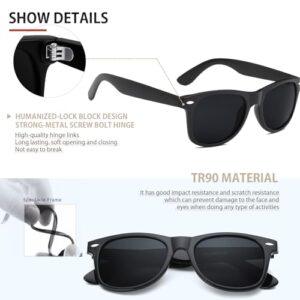
AI glasses are good for hands-free help, photos, navigation, translation, accessibility, and safer daily tasks.
The answer to what are AI glasses good for goes beyond taking pictures. These wearable devices combine cameras, microphones, speakers, internet access, and artificial intelligence to place useful information in your view or voice. This guide explains their best uses, limits, safety concerns, and buying tips in clear, practical terms.
What Are AI Glasses?
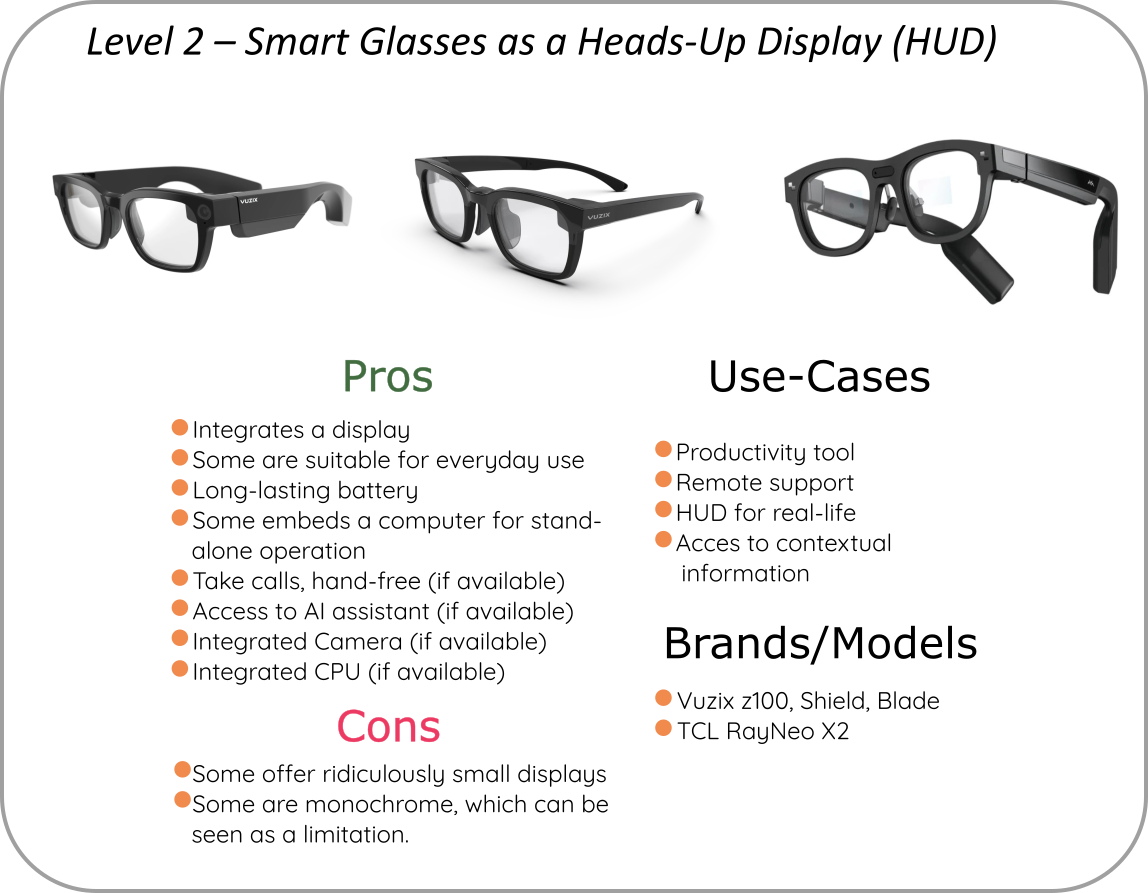
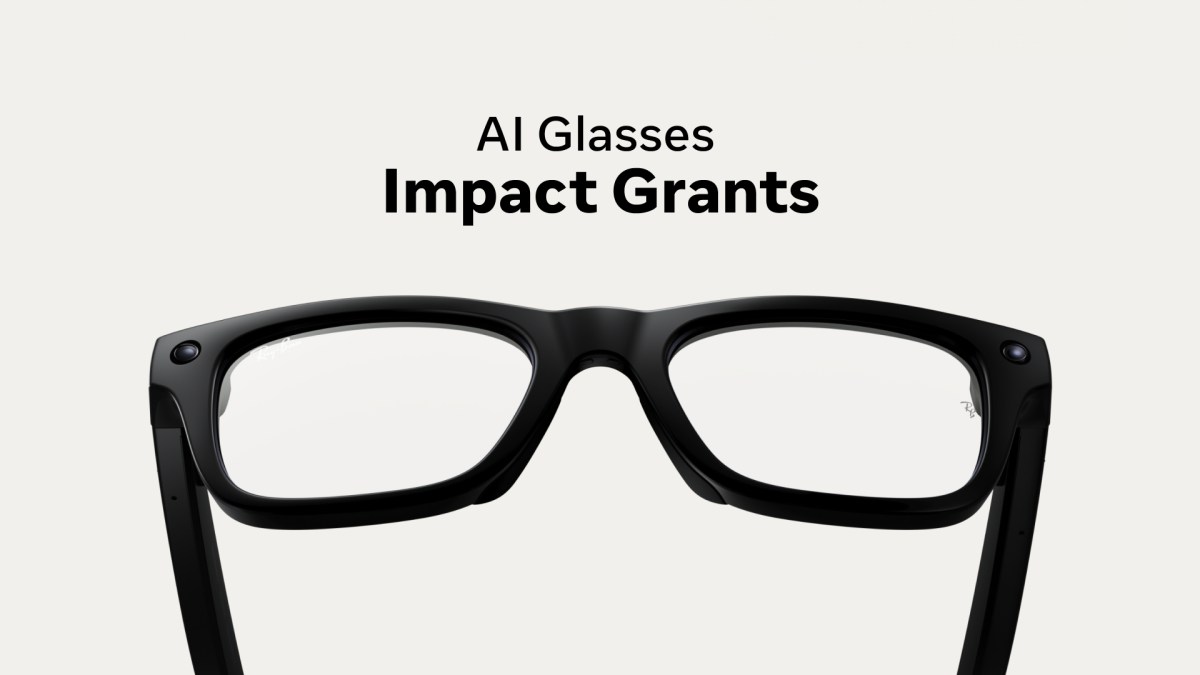
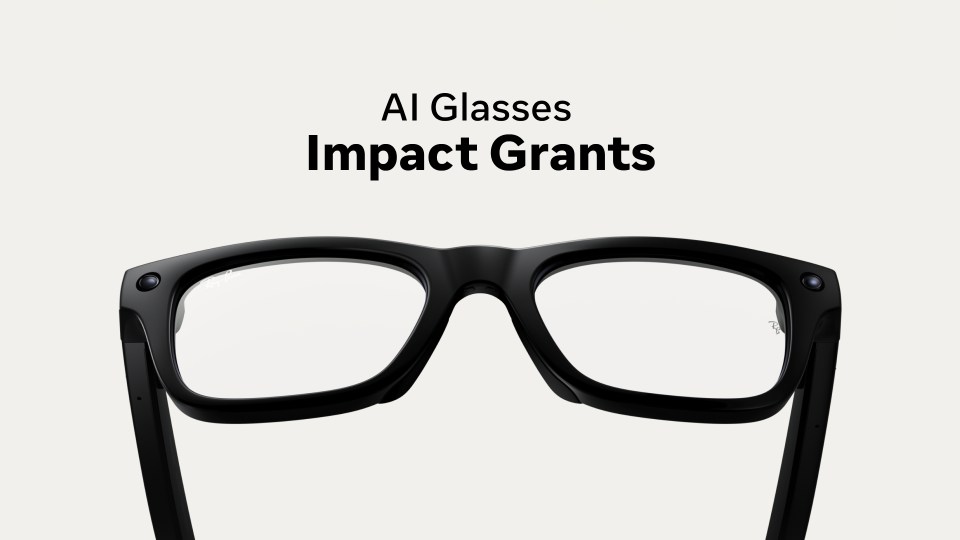
AI glasses are wearable glasses with smart features powered by artificial intelligence. Most models look like normal eyeglasses or sunglasses, but they may include a camera, speakers, microphones, touch controls, and a connection to a phone.
Some AI glasses show information on a built-in lens display. Others use voice replies and audio prompts instead of showing text in front of your eyes. This difference matters because not every pair of AI glasses is an augmented reality headset.
When people ask what are AI glasses good for, they often picture floating maps or complex virtual worlds. In reality, many current models focus on simple, useful tasks that save you from reaching for your phone.
Common features include:
• Taking photos and short videos from your point of view
• Answering questions through voice commands
• Reading text and identifying objects
• Playing music, podcasts, and phone calls
• Offering language translation
• Giving reminders and basic directions
• Supporting people with visual, hearing, or mobility needs
AI glasses work like a small assistant near your eyes and ears. They do not replace a phone or computer, but they can make many small tasks feel faster and more natural.
What Are AI Glasses Good for in Daily Life?
The main benefit of AI glasses is hands-free access to information. You can ask a question, capture a moment, or hear an answer without stopping what you are doing.
Here are the most useful everyday applications.
Hands-Free Photos and Videos
AI glasses can capture photos and videos from your natural viewpoint. This is useful when your hands are busy, such as while cooking, cycling on a safe route, traveling, or playing with a pet.
The point-of-view angle can also feel more personal than a phone photo. You can record a child’s first steps, a hiking view, or a quick repair tutorial without holding a camera.
Still, remember to respect privacy. Always follow local laws and ask permission before recording people in private settings.
Voice Assistance
Many AI glasses let you ask questions by voice. You might ask for a weather update, a simple explanation, a recipe conversion, or help identifying a landmark.
This feature is especially helpful when your hands are occupied. It can also reduce screen time because you do not need to unlock your phone for every small question.
Music, Calls, and Podcasts
Built-in speakers can play music or podcasts while leaving your ears open to nearby sounds. This may feel more comfortable than wearing earbuds during a walk or commute.
AI glasses can also handle calls through microphones and speakers. Call quality depends on wind, traffic, and the model’s microphone system, so performance may vary outdoors.
Reminders and Memory Support
Some glasses can help you remember information, such as where you parked or what you need to buy. Other models may recognize objects or read signs aloud.
These features can support people who often forget small details. They should not be treated as a medical memory aid unless a qualified professional recommends them for a specific need.

AI Glasses for Accessibility
Accessibility is one of the strongest answers to what are AI glasses good for. A camera paired with AI can turn visual information into spoken guidance.
For someone with low vision, glasses may help read a menu, identify a common object, describe a scene, or recognize printed text. The quality depends on lighting, camera clarity, software, and the accuracy of the AI model.
AI glasses may also help people with hearing needs when future models provide live captions through a lens display. However, many current products offer audio features rather than full visual captions.
Important accessibility uses include:
• Reading signs, labels, and menus aloud
• Describing basic surroundings
• Identifying colors or common objects
• Providing spoken prompts during travel
• Offering hands-free communication
These tools can increase independence, but they are not perfect. AI may misread text, confuse objects, or miss important details. For safety-critical tasks, users should confirm the information with another method.
The National Institute of Standards and Technology has repeatedly highlighted the need to test artificial intelligence for accuracy, bias, and reliability. That advice applies to wearable AI as well.
AI Glasses for Travel and Navigation
Travelers often ask what are AI glasses good for when visiting a new city. The most useful features include translation, landmark recognition, directions, and quick access to travel information.
You may be able to point toward a sign and hear a translation. You could ask about a nearby attraction or identify a building without pulling out your phone.
Some smart glasses provide audio navigation. Others use a visual display for arrows and route information. Audio guidance can be less distracting, but it may not provide the same detail as a phone map.
AI glasses can help with:
• Translating menus and street signs
• Recognizing landmarks
• Giving basic walking directions
• Explaining cultural or historical details
• Taking hands-free travel photos
Do not rely on AI glasses alone in unfamiliar or dangerous areas. Check the route on a phone, keep your battery charged, and stay aware of traffic and other hazards.
AI Glasses at Work and School
AI glasses may improve certain work tasks, especially when workers need both hands. A technician could receive spoken instructions while repairing equipment. A warehouse worker might scan items or access product details without holding a phone.
In schools, students may use AI glasses to record lectures, translate content, or receive study help. These uses require clear rules. Recording a teacher, classmate, patient, customer, or coworker without permission can create serious privacy problems.
Useful professional examples include:
• Field service support
• Remote expert guidance
• Equipment instructions
• Inventory checks
• Note reminders
• Language support
• Training and demonstrations
Employers should also consider data security. Images from a workplace may include confidential documents, customer information, or private conversations. A company should create a clear policy before allowing AI glasses on site.
My practical lesson from testing wearable technology is simple: the best work use is narrow and specific. A device that solves one repeated problem often provides more value than one that promises to do everything.

AI Glasses for Health, Fitness, and Safety
AI glasses may support fitness and outdoor activities by providing audio prompts, recording activities, or helping users stay connected. Some products can work with fitness apps, but many do not measure health data as accurately as dedicated medical devices.
For safety, open-ear audio may help users hear traffic, coworkers, or people nearby. That can be better than blocking outside sound with noise-canceling earbuds.
However, AI glasses can also create new risks. Looking at a display while driving, cycling in traffic, or crossing a busy street may distract you. Never use a wearable display in a way that reduces your attention to immediate hazards.
AI glasses are not a replacement for:
• A certified medical monitor
• Professional medical advice
• Proper protective eyewear
• A trained guide or safety officer
• Safe driving habits
The Food and Drug Administration distinguishes general wellness products from regulated medical devices. If a company makes strong health claims, check whether those claims have appropriate evidence and regulatory support.

How AI Glasses Compare With Smart Glasses and AR Glasses
The terms smart glasses, AI glasses, and augmented reality glasses are often mixed together. They describe related products, but they are not identical.
Smart glasses usually offer connected features such as audio, cameras, phone calls, and media controls. AI glasses add artificial intelligence for tasks such as answering questions, recognizing images, or translating text.
Augmented reality glasses usually place digital images or information into your field of view. They may show maps, labels, instructions, or 3D objects through a lens display.
A simple comparison looks like this:
• Smart glasses focus on audio, cameras, and phone functions.
• AI glasses focus on voice commands, image understanding, and automated assistance.
• AR glasses focus on digital visuals placed over the real world.
Some products fit more than one category. Always check the exact features instead of trusting the product label.
Limitations and Risks of AI Glasses
Understanding what are AI glasses good for also means understanding what they cannot do. The technology is useful, but it is still developing.
Accuracy Problems
AI can give incorrect answers. A camera may misunderstand a sign, identify the wrong object, or describe a scene poorly. Poor lighting, glare, movement, and unusual objects can reduce accuracy.
Never trust an AI answer for a decision involving medicine, personal safety, legal matters, or financial loss without checking a reliable source.
Privacy Concerns
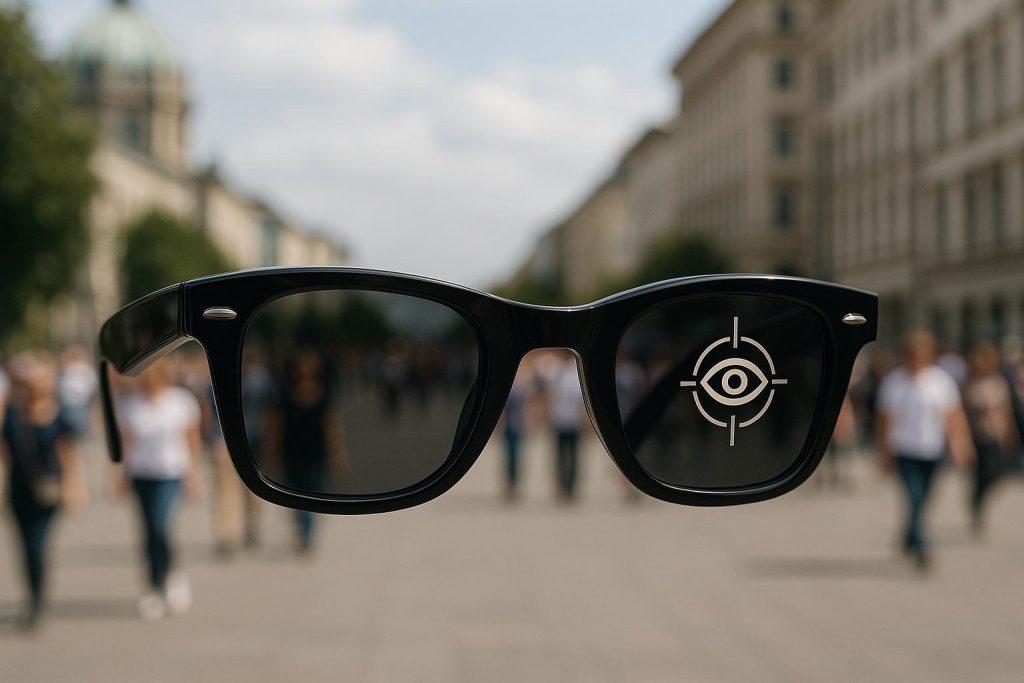
A camera on someone’s face can make other people feel watched. Some glasses use a light to show that recording is active, but people may not notice it.
Good habits include:
• Tell people when you are recording.
• Avoid recording in bathrooms, medical spaces, and private offices.
• Turn off the camera when you do not need it.
• Review app permissions.
• Use a strong account password.
• Check where photos and audio are stored.
Battery Life and Connectivity
AI features often require a phone connection, an internet connection, or both. Battery life may fall quickly when you use the camera, live assistance, or audio for long periods.
Before a full day out, charge the glasses and phone. If you travel, carry a power bank and download important information when possible.
Social Discomfort
Some people may feel uncomfortable around recording devices. A pair of glasses that looks stylish can still create tension if users ignore social boundaries.
The most considerate approach is to be open, brief, and willing to stop recording when asked.

How to Choose the Best AI Glasses
The best AI glasses depend on your main goal. Do not buy a pair simply because it has the most features.
Use this checklist before buying:
-
Identify your main use. Decide whether you want photos, calls, translation, accessibility, navigation, or work support.
-
Check the display type. Confirm whether the glasses use audio only or include a visual display.
-
Review camera quality. Look at resolution, stabilization, low-light performance, and recording limits.
-
Test audio performance. Check speaker clarity, microphone quality, wind handling, and sound leakage.
-
Confirm phone support. Make sure the glasses work with your iPhone or Android phone.
-
Read the privacy policy. Learn how the company stores images, voice data, and AI requests.
-
Check battery life. Compare normal use with heavy camera and AI use.
-
Consider prescription support. Some models work with prescription lenses, while others do not.
-
Review durability. Look for water resistance, frame strength, warranty terms, and repair options.
-
Compare total cost. Include the glasses, prescription lenses, subscription fees, accessories, and replacement parts.
A common mistake is choosing a product based only on its camera. In daily use, comfort, battery life, audio quality, and privacy controls often matter more.
Tips for Using AI Glasses Responsibly
AI glasses work best when they assist your judgment rather than replace it. Treat them like a helpful co-pilot, not an all-knowing expert.
Follow these practical habits:
• Learn the camera and microphone controls before using the glasses in public.
• Keep your phone and glasses updated.
• Use voice commands in quiet places when possible.
• Confirm important AI answers.
• Avoid using a visual display while driving.
• Tell people when you are recording.
• Keep sensitive documents out of the camera view.
• Turn off features you do not use.
• Carry a backup way to navigate or communicate.
• Clean the lenses and camera area often.
In my experience with wearable devices, small habits make the largest difference. Users tend to enjoy smart glasses more when they treat them as a focused tool instead of wearing them every hour of the day.
Frequently Asked Questions About What Are AI Glasses Good for
What are AI glasses good for?
AI glasses are good for hands-free photos, voice assistance, calls, music, translation, object recognition, and accessibility support. Some models also provide navigation or information through a built-in display.
Can AI glasses replace a smartphone?
No, AI glasses usually work with a smartphone and may depend on its apps, internet connection, or battery. They reduce the need to reach for your phone, but they do not provide the same large screen, storage, or range of functions.
Can AI glasses translate languages?
Some AI glasses can translate spoken words, signs, or written text. Accuracy depends on the language, internet connection, lighting, and software, so confirm important translations before relying on them.
Are AI glasses safe to wear all day?
Most people can wear them comfortably if the frame fits well and the audio level remains reasonable. However, users should take breaks, stay aware of their surroundings, and avoid using displays during driving or other risky activities.
Do AI glasses record everything around you?
No, they do not always record continuously, but many models can capture photos, video, or audio when activated. Review the device settings and privacy policy, and follow local recording laws and social norms.
Are AI glasses useful for people with vision loss?
They may help read text, describe scenes, and identify common objects. They should support, not replace, professional assistive services, mobility training, or other tools recommended by an eye-care specialist.
Do AI glasses need the internet?
Many AI features need an internet connection because the request is processed through cloud software. Basic functions such as some audio controls or saved media may work offline, depending on the model.
Conclusion
AI glasses are good for making small, everyday tasks more natural. They can capture hands-free photos, answer voice questions, support travel, assist with accessibility, and provide audio without blocking your ears.
Their limits are just as important. AI can make mistakes, battery life can be short, privacy can be complex, and a visual display can cause distraction. Choose glasses based on one or two clear needs, check the privacy controls, and use the technology with care.
If you are considering a pair, compare models by comfort, accuracy, battery life, phone support, and total cost. Explore trusted product guides, test the glasses in real situations, and share your own experience in the comments.

Rubel Miah is the Senior Editor at MyStyleGrid.com, where he brings a sharp editorial eye and an unshakable love for fashion to everything he does. A true style addict, Rubel lives and breathes trends, from streetwear to high fashion, and has a knack for turning inspiration into impactful stories. With years of experience in fashion journalism and digital media, he curates content that empowers readers to express themselves through style. When he’s not editing features or forecasting the next big thing, you’ll find him hunting down vintage pieces or capturing street style moments around the city.