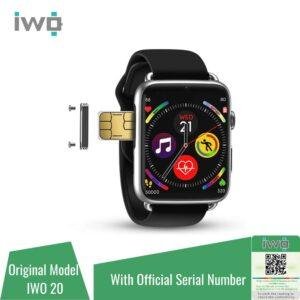
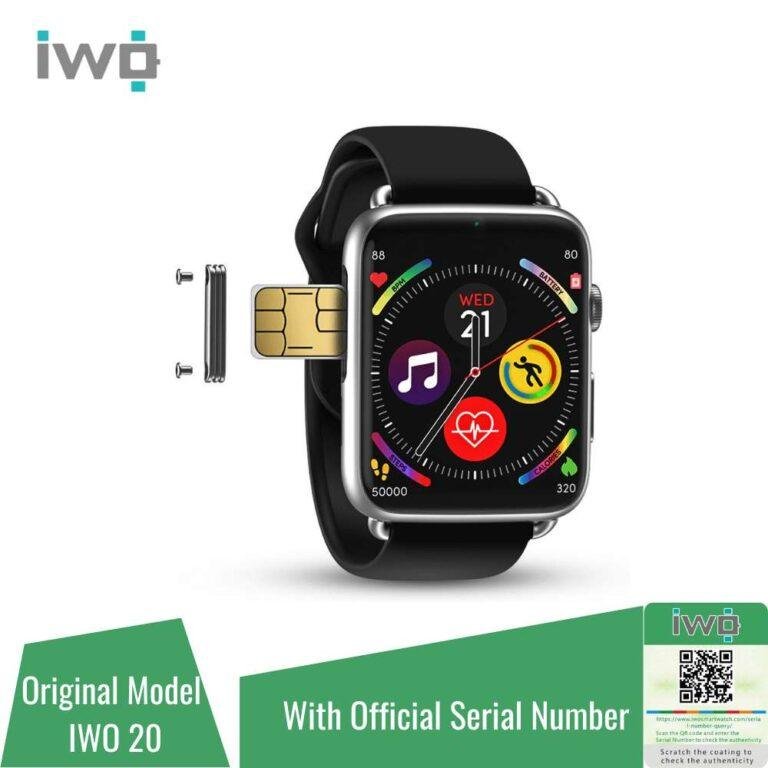
Most Apple Watch models use no physical SIM card, while cellular versions use a built-in eSIM.
If you are asking, “does Apple Watch have a SIM card,” the answer depends on the model. GPS models rely on your iPhone or Wi-Fi, while cellular models connect to a carrier through an embedded SIM. This guide explains how Apple Watch cellular service works, how to identify your model, what it costs, and what to check before buying a plan.
Does Apple Watch have a SIM card?
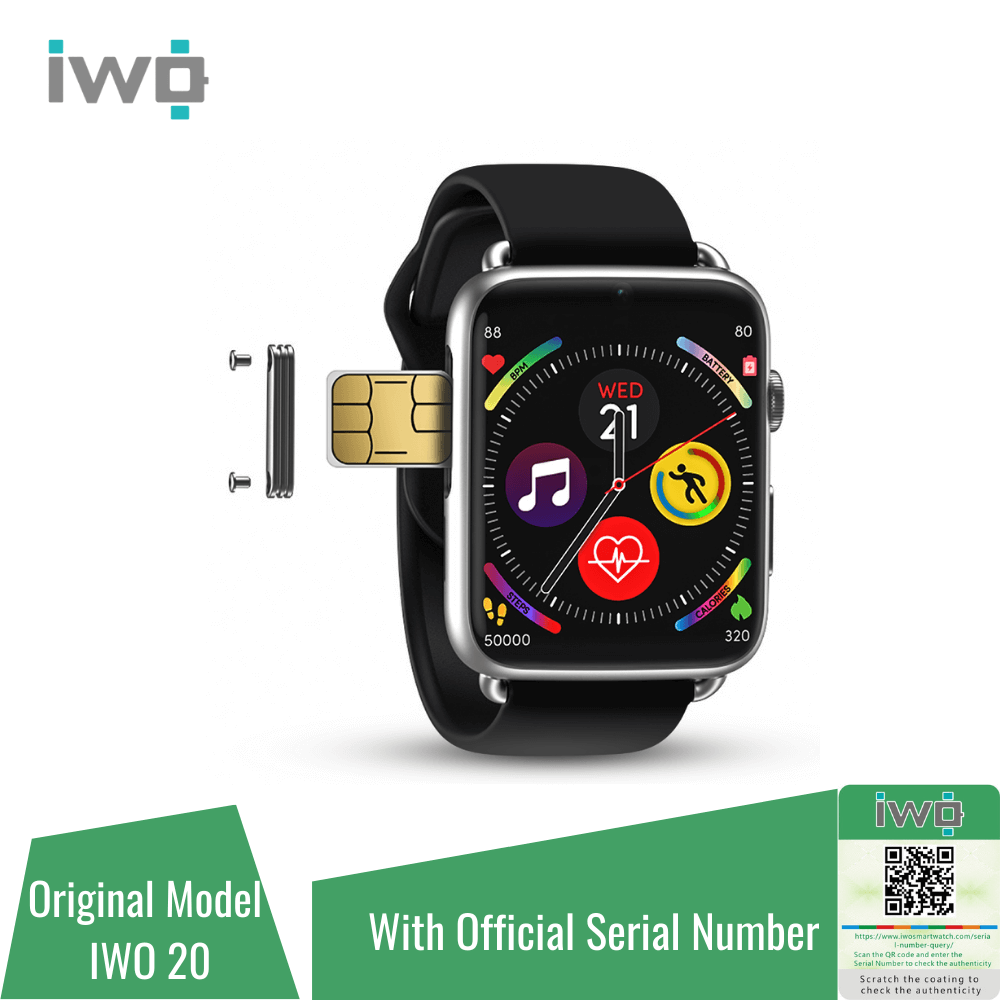
Apple Watch does not use a removable physical SIM card like many smartphones. Instead, cellular Apple Watch models contain an eSIM, which is a digital SIM built into the watch.
So, when people ask, “does Apple Watch have a SIM card,” the most accurate answer is:
• GPS-only Apple Watch models do not have cellular service or an active SIM.
• GPS + Cellular Apple Watch models use a built-in eSIM.
• Neither type has a small SIM tray that you can open and replace.
An eSIM lets the watch connect to a cellular network without inserting a card. During setup, your carrier assigns cellular service to the watch and links it to your iPhone plan.
Think of the eSIM as a digital key. It gives your watch access to a mobile network, but you manage that key through the Watch app and your wireless carrier.
GPS versus GPS + Cellular Apple Watch
The model you own matters more than the year it was released. Apple generally sells watches in two connection types: GPS and GPS + Cellular.
GPS-only Apple Watch
A GPS-only Apple Watch connects through:
• Bluetooth to your iPhone
• Wi-Fi networks
• GPS for location tracking
It can track workouts, show notifications, play downloaded music, use apps, and send messages when connected to your iPhone or a known Wi-Fi network. It cannot use a cellular network by itself.
This means a GPS-only watch is not a standalone phone. If you leave your iPhone at home, many features may stop working once the watch loses Wi-Fi access.
GPS + Cellular Apple Watch
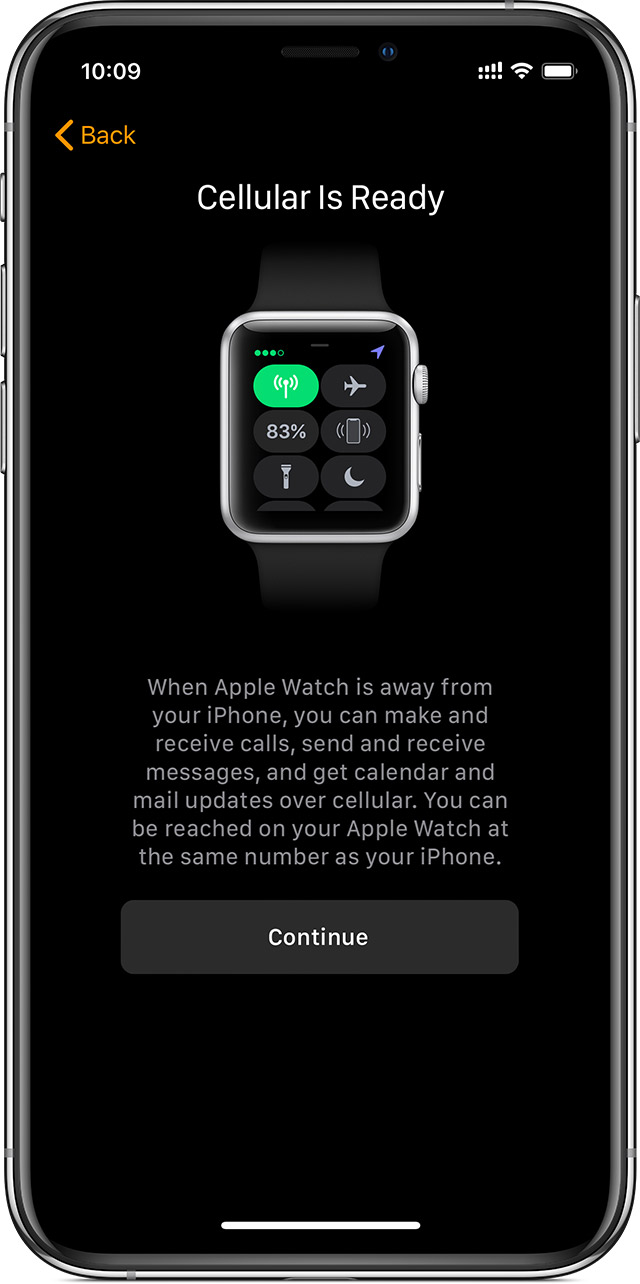
A GPS + Cellular model includes cellular hardware and an eSIM. It can connect to a supported mobile network when your iPhone is not nearby.
With a valid cellular plan, you may be able to:
• Make and receive calls
• Send and receive messages
• Stream music and podcasts
• Use maps and selected online apps
• Receive notifications
• Contact emergency services, depending on location and network support
A cellular Apple Watch still works with your iPhone. Cellular service adds freedom; it does not replace the iPhone for every task.

How the Apple Watch eSIM works
The eSIM in an Apple Watch is not usually a separate phone line in the traditional sense. Most carriers use a service that shares your iPhone number through a feature often called number sharing, number sync, or a similar name.
During setup, the Watch app checks your iPhone plan and carrier. If your plan supports Apple Watch cellular service, you can add the watch and follow the carrier’s activation steps.
The process usually looks like this:
-
Open the Watch app on your iPhone.
-
Tap the My Watch tab.
-
Select Cellular.
-
Tap Set Up Cellular.
-
Sign in to your wireless carrier account.
-
Review the monthly fee and service terms.
-
Confirm activation.
The exact screens vary by carrier. Some providers may require a compatible plan, an account password, an identity check, or a separate activation charge.
A key point is that you normally cannot move a physical iPhone SIM card into an Apple Watch. The watch uses its own built-in eSIM profile.
How to tell whether your Apple Watch has cellular
You can check the watch itself, the packaging, or the Watch app. This is useful when buying a used Apple Watch or receiving one as a gift.
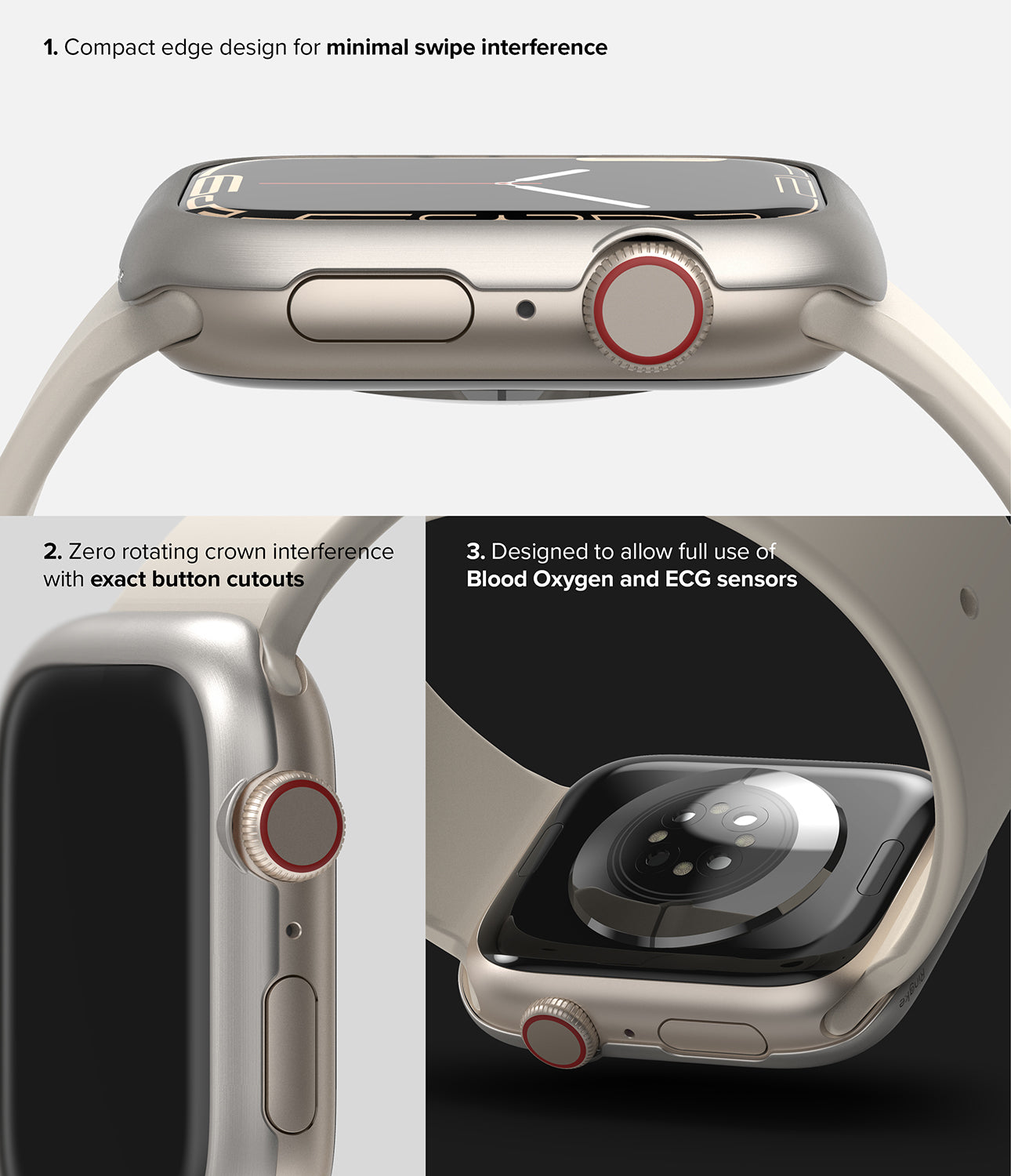
Check the Digital Crown
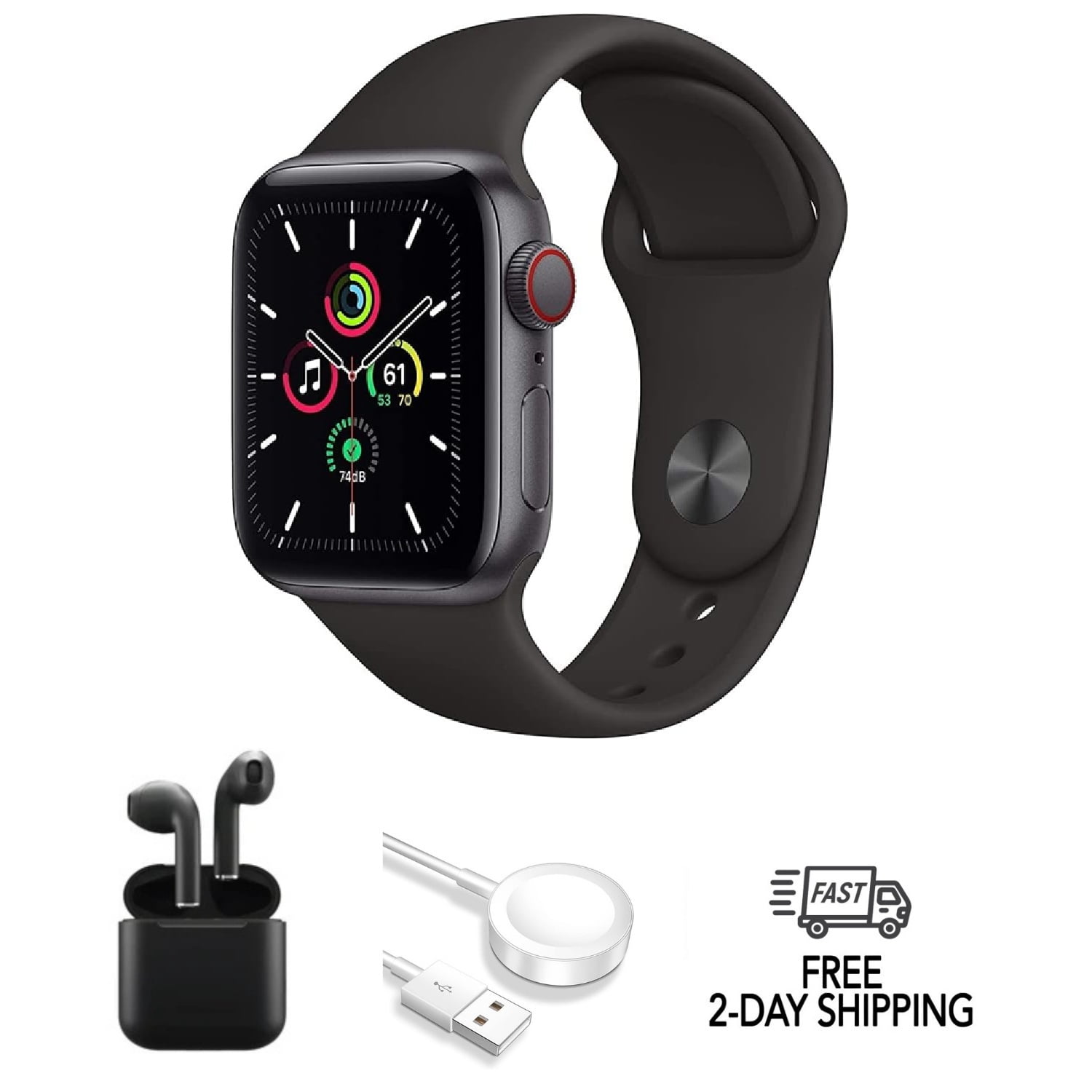
Many cellular Apple Watch models have a red ring or red mark around the Digital Crown. This is a helpful clue, but it is not the only way to check. Design details can vary by model.
Check the Watch app
On your iPhone:
-
Open the Watch app.
-
Tap My Watch.
-
Tap Cellular.
If you see an option to set up cellular service, the watch may support cellular connectivity. If you see an active plan, cellular service is already configured.
Check the model information
You can find model details under:
Settings > General > About
You can also check the information in the Watch app under General and About. Compare the model number with Apple’s official technical specifications before buying a plan.
Check the back of the watch
The text and symbols on the back may identify the model. However, the rear case alone may not always provide enough information to confirm cellular support.
When buying a used watch, ask the seller for the exact model number. Do not rely only on the red Digital Crown or a sales listing.
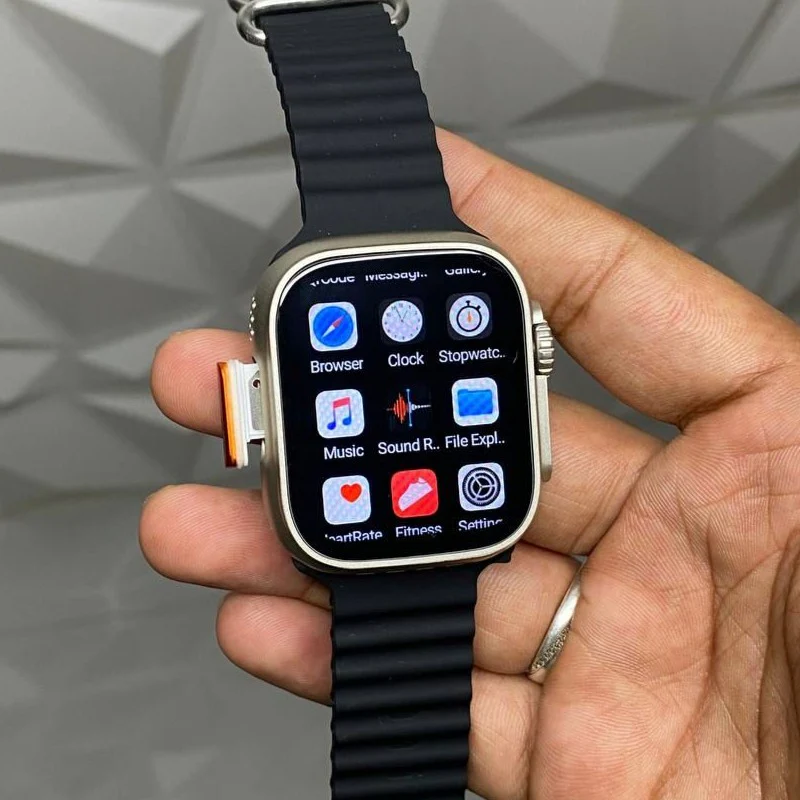
Can an Apple Watch work without an iPhone?
An Apple Watch can perform many tasks without your iPhone nearby, but the level of independence depends on the model and connection.
A GPS-only model can work without the iPhone for offline tasks. For example, it can record a workout, track steps, show the time, and play music stored on the watch.
A cellular model can do more when it has an active plan and a supported network. It may handle calls, messages, online music, and directions without the iPhone nearby.
However, setup still requires an iPhone for most Apple Watch models. The watch also depends on the iPhone for updates, settings, backups, and many app functions.
This is why the answer to “does Apple Watch have a SIM card” is only part of the story. The real question is whether you need cellular service away from your phone.
What can Apple Watch cellular service do?
Apple Watch cellular service is useful when you want to leave your iPhone behind for a short time. Runners, cyclists, swimmers, and people who travel light often find it helpful.
Common uses include:
• Calling a family member during a walk
• Sending a quick text message
• Listening to streamed music
• Getting turn by turn directions
• Receiving important alerts
• Calling emergency services when supported
• Using location sharing features
Cellular service does not make the watch equal to an iPhone. The small screen, limited battery, and watchOS app design still affect what you can do.
Some apps need an internet connection. Others need to be updated for cellular use. Streaming can also use more battery than playing downloaded content.

Does Apple Watch cellular need a separate plan?
Usually, yes. A cellular Apple Watch needs a compatible carrier plan to use mobile data away from your iPhone.
In the United States, many carriers charge a monthly fee for smartwatch service. Pricing and activation fees vary, so check the current terms before signing up.
Your iPhone plan may need to meet certain requirements:
• It may need to be a postpaid plan.
• It may need to support the carrier’s smartwatch service.
• Your iPhone and watch may need to use the same carrier.
• The watch and iPhone may need to be sold for the same region.
• Your account may need to support number sharing.
Some budget and prepaid plans do not support Apple Watch cellular activation. Carrier support can also change over time.
If you only use your watch near your iPhone, paying for cellular service may not provide much value. If you often exercise outdoors without your phone, the extra cost may be worthwhile.
Does Apple Watch cellular work with every carrier?
No. Apple Watch cellular service does not work with every carrier or every plan.
Compatibility depends on several factors:
• The Apple Watch model and cellular band
• The country or region where the watch was purchased
• Your iPhone model
• Your carrier’s Apple Watch support
• Your account and plan type
A cellular Apple Watch purchased in one country may not work fully with a carrier in another country. Cellular bands and activation rules differ by region.
Before buying, check the exact model number and confirm compatibility with your carrier. This step can prevent a costly mistake, especially when buying a used or imported watch.
The answer to “does Apple Watch have a SIM card” may also vary by region because some versions include different cellular hardware.
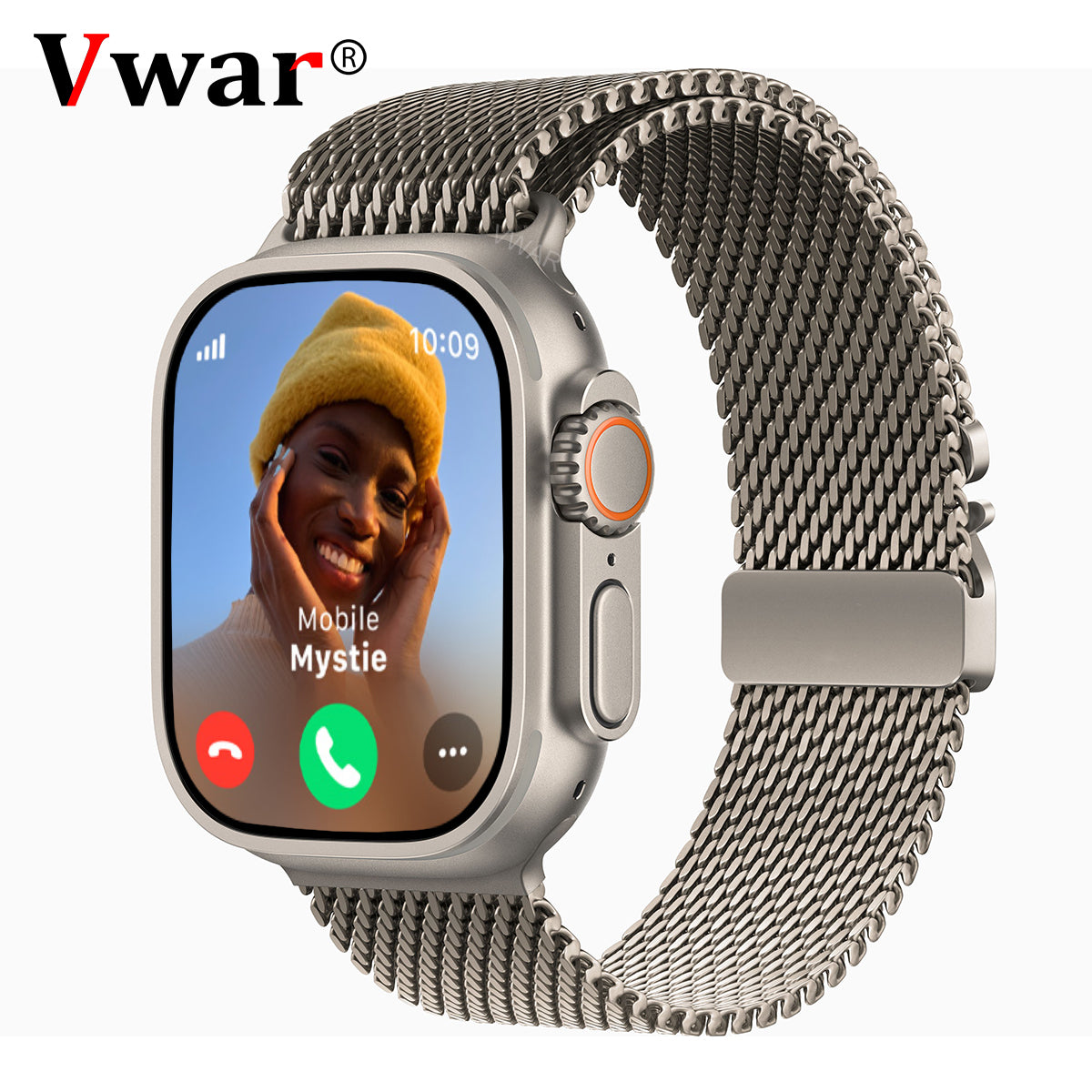
Apple Watch Family Setup and cellular service
Family Setup allows an Apple Watch to be configured for a family member who may not have their own iPhone. It is often used for children or older adults.
A cellular Apple Watch is usually the better choice for Family Setup because it can communicate more independently. The person using the watch may be able to call, message, share their location, and use selected features without carrying an iPhone.
Family Setup has limits. Not every feature works the same way as it does when the watch is paired directly with the wearer’s iPhone. Some apps, health features, payment features, and carrier services may have restrictions.
The adult managing the watch also needs a compatible iPhone and must complete the setup. Review Apple’s current Family Setup requirements before purchasing a watch for this purpose.
Does an Apple Watch use the same phone number as an iPhone?
In most supported setups, the Apple Watch shares the iPhone’s phone number through the carrier’s number sharing system. It may also display a separate technical number in carrier records, but that number is not usually the one people use to contact you.
Calls and messages can appear on both devices. The watch may use Bluetooth, Wi-Fi, or cellular service based on what is available.
When the iPhone is nearby, the watch often uses the iPhone connection to save battery. When the phone is out of range, a cellular model can switch to its mobile connection if the plan is active.
This automatic handoff is one of the main benefits of Apple Watch cellular service. You do not normally need to choose a different phone number each time you leave your phone behind.
Battery and privacy limits of Apple Watch cellular
Cellular service adds convenience, but it can use more battery. Weak signal areas may increase power use because the watch works harder to maintain a connection.
Battery life also depends on:
• Workout tracking
• Music streaming
• Phone calls
• GPS use
• Screen brightness
• Notifications
• Network strength
For longer outdoor activities, charge the watch fully and download music or maps when possible. A cellular watch is helpful, but it should not be treated as an unlimited emergency power source.
Cellular communication also involves carrier data and account records. Review your carrier’s privacy policy and use a passcode on the watch. You can enable features such as wrist detection and erase data after repeated failed passcode attempts.
Common mistakes to avoid
People often make the same errors when deciding whether an Apple Watch needs a SIM card.
Buying a GPS model for standalone use
A GPS-only model cannot connect to a cellular network. If you want calls and messages without your iPhone nearby, choose a GPS + Cellular model.
Assuming every cellular model works everywhere
Regional versions can have different cellular bands. Always check compatibility before importing a watch or buying one from an overseas seller.
Expecting a physical SIM slot
Apple Watch cellular models use an eSIM. You cannot remove the SIM and insert it into another device.
Forgetting the monthly service fee
The watch price is only part of the cost. Add the carrier’s monthly fee, activation charge, taxes, and any required plan upgrade.
Ignoring battery needs
Cellular use can reduce battery life. If you need the watch for a long hike, bring a charger or portable battery made for Apple Watch.
Buying used without removing the previous owner’s account
Activation Lock can prevent setup. Ask the seller to erase the watch and remove it from their Apple Account before you pay.
These simple checks answer most questions about “does Apple Watch have a SIM card” before they become purchase problems.
Is Apple Watch cellular worth it?
Cellular service is worth considering if you often want to leave your iPhone behind. It can be especially useful for outdoor exercise, quick errands, school activities, and safety-focused setups.
It may not be worth the cost if your iPhone is almost always with you. A GPS-only Apple Watch can still track health data, show alerts, control music, and handle many daily tasks.
Use this simple guide:
• Choose GPS if your iPhone is usually nearby.
• Choose GPS + Cellular if you want calls and data away from your iPhone.
• Choose cellular if you need Family Setup or extra communication options.
• Check your carrier before choosing any model.
In practical buying decisions, the best model is not always the most expensive one. It is the model that matches your routine.
Frequently Asked Questions
Does Apple Watch have a physical SIM card?
No. Apple Watch cellular models use a built-in eSIM, so there is no removable SIM tray. GPS-only models do not use cellular service.
Can I put my iPhone SIM card in an Apple Watch?
No. Apple Watch does not accept a removable iPhone SIM card. Cellular service is activated digitally through the Watch app and a supported carrier.
Can Apple Watch make calls without an iPhone?
A GPS + Cellular Apple Watch can make calls without the iPhone nearby when it has an active compatible plan and cellular coverage. A GPS-only model usually needs the iPhone or Wi-Fi for calling features.
Does Apple Watch cellular cost extra?
Usually, yes. Carriers commonly charge a monthly smartwatch fee, and some may charge an activation fee. The price and eligibility depend on your carrier and plan.
How do I know if my Apple Watch is cellular?
Look for a Cellular option in the Watch app under My Watch. You can also check the model number, packaging, or the red marking around the Digital Crown.
Does Apple Watch cellular work with every iPhone?
No. Compatibility depends on the Apple Watch generation, iPhone model, software version, region, and carrier. Check the current compatibility requirements before purchasing.
Can I use an Apple Watch cellular model without activating cellular service?
Yes. A cellular model can work like a GPS watch without an active cellular plan. It will use your iPhone or Wi-Fi for connected features.
Conclusion
So, does Apple Watch have a SIM card? It does not have a removable physical SIM, but GPS + Cellular models use a built-in eSIM. GPS-only models rely on an iPhone or Wi-Fi, while cellular models can connect to a supported carrier when your phone is away.
Check the model, confirm carrier support, compare the monthly cost, and think about how often you leave your iPhone behind. If cellular freedom fits your routine, choose a GPS + Cellular model; otherwise, a GPS model may offer better value. Explore your carrier’s Apple Watch options and share your experience in the comments.

Rubel Miah is the Senior Editor at MyStyleGrid.com, where he brings a sharp editorial eye and an unshakable love for fashion to everything he does. A true style addict, Rubel lives and breathes trends, from streetwear to high fashion, and has a knack for turning inspiration into impactful stories. With years of experience in fashion journalism and digital media, he curates content that empowers readers to express themselves through style. When he’s not editing features or forecasting the next big thing, you’ll find him hunting down vintage pieces or capturing street style moments around the city.