Yes, many smart watches work without a phone, but features depend on the watch model and its cellular connection.
Can you use a smart watch without a phone? In many cases, yes. A smart watch can track workouts, show the time, store music, monitor health data, and support contactless payments on its own. However, setup, calls, texts, maps, and apps may need Wi-Fi, Bluetooth, or cellular service. This guide explains what works, what does not, and how to choose the right watch for phone-free use.
Can You Use a Smart Watch Without a Phone?
Yes, you can use a smart watch without a phone, but not every model offers the same level of independence. Most watches can handle basic tasks after they are set up. Some can also connect to Wi-Fi, while cellular models can use mobile data without a nearby phone.
Think of a smart watch as a small computer on your wrist. A phone gives it more power and access, much like a home base. Without that base, the watch still works, but some services may be limited.
You can often use a smart watch without a phone to:
• Tell time and set alarms
• Count steps and track workouts
• Measure heart rate and sleep
• Store music and podcasts
• Use a timer, stopwatch, or calculator
• Make contactless payments
• View saved calendar events
• Use GPS for outdoor activities
• Connect to Wi-Fi
• Make calls and send messages on a cellular model
The key factor is how the watch connects to the internet. Bluetooth-only watches depend more on a phone. Wi-Fi watches gain some independence at home or in public networks. Cellular watches offer the most freedom.
What Can a Smart Watch Do Without a Phone?
A smart watch can perform many useful tasks without a phone nearby. Some features work fully offline, while others need Wi-Fi or a cellular plan.
Time, alarms, and reminders
The basic clock functions do not need a phone. You can set alarms, timers, and reminders directly on the watch. This makes a smart watch useful during travel, exercise, or school.
Many watches also keep time during a phone disconnect. They may update the time later when they reconnect to the internet or phone.
Health and fitness tracking
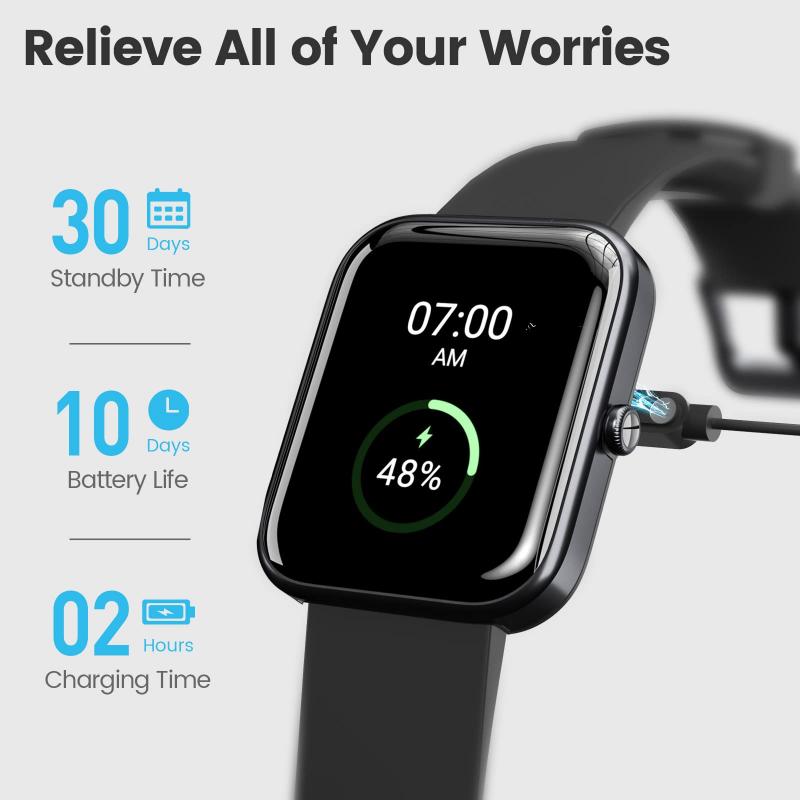
Health tracking is one of the best reasons to use a smart watch without a phone. The watch can record steps, heart rate, calories, sleep, workouts, and sometimes blood oxygen levels.
Built-in GPS lets many watches record distance and pace during runs, walks, and bike rides. The data may stay on the watch until you reconnect it to the companion app.
Keep in mind that smart watch health features are not a replacement for medical care. Readings can be useful for trends, but they may not be as accurate as clinical equipment.
Music and podcasts
Many smart watches can store songs or download playlists for offline listening. You can then connect Bluetooth headphones directly to the watch.
This works well for running or walking. You can leave your phone at home and still listen to music. You usually need a phone or Wi-Fi for the first download, though.
Contactless payments
A compatible watch can often make payments without a phone. You must first add a supported debit or credit card through the watch app.
After setup, services such as mobile wallets can work at compatible payment terminals. The watch may use a secure token instead of sharing your full card number.
This feature depends on the watch, bank, country, and payment system. It is smart to carry another payment method in case the watch battery dies.
GPS navigation
Some smart watches include built-in GPS. They can track your route without a phone and may show saved maps or turn directions.
Basic route tracking often works offline. Live traffic updates, online searches, and current map data usually need Wi-Fi or cellular service.

What Does Not Work Without a Phone?
The answer to can you use a smart watch without a phone depends on the feature you want. A watch may work alone for fitness but still need a phone for setup and software management.
Common limits include:
• Initial setup and account creation
• Installing some apps
• Updating watch software
• Viewing long-term health reports
• Sending messages on Bluetooth-only models
• Making calls without Wi-Fi or cellular service
• Receiving live notifications
• Syncing contacts and calendars
• Changing watch settings through the companion app
• Restoring the watch after a reset
A Bluetooth-only watch can usually stay useful when the phone is close. Once you move too far away, phone-based features stop working.
Wi-Fi can solve part of this problem. A watch may receive messages or update apps over a known Wi-Fi network. Yet Wi-Fi does not provide the same freedom as cellular service because public networks may require a sign-in page.
Bluetooth, Wi-Fi, and Cellular Smart Watches
Understanding the connection type makes the choice much easier. There are three main options.
Bluetooth-only smart watches
Bluetooth models connect to your phone over a short range. The exact range varies, but walls, buildings, and interference can reduce it.
These watches are often less expensive. They work well for people who carry their phone most of the day.
You can use a smart watch without a phone for offline tasks, such as:
• Tracking a workout
• Checking the time
• Playing stored music
• Using an alarm
• Recording heart rate
However, you cannot expect full calling, messaging, or live internet access when the phone is far away.
Wi-Fi smart watches
Wi-Fi models can connect to saved wireless networks. This gives them more freedom at home, work, hotels, and other known locations.
A Wi-Fi connection may support messages, app data, weather updates, and software downloads. It may also allow calls through certain internet services.
Wi-Fi watches still have limits. They cannot connect to every network, and they usually cannot use mobile data outdoors.
Cellular smart watches
Cellular watches connect to a mobile network through an eSIM or built-in digital SIM. They can make calls, send messages, stream music, and use online apps without a nearby phone.
This is the best choice if you want to use a smart watch without a phone during runs, errands, travel, or emergencies.
Cellular service normally adds a monthly cost. The watch and phone may also need to use a compatible carrier. Before buying, check network support, coverage, activation fees, and international use.

Can You Make Calls and Send Texts Without a Phone?
Yes, but usually only with a cellular smart watch or a reliable Wi-Fi connection. A Bluetooth-only watch cannot make independent calls when the phone is out of range.
A cellular watch can often:
• Call saved contacts
• Answer incoming calls
• Send text messages
• Receive alerts
• Use voice assistants
• Share your location
• Contact emergency services
Some watches use the same phone number as your phone through a carrier feature. Others use a separate number or an internet-based account.
Messaging features can also vary. Standard text messages may work more widely than third-party chat apps. For example, one app may support full replies, while another only shows notifications.
Emergency calling deserves special attention. Some watches can contact emergency services without a phone, but this depends on the model, region, cellular coverage, and battery level. Never rely on a watch as your only safety tool in a remote area.
How to Set Up a Smart Watch for Phone-Free Use
You usually need a phone for the first setup. Even a cellular model often requires a companion app, account, software update, and carrier activation.
Follow these steps:
-
Charge the watch fully.
-
Install the official companion app on a compatible phone.
-
Pair the watch with the phone.
-
Sign in to your account.
-
Update the watch software.
-
Add Wi-Fi networks.
-
Activate a cellular plan if the watch supports one.
-
Add music, maps, contacts, and payment cards.
-
Test calls, messages, GPS, and emergency features.
-
Disconnect the watch from the phone and test the features you need.
This final test matters. It can reveal problems before you leave home. Test the watch outdoors, inside a building, and in a place without Wi-Fi.
In practical testing, one common mistake is assuming that “cellular” means every app works everywhere. Cellular service gives the watch internet access, but each app still needs support for the watch’s operating system and connection type.

Smart Watch Battery Life Without a Phone
Using a smart watch without a phone can affect battery life. GPS, cellular data, music streaming, and bright screens use more power than basic timekeeping.
A watch may last one or two days under normal use, but heavy GPS or cellular use can reduce that time. Battery life depends on the model, screen type, signal strength, temperature, and settings.
To extend battery life:
• Download music instead of streaming it
• Use GPS only during workouts
• Lower screen brightness
• Turn off always-on display when you do not need it
• Disable unused notifications
• Use Wi-Fi instead of cellular when possible
• Charge the watch before long trips
• Carry a small charger for travel
A weak cellular signal can drain the battery faster because the watch works harder to stay connected. This is similar to a phone struggling to find a signal in a rural area or underground garage.
Benefits of Using a Smart Watch Without a Phone
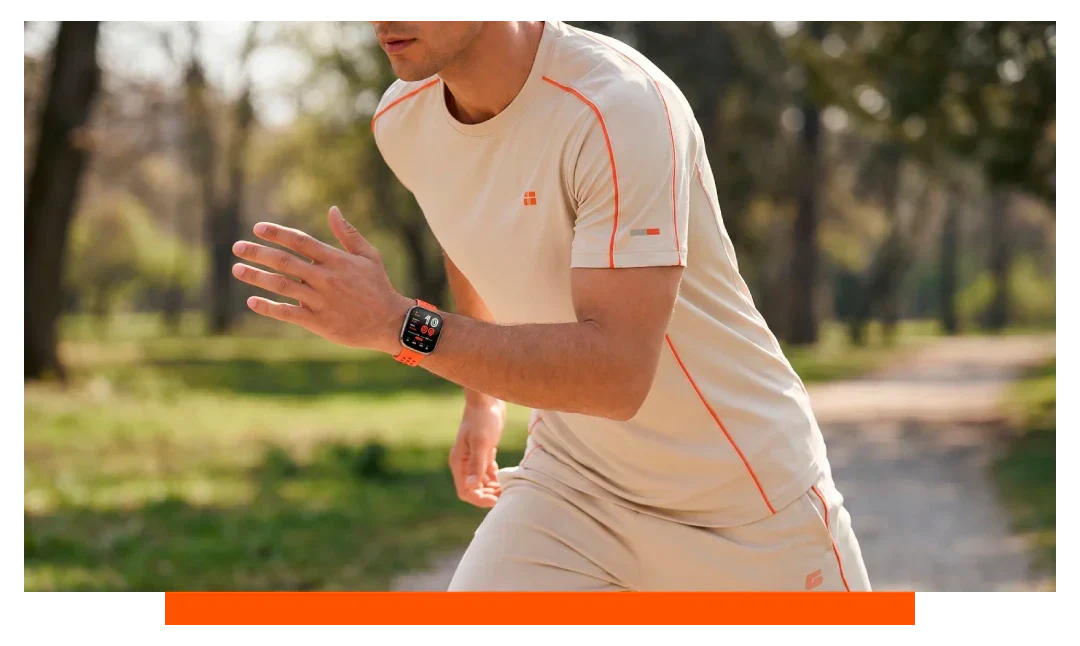
There are clear benefits to phone-free smart watch use. The biggest advantage is freedom. You can stay connected without carrying a larger device.
Better focus
Leaving your phone behind can reduce distractions. You can still receive important calls or messages without opening social media or checking a large screen.
Easier exercise
A watch is lighter and easier to carry during a run, swim, hike, or gym session. Cellular models can provide safety and contact without adding a phone to your pocket.
Support for children and older adults
A cellular watch may help a child contact a parent or allow an older adult to call for help. Some models include location sharing and emergency detection.
Parents should review privacy settings, approved contacts, and local laws before choosing a watch for a child.
Fewer lost-phone worries
You do not need to place a phone on a café table, gym bench, or public restroom shelf. The watch handles simple tasks from your wrist.
Limitations and Mistakes to Avoid
Can you use a smart watch without a phone and expect it to replace a smartphone? Usually, no. A watch is designed for quick tasks, not long reading, complex typing, or full app use.
Avoid these common mistakes:
• Buying a Bluetooth model when you need independent calls
• Forgetting the monthly cellular fee
• Assuming every carrier supports the watch
• Leaving without testing cellular coverage
• Expecting all apps to work offline
• Relying on a watch with a low battery during emergencies
• Ignoring water, temperature, or durability limits
• Buying a watch that does not support your phone’s operating system during setup
Screen size is another limitation. A watch can show a short message, but it is not ideal for long emails, detailed maps, or online shopping.
There is also a privacy concern. Health data, location data, contacts, and payment details need protection. Use a passcode, install updates, and review which apps can access your information.

Which Smart Watch Is Best for Phone-Free Use?
The best watch depends on your daily needs. Start with the connection, then check the features.
Choose a Bluetooth model if:
• You usually carry your phone
• You mainly want fitness tracking
• You want a lower purchase price
• You do not need independent calls
Choose a Wi-Fi model if:
• You spend time near trusted Wi-Fi networks
• You want some online features without Bluetooth
• You do not need constant outdoor connectivity
Choose a cellular model if:
• You want to leave your phone at home
• You need calls and texts while exercising
• You want outdoor safety features
• You travel between places without Wi-Fi
Before purchase, compare these details:
• Cellular carrier support
• Monthly plan price
• Battery life
• GPS quality
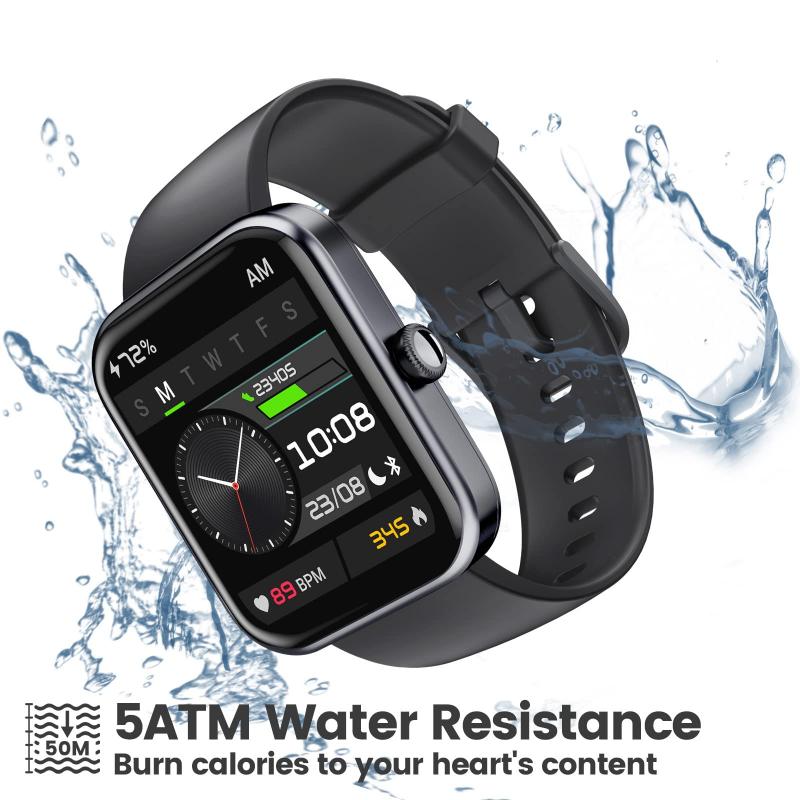
• Water resistance
• Emergency features
• Offline music and map support
• Compatibility with your current phone
• Repair and replacement costs
A good rule is simple: buy for the connection you need, not the features listed in an advertisement. If phone-free calling is important, confirm that exact feature with the carrier and watch manufacturer.
Frequently Asked Questions About Using a Smart Watch Without a Phone
Can a smart watch work without a phone nearby?
Yes, a smart watch can work without a phone nearby for features such as timekeeping, fitness tracking, alarms, stored music, and GPS. Internet features usually require Wi-Fi or cellular service.
Can I use a cellular smart watch without owning a phone?
Usually, you still need a compatible phone for setup and account management. After activation, some cellular watches can make calls, send messages, and use data without the phone nearby.
Can a smart watch make emergency calls without a phone?
Some models can contact emergency services without a phone through cellular service or built-in emergency systems. Coverage, battery power, model support, and local rules affect whether the feature works.
Can I listen to music on a smart watch without a phone?
Yes, if the watch supports offline music storage and Bluetooth headphones. You normally need a phone or Wi-Fi connection to download songs or playlists first.
Can I use GPS on a smart watch without a phone?
Many smart watches have built-in GPS and can track distance, speed, and routes without a phone. Live maps, traffic updates, and online searches may still require Wi-Fi or cellular data.
Can I pay with a smart watch without a phone?
Yes, supported watches can make contactless payments after you add a payment card during setup. The feature depends on the watch, payment service, bank, and store terminal.
Conclusion
You can use a smart watch without a phone for many daily tasks, including fitness tracking, GPS, offline music, alarms, payments, and timekeeping. A cellular model offers the most independence, while Bluetooth and Wi-Fi models work best when your phone or a known network is nearby.
Before buying, check cellular support, carrier fees, battery life, offline features, and emergency options. Test the watch after setup so you know exactly what works away from your phone. Choose the connection that fits your routine, then explore more smart watch guides or share your phone-free experience in the comments.

Rubel Miah is the Senior Editor at MyStyleGrid.com, where he brings a sharp editorial eye and an unshakable love for fashion to everything he does. A true style addict, Rubel lives and breathes trends, from streetwear to high fashion, and has a knack for turning inspiration into impactful stories. With years of experience in fashion journalism and digital media, he curates content that empowers readers to express themselves through style. When he’s not editing features or forecasting the next big thing, you’ll find him hunting down vintage pieces or capturing street style moments around the city.