Gadgetbridge connects many smartwatches to Android, but no single app can connect every smartwatch.
The best answer to “which app can connect any smartwatch” depends on your watch brand, phone, and operating system. Some apps pair with many models, while others only work inside one brand’s ecosystem. This guide explains the real options, their limits, and the safest way to connect your watch without losing health data or key features.

Can one app connect any smartwatch?
No universal smartwatch app can reliably connect every watch. Smartwatches use different systems, Bluetooth profiles, companion apps, and cloud services. A watch made for an iPhone may not work with Android, and a watch made for Samsung may need Samsung’s own software.
The phrase “which app can connect any smartwatch” often points to a universal companion app. In practice, the closest choices are:
• Gadgetbridge for many Android-compatible watches
• Wear OS by Google for Wear OS watches
• The Apple Watch app for Apple Watch
• The brand’s official app for most budget and fitness watches
• Health Sync for moving health data between supported services
These apps do different jobs. One may connect the watch, another may sync steps, and a third may move data between health platforms.
Best app for connecting many smartwatches
For Android users, Gadgetbridge is one of the closest options to a broad smartwatch connection app. It supports several watch and fitness tracker brands, including selected Amazfit, Garmin, Pebble, Mi Band, and other devices. Support can vary by model and firmware.
Gadgetbridge is appealing because it focuses on local control and privacy. It can handle tasks such as notifications, alarms, activity data, and device settings on supported products. However, it does not support every smartwatch, and it is not available as a universal solution for iPhone users.
If you want the highest chance of success, use this order:
- Check the watch manual or QR code.
- Install the official companion app.
- Confirm your phone’s Android or iOS version.
- Pair the watch inside the app, not only through Bluetooth settings.
- Use a data bridge such as Health Sync only after the watch is connected.
This approach answers “which app can connect any smartwatch” more accurately than promising one app for all devices.

The best smartwatch app by watch type
Wear OS watches
Wear OS watches usually connect through the Google Pixel Watch app, Samsung Galaxy Wearable, or another brand-specific companion app. The correct app depends on the maker and model.
For example, a Google Pixel Watch uses the Google Pixel Watch app. A Samsung Galaxy Watch uses Galaxy Wearable, along with related Samsung services. Some older Wear OS models use the Wear OS app, but newer devices may require a newer companion app.
Apple Watch
Apple Watch models pair with the Apple Watch app on an iPhone. They do not officially pair with Android phones.
This is an important limit when researching which app can connect any smartwatch. No Android app can replace the iPhone pairing system used by Apple Watch. Apple also ties many features to Apple Health, iMessage, Siri, and other Apple services.
Garmin watches
Garmin watches usually connect through Garmin Connect. The app supports setup, firmware updates, workouts, sleep data, notifications, and account syncing.
A third-party app may read some Garmin data, but Garmin Connect remains the best choice for full support. Using an unofficial app can limit maps, workouts, payments, or firmware updates.
Fitbit devices
Fitbit watches and trackers use the Fitbit app. Google now owns Fitbit, but Fitbit devices still rely on their own setup and account system in many cases.
The Fitbit app is the safest choice for sleep tracking, exercise records, heart rate history, and device updates. Some data may also appear in Google Health Connect, depending on the device and software version.
Samsung Galaxy Watch
Samsung Galaxy Watches use Galaxy Wearable. Some models also need Samsung Health, a Samsung account, or extra plug-ins.
The app is designed for Samsung phones, but many Galaxy Watch models can work with other Android phones. Certain features may be limited outside the Samsung ecosystem. iPhone support is also limited or unavailable for newer Galaxy Watch models.
Amazfit and Zepp devices
Amazfit watches generally use the Zepp app. Zepp manages pairing, watch faces, workouts, notifications, firmware, and health records.
Gadgetbridge may support some Amazfit models, but support is not equal across the full range. Check the exact model before replacing Zepp.
Xiaomi and Redmi watches
Many Xiaomi and Redmi wearables use Mi Fitness. Older devices may use Zepp Life or another Xiaomi app.
The correct choice depends on the product family. A Xiaomi Smart Band and a Xiaomi Watch may not use the same app. This is why searching by exact model is more useful than searching only for which app can connect any smartwatch.
Huawei watches
Huawei watches usually connect through Huawei Health. Android users may need to install it from Huawei’s official channels in some regions.
Compatibility can depend on phone services, region, and watch model. Huawei devices may not offer the same experience on iPhone and Android.
Budget Bluetooth smartwatches
Many low-cost watches from lesser-known brands use apps such as Da Fit, FitPro, WearFit Pro, GloryFit, or VeryFit. The app name is often printed in the manual or shown by a QR code on the watch.
Avoid guessing. Several apps look alike but support different Bluetooth devices. Installing the wrong app can create pairing errors, duplicate notifications, or privacy concerns.
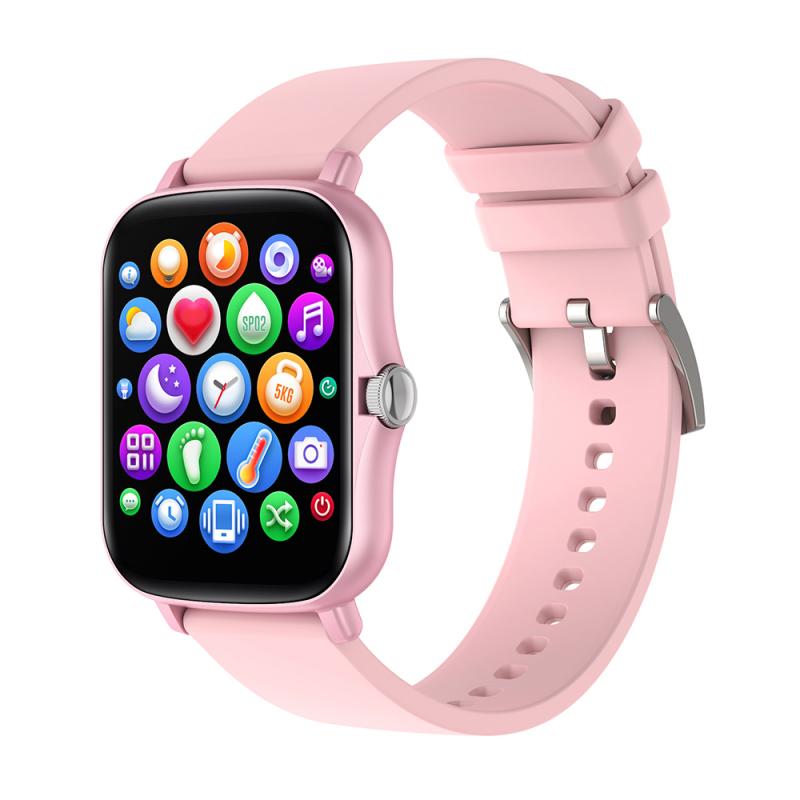
Why no app can connect every smartwatch
A smartwatch is more than a Bluetooth speaker. It uses special software to manage health sensors, notifications, updates, calls, GPS, and cloud accounts.
Here are the main reasons one app cannot support every model:
• Operating systems differ. WatchOS, Wear OS, HarmonyOS, Garmin software, and closed systems use different methods.
• Bluetooth features differ. A watch may use Bluetooth Low Energy for data, a separate profile for calls, and another service for notifications.
• Health data is protected. Heart rate, sleep, oxygen readings, and workout records need specific permissions and data formats.
• Manufacturers use private protocols. The watch maker may not publish the commands needed for full control.
• Firmware updates need official tools. A third-party app may connect but still fail to update the watch.
• Regional rules vary. Payments, emergency tools, ECG features, and health services may not work in every country.
Think of the watch and app as a lock and key. Bluetooth may open the door, but only the correct key can operate every room.
Official apps versus universal smartwatch apps
The official app is usually the best first choice. It has access to the watch maker’s pairing system, firmware files, support team, and complete feature set.
A universal or third-party app can still be useful. It may offer a cleaner interface, better privacy, or support for older products. It may also combine data from several brands.
Official app benefits
• Better device support
• Reliable firmware updates
• Access to all watch features
• Easier warranty support
• Better handling of calls and notifications
Third-party app benefits
• Support for selected devices from different brands
• More local data storage
• Fewer brand services
• Extra customization
• Data export to other platforms
The limitation is important: a third-party app may connect to the watch but not fully control it. For example, notifications may work while workouts, payments, or firmware updates do not.

Can Health Sync connect any smartwatch?
Health Sync does not directly pair with every smartwatch. It transfers health and fitness data between supported apps and platforms.
For example, it may help move data between a watch service and Google Health Connect, Google Fit, Samsung Health, or another supported destination. It acts like a bridge, not the original pairing app.
This difference matters when someone asks which app can connect any smartwatch. Health Sync can help combine data, but you still need the correct companion app to set up the watch first.
Health Connect also does not directly connect most watches. It provides a shared health data layer on Android. Apps can write data to it or read data from it after you grant permission.
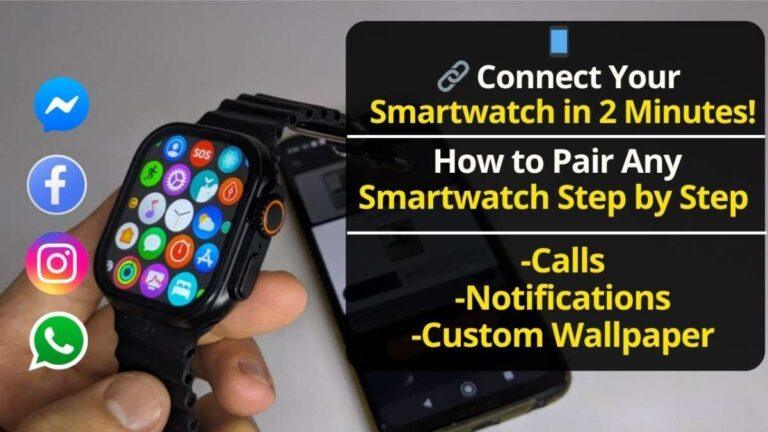
How to connect a smartwatch step by step
Use these steps for most modern smartwatches.
-
Charge the watch to at least 50 percent.
-
Turn on Bluetooth and location services on your phone. Some Android versions require location access during Bluetooth scanning.
-
Read the watch manual or scan its setup QR code.
-
Install the official companion app from the Google Play Store or Apple App Store.
-
Create an account if the app requires one.
-
Open the app and choose Add Device, Pair Device, or Set Up Watch.
-
Select the exact watch model.
-
Confirm the matching code on both screens.
-
Allow only the permissions you need. Notifications, contacts, calls, and health data may require separate approval.
-
Update the watch firmware after pairing.
-
Test notifications, calls, health tracking, and battery use.
Do not pair the watch from the phone’s Bluetooth menu first unless the manual tells you to do so. Many watches need the companion app to complete authentication. Pairing them in the wrong order can create a loop where the watch appears connected but does not sync.
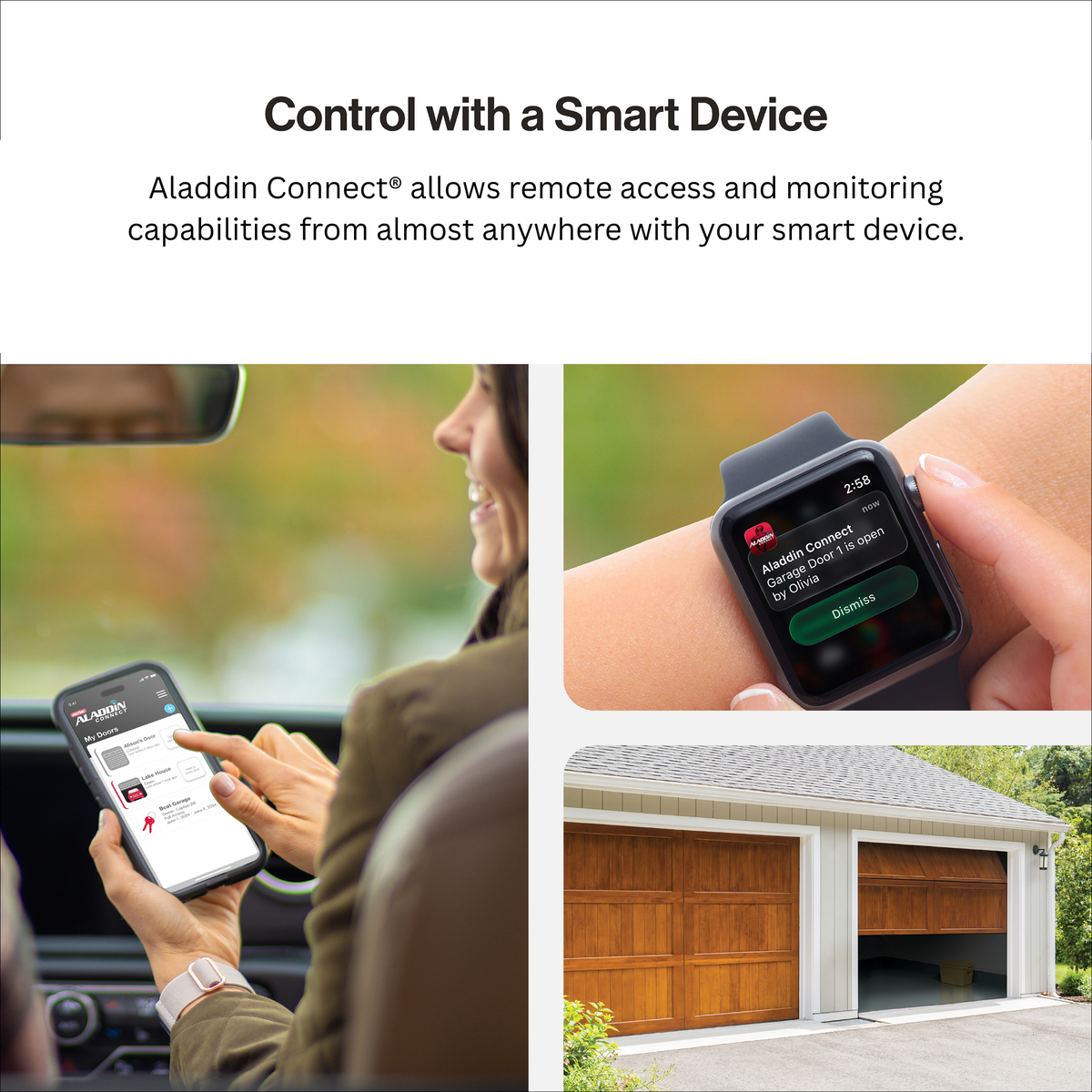
Common pairing problems and practical fixes
The watch does not appear
Move the watch close to the phone. Restart both devices, then make sure the watch is not connected to another phone.
If the watch was used before, remove it from the old phone’s app. You may also need to reset the watch before pairing it with a new device.
Bluetooth says connected, but the app does not work
This usually means the basic Bluetooth link is active, but the app has not completed its own pairing process. Forget the watch in Bluetooth settings, restart both devices, and pair again through the companion app.
Notifications do not arrive
Check notification access, battery restrictions, and Do Not Disturb settings. Android phones may stop background apps to save battery, which can interrupt watch alerts.
On iPhone, check Bluetooth permissions, notification settings, and Focus modes. Calls and messages may need separate permissions.
Health data is missing
Open the companion app and force a manual sync. Then check whether the app has permission to access motion, fitness, location, or health data.
Also check the date and time zone. A wrong time zone can make workouts or sleep records appear on the wrong day.
The app keeps disconnecting
Keep the phone and watch within a normal Bluetooth range. Turn off aggressive battery saving for the companion app, and update both the phone app and watch firmware.
If the issue began after an update, check the maker’s support page before performing a factory reset. A reset erases local watch data.

Privacy and security tips
A smartwatch can collect sensitive information. This may include heart rate, sleep patterns, location, exercise routes, contacts, and notification content.
Before installing an app, check its developer name, recent reviews, privacy policy, and requested permissions. A simple watch app should not need access to unrelated files or services.
Use these safety habits:
• Download apps from official stores or the manufacturer’s website.
• Avoid modified APK files and unknown download links.
• Use a strong, unique account password.
• Turn on two-factor authentication when available.
• Review health data permissions after setup.
• Remove the watch from your account before selling it.
• Keep the watch and phone software updated.
Privacy is one reason some Android users prefer Gadgetbridge on supported devices. Still, support and features vary by watch. A privacy-focused app is not automatically the best app for every model.

My practical lessons from smartwatch setup
The most common mistake I see is choosing an app based on the watch’s appearance. Two watches may look almost identical but use different apps and internal software.
The model number matters more than the brand name. Write down the exact model before you search for which app can connect any smartwatch. This small step prevents many failed pairing attempts.
Another useful lesson is to test one feature at a time. First confirm pairing. Then test notifications. After that, check health sync, calls, GPS, and battery life. If you enable everything at once, it becomes hard to find the cause of a problem.
I also recommend keeping the official app installed until the watch works well. You can try a third-party app later, but removing the original app too soon may block firmware updates or account recovery.

How to choose the right app
Use this quick decision guide:
• You own an Apple Watch: Use the Apple Watch app on an iPhone.
• You own a Pixel Watch: Use the Google Pixel Watch app.
• You own a Galaxy Watch: Use Galaxy Wearable and any required Samsung services.
• You own a Garmin: Use Garmin Connect.
• You own a Fitbit: Use the Fitbit app.
• You own an Amazfit: Use Zepp.
• You own a Huawei watch: Use Huawei Health.
• You own a Xiaomi or Redmi wearable: Use Mi Fitness or the app listed for that exact model.
• You own a supported Android watch and want a privacy-focused option: Check Gadgetbridge.
• You want to move health data between services: Check Health Sync and Health Connect support.
This list gives a more accurate answer to which app can connect any smartwatch than a single universal app recommendation.
Frequently Asked Questions About Which App Can Connect Any Smartwatch
Is there one app that connects every smartwatch?
No. Smartwatch makers use different operating systems and connection methods, so no single app supports every watch. Gadgetbridge is broad for selected Android devices, but it is not universal.
What is the best universal smartwatch app for Android?
Gadgetbridge is one of the strongest third-party choices for supported Android devices. The official brand app is still better for full features, firmware updates, and technical support.
Can I connect any smartwatch to an iPhone?
No. iPhone support depends on the watch maker and model. Apple Watch requires an iPhone, while some Android and fitness watches offer limited iPhone support through their own apps.
Can Health Sync pair my watch with my phone?
Health Sync usually does not pair the watch itself. It transfers data between supported health and fitness services after the watch has been connected through its companion app.
Why does my smartwatch need a separate app?
The companion app manages pairing, account access, notifications, firmware updates, health records, and device settings. Basic Bluetooth pairing alone may not provide these functions.
Can I connect a smartwatch without Bluetooth?
Most smartwatches need Bluetooth for setup and phone features. Some models can use Wi-Fi or cellular service after setup, but these options do not replace the main pairing process.
Conclusion
The most accurate answer to which app can connect any smartwatch is that no single app can do it all. Use the official companion app for the best support, consider Gadgetbridge for selected Android devices, and use Health Sync or Health Connect to move data between services.
Start with the exact model number, check phone compatibility, and pair the watch inside the correct app. That simple process saves time and protects your data. If this guide helped, explore your watch maker’s support resources and share your model and phone type in the comments.

Rubel Miah is the Senior Editor at MyStyleGrid.com, where he brings a sharp editorial eye and an unshakable love for fashion to everything he does. A true style addict, Rubel lives and breathes trends, from streetwear to high fashion, and has a knack for turning inspiration into impactful stories. With years of experience in fashion journalism and digital media, he curates content that empowers readers to express themselves through style. When he’s not editing features or forecasting the next big thing, you’ll find him hunting down vintage pieces or capturing street style moments around the city.