No, the Pixel Watch 1 does not pair with an iPhone because it requires the Pixel Watch Android app.
If you are asking, “does the Pixel Watch 1 pair with iPhone,” the answer is no. This guide explains the compatibility limits, why they exist, and which smartwatch options work better with Apple devices.
Does the Pixel Watch 1 pair with iPhone?
The Pixel Watch 1 does not officially pair with an iPhone. Google designed it to work with Android phones that meet specific software requirements.
To set up and use the watch, you need:
• An Android phone running Android 8.0 or newer
• The Google Pixel Watch app
• A Google Account
• Bluetooth and internet access during setup
• A compatible phone with Google Play services
The Google Pixel Watch app is not available for iPhone. Without that app, you cannot complete the normal setup process, manage the watch, install updates, or change key settings.
This means the answer to “does the Pixel Watch 1 pair with iPhone” is not just “not easily.” It is a firm compatibility limit. The watch is built around Android and Wear OS services that iOS does not support.

Why does the Pixel Watch 1 not work with iPhone?
The main issue is software, not Bluetooth. Many people assume that any smartwatch can connect to any phone through Bluetooth. In practice, modern watches need a companion app and system access to provide their full features.
The Pixel Watch 1 uses the Google Pixel Watch app for tasks such as:
• Initial watch setup
• Google Account sign-in
• App installation
• Watch face changes
• Health and fitness settings
• Software updates
• Notifications and permissions
• Safety and emergency features
Apple controls how third-party devices connect with iOS. Google did not create an iPhone version of the Pixel Watch app, so the Pixel Watch 1 has no supported setup path on an iPhone.
When people ask, “does the Pixel Watch 1 pair with iPhone,” they often mean basic Bluetooth pairing. A Bluetooth menu may show nearby devices, but seeing a device is not the same as supporting it. The watch still needs its companion app to function.
Think of Bluetooth as the front door. The app is the key that lets you enter and use the house.

Can you set up Pixel Watch 1 with an iPhone?
No. You cannot complete the official Pixel Watch 1 setup with an iPhone.
During setup, the watch expects the Google Pixel Watch app. That app guides you through pairing, account access, permissions, updates, and security steps. Since the app works with Android phones only, an iPhone cannot finish the process.
A temporary Android phone may help in limited cases, but it is not a real solution. You would still need an Android device to manage the watch. Switching back to an iPhone would remove the smooth connection that makes a smartwatch useful.
You should also avoid apps or online tools that claim to force Pixel Watch 1 compatibility with iOS. They cannot replace the official app or add the system support required by Wear OS. Some may also create privacy or security risks.
In my experience reviewing device compatibility, the biggest mistake is buying based on hardware alone. A watch may have a bright display, good sensors, and a stylish design, yet still be the wrong choice if its phone software does not match your device.
What happens if you try to pair Pixel Watch 1 with iPhone?
The iPhone may detect the Pixel Watch 1 as a nearby Bluetooth device, but detection does not provide full pairing. You will not get the normal Google setup experience.
Possible problems include:
• The watch may not appear in the required setup flow
• The iPhone cannot install the Pixel Watch app
• Notifications will not work as intended
• Health data will not sync correctly
• Watch settings cannot be managed from iOS
• Firmware updates may be unavailable
• Google Assistant and Google services may not work properly
• LTE activation and safety tools may fail to configure
This is why the answer to “does the Pixel Watch 1 pair with iPhone” remains no, even if the watch appears in the iPhone’s Bluetooth settings.
A smartwatch is more like a small computer than a simple pair of headphones. Earbuds can often use basic Bluetooth profiles. A smartwatch needs deeper access to apps, accounts, health data, notifications, and background services.
Is there a workaround for Pixel Watch 1 and iPhone?
There is no reliable or supported workaround that makes the Pixel Watch 1 fully compatible with an iPhone.
You might see suggestions to use:
• A third-party Bluetooth app
• An Android phone for initial setup
• A modified watch operating system
• A shared Google Account
• A web-based health dashboard
These options do not solve the core problem. The watch still needs Android support for management and updates.
Using an Android phone for setup may let you activate the watch, but it does not turn the Pixel Watch 1 into an iPhone-compatible device. You would need to keep using the Android phone for many core tasks.
There is also a risk of losing access to important functions after a reset. If the watch needs to be paired again, you may be stuck without a compatible Android phone.
For that reason, my practical advice is simple: do not buy the Pixel Watch 1 for use with an iPhone. The money is better spent on a watch designed for Apple’s ecosystem.

What features are unavailable with iPhone?
Because the Pixel Watch 1 cannot complete official pairing, nearly all connected features are affected.
You should not expect the following features to work normally:
Notifications
The watch cannot reliably mirror iPhone calls, texts, email alerts, or app notifications without supported phone integration.
Health and fitness syncing
The Pixel Watch 1 uses Fitbit and Google health services. An iPhone cannot complete the official watch connection needed to sync watch data properly.
Apps and watch faces
You need the Pixel Watch app to download compatible apps, manage watch faces, and change many device settings.
Updates
Wear OS updates and security improvements usually require the official companion app and a compatible Android connection.
Calls and messages
The Bluetooth and LTE models still depend on supported setup. An iPhone cannot provide the required connection for normal calling and messaging features.
Safety tools
Emergency contacts, location settings, and safety features may require account permissions and phone setup. These should not be trusted without official compatibility.
This is another reason the answer to “does the Pixel Watch 1 pair with iPhone” matters before purchase. The limitation affects daily use, not just the first setup screen.

Which phones work with Pixel Watch 1?
The Pixel Watch 1 works with compatible Android phones. Google’s requirements include Android 8.0 or newer, along with Google Play services and the Pixel Watch app.
A newer Android phone is usually the safer choice. It is more likely to receive current security updates and provide stable Bluetooth, Google Account, and health app support.
Before buying, check these points:
• Confirm the phone runs Android 8.0 or later
• Install the Google Pixel Watch app from Google Play
• Make sure Google Play services are active
• Check that Bluetooth works correctly
• Update the phone before pairing
• Use the Google Account you want linked to the watch
• Confirm cellular support if you are buying the LTE model
Android compatibility does not mean every Android phone offers the same experience. Some regional, carrier, and software differences can affect LTE activation or health features.
If you own both an iPhone and an Android phone, the Android phone can manage the Pixel Watch 1. However, this setup may feel inconvenient because your main calls, messages, and apps remain on the iPhone.

Better smartwatch choices for iPhone users
If you use an iPhone, the Apple Watch is the most seamless option. It is designed for iOS and works closely with Apple Health, iMessage, Apple Pay, Siri, and Apple notifications.
Other watches may also work with iPhone, but support varies by model. Before buying, check whether the watch supports:
• iOS pairing
• iPhone notifications
• Apple Health integration
• Text and call alerts
• Fitness data export
• App installation from iOS
• Firmware updates through an iPhone app
• Emergency and safety features
Some Fitbit, Garmin, and Amazfit watches support iPhone connections. Their features may be more limited than they are on Android, especially for replying to messages or answering calls.
The best choice depends on your priorities. Apple Watch is usually best for deep iPhone integration. Garmin may suit runners and outdoor users. Fitbit may appeal to people who focus on health tracking and sleep data.
Do not choose based only on the watch’s appearance. Check the companion app, supported phone system, and features you use every day.
Pixel Watch 1 versus Apple Watch
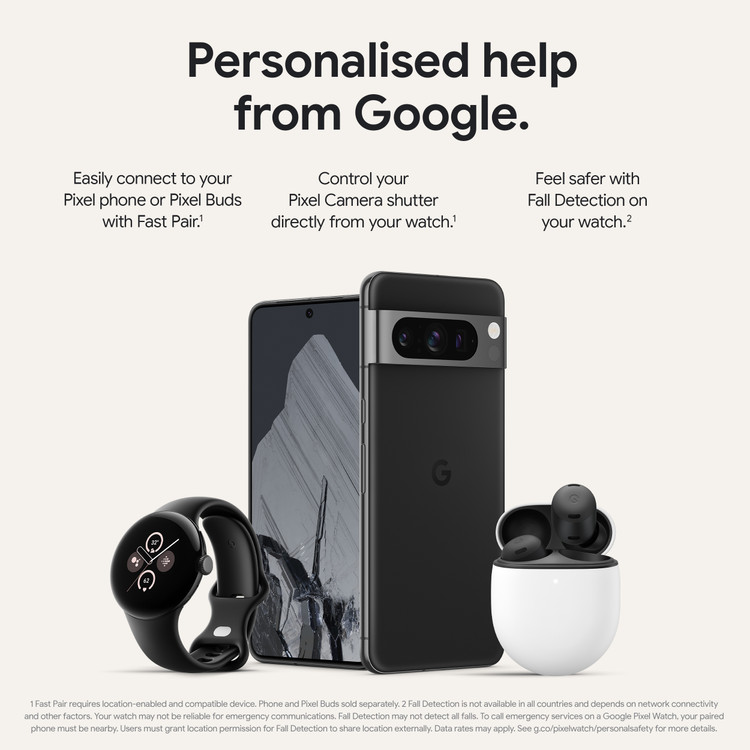
The Pixel Watch 1 and Apple Watch serve different phone ecosystems.
| Feature | Pixel Watch 1 | Apple Watch |
|---|---|---|
| Main phone system | Android | iPhone |
| iPhone pairing | Not supported | Supported |
| Companion app | Google Pixel Watch app | Apple Watch app |
| Health platform | Fitbit and Google services | Apple Health |
| Voice assistant | Google Assistant | Siri |
| Best match | Android users | iPhone users |
The Pixel Watch 1 can be a good choice for someone with an Android phone. It offers Wear OS apps, Fitbit tracking, Google Maps, Google Assistant, and optional LTE support.
It is not a good match for an iPhone owner. Apple Watch provides the stronger experience because the hardware and software are built together.
If you are moving from Android to iPhone, remember that the Pixel Watch 1 will not move with you. You will likely need a different watch.
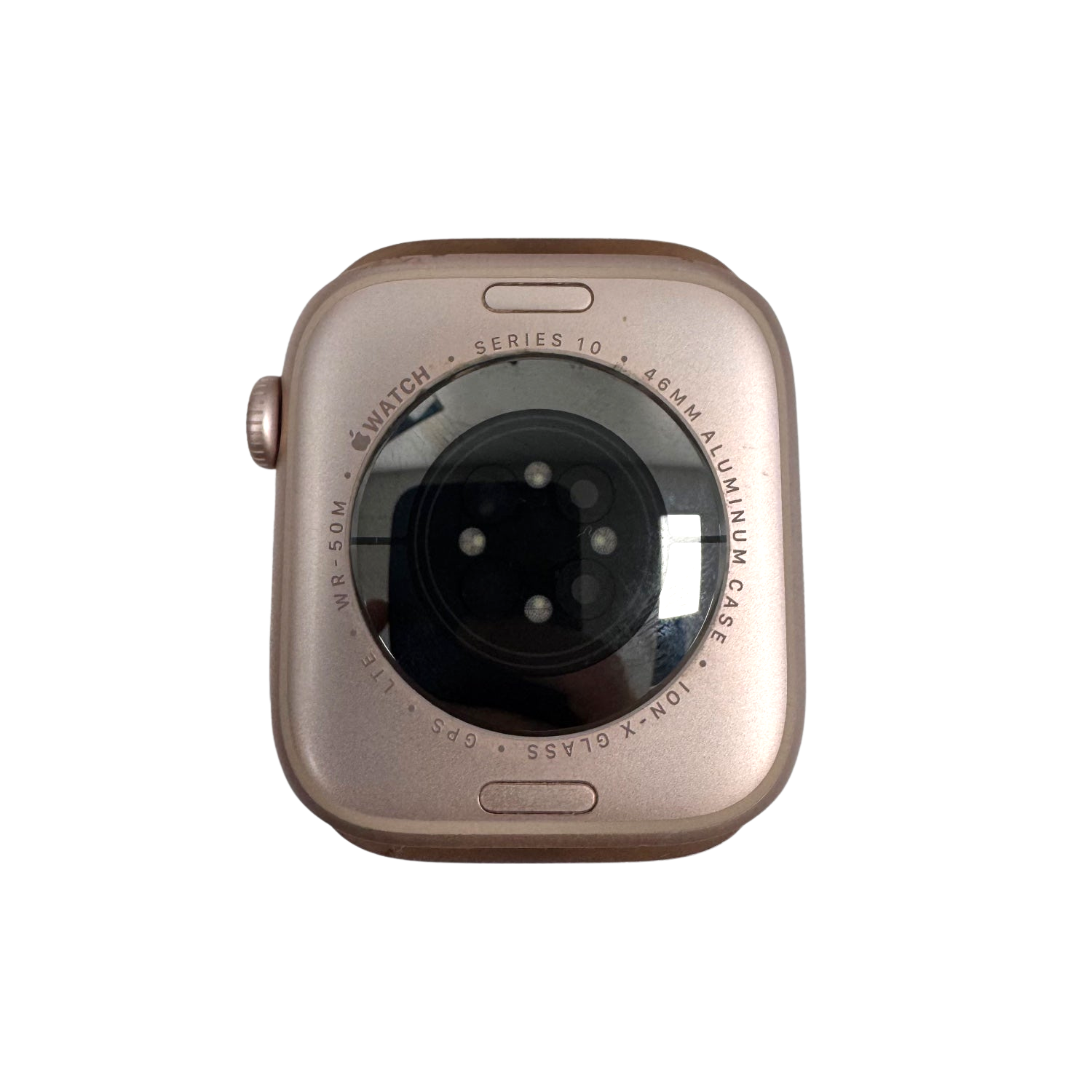
Mistakes to avoid before buying Pixel Watch 1
The most common mistake is confusing Bluetooth visibility with compatibility. A watch appearing in a Bluetooth list does not prove that it can pair, update, or sync with your phone.
Avoid these errors:
- Buying the watch before checking its phone requirements.
- Assuming all Wear OS watches work with iOS.
- Trusting a seller who says basic Bluetooth pairing is enough.
- Ignoring the companion app requirement.
- Buying the LTE version without checking carrier support.
- Expecting unofficial apps to provide full functionality.
- Forgetting that a factory reset may require Android setup again.
A simple check can prevent most problems. Search for the official companion app on your phone before buying the watch. If the app is not available for your operating system, treat that as a serious warning.
This check is especially important for older models. Software policies can change, and an older watch may have fewer support options than a current model.
Frequently Asked Questions
Does the Pixel Watch 1 pair with iPhone through Bluetooth?
No. The iPhone may detect the watch, but Bluetooth alone cannot complete the required setup or provide full features.
Does the Pixel Watch 1 work with iPhone notifications?
No, not through an official connection. The watch needs the Pixel Watch Android app to manage notifications and phone permissions.
Can I use Pixel Watch 1 with an iPhone and Android phone?
You can manage the watch with a compatible Android phone, but it will not fully connect to your iPhone. Your iPhone notifications, calls, and health data may not work as expected.
Can an iPhone install the Google Pixel Watch app?
No. Google made the Pixel Watch app for Android devices, so iPhone users cannot use the official app for setup or management.
Can I use Pixel Watch 1 without a phone?
Only in a limited way after setup. You still need a compatible Android phone for initial activation, updates, settings, and many connected features.
Is Pixel Watch 1 compatible with every Android phone?
It supports compatible Android phones running Android 8.0 or newer. Google Play services, the Pixel Watch app, Bluetooth, and carrier support may also affect the experience.
Should iPhone users buy Pixel Watch 1?
No. iPhone users should choose a smartwatch with official iOS support. Apple Watch is the most integrated option, while some Garmin and Fitbit models also support iPhone.
Conclusion
So, does the Pixel Watch 1 pair with iPhone? No. The watch requires an Android phone, the Google Pixel Watch app, and Google services for setup and daily management.
An iPhone may detect the watch over Bluetooth, but that does not provide real compatibility. You will miss key tools such as notifications, health syncing, updates, apps, and safety features.
If you use an iPhone, choose Apple Watch or another model with clear iOS support. Check the companion app before you buy, and share this guide with anyone comparing Pixel Watch and iPhone compatibility.

Rubel Miah is the Senior Editor at MyStyleGrid.com, where he brings a sharp editorial eye and an unshakable love for fashion to everything he does. A true style addict, Rubel lives and breathes trends, from streetwear to high fashion, and has a knack for turning inspiration into impactful stories. With years of experience in fashion journalism and digital media, he curates content that empowers readers to express themselves through style. When he’s not editing features or forecasting the next big thing, you’ll find him hunting down vintage pieces or capturing street style moments around the city.