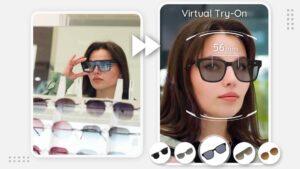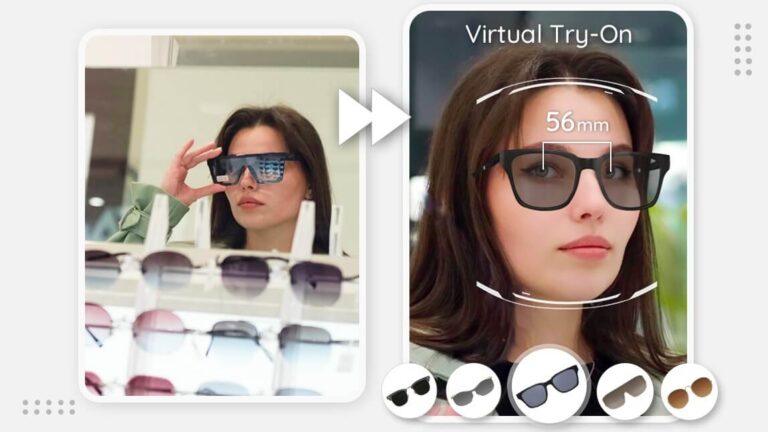
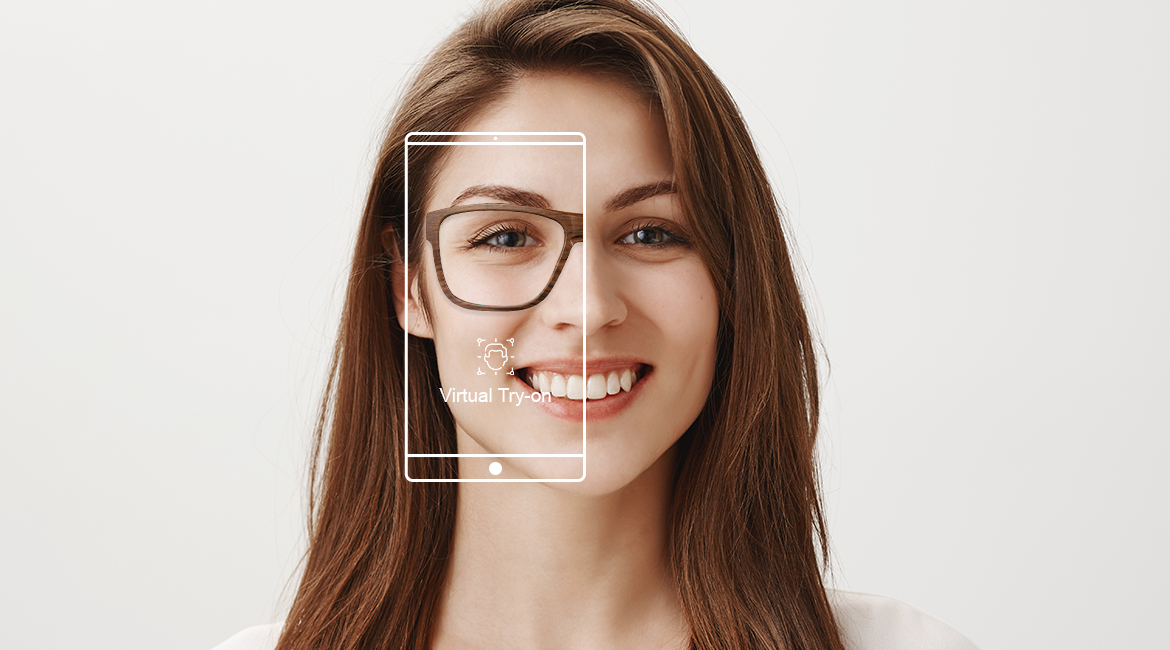
Virtual try-on tools use your phone camera or a photo to show how frames may look on your face.
Learning how to try on glasses virtually can save time, reduce guesswork, and make online shopping much easier. Modern eyewear websites use augmented reality, face mapping, and frame measurements to create a helpful preview. Still, a virtual fitting is a guide, not a replacement for a prescription, accurate measurements, or a final fit check.
What Does Virtual Glasses Try-On Mean?
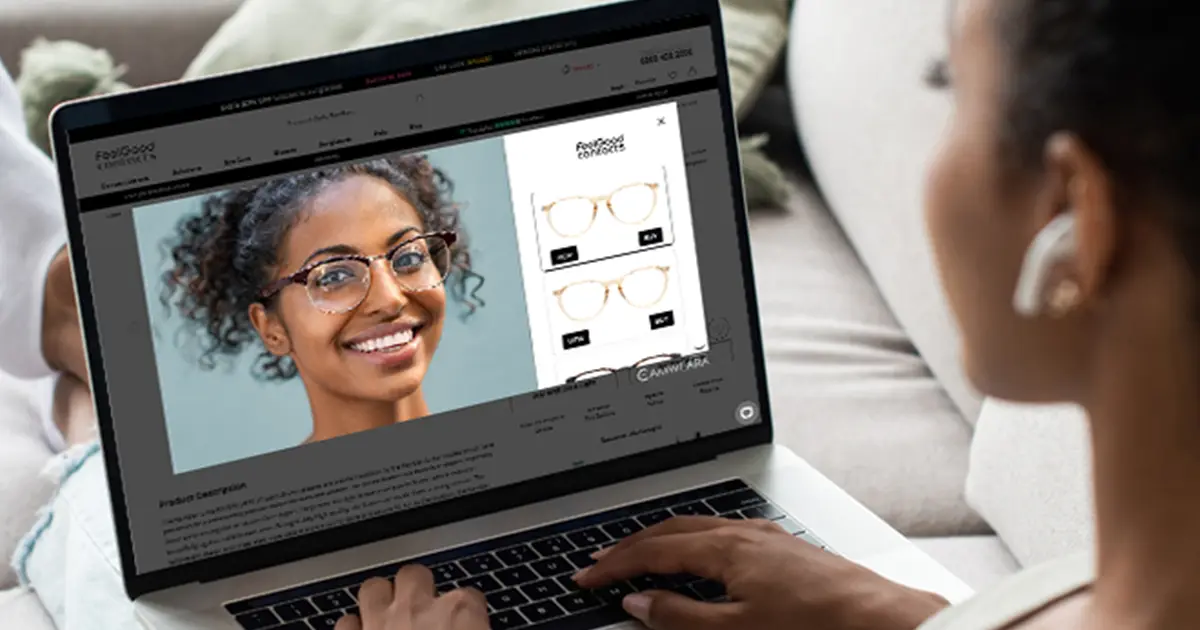
Virtual glasses try-on is an online tool that lets you preview frames on your face. You can usually use your phone, tablet, or computer camera. Some tools also let you upload a clear selfie.
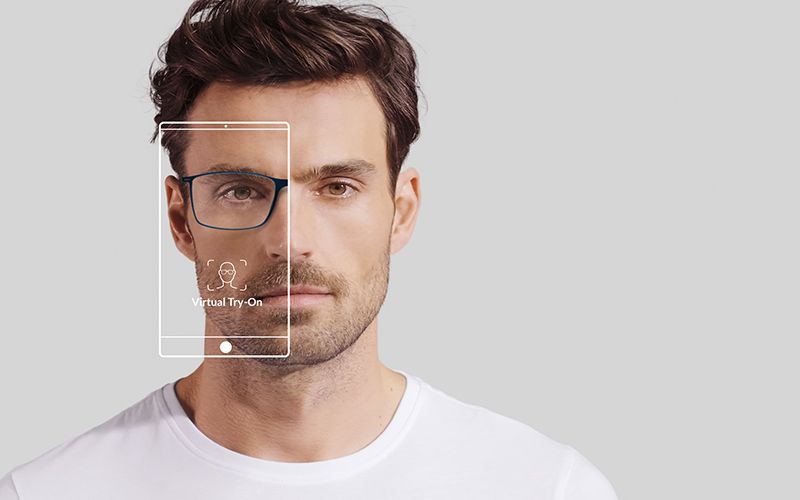
The software detects key points on your face, such as your eyes, nose, cheeks, and temples. It then places a digital image of the glasses over your face. This creates an approximate view of the frame shape, color, and size.
Virtual try-on is useful for style decisions. It can help you compare round, square, cat-eye, aviator, and rectangular frames without visiting several stores. However, it may not show the exact weight, lens thickness, or comfort of the finished glasses.
Most virtual try-on tools work in one of two ways:
• Live camera mode places frames on your face in real time.
• Photo upload mode places frames on a still image.
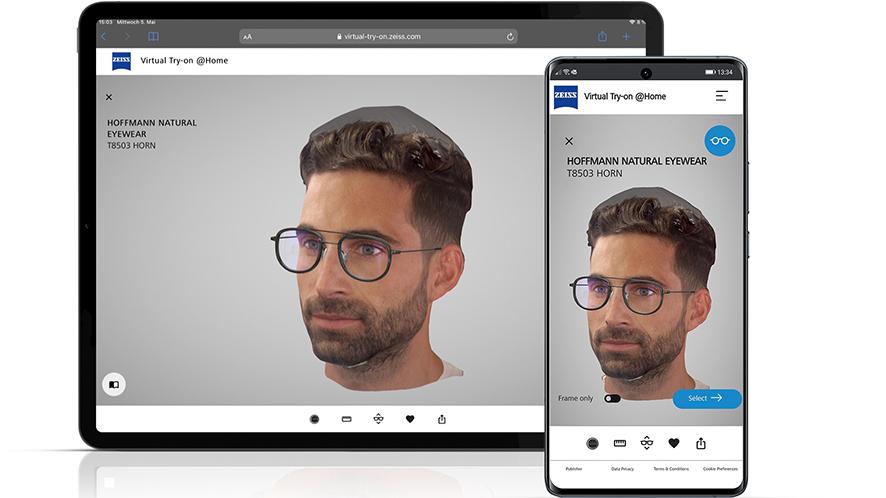
• Some advanced tools offer a 3D view that lets you turn your head.
• A few retailers use virtual measurement tools to estimate pupillary distance, or PD.
The best results come from using virtual try-on early in the buying process. Think of it as a fitting-room mirror, not a complete eye care service.
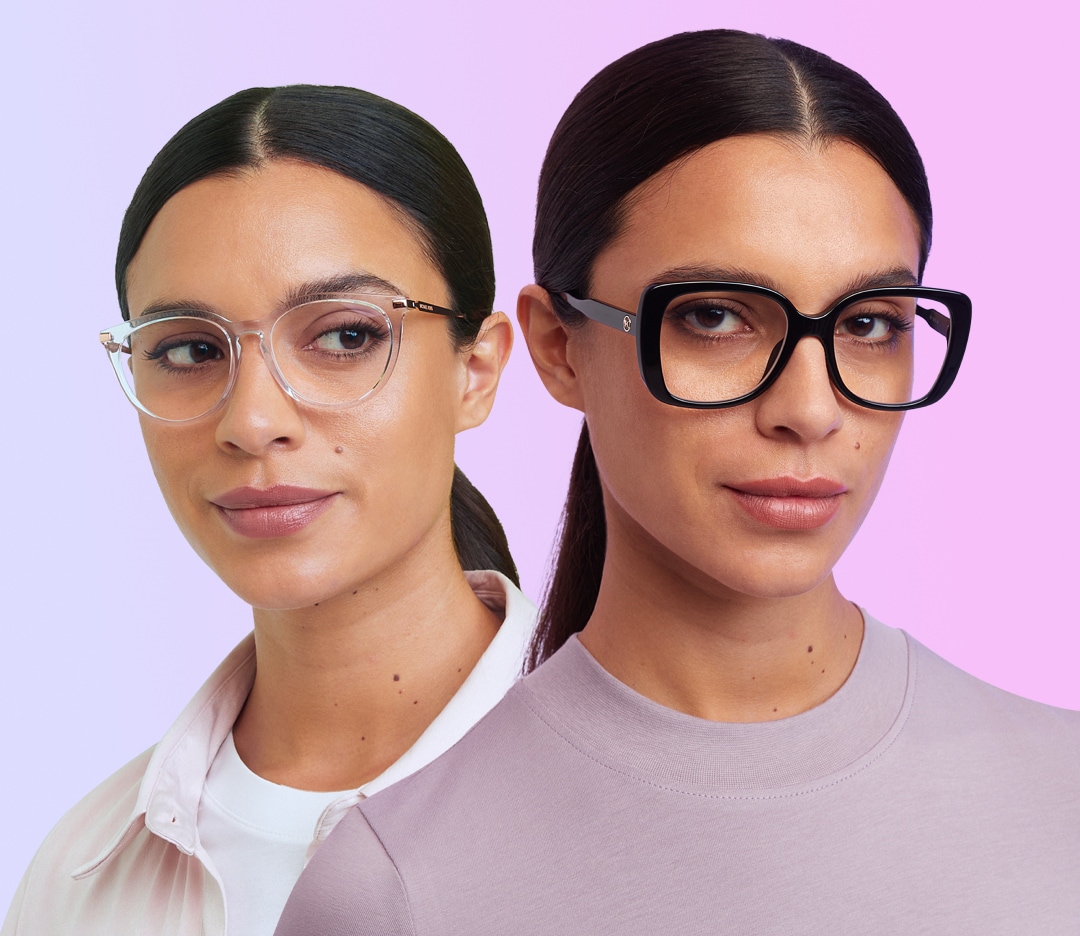
How to Try on Glasses Virtually: Step-by-Step
The process is simple, but small details can improve the result. Follow these steps for a more accurate preview.
1. Choose a trusted eyewear website or app
Start with a reliable optical retailer, eyewear brand, or glasses app. Look for clear product details, return terms, customer support, and prescription requirements.
A trustworthy website should show more than a photo of the frame. It should list measurements such as lens width, bridge width, and temple length.
2. Allow camera access
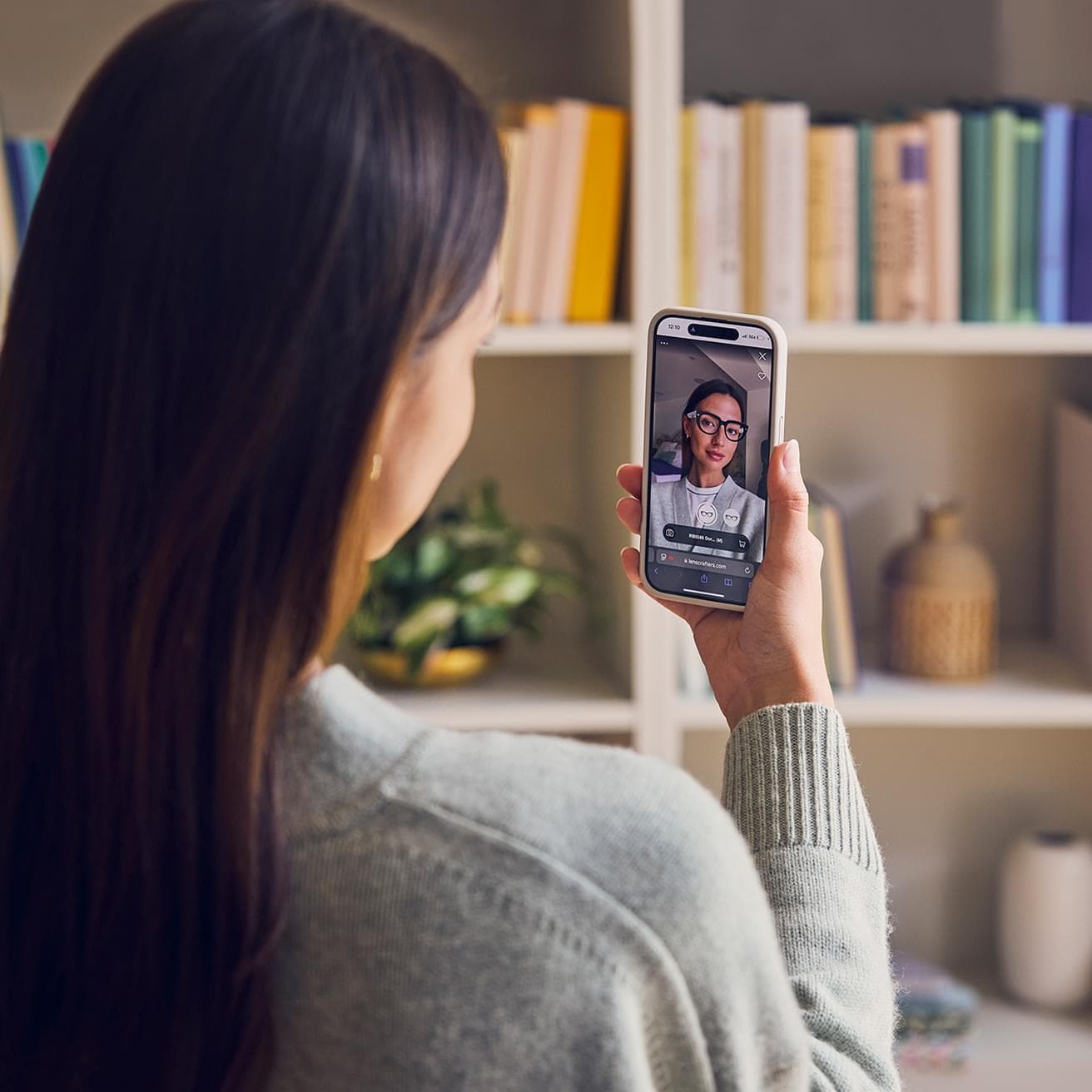
Select the virtual try-on option. The site may ask to use your camera. Choose “Allow” if you want to try frames live.
If you do not want to use your camera, choose the photo upload option. You can take a new picture or select one from your device.
3. Use good lighting
Face a window or stand in a bright room. Keep light in front of you rather than behind you. Backlighting can make your face look dark and may confuse the face-scanning tool.
Avoid strong shadows from hats, hair, or overhead lights. Good lighting helps the software find your eyes and face shape.
4. Position your face correctly
Keep your face straight and look at the camera. Remove your current glasses if possible. Keep your hair away from your eyes and ears.
Hold the phone at eye level. Do not tilt it sharply up or down. A straight-on image gives a better view of frame width and lens height.
5. Browse by frame style
Try several frame types, even if you already have a favorite style. Compare:
• Round frames for a softer, creative look
• Square frames for a bold and structured look
• Rectangular frames for a classic everyday style
• Cat-eye frames for an expressive, lifted look
• Aviator frames for a wider, more traditional shape
• Rimless frames for a light and subtle appearance
6. Check the frame measurements
After you find a style you like, review its measurements. A common format is 52–18–140. The first number is lens width, the second is bridge width, and the third is temple length, all in millimeters.
Compare these numbers with a pair of glasses that already fits you well. This step is often more useful than the virtual image alone.
7. Save and compare your favorites
Take screenshots or use the site’s save feature. Compare the frames side by side. Look at them in natural light before making a final choice.
If possible, ask a trusted friend for an opinion. A second view can help you notice whether the frame looks balanced on your face.
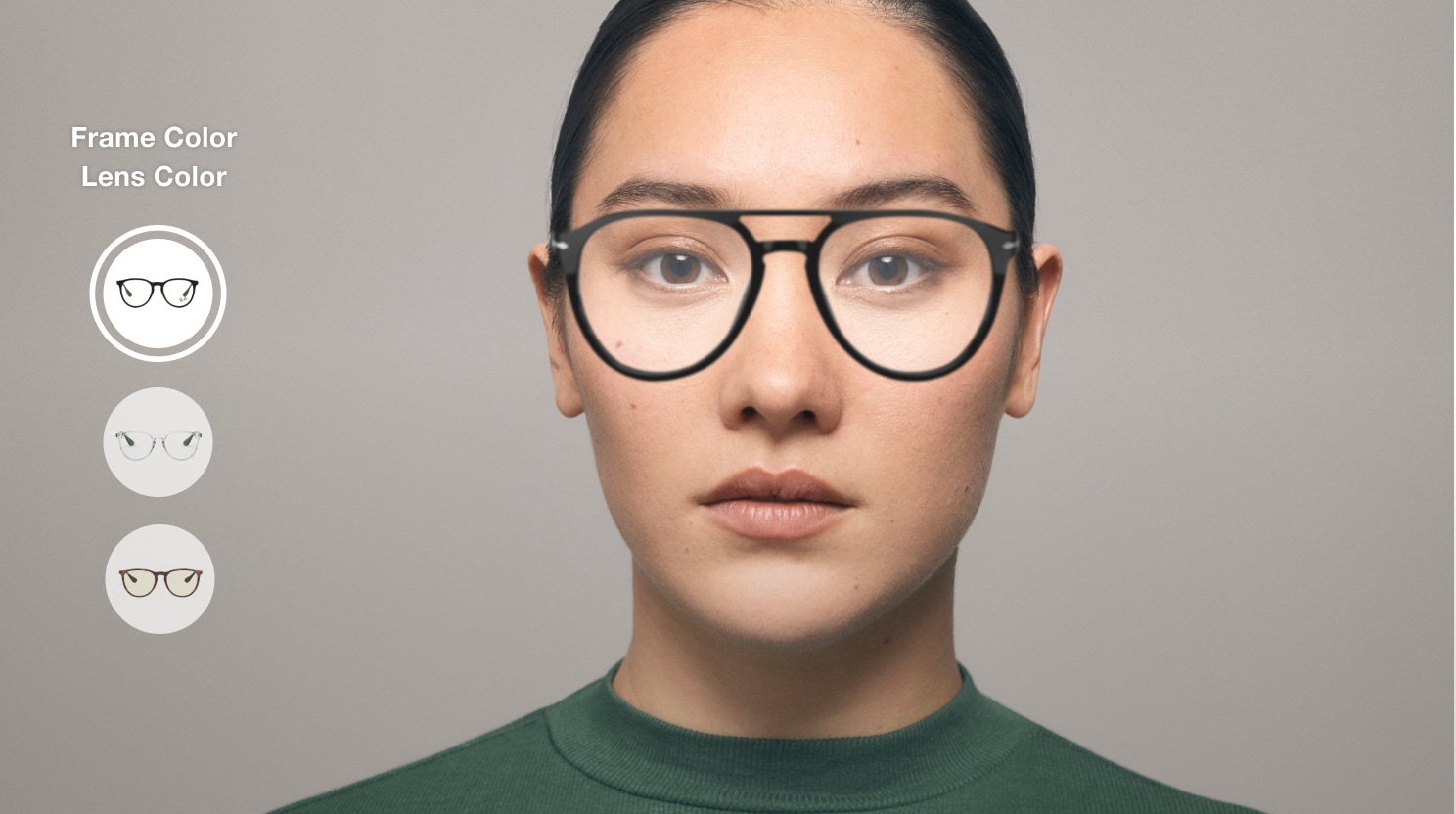
How to Get a More Accurate Virtual Fitting
Virtual try-on depends on the quality of the image and the tool’s tracking system. It is not perfect, but you can improve the preview with a few simple habits.
Use a recent photo with your face fully visible. A passport-style image often works well because it shows your face straight on. Avoid group photos, filters, sunglasses, and photos taken from a steep angle.
Keep your expression natural. A wide smile can change the shape of your cheeks and may affect how the frame appears. A relaxed face gives a more useful comparison.
Remove anything that hides your facial features. Take off hats, large earrings, and your current glasses if the tool allows it. These items can interfere with face detection.
Check more than one view. A front view helps you judge style and width. A side view may help you notice temple length and how far the frame sits from your face.
Before ordering, confirm these details:
• Frame width
• Lens width
• Bridge width
• Temple length
• Lens height
• Frame material
• Return or exchange policy
• Prescription lens options
A virtual glasses try-on tool may make a frame look centered even when the bridge does not fit your nose. Measurements still matter.
How to Choose Frames for Your Face Shape
Face shape can give you a useful starting point, but it should not limit your choices. Personal taste, comfort, and frame size matter just as much.
Oval face
Oval faces often have balanced proportions. Many frame styles work well, including square, rectangular, round, and geometric designs.
Choose a frame that is at least as wide as the broadest part of your face. Very narrow frames may look undersized.
Round face
Round faces often benefit from frames with clear angles. Square and rectangular styles can add contrast and make the face appear longer.
You do not need to avoid round glasses. Smaller round frames can create a relaxed, vintage look.
Square face
Square faces usually have a strong jaw and a broad forehead. Round or oval frames can soften the overall appearance.
Thin metal frames may also create a lighter look than thick, sharp-edged frames.
Heart-shaped face
Heart-shaped faces often have a wider forehead and a narrower chin. Oval, round, and light-colored frames can create balance.
Bottom-heavy frames may also work well because they add visual weight near the lower part of the face.
Long face
Long faces may look balanced with taller lenses and frames with more depth. Oversized, round, or softly curved frames can work well.
Avoid choosing a frame only because it is wide. Lens height can be just as important.
Your face shape is only a guide. The best frame is one that feels comfortable and matches your personality.
How to Check Frame Size Online
Frame size is one of the most important parts of buying glasses online. A frame can look attractive in a virtual preview but still feel too tight or too loose.
Start by checking your current glasses. Look for three numbers printed on the inside of one temple. They may appear as 50–20–140 or in a similar format.
The total frame width is also helpful. Some websites list it directly, while others provide only lens, bridge, and temple measurements.
Use these general signs when judging size:
• The frame should not extend far beyond your cheeks.
• Your eyes should sit near the center of each lens.
• The bridge should rest securely without sliding.
• The temples should reach your ears without pressing hard.
• Your eyelashes should not touch the lenses.
• The frame should not pinch your temples.
A small difference in measurements may be acceptable because frame shape and material also affect fit. A qualified optician can help if you are unsure.
Virtual tools may also estimate PD. Pupillary distance is the space between your pupils, and it helps position the optical center of each lens. For single-vision glasses, an accurate PD is important. For progressive lenses, fitting measurements are even more important.
Do not rely on a random online PD calculator when your prescription is complex. Ask an optician to verify the measurement when possible.
What Virtual Try-On Can and Cannot Show
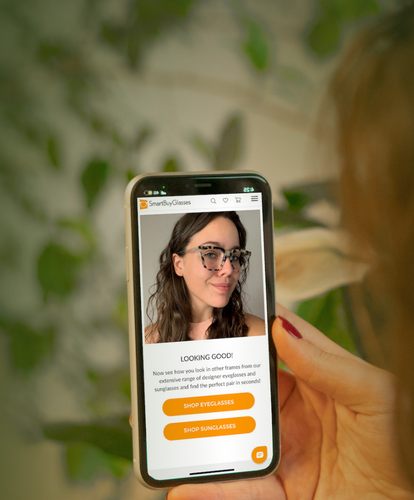
Virtual try-on is helpful because it gives you a quick visual preview. It can show how a color or frame shape may look with your features. It can also help you narrow a large selection to a few strong choices.
Still, the tool has limits. The frame shown on your screen may not match the exact scale of the real product. Screen size, camera angle, software design, and lighting can all affect the result.
A virtual preview usually cannot show:
• The real weight of the glasses
• Whether the nose pads feel comfortable
• How firmly the temples grip your head
• The quality of the hinges
• The true thickness of prescription lenses
• Glare from the lens surface
• How progressive lenses will fit your eyes
• Whether the bridge slips during daily use
Color can also look different on different screens. A clear frame may appear warmer or cooler under indoor lighting. If color matters, view product photos in daylight and read customer reviews.
Treat the tool as a way to judge appearance. Use measurements, prescription information, and return policies to manage the practical side.
Common Mistakes to Avoid When Trying on Glasses Virtually
A few mistakes can lead to a poor online purchase. Most are easy to prevent.
Relying only on face shape
Face shape advice can be helpful, but it is not a strict rule. A frame that looks “wrong” for a face shape may still suit your style and features.
Try different shapes and focus on balance, comfort, and confidence.
Ignoring frame measurements
A frame can look perfect in a digital image but be too narrow in real life. Always compare its measurements with glasses that fit you now.
Using a filtered photo
Beauty filters can change your facial proportions. They may also hide your natural skin tone and features.
Use an unedited photo for a more honest preview.
Choosing based only on color
Color attracts attention, but fit affects daily comfort. Confirm the frame size and construction before focusing on a shade.
Forgetting the bridge fit
The bridge is the part that rests on your nose. If it is too wide, the glasses may slide. If it is too narrow, they may pinch.
This issue is common with online orders because bridge shape is difficult to judge from a front-facing image.
Skipping the return policy
Even careful shoppers can choose the wrong size. Read the return policy before ordering. Check the return window, restocking fees, prescription lens rules, and exchange options.
In my experience, the safest online purchases come from people who treat virtual try-on as the first filter, not the final decision.
Buying Prescription Glasses After a Virtual Try-On
Virtual try-on helps with style, but prescription glasses require extra care. You will need a current prescription and accurate measurements.
A prescription normally includes values such as sphere, cylinder, axis, and sometimes an add power. Progressive and bifocal lenses may require additional fitting details.
Use a current prescription from a licensed eye care provider. An online frame preview cannot detect changes in your vision or diagnose an eye condition.
You may also need to choose lens features, such as:
• Single-vision lenses for one viewing distance
• Progressive lenses for near, intermediate, and far vision
• High-index lenses for stronger prescriptions
• Polycarbonate lenses for impact resistance
• Anti-reflective coating for reduced glare
• Blue-light filtering options, depending on your needs
Blue-light products are often marketed widely, but they are not a substitute for healthy screen habits or proper eye care. Take regular breaks, adjust screen brightness, and seek professional advice for ongoing eye strain.
If you have a strong prescription, prism correction, progressive lenses, or unusual measurements, consider ordering through an optician. Professional fitting can reduce errors that a virtual tool cannot catch.

Tips for Comparing Frames Before You Order
Create a short list instead of choosing the first frame that looks good. Three to five options are usually enough for a clear comparison.
Take screenshots in the same lighting. Place the images next to each other and compare the frame width, color, and shape. If you use a photo, keep your head and camera position the same for every frame.
Ask yourself:
• Does the frame cover too much or too little of my face?
• Are my pupils near the center of the lenses?
• Does the bridge look stable?
• Does the color work with my skin tone and hair?
• Can I wear this frame for many hours?
• Does it match my work, travel, or daily style?
Read reviews carefully. Look for comments about sizing, nose fit, hinge quality, and whether the color matches the product photos. Reviews with customer photos can provide useful context, but they are still personal experiences.
A good return policy is part of a good buying decision. It gives you a safety net if the frame feels different from the preview.
Frequently Asked Questions About How to Try on Glasses Virtually
How do I try on glasses virtually?
Visit an eyewear website or open a glasses app with a virtual try-on feature. Allow camera access or upload a clear, front-facing photo, then select frames to preview on your face.
Is virtual glasses try-on accurate?
Virtual try-on is usually useful for judging frame style, color, and general size. It cannot fully confirm comfort, bridge fit, lens thickness, or the accuracy of prescription measurements.
Can I try on glasses virtually with a photo?
Yes. Many websites let you upload a selfie instead of using a live camera. Use a clear, unedited photo with good lighting and your face looking straight at the camera.
Can virtual try-on measure my pupillary distance?
Some tools estimate pupillary distance, but the result may not be exact. Ask an optician to confirm your PD, especially for progressive lenses or stronger prescriptions.
How do I know what glasses fit my face?
Compare the frame measurements with glasses that already fit you. The frame should sit securely, keep your eyes near the lens centers, and avoid pressing on your nose or temples.
Can I use virtual try-on for progressive glasses?
You may use it to compare frame styles, but progressive lenses need accurate fitting measurements. An optician should verify the frame and measurements before you order.
What should I do if the glasses look good online but feel wrong?
Check the retailer’s return or exchange policy and contact customer service. An optician may also adjust the frame or help identify whether the problem comes from the bridge, temples, or lens placement.
Conclusion
Learning how to try on glasses virtually makes online eyewear shopping faster and more visual. Use a trusted tool, take a clear photo, compare several styles, and check the frame measurements before ordering.
Remember that virtual try-on shows appearance, not the full experience of wearing glasses. Pair the digital preview with an accurate prescription, verified PD, professional advice when needed, and a flexible return policy.
Try a few frames today, save your favorites, and compare them in natural light before making your final choice.

Rubel Miah is the Senior Editor at MyStyleGrid.com, where he brings a sharp editorial eye and an unshakable love for fashion to everything he does. A true style addict, Rubel lives and breathes trends, from streetwear to high fashion, and has a knack for turning inspiration into impactful stories. With years of experience in fashion journalism and digital media, he curates content that empowers readers to express themselves through style. When he’s not editing features or forecasting the next big thing, you’ll find him hunting down vintage pieces or capturing street style moments around the city.