Yes, cellular Apple Watch models answer “do apple watches have a sim card” with a built-in eSIM, not a removable card.
If you are asking, “do Apple Watches have a SIM card,” the answer depends on the model. GPS-only watches connect through your iPhone or Wi-Fi, while GPS + Cellular models can use mobile networks through an embedded SIM, or eSIM. This guide explains how Apple Watch connectivity works, which models support cellular service, what activation costs, and how to avoid common setup mistakes.
Do Apple Watches Have a SIM Card?
The short answer is no. Apple Watches do not have a removable physical SIM card like many smartphones. Instead, supported cellular models use an eSIM that is built into the watch.
An eSIM works like a digital SIM. Your carrier stores your mobile plan information inside the watch, so there is no small plastic card to insert, remove, or replace.
When people ask, “do Apple Watches have a SIM card,” they often mean, “Can my Apple Watch use mobile data without my iPhone?” For a cellular Apple Watch, the answer is usually yes, as long as you activate an eligible plan with a supported carrier.
There are two main Apple Watch versions:
• GPS models connect through Bluetooth to your iPhone or through Wi-Fi.
• GPS + Cellular models can connect to a cellular network when your iPhone is not nearby.
The cellular version still works with an iPhone during normal setup. It is not a completely independent phone, but it can handle many tasks away from your iPhone.
How the Apple Watch eSIM Works
An eSIM is a digital version of a subscriber identity module. It identifies your watch on a mobile network and allows the carrier to provide service without a physical card.
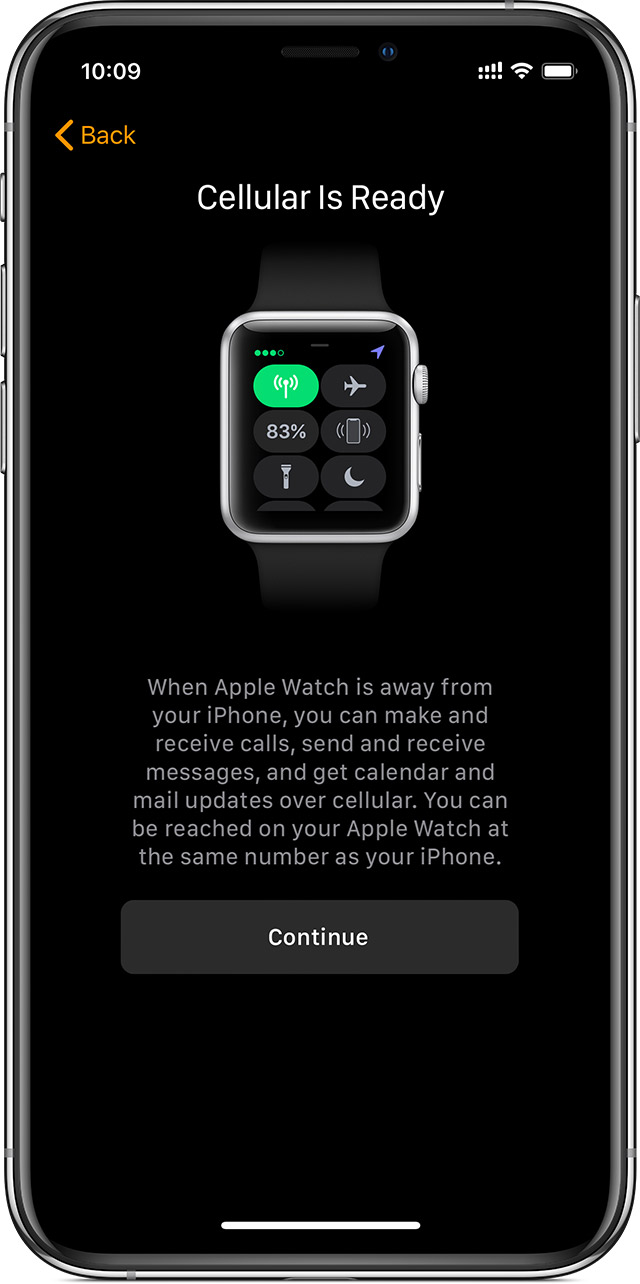
When you set up cellular service in the Watch app, your iPhone sends the required account details to your carrier. The carrier then activates the eSIM inside your Apple Watch.
The watch usually shares your iPhone number. This means people can call or message you through the same number, even when your iPhone is at home. The exact calling and messaging experience can vary by carrier and plan.
A cellular Apple Watch may use mobile service for:
• Phone calls
• Text messages and iMessages
• Notifications
• Music streaming
• Maps and directions
• Weather updates
• Siri requests
• Emergency communication
The watch does not need a SIM tray because the eSIM is already part of the device. Think of it as a digital key stored inside the watch rather than a card you carry in your wallet.
Which Apple Watches Support Cellular Service?
Not every Apple Watch supports cellular service. Apple sells both GPS-only and GPS + Cellular versions, and the outside design can look almost identical.
Cellular support is available on selected versions of:
• Apple Watch Series 3 and later cellular models
• Apple Watch SE cellular models
• Apple Watch Ultra models
Newer Apple Watch generations may have different cellular features, bands, and regional support. Always check the exact model number and technical specifications before buying.
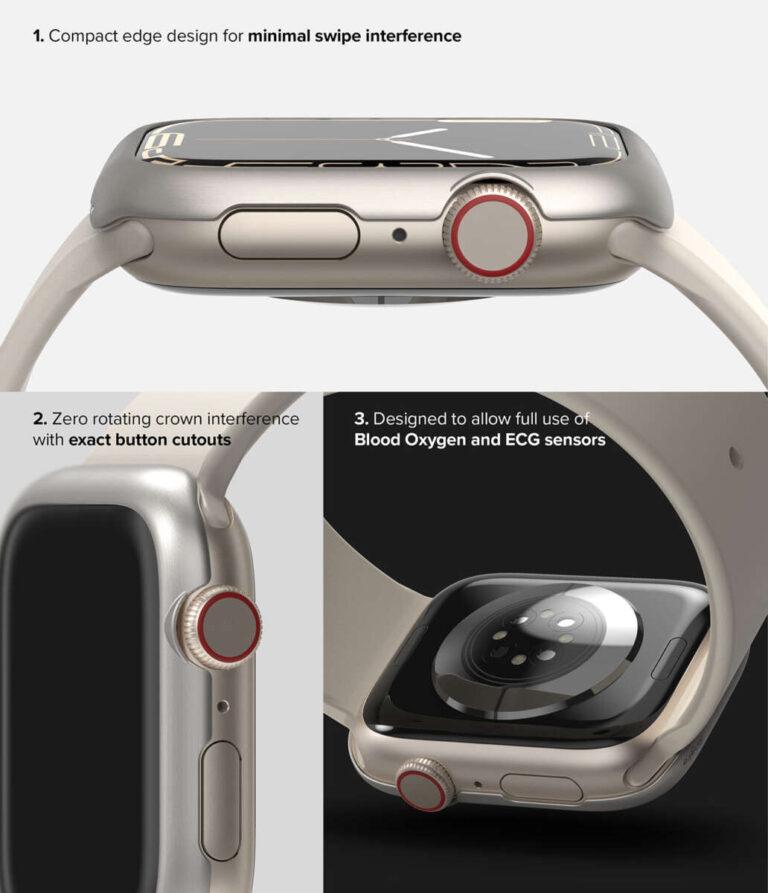
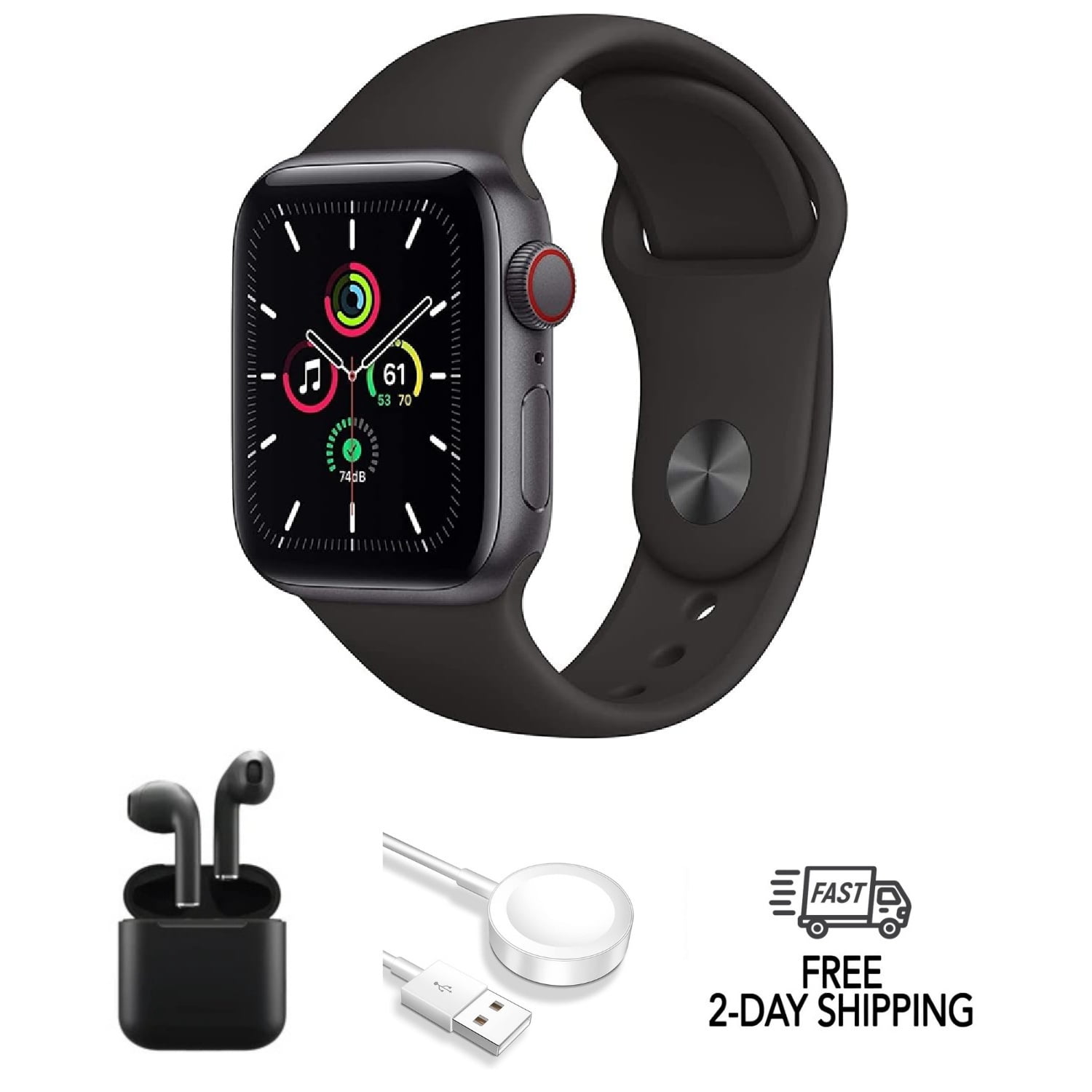
The Digital Crown can also offer a visual clue. On many cellular models, the crown has a red ring or red detail. This is not the best way to confirm compatibility, but it can help when checking a used watch.
The most reliable checks are:
-
Open the Apple Watch app on your iPhone.
-
Tap the My Watch tab.
-
Select Cellular.
-
Look for an option to Set Up Cellular.
You can also check the model details in the Watch app under General and About. If the watch is GPS-only, it will not gain cellular service through a software update.
GPS Apple Watch vs. Cellular Apple Watch
Understanding the difference between GPS and cellular models helps answer, “do Apple Watches have a SIM card,” with more accuracy.
GPS-only Apple Watch
A GPS-only Apple Watch does not have cellular hardware or an eSIM for mobile service. It normally depends on your iPhone for calls, messages, internet access, and many notifications.
It can still connect to known Wi-Fi networks. For example, you may leave your iPhone nearby at home, and the watch may use Wi-Fi for some online functions.
A GPS-only model is often a good choice if you:
• Usually carry your iPhone
• Want a lower purchase price
• Prefer longer battery life in some situations
• Mainly track workouts, sleep, steps, and health data
• Do not need calls when your phone is far away
GPS + Cellular Apple Watch
A cellular Apple Watch includes mobile hardware and an embedded eSIM. It can connect to a supported carrier when your iPhone is not nearby.
This model may suit you if you:
• Run or cycle without your iPhone
• Need to stay reachable at work or school
• Want emergency communication during outdoor activities
• Stream music while exercising
• Use the watch as a lightweight backup device
Cellular service can use more battery, especially in areas with weak signal. That is why a cellular Apple Watch is not always the best choice for everyone.
Can an Apple Watch Work Without an iPhone?
A cellular Apple Watch can perform many tasks without your iPhone nearby, but it still needs an iPhone for initial setup. Apple Watch models are designed to work as part of the Apple ecosystem.
After setup, a cellular watch may connect directly to a mobile network. It can then make calls, send messages, receive notifications, use Maps, and access other online features.
However, some limitations remain. Certain apps may work differently without the iPhone, and setup, software updates, and account management usually require an iPhone.
A GPS-only Apple Watch can also work without the iPhone nearby for offline tasks. It can record workouts, measure heart rate, track activity, and store some music or podcasts. Once the watch reconnects, it can sync the stored information.
So, when someone asks, “do Apple Watches have a SIM card,” the practical answer is this: a cellular watch can work away from an iPhone because it has an eSIM, while a GPS-only watch cannot use mobile networks on its own.
Do You Need a Separate Cellular Plan?
Yes, cellular Apple Watch service normally requires an additional plan from your carrier. Buying the cellular hardware does not automatically include mobile service.
The watch plan is often added to your existing iPhone account. Many carriers charge a monthly fee, although prices and features differ by provider, country, and plan type.
Before activation, check these details:
• Whether your carrier supports Apple Watch
• Whether your iPhone and watch use compatible networks
• The monthly service cost
• Activation or setup fees
• International roaming rules
• Emergency calling support
• Family Setup availability
The watch and iPhone often need to use the same carrier. Some carriers support number sharing, while others have separate requirements. A watch purchased in one country may also have limited cellular compatibility in another country.
Official Apple technical specifications and carrier support pages are the safest places to confirm current compatibility. Carrier policies change, so old advice from a forum may no longer be correct.