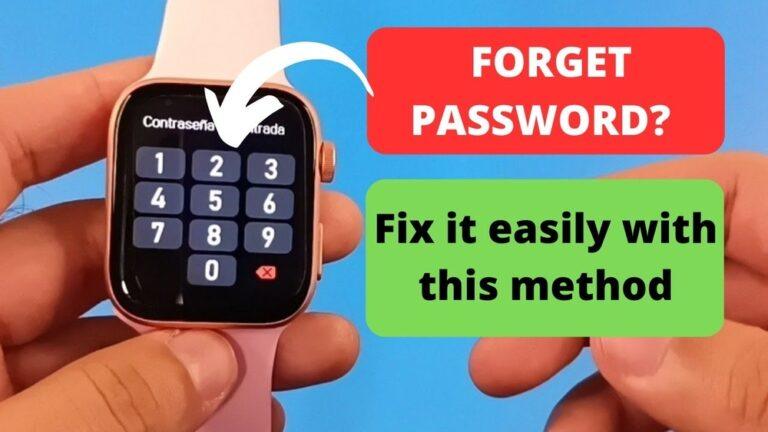
If you ever forget the passcode for your smartwatch, it can feel very frustrating. You might worry that you will lose your data or not be able to use your device again. But don’t panic. There are safe ways to unlock your smartwatch screen, even if you can’t remember the passcode.
I’ve been in this situation myself and learned what works and what mistakes to avoid. This guide will walk you through each method with simple words and clear steps, so you can get your watch working again.
Why Do Smartwatches Lock?
Smartwatches use passcodes to keep your data safe. If you lose your watch or someone else gets it, the passcode stops them from seeing your messages, health info, and apps. But it’s easy to forget a code, especially if you don’t use it often.
I once set a 6-digit code on my watch, thinking I would remember it. A month later, I could not recall the numbers. That’s when I found out how to reset the watch without losing hope.
What Happens When You Forget The Passcode?
When you enter the wrong code several times, the smartwatch usually locks you out. Some models may let you try again after waiting, while others might ask you to reset the device. You won’t be able to use any features or see your info until the lock is gone.
The good news is, there are ways to unlock the screen, though the steps are different for each brand.
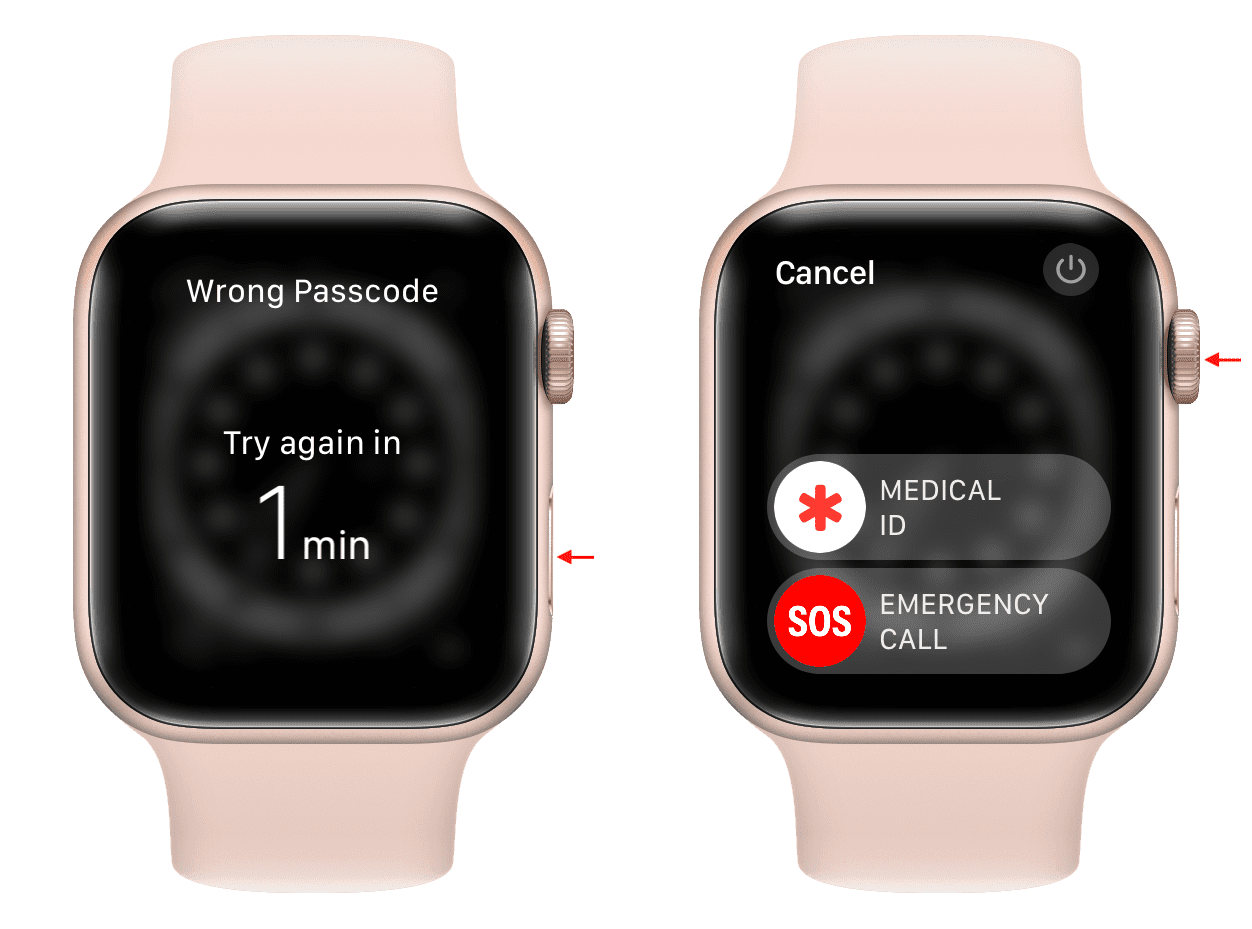
Credit: www.idownloadblog.com
Basic Methods To Unlock Your Smartwatch
Let’s talk about the simplest things you can try first. Sometimes, you may not need to reset your watch at all.
1. Try The Most Common Passcodes
Many people use easy codes like 1234, 0000, or 1111. If your watch allows a few more tries, test these common numbers. But don’t keep guessing if your watch warns you it will erase data after too many wrong attempts.
2. Check Connected Devices
Some smartwatches will unlock if they are near your phone or if you unlock your phone first. For example, with some Android watches, if your phone is unlocked, the watch can unlock too. Try bringing your phone close and see if this works.
3. Use Voice Assistants
On some watches, you might be able to use Google Assistant or Siri to make calls or send a message, even when the screen is locked. You can ask a trusted contact to help you get into your account or find your passcode reminder.
How To Unlock An Apple Watch
If you have an Apple Watch and forgot the passcode, you’ll need to reset it. This will erase all data, but you can restore it from a backup later.
Reset Using The Watch And Iphone
- Keep your Apple Watch and iPhone close together.
- Open the Watch app on your iPhone.
- Go to General > Reset.
- Tap Erase Apple Watch Content and Settings.
- Confirm and wait for the process to finish.
- Set up your Apple Watch again. When asked, restore from your latest backup.
Reset Directly On The Apple Watch
If you don’t have your iPhone:
- Put your watch on its charger.
- Press and hold the side button until you see Power Off.
- Press firmly (Force Touch) on Power Off, then let go.
- Tap Erase all content and settings.
- Set up your watch as new or restore from backup.
Important Tip: If you didn’t back up your Apple Watch, you will lose your health data, messages, and settings. Try to back up your iPhone before resetting, since Apple Watch data is often included there.

Credit: www.youtube.com
Unlocking Android Smartwatches
Android smartwatches come in many brands, like Samsung Galaxy Watch, Fossil, Mobvoi, and others. Most use Wear OS. The steps to unlock are similar but have small differences.
Using Find My Device
- Go to the Find My Device site on your computer or phone.
- Sign in with your Google account.
- Select your smartwatch.
- Click on Erase Device.
- Follow the prompts to reset your watch.
After erasing, you can set up your watch again. If you synced your data to Google, you can restore contacts, apps, and more.
Hardware Reset
If you can’t access Find My Device:
- Put your watch on the charger.
- Press and hold the power button until the watch restarts.
- When you see the logo, quickly press the power button a few times.
- You should see Recovery Mode.
- Use the power button to scroll to Wipe data/factory reset.
- Press to confirm.
This method erases all data. It’s your last resort if nothing else works.
Extra Insight: Many people forget their Google account password, which is needed after a reset. If that’s you, recover your Google password first, or you’ll be locked out after the reset too.
Unlocking Samsung Galaxy Watch
Samsung watches have their own system, but the process is close to Wear OS.
Via Galaxy Wearable App
- Open the Galaxy Wearable app on your phone.
- Tap on your connected watch.
- Go to Watch settings > General > Reset.
- Confirm to reset.
Hard Reset On Watch
- Turn off your Samsung Galaxy Watch.
- Hold the Power key and Back key together until you see the logo.
- Let go, then quickly press the Power key a few times until you enter the Reboot Mode.
- Use the Power key to scroll to Recovery and hold to select.
- Scroll to Wipe data/factory reset.
After the reset, sign in with your Samsung account to restore your info if you backed up before.
Unlocking Fitbit Smartwatches
Fitbit watches, like Versa and Sense, lock if you set a PIN. If you forget it, you must reset the watch.
Using Fitbit App
- Open the Fitbit app on your phone.
- Tap your profile picture.
- Choose your device.
- Scroll to Remove This Device.
- After removing, set up the watch again as new.
Factory Reset On Device
- Open Settings on the watch.
- Scroll to About or Device Info.
- Tap Factory Reset or Clear User Data.
- Confirm.
Personal Note: I once forgot my Fitbit code and found that a reset was the only solution. I lost my unsynced steps for that day, but my main health data returned after syncing again.
Unlocking Garmin Smartwatches
Garmin watches use a PIN for security. If you can’t remember it, you have to do a reset.
Soft Reset
- Press and hold the light button until the watch turns off.
- Turn it back on.
- Try your usual PIN. Sometimes, a soft reset will fix a temporary lock.
Hard Reset
- Press and hold the light button to power off.
- Hold start/stop and back/lap buttons.
- Press the light button to turn on while holding the other two.
- Release all when you see the Garmin logo.
- The watch will reset to factory settings.
Remember to sync your activities to Garmin Connect before doing a reset, or you’ll lose unsynced data.
Unlocking Amazfit And Other Brands
For Amazfit, Huawei, and less common brands, the main way to unlock after forgetting the passcode is a factory reset. The steps may change, but here’s what usually works:
- Hold the power button until the watch restarts.
- Once the logo appears, keep holding until you enter recovery mode.
- Use the side buttons to choose Factory Reset.
- Confirm and wait for the watch to erase everything.
Check the brand’s support page if these steps don’t match your model.
What To Do Before Resetting
Before jumping to a reset, try these:
- Check for backup: Is your data synced with your phone or cloud? Open the companion app to see your last sync date.
- Try password hints: Some watches let you set a hint when creating a passcode. Look for a hint on the lock screen.
- Ask family or friends: Sometimes, we use important dates or simple patterns as codes. Ask someone you trust if they remember you telling them.
Data Loss And Recovery
A factory reset will erase all data on your smartwatch. This includes:
- Health data (steps, heart rate, sleep)
- Messages and notifications
- Apps and custom settings
If your watch was syncing with a phone app or cloud service, much of your data will return after setup. For example, Apple Watch and Wear OS watches save data to your phone. Fitbit and Garmin often sync to their apps.
How Data Sync Works
Here’s a simple comparison of how popular watches save your info:
| Brand | Data Synced to Phone | Cloud Backup | Manual Backup Needed? |
|---|---|---|---|
| Apple Watch | Yes (Health, Messages) | iCloud | No |
| Samsung Galaxy | Yes (Samsung Health, Apps) | Samsung Cloud | Sometimes |
| Fitbit | Yes (Daily Sync) | Fitbit Cloud | No |
| Garmin | Yes (Activities) | Garmin Connect | No |
| Wear OS | Yes (Google Fit, Apps) | Google Account | No |
What To Avoid When Unlocking
Many people make mistakes while trying to unlock their smartwatch. Here are some things you should not do:
- Don’t keep guessing passcodes. Too many wrong tries can lock your watch for longer or erase all data.
- Don’t use third-party unlocking tools. These can harm your device or steal your data.
- Don’t rush. Take a moment to check if you have a backup before resetting.
How To Prevent Forgetting Your Passcode Again
Once you unlock your smartwatch, you want to avoid this problem in the future. Here’s how:
- Pick a code you’ll remember. Use a number that means something to you, but not something others can guess.
- Write the code in a safe place. Use a password manager app or write it down in a notebook you keep at home.
- Set up biometric unlock if available. Some watches allow fingerprint or face unlock for easy access.
- Enable phone unlock. On some models, the watch unlocks when your phone is unlocked and nearby.
- Sync often. Make sure your data is backed up by syncing your watch with your phone or cloud.
Detailed Comparison Of Reset Methods
Here’s a look at how the most popular smartwatches let you reset if you forget your passcode:
| Brand | Reset Method | Requires Phone? | Data Loss? |
|---|---|---|---|
| Apple Watch | Watch app or on device | Not always | Yes, unless backed up |
| Samsung Galaxy | Wearable app or hard reset | Not always | Yes |
| Fitbit | Fitbit app or on device | Not always | Yes |
| Garmin | Hard reset on device | No | Yes |
| Wear OS | Find My Device or hardware reset | No | Yes |
When To Contact Customer Support
If you have tried all the steps and still can’t unlock your smartwatch, it’s time to reach out for help. Most brands have a support team that can guide you. They may ask for proof that you own the device.
Sometimes, they can help you unlock without losing data, especially if your watch is still under warranty.
You can find support for your brand on their official site. For example, Apple, Samsung, Fitbit, and Garmin all have support pages with guides and live chat.
If you want to read more about protecting your smart devices, check the official Apple Support page.
Real-life Example
A friend of mine once bought a used Galaxy Watch. The previous owner forgot to reset it, so it was still locked. My friend tried several methods but couldn’t unlock it with the old code. Only after a factory reset was the watch ready for new setup.
This showed me how important it is to reset your smartwatch before selling or giving it away.
Tips For Buying A Used Smartwatch
If you buy a second-hand smartwatch, always check that it is not locked with a passcode. Ask the seller to show you the screen unlocked. If you get a locked watch, you will need to reset it, and you might not be able to use it if the old account is still attached.
Frequently Asked Questions
What Should I Do If My Smartwatch Doesn’t Show The Reset Option?
If your watch doesn’t show a reset option, try turning it off and on again. If that fails, look for a combination of button presses (like holding power and back together) to enter recovery mode. If you still can’t find it, search for your watch model’s user manual online.
Will I Lose All My Data If I Reset My Smartwatch?
Yes, a factory reset erases all data on the watch. If your data is synced with your phone or cloud, you can restore most of it. Always check your sync settings before resetting.
Can Someone Else Unlock My Smartwatch Without My Permission?
No, your watch is protected by your passcode and account. Only someone with your code or account details can unlock it. This keeps your data safe if you lose your watch.
What If I Forgot Both My Smartwatch Passcode And The Phone Account Password?
First, recover your phone or cloud account password (like Apple ID or Google account). Most brands require you to sign in after a reset. Without both, you can’t use the watch after erasing.
Is There A Way To Unlock My Smartwatch Without Losing Data?
Most of the time, you must reset your watch if you forget the passcode. Some watches let you unlock with a connected phone if you set this up before. If you want to avoid data loss, always back up and sync often.
Forgetting your smartwatch passcode is annoying, but not the end of the world. With the right steps, you can unlock your screen and get back to using your device. Just remember to back up your data, choose a code you’ll remember, and use built-in safety features to avoid this problem next time.
If you’re ever unsure, contact the official support for your watch brand—they help people with this issue every day.
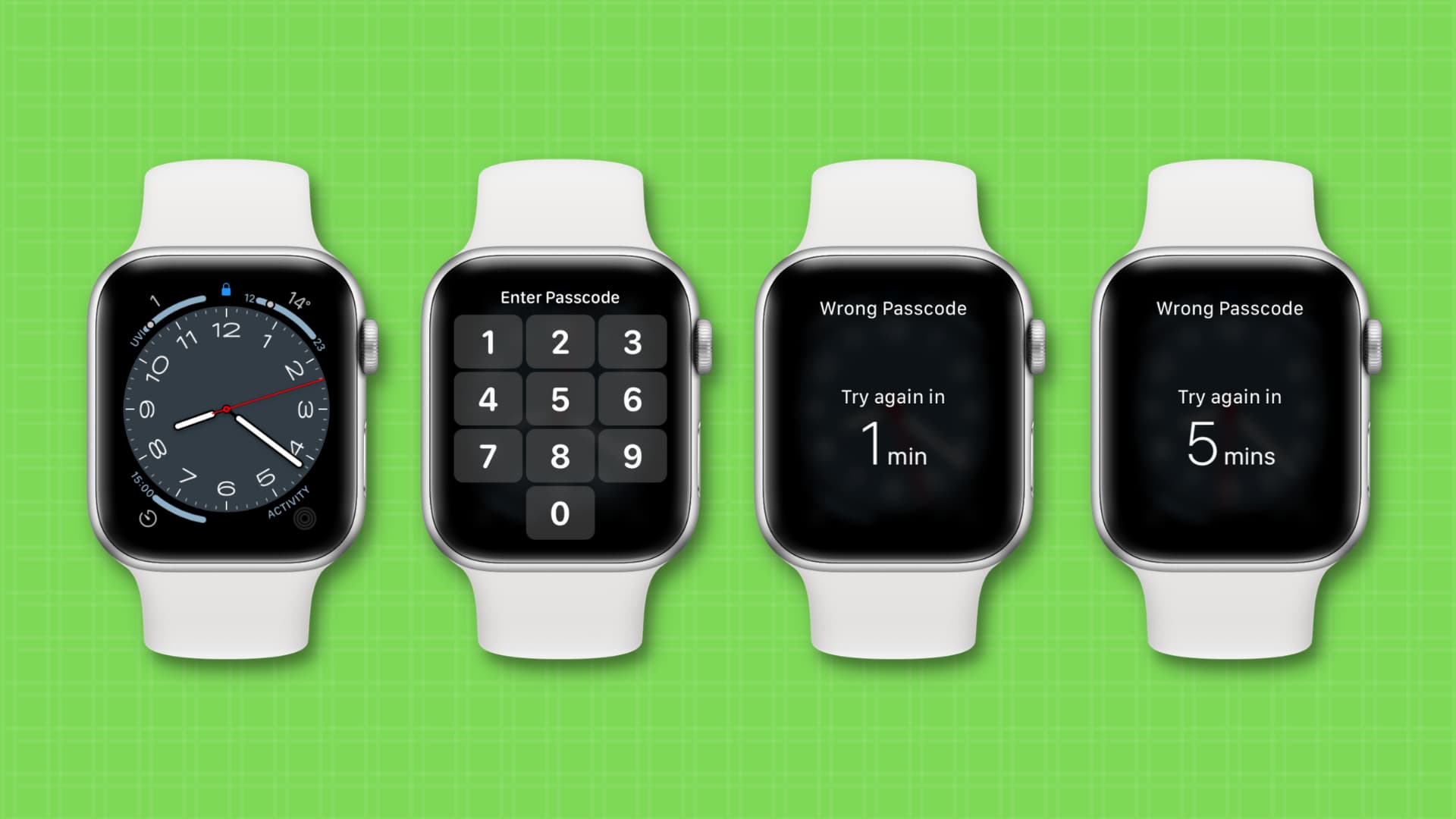
Credit: www.idownloadblog.com

Rubel Miah is the Senior Editor at MyStyleGrid.com, where he brings a sharp editorial eye and an unshakable love for fashion to everything he does. A true style addict, Rubel lives and breathes trends, from streetwear to high fashion, and has a knack for turning inspiration into impactful stories. With years of experience in fashion journalism and digital media, he curates content that empowers readers to express themselves through style. When he’s not editing features or forecasting the next big thing, you’ll find him hunting down vintage pieces or capturing street style moments around the city.