Introduction
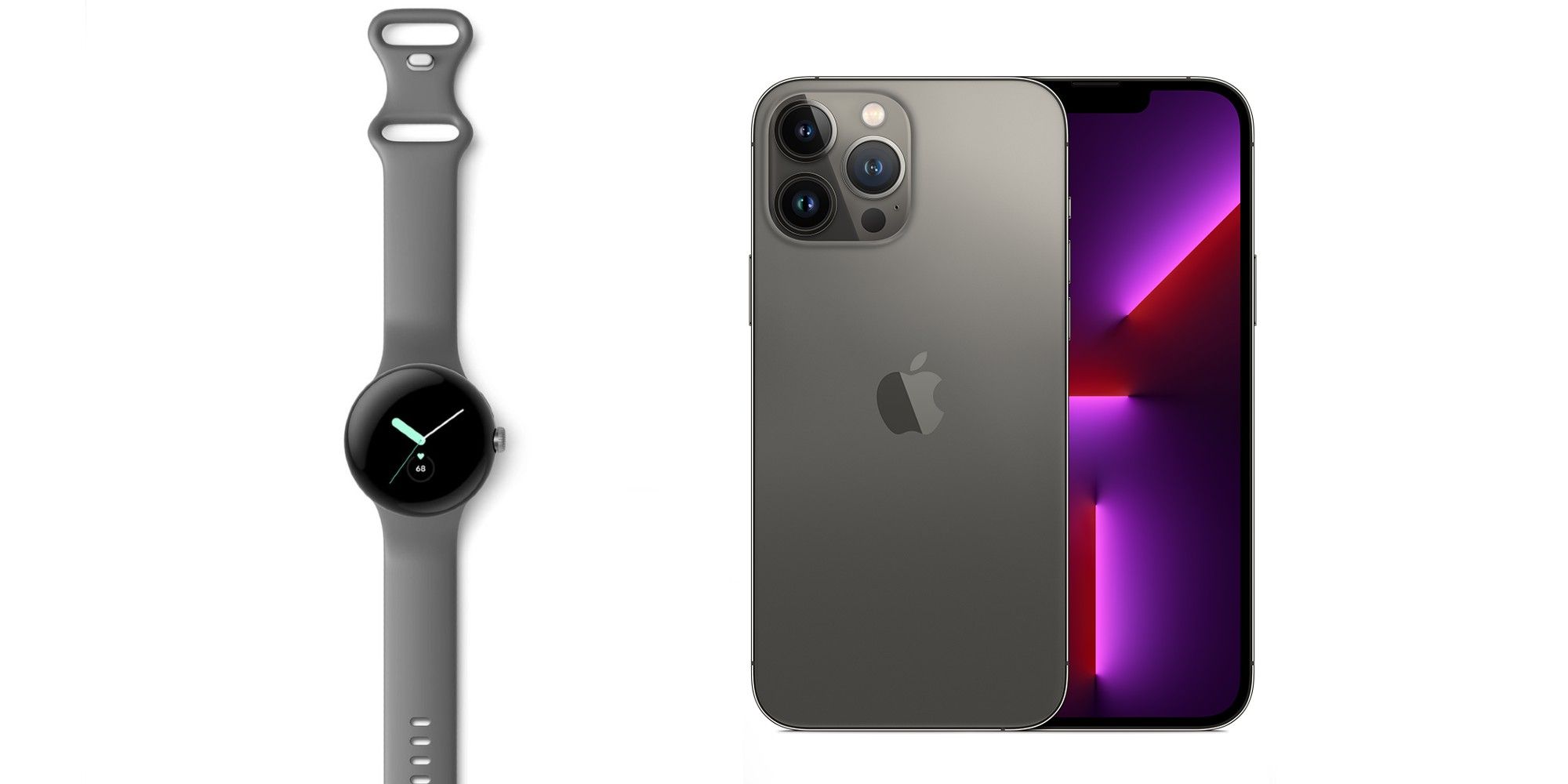
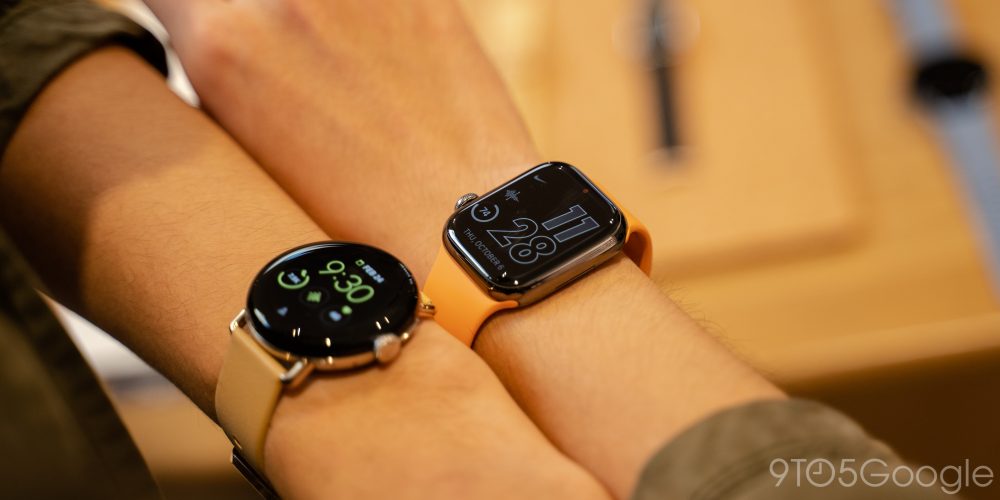
If you use an iPhone in the United States, a Google Pixel Watch is not a compatible smartwatch choice. Google Pixel Watch models require an Android phone for setup and daily use, and the official Pixel Watch app does not support iOS.
That means you cannot pair a Pixel Watch with an iPhone, even if the watch has LTE service. An LTE plan may let the watch connect to a cellular network after setup, but it does not replace the Android phone required to activate and manage the watch.

Quick Answer: No, Pixel Watch Does Not Work With iPhone
Google Pixel Watch is not compatible with iPhone. The first-generation Pixel Watch, Pixel Watch 2, and Pixel Watch 3 require an Android phone that meets Google’s supported software requirements.
Google’s official requirements state that Pixel Watch needs:
- An Android phone running Android 9.0 or later
- The Google Pixel Watch app
- A Google Account
- Bluetooth, Wi-Fi, and location access during setup
- A supported phone and region for some features
The Google Pixel Watch app is available for Android, not iOS. Without the app, you cannot complete the normal setup process, install updates, manage watch settings, or connect the watch to your iPhone.
This is different from some older Wear OS watches. Wear OS compatibility has changed over time, so the fact that a watch uses Wear OS does not mean it will work with an iPhone.
Why Can’t Pixel Watch Pair With an iPhone?
Pixel Watch depends on Google’s Android software and companion apps. The watch is not designed to use Apple’s watch connection system or the Apple Watch app.
The main limits are:
No Pixel Watch app for iPhone
The Google Pixel Watch app handles key tasks such as:
- Initial watch setup
- Google Account sign-in
- Watch settings
- Software updates
- Apps and watch faces
- Notifications
- Safety and emergency settings
- Battery and device information
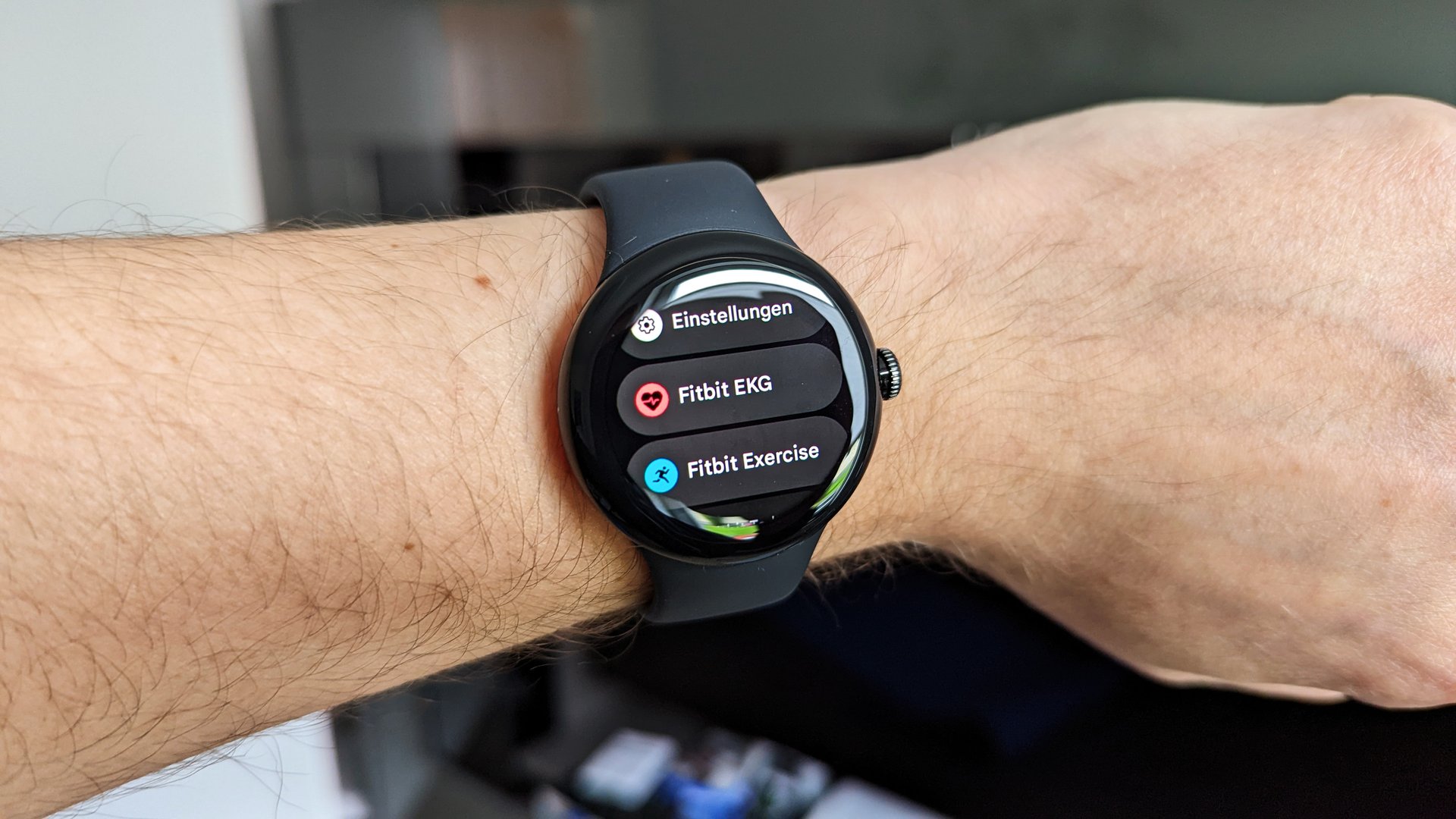
- Fitbit connection and settings
Because Google does not offer this app for iPhone, the pairing process cannot be completed through iOS.
Pixel Watch needs Android during setup
A Pixel Watch must be paired with a supported Android phone before you can use it. The watch cannot be set up from an iPhone through Bluetooth alone.
Bluetooth pairing is not enough. Smartwatches use companion apps and system permissions to exchange health data, notifications, updates, contacts, and account information.
LTE does not make it an iPhone-compatible watch
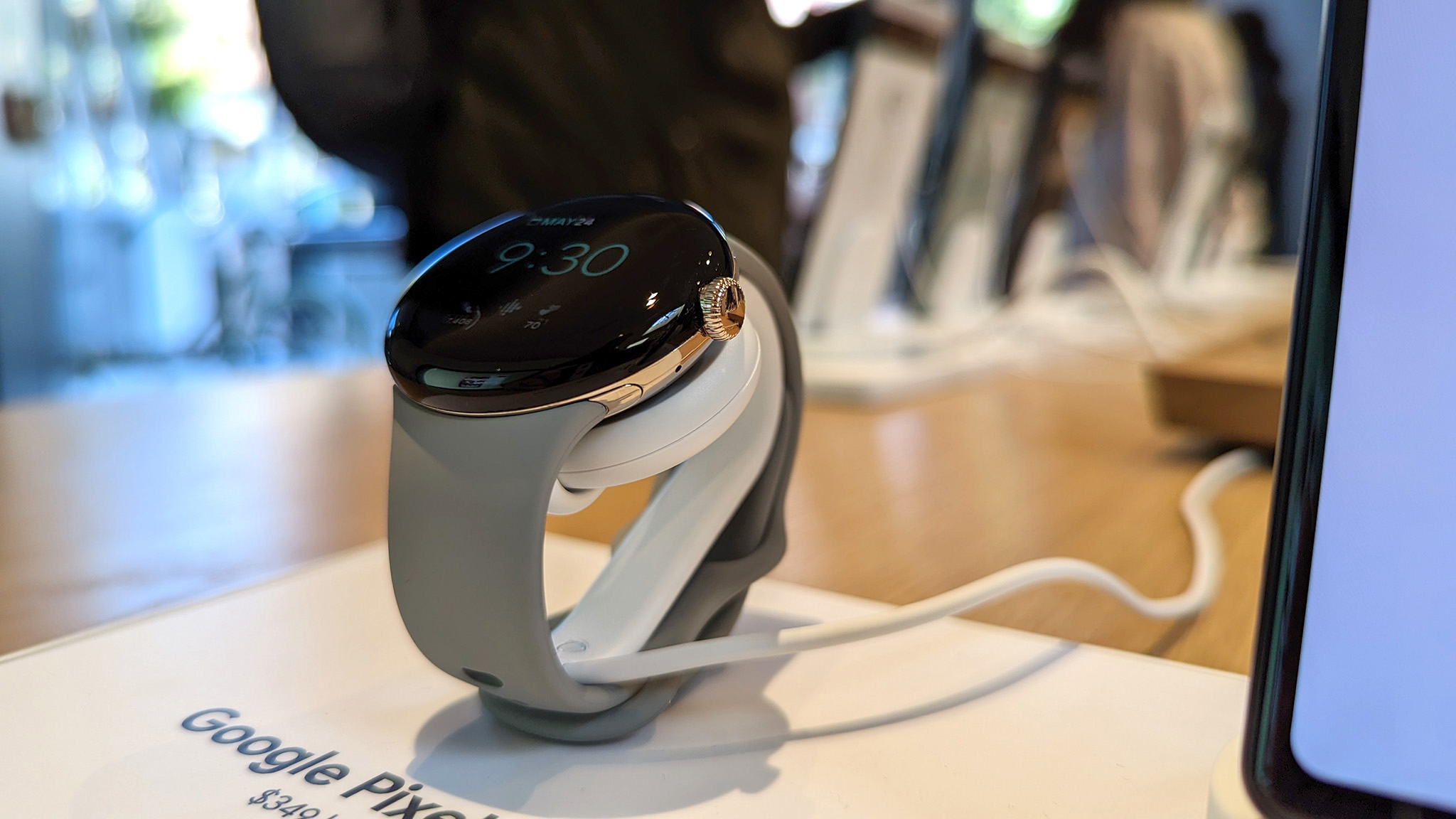
The LTE version of Pixel Watch can connect to a cellular network without staying near the phone. However, LTE is an added connection method, not a replacement for initial Android setup.


You still need a supported Android phone to:
- Activate the watch.
- Sign in with your Google Account.
- Set up the cellular plan.
- Install updates.
- Change watch settings.
- Manage apps and health features.
A cellular plan also needs to be supported by the carrier and linked to an eligible phone plan. Carrier support in the United States can vary.

Can You Use a Pixel Watch With an iPhone After Android Setup?
Not in any officially supported way. You may be able to complete setup with an Android phone, but that does not turn Pixel Watch into an iPhone-compatible smartwatch.
After setup, the watch may continue to show the time and run some on-watch functions without the Android phone nearby. Depending on the model, connection, account, and feature, it may also use Wi-Fi or LTE.
However, important functions still depend on the Android ecosystem. You should not expect reliable iPhone support for:
- iPhone notifications
- Apple Messages integration
- Apple Health synchronization
- Calls through the iPhone
- Full app management
- Watch software updates
- Fitbit data management
- Google Assistant or other account features
- Device settings and troubleshooting
Using an Android phone only as a setup device is therefore a poor workaround. It creates extra steps and may leave you without the normal phone connection the watch was built to use.
What Happens If You Try to Connect Pixel Watch to an iPhone?
Your iPhone may detect the Pixel Watch as a nearby Bluetooth device, but detection does not mean compatibility.
A failed connection can look like this:
- The Pixel Watch does not appear in the correct setup flow.
- The iPhone cannot install the required Pixel Watch app.
- Pairing stops before setup is complete.
- The watch asks for an Android device.
- Notifications and health features do not work.
- The watch repeatedly returns to the setup screen.
Do not erase or reset a used Pixel Watch repeatedly unless you have a supported Android phone ready. A reset removes local settings and may leave the watch waiting for setup.
If you bought the watch for use with an iPhone, check the seller’s return policy before opening a carrier plan or buying accessories. The problem is not usually a defective watch. It is a platform restriction.

Does Fitbit Work With iPhone Even Though Pixel Watch Does Not?
Fitbit and Pixel Watch compatibility are related, but they are not the same thing.
The Fitbit app has supported iPhone in many cases. That does not mean a Pixel Watch can pair with an iPhone. Pixel Watch still needs the Google Pixel Watch app and an Android phone for setup and management.


This distinction matters because Pixel Watch includes Fitbit features. Fitbit support may handle health and activity data, but it does not replace the Pixel Watch companion app.
In simple terms:
| Feature | Pixel Watch with iPhone |
|---|---|
| Initial setup | No |
| Official Pixel Watch app | No iOS app |
| Bluetooth pairing | Not sufficient |
| Fitbit app alone | Does not solve setup |
| LTE activation without Android | No |
| Normal notifications | No |
| Official support | No |
The Fitbit app’s iPhone support should not be used as proof that Pixel Watch supports iOS.
Which Pixel Watch Models Work With iPhone?
The compatibility answer is the same for the main Pixel Watch generations:
| Model | Works with iPhone? | Phone requirement |
|---|---|---|
| Google Pixel Watch | No | Supported Android phone |
| Google Pixel Watch 2 | No | Supported Android phone |
| Google Pixel Watch 3 | No | Supported Android phone |
Google can change software requirements over time. Before buying a new or refurbished model, check the official Pixel Watch technical requirements for the exact watch generation.
Also check the requirements for the country where you will use the watch. Cellular service, emergency features, payments, and some health features may vary by region. In the United States, carrier support can also depend on the specific LTE model and plan.
What Should iPhone Users Buy Instead?
If you use an iPhone, choose a watch that officially supports iOS. The best option depends on what you want the watch to do.
Apple Watch
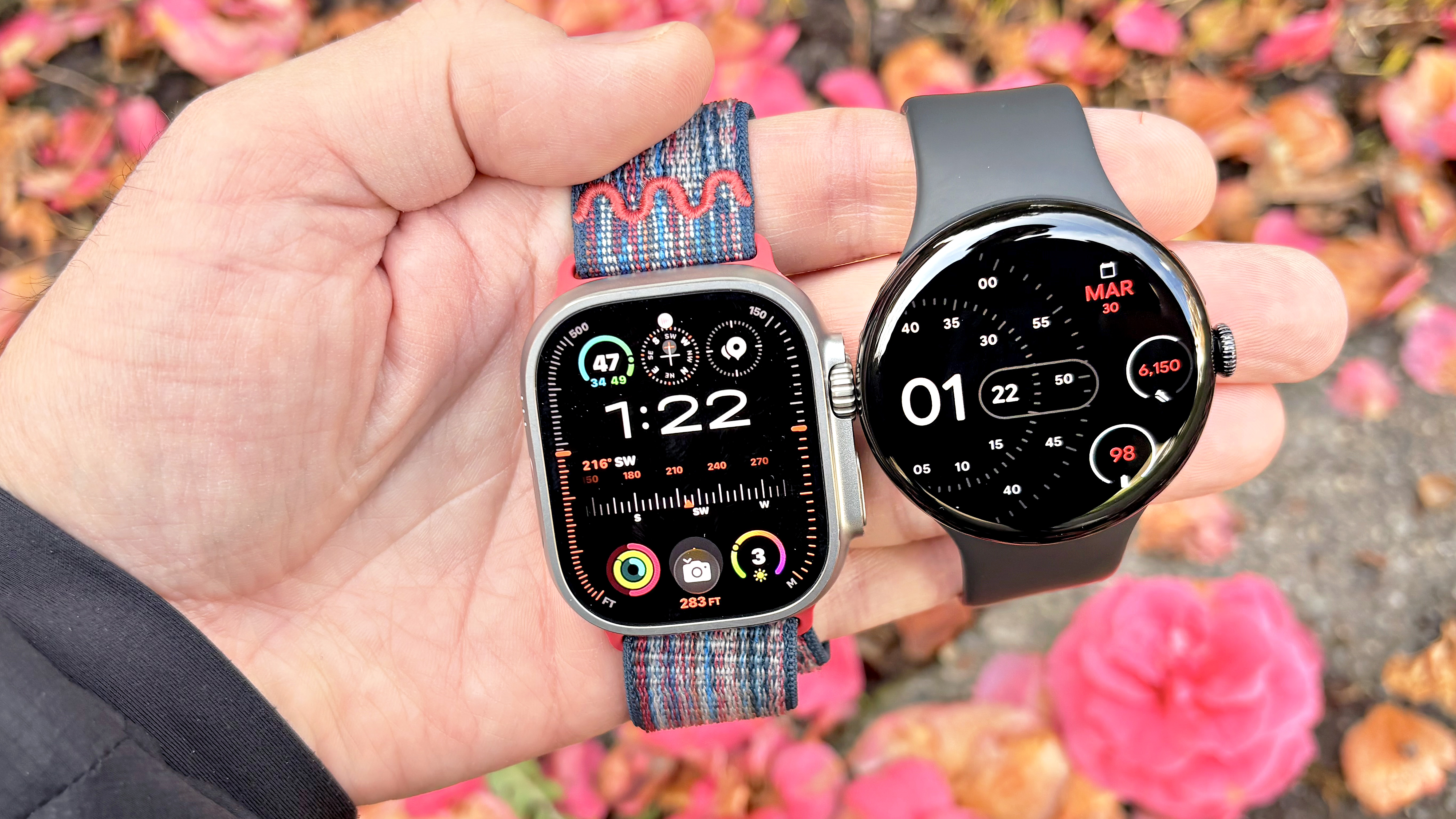
Apple Watch is designed for iPhone users and offers the deepest integration with iOS. It can handle Apple notifications, Apple Health, calls, messages, Apple Pay, and other iPhone features.
An Apple Watch is usually the most direct choice if you want:
- Full iPhone notification support
- Strong Apple Health integration
- Easy pairing with an iPhone
- Apple services and apps
- Family and safety features within Apple’s ecosystem
Apple Watch models are not compatible with Android phones, so this choice works best if you plan to stay with iPhone.
Garmin watches
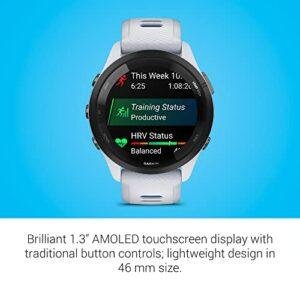
Many Garmin watches support both iPhone and Android through the Garmin Connect app. They are often a better fit for users who care about running, cycling, hiking, GPS tracking, training data, or long battery life.
Some iPhone limits may apply. For example, message replies and interactive notifications may not work as fully as they do on Android or Apple Watch.
Check the exact Garmin model’s iPhone feature list before buying. Compatibility can differ by model and operating system.


Fitbit devices
Many Fitbit trackers and smartwatches can work with iPhone through the Fitbit app. They may suit users who mainly want:
- Step tracking
- Sleep data
- Heart-rate information
- Exercise tracking
- Long battery life
- Basic notifications
Fitbit features, app requirements, and account rules can change. Confirm the current iPhone requirements for the exact model.
Other iPhone-compatible watches
Some Amazfit, Withings, and other smartwatch models support iPhone. Their features vary widely, especially for calls, text replies, payments, apps, and health data.
Look for an official statement that names your iPhone and iOS version. A listing that says only “Bluetooth compatible” is not enough.
How to Check Smartwatch Compatibility Before Buying
Use this short checklist before purchasing any smartwatch in the United States:
-
Find the official phone requirements.
Look for a support page from the watch maker, not only a retailer listing. -
Confirm iOS support.
Check whether the watch supports your current iPhone and iOS version. -
Check the companion app.
Search the App Store for the official app. An app with a similar name may not be the correct one. -
Review feature limits.
A watch may connect to iPhone but still lack message replies, calls, payments, or health syncing. -
Check cellular requirements.
LTE watches often require a compatible carrier, plan, and phone setup. -
Check return terms.
Compatibility problems are easier to solve before the return period ends. -
Avoid relying on Bluetooth alone.
Bluetooth discovery does not prove that the watch supports iPhone.
For Pixel Watch, step one gives the clear answer: Google requires a supported Android phone.


Common Mistakes iPhone Users Make
Several assumptions can lead to a Pixel Watch purchase that does not work as expected.
Mistake 1: Assuming Wear OS means iPhone support
Wear OS watches do not all share the same phone compatibility. Some older models supported iPhone, while newer Google and Samsung watches may require Android.
Always check the exact model.
Mistake 2: Confusing Fitbit support with Pixel Watch support
The Fitbit app may be available for iPhone, but Pixel Watch still requires the Pixel Watch app and Android setup.
Mistake 3: Buying the LTE version as a workaround
LTE helps a compatible watch stay connected away from a phone. It does not remove the Android requirement.
Mistake 4: Treating a Bluetooth connection as full support
Bluetooth can connect many types of devices. It does not provide the apps, permissions, account access, and software support needed for a smartwatch.
Mistake 5: Trusting an old review
Compatibility rules can change. A review about an older Wear OS watch may not apply to a current Pixel Watch model.
Official Sources to Check
For the most current requirements, use Google’s own support pages before you buy:
- Google Pixel Watch Help
- Google Pixel Watch technical and compatibility information
- Google Pixel Watch app on Google Play
You should also check Apple’s current iPhone and iOS information if you are comparing an Apple Watch with another smartwatch.
Product requirements can change after launch. The exact model, software version, country, carrier, and account can affect available features.
Frequently Asked Questions
Can I pair Google Pixel Watch with an iPhone using Bluetooth?
No. Bluetooth pairing alone cannot complete Pixel Watch setup or provide full smartwatch support. Pixel Watch requires the Google Pixel Watch app on a supported Android phone.
Can I use Pixel Watch with an iPhone if I have the LTE model?
No. LTE does not remove the Android requirement. You still need Android for setup, account access, updates, and watch management.
Can I use an iPhone temporarily to set up Pixel Watch?
No. The official setup process requires a supported Android phone. Using an Android phone first does not create full iPhone support afterward.
Can Pixel Watch send iPhone notifications?
Not through an officially supported connection. Pixel Watch is not designed to receive and manage iPhone notifications.
Is Pixel Watch compatible with iPad?
No. An iPad does not replace the supported Android phone required for Pixel Watch setup.
Does Pixel Watch work with Android phones other than Google Pixel phones?
Yes, supported Pixel Watch models can work with compatible Android phones. You do not always need a Google Pixel phone, but the phone must meet Google’s current requirements.
Should I buy Pixel Watch if I plan to switch from iPhone to Android?
It may make sense if you are certain you will move to a supported Android phone. If you will continue using iPhone, choose a watch with official iOS support instead.
Conclusion
Google Pixel Watch is not compatible with iPhone. The watch requires a supported Android phone and the Google Pixel Watch app for setup, updates, settings, notifications, and account features.
The LTE version does not change this requirement, and Fitbit’s iPhone app does not make Pixel Watch compatible with iOS. If you use an iPhone in the United States, choose an Apple Watch or another model that clearly lists official iPhone support.
Before buying, verify the exact model, iOS requirements, companion app, feature limits, and return policy.

Rubel Miah is the Senior Editor at MyStyleGrid.com, where he brings a sharp editorial eye and an unshakable love for fashion to everything he does. A true style addict, Rubel lives and breathes trends, from streetwear to high fashion, and has a knack for turning inspiration into impactful stories. With years of experience in fashion journalism and digital media, he curates content that empowers readers to express themselves through style. When he’s not editing features or forecasting the next big thing, you’ll find him hunting down vintage pieces or capturing street style moments around the city.