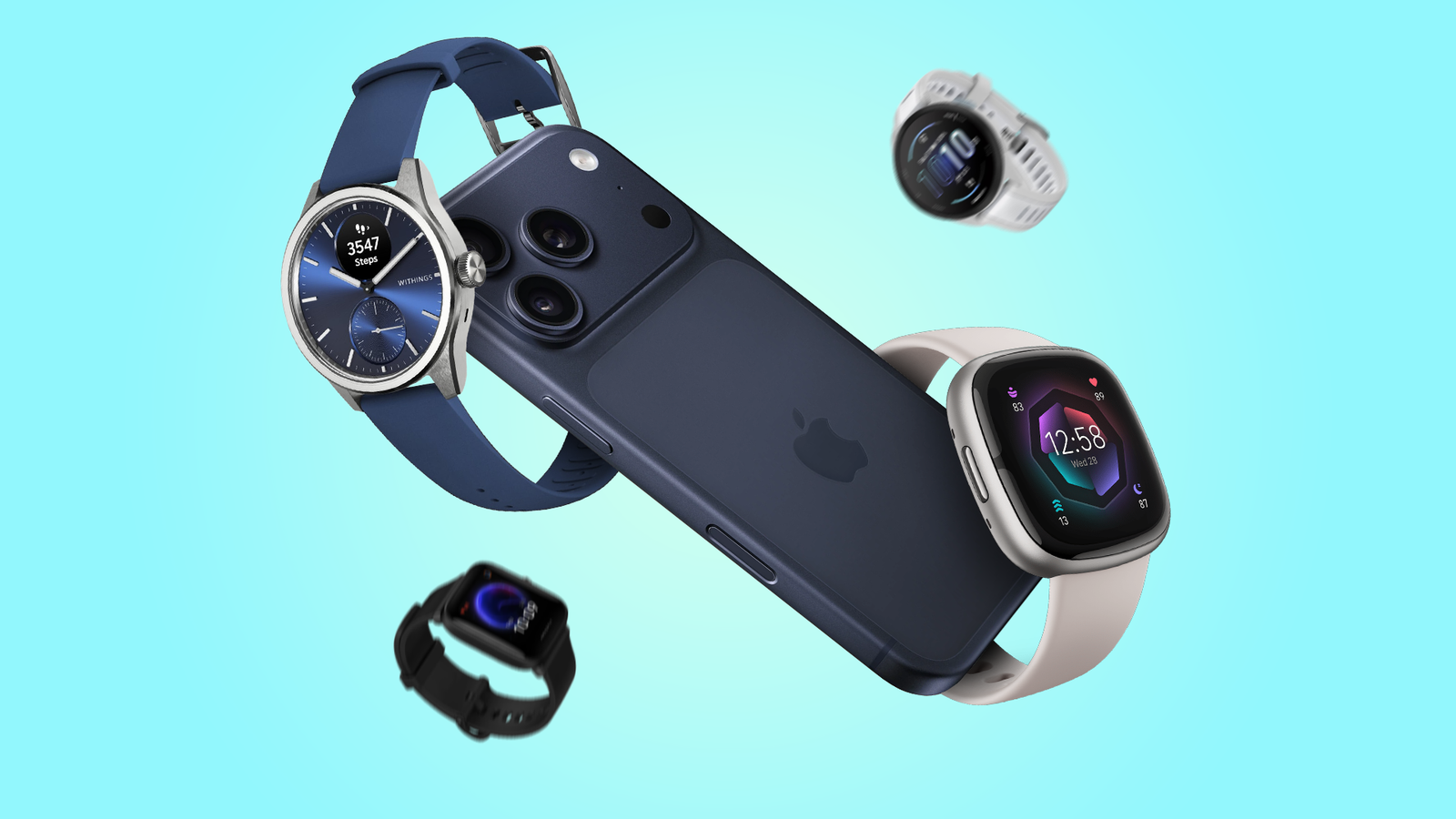
Apple Watch, Garmin, Fitbit, Amazfit, and several other smartwatches work with iPhone.
Choosing a smartwatch for an iPhone is not as simple as checking whether it can pair by Bluetooth. Each brand handles calls, messages, health data, apps, and notifications in a different way. After comparing the major platforms and their limits, this guide explains what smartwatches work with iPhone, which models offer the best experience, and what to check before you buy.
The Best Smartwatches That Work With iPhone
The best smartwatch for you depends on your priorities. Apple Watch offers the deepest iPhone connection, while Garmin and Fitbit often provide longer battery life. Other brands can work well, but they may limit replies, apps, or health features.
Here are the main smartwatch brands that work with iPhone:
• Apple Watch
• Garmin watches
• Fitbit watches
• Amazfit watches
• Withings watches
• Polar watches
• Huawei watches
• Some Samsung Galaxy Watch models, with important limits
Apple Watch: Best Overall for iPhone
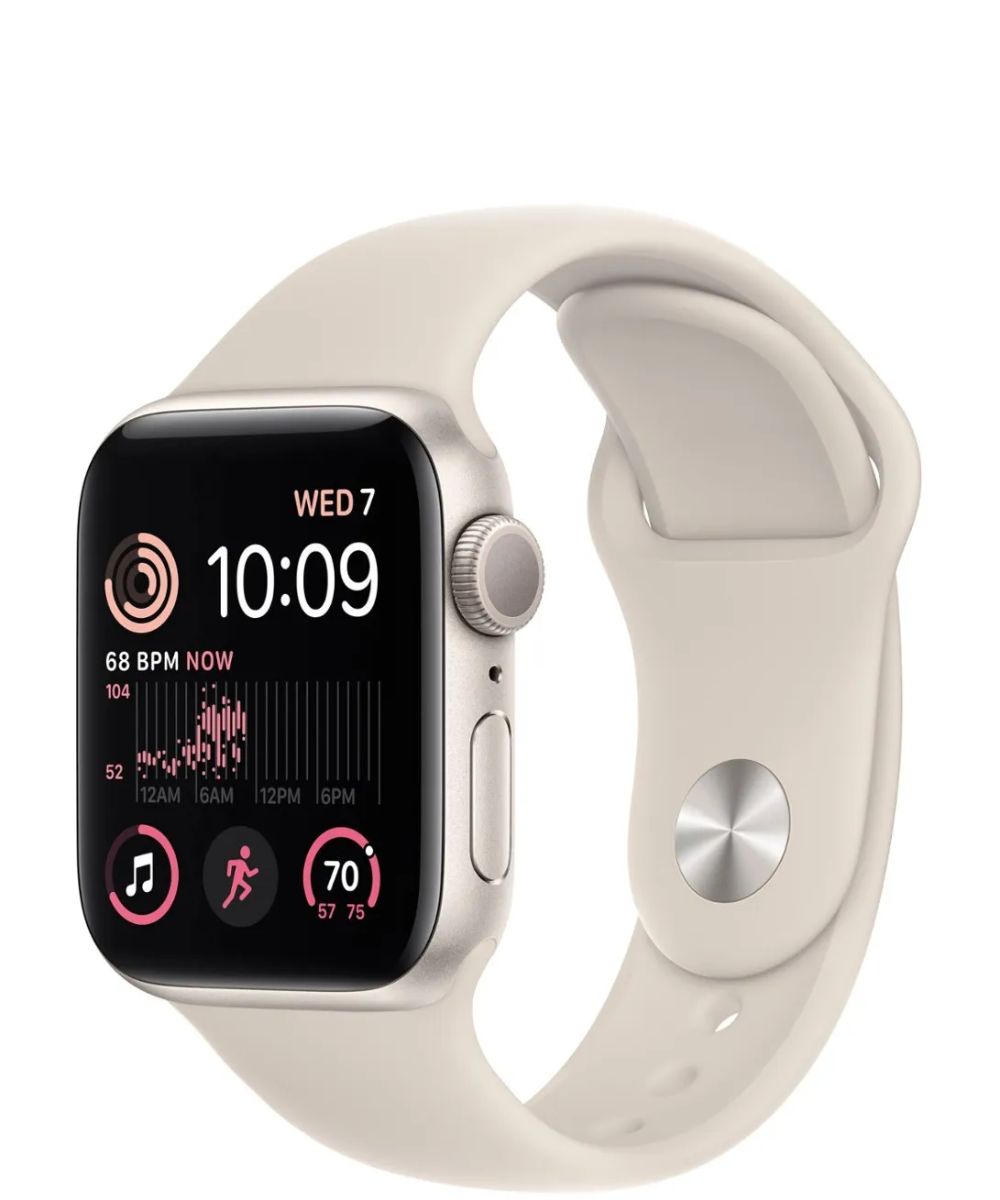
Apple Watch is the most complete choice for iPhone users. It connects closely with iOS and supports calls, texts, Apple Pay, Siri, App Store apps, Apple Maps, Fitness, and health features.
Current Apple Watch models require a compatible iPhone and a relatively recent version of iOS. Apple’s official compatibility rules can change when new watchOS versions arrive, so always check the requirements for the exact model you want.
Apple Watch is a strong choice if you want:
• Reliable iPhone notifications
• Fast replies to texts
• Emergency SOS and fall detection
• Detailed health and fitness tracking
• Apple Pay from your wrist
• Music and podcast control
• A large selection of third-party apps
The main weakness is battery life. Most Apple Watch models need daily charging. The Apple Watch Ultra line lasts longer, but it costs more and is larger on the wrist.
Garmin: Best for Fitness and Battery Life
Garmin makes some of the best smartwatches that work with iPhone for runners, cyclists, hikers, swimmers, and outdoor users. Popular lines include Forerunner, Venu, vívoactive, Fenix, Epix, and Instinct.
Garmin watches pair with the Garmin Connect app on iPhone. They can show calls, texts, calendar alerts, and many other notifications. Most models also track heart rate, sleep, workouts, GPS routes, stress, body battery, and training load.
Garmin is especially useful if you want:
• Several days or weeks of battery life
• Strong GPS performance
• Advanced running and cycling data
• Training plans and recovery advice
• Offline maps on selected models
• A durable design for outdoor use
There are limits. Garmin watches do not offer the same level of iPhone integration as Apple Watch. For example, message replies are more limited on iPhone than on Android. Some Garmin features also vary by model and region.
Fitbit: Best for Simple Health Tracking
Fitbit devices work with iPhone through the Fitbit app. The brand is known for easy-to-read health data, step tracking, sleep tools, heart rate monitoring, and activity goals.
Fitbit models such as the Sense and Versa lines offer smartwatch features, while Charge devices focus more on fitness tracking. Fitbit can suit people who want a simple view of daily health rather than a full wrist computer.
Fitbit is a good fit if you value:
• Easy health reports
• Sleep tracking
• Light, comfortable designs
• Simple activity goals
• Multi-day battery life
Some advanced Fitbit insights require a paid Premium plan. Also, iPhone users may have fewer reply options than Android users. Check the exact feature list before buying.
Amazfit: Best for Value and Battery Life
Amazfit watches work with iPhone through the Zepp app. They often offer bright screens, GPS, health tracking, sports modes, and long battery life at a lower price than Apple Watch.
Models such as the Amazfit Balance, GTR, GTS, and T-Rex series appeal to buyers who want many features without a premium price. Depending on the model, you may get sleep tracking, blood oxygen estimates, heart rate alerts, route tracking, and voice assistant tools.
Amazfit may be right for you if you want:
• A lower purchase price
• Long battery life
• A wide range of workout modes
• Large AMOLED displays
• Basic call and notification support
The software experience is not as seamless as Apple’s. Notifications may need extra setup, and third-party app support is more limited.
Withings: Best for Health Data and Classic Design
Withings makes hybrid watches and health-focused devices that work with iPhone. Its ScanWatch line looks like a traditional watch but adds heart rate tracking, sleep data, blood oxygen readings, and activity monitoring.
Withings is a smart choice if you dislike charging every night or prefer a watch that looks formal. Some models can run for weeks on one charge because they use a simple display instead of a full smartwatch screen.
Withings works best for:
• Health tracking
• Long battery life
• A classic watch style
• Basic notifications
• Sleep and heart monitoring
It is not the best option for people who want many apps, maps, games, or rich message features.
Polar: Best for Training Data
Polar watches work with iPhone through the Polar Flow app. They focus on exercise, heart rate, recovery, sleep, and training plans.
Polar is popular with runners, cyclists, and serious fitness users who want structured data. Its watches may not feel like a traditional smartwatch, but they can be excellent training tools.
Huawei: Works With iPhone, but Check the Details
Several Huawei watches can pair with iPhone through the Huawei Health app. They may support activity tracking, sleep data, heart rate monitoring, GPS, and notifications.
However, iPhone support can be more limited than Android support. App choices, message replies, contact syncing, and some health features may not work in the same way. Review the exact model’s iOS feature list before ordering.
Does Every Smartwatch Work With iPhone?
No. A smartwatch may use Bluetooth and still lack proper iPhone support. Compatibility depends on the watch’s operating system, companion app, and the features allowed by iOS.
The phrase “works with iPhone” can mean several different things:
• The watch can pair with an iPhone.
• The watch can show iPhone notifications.
• The watch can answer calls.
• The watch can display text messages.
• You can reply to messages.
• Health data can sync with Apple Health.
• The watch supports apps and payments.
A low-cost watch may handle notifications but not allow message replies. Another watch may sync steps but fail to support calls or music controls. That is why compatibility should be judged by features, not by pairing alone.
Operating System Matters
Apple Watch uses watchOS and is designed for iPhone. Garmin, Fitbit, Amazfit, Withings, Polar, and Huawei use their own software platforms.
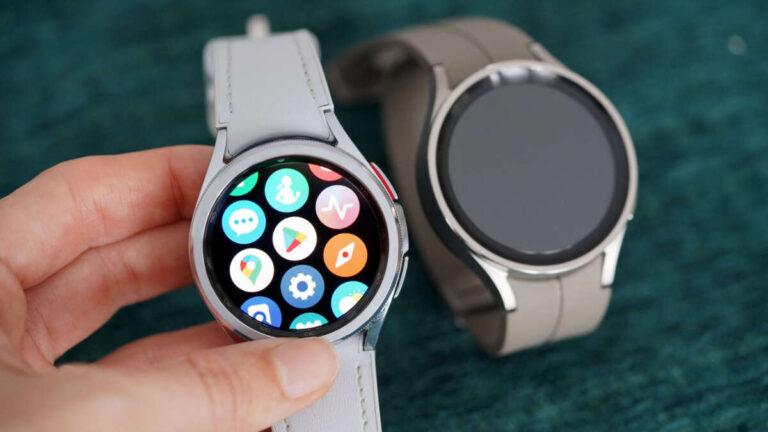
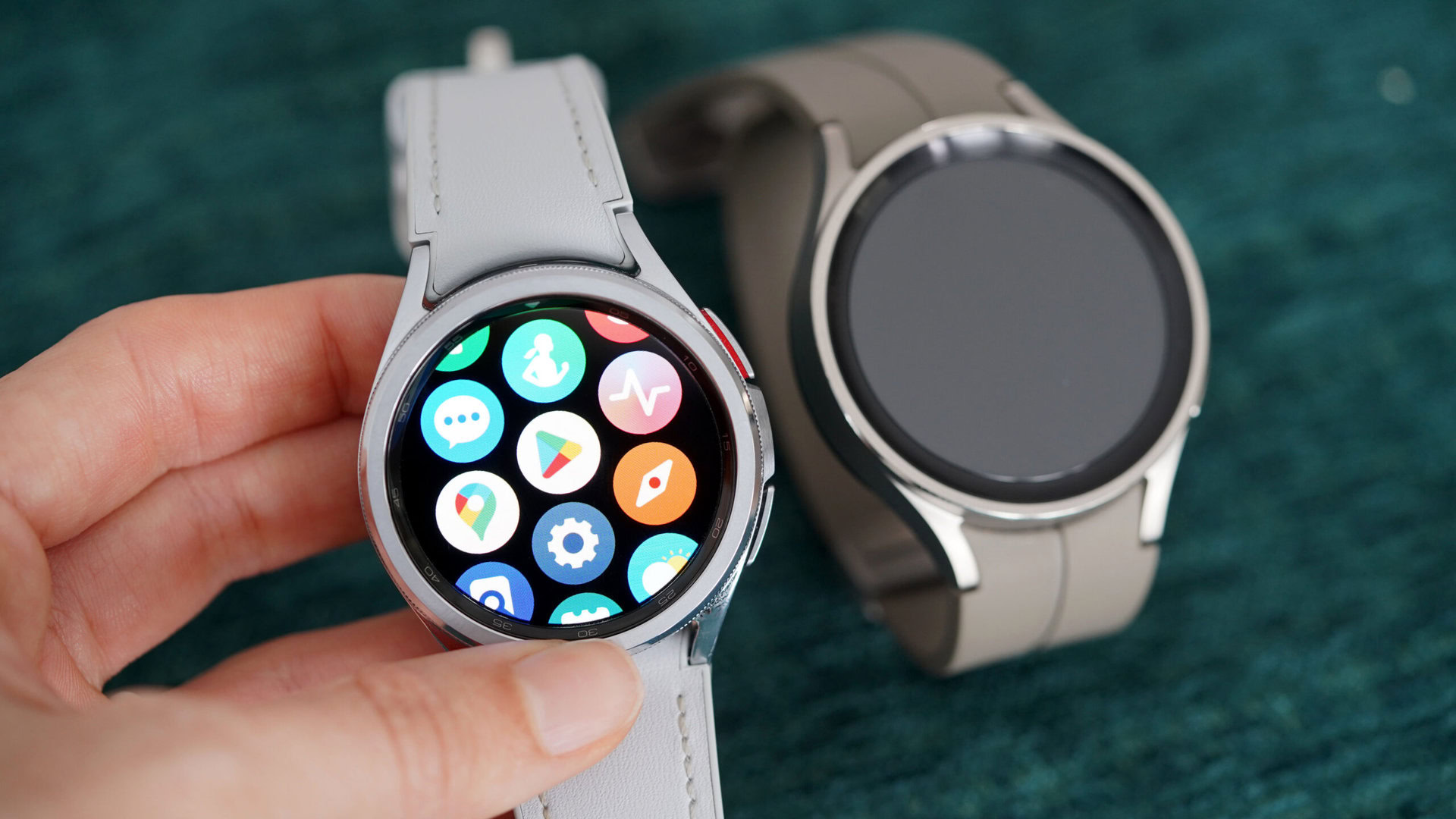
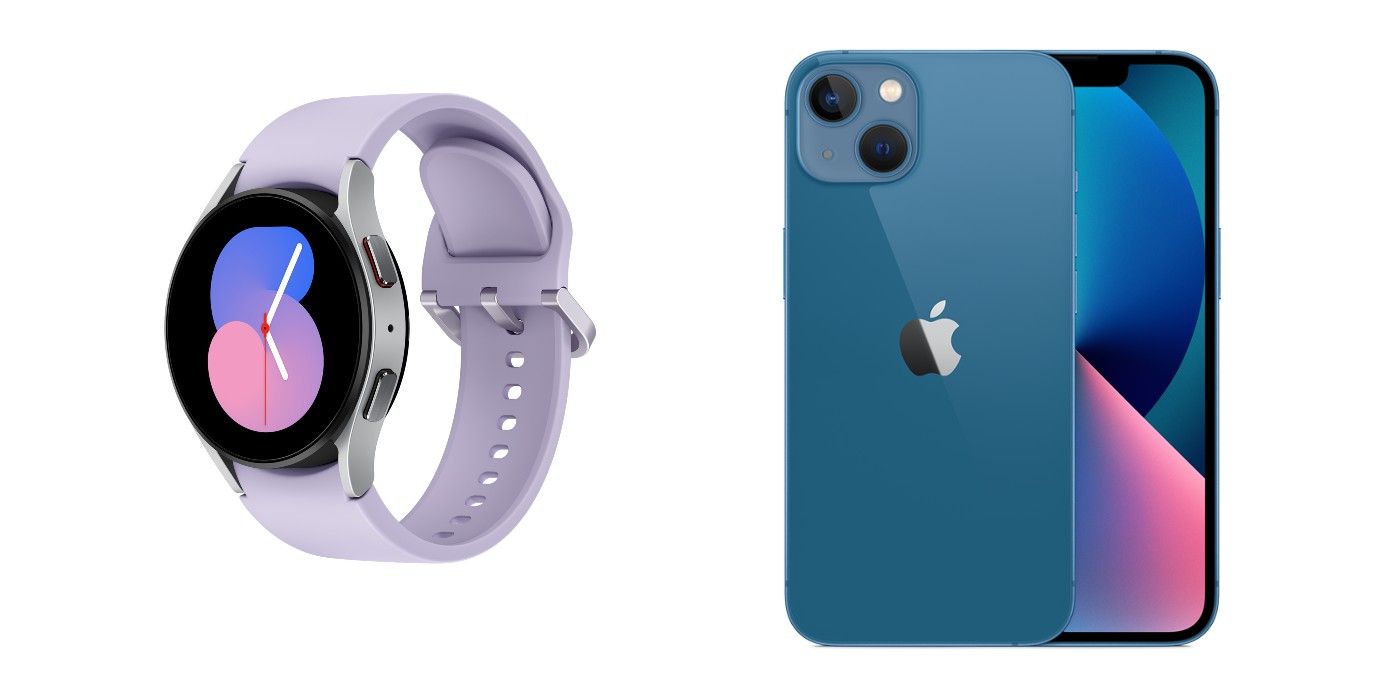
Samsung Galaxy Watch models use Wear OS. Recent Wear OS Galaxy Watches generally require Android phones and do not support iPhone. Older Samsung watches that use Tizen may pair with iPhone, but their support is limited and older software may no longer receive major updates.
Google Pixel Watch models are also designed for Android and do not work with iPhone. This is an important mistake to avoid when shopping.
The Companion App Is Essential
Most non-Apple watches require an iPhone app. The app manages setup, firmware updates, health records, watch faces, and account settings.
Before buying, check whether the app:
• Supports your iOS version
• Syncs with Apple Health
• Runs reliably in the background
• Requires an account or subscription
• Supports your country or region
• Offers the features you need on iPhone
A watch can have excellent hardware but still feel frustrating if its app is poor.
What Features Work Best on iPhone?
Smartwatch features can change when a watch connects to an iPhone instead of an Android phone. Apple controls many parts of iOS, so third-party watches may face limits.
Notifications
Most smartwatches that work with iPhone can display notifications. You usually choose which iPhone apps can send alerts to the watch.
Notifications may include:
• Phone calls
• Text messages
• Calendar events
• Social media alerts
• Weather warnings
• Delivery updates
On some watches, notifications are one-way. You can read an alert but cannot respond from the watch.
Calls
Many Garmin, Amazfit, Fitbit, and Huawei models can show incoming calls. Some also include a speaker and microphone for wrist-based calls.
Call support depends on the connection method. Bluetooth calling usually requires your iPhone to be nearby. Cellular Apple Watch models can make calls away from the iPhone when activated with a supported carrier.
Text Replies
Apple Watch provides the richest messaging experience on iPhone. You can use voice dictation, preset replies, emoji, a keyboard on selected models, and other Apple features.
Third-party watches may show texts but offer limited replies. This is one of the clearest differences between Apple Watch and other smartwatches that work with iPhone.
Health and Fitness Tracking
Most major brands track basic activity data. This may include steps, distance, heart rate, sleep, workouts, and calories.
More advanced tools vary by model. Some watches offer ECG readings, blood oxygen estimates, skin temperature, irregular rhythm alerts, or advanced running metrics. These features are not medical diagnoses. If a device shows an unusual result, speak with a health professional.
Apple Watch can share many health records with Apple Health. Other brands may sync only selected data, and some information may remain inside the brand’s own app.
Music and Payments
Apple Watch works well with Apple Music, Apple Pay, and other Apple services. Garmin supports Garmin Pay on selected models and banks. Fitbit and other brands may offer their own payment systems, but availability depends on location and financial institutions.
Music support also varies. Some watches control playback on your iPhone, while others store music for offline listening. Always check whether your preferred service is supported.

Apple Watch vs. Other Smartwatches That Work With iPhone
The right choice comes down to the balance between integration, battery life, price, and fitness tools.
| Feature | Apple Watch | Garmin | Fitbit | Amazfit | Withings |
|---|---|---|---|---|---|
| iPhone integration | Excellent | Good | Good | Good | Basic |
| Battery life | Usually one to two days | Several days to weeks | Several days | Several days to weeks | Often weeks |
| Message replies | Best | Limited on iPhone | Limited | Limited | Very limited |
| Fitness tools | Excellent | Excellent | Good | Good | Basic to good |
| App support | Excellent | Moderate | Moderate | Limited | Limited |
| Health tracking | Advanced | Advanced | Strong | Broad | Health focused |
| Price range | Mid to premium | Mid to premium | Budget to premium | Budget to mid-range | Mid to premium |
Apple Watch is the easiest recommendation for most iPhone owners. Garmin is often better for outdoor sports and battery life. Fitbit is simpler, while Amazfit gives you many features for less money. Withings suits people who want health tracking without a bright smartwatch look.
A practical lesson from comparing these devices is that the most expensive watch is not always the best match. A runner who hates daily charging may be happier with Garmin. A person who wants quick texts and Apple Pay may prefer Apple Watch.
How to Choose the Right Smartwatch for Your iPhone
Use this process before you buy.
1. Check iPhone Compatibility
Look at the required iPhone model and iOS version. A watch may support your current phone but lose compatibility after a future software update.
Also check whether the watch requires a specific app. Read recent app reviews, not only the product description.
2. Decide Which Features Matter Most
Make a short list of your top three needs. For example:
• Text replies
• Sleep tracking
• Running GPS
• Long battery life
• Apple Pay
• Cellular service
• Emergency safety tools
This list prevents you from paying for features you will never use.
3. Consider Battery Life
Battery life affects how useful health tracking becomes. A watch that runs out of power at night cannot record sleep. A watch that lasts two weeks may be easier to maintain.
Manufacturers usually state battery life under specific test conditions. GPS use, bright displays, calls, music, and cellular service can reduce that number.
4. Check Wrist Comfort
A large outdoor watch may feel heavy during sleep. A small fitness tracker may feel better but offer fewer smart features.
Pay attention to:
• Case size
• Weight
• Band material
• Screen brightness
• Button placement
• Water resistance
5. Review Subscription Costs
Some brands place advanced sleep, readiness, or coaching tools behind a subscription. The watch may still work without the plan, but the experience can be less complete.
Calculate the total cost over two or three years. A cheaper watch with a monthly fee may cost more than expected.
6. Check Cellular Support
Cellular Apple Watch models can work without the iPhone nearby, but they require carrier support and an added plan. Most non-Apple watches depend on Bluetooth and your phone’s internet connection.
Do not confuse Bluetooth calling with independent cellular service.
How to Pair a Smartwatch With an iPhone
Setup is usually simple, but the order matters.
-
Charge the watch and turn it on.
-
Install the correct companion app from the App Store.
-
Turn on Bluetooth and Wi-Fi on your iPhone.
-
Create or sign in to the required account.
-
Follow the pairing instructions in the app.
-
Allow notifications, Bluetooth, location, and health permissions.
-
Install available firmware updates.
-
Test calls, notifications, health syncing, and battery settings.
Apple Watch uses the Apple Watch app on the iPhone. Other brands usually use their own companion app.
If pairing fails, restart both devices. Keep them close together, update the iPhone and watch app, and remove old Bluetooth connections if needed. A common mistake is denying notification access during setup and then assuming the watch is defective.

Common Limitations of Smartwatches With iPhone
Third-party smartwatches can work well with iPhone, but they do not have full access to iOS.
Limited Message Interaction
Many watches can display messages but cannot provide full replies. This limitation comes from how iOS manages communication between apps and accessories.
Fewer Third-Party Apps
Apple Watch has a mature app ecosystem. Garmin, Fitbit, Amazfit, and other platforms offer fewer apps. Their built-in tools may be excellent, but you should not expect the same selection as the Apple Watch App Store.
Incomplete Apple Health Sync
Some watches sync steps, heart rate, and workouts to Apple Health. Others sync only selected categories or require manual settings.
Check the permissions page after setup. If a health category matters to you, confirm that it actually appears in Apple Health.
Software Support
Older watches may continue to pair with an iPhone but stop receiving major updates. Security, app support, and health features can then decline over time.
Buying a recent model from a brand with a clear update record is safer than choosing an old bargain model.
Smartwatch Buying Mistakes to Avoid
The following mistakes are easy to make.
• Buying a Wear OS watch without checking iPhone support
• Assuming every watch can reply to texts
• Ignoring the required iOS version
• Forgetting about paid health features
• Expecting Android and iPhone features to be identical
• Choosing a large watch without considering sleep comfort
• Trusting advertised battery life without reading test conditions
• Failing to check cellular carrier support
• Assuming health readings replace medical advice
A simple product page may say “iOS compatible,” but that phrase does not promise full functionality. Look for a feature comparison made specifically for iPhone users.
Frequently Asked Questions About What Smartwatches Work With iPhone
Does Apple Watch work with every iPhone?
No. Apple Watch compatibility depends on the watch model, watchOS version, and iPhone model. Check Apple’s current requirements before purchasing, especially if you use an older iPhone.
Can Samsung Galaxy Watch work with iPhone?
Most newer Galaxy Watch models that use Wear OS do not work with iPhone. Some older Tizen-based models may connect, but their features and software support are limited.
Can I use a Garmin watch with an iPhone?
Yes. Garmin watches connect to iPhone through the Garmin Connect app. They provide notifications, fitness tracking, and many health tools, but message replies and some smart features are more limited than on Apple Watch.
Can I answer calls on a smartwatch connected to iPhone?
Some models let you answer calls through a built-in speaker and microphone, while others only show the caller. Bluetooth models usually need the iPhone nearby, whereas a cellular Apple Watch can work independently with an active plan.
Do Fitbit watches work with iPhone?
Yes. Fitbit devices pair with iPhone through the Fitbit app and can track activity, sleep, heart rate, and workouts. Advanced insights may require a Fitbit Premium subscription.
Can a smartwatch send texts without an iPhone nearby?
Usually not. Independent messaging requires cellular or Wi-Fi support, compatible software, and an active service plan; many third-party watches rely on the iPhone for communication.
Which smartwatch has the best iPhone compatibility?
Apple Watch has the best overall iPhone compatibility. Garmin, Fitbit, Amazfit, Withings, Polar, and some Huawei watches are useful alternatives when battery life, fitness tools, price, or design matter more than deep Apple integration.
Conclusion
The best smartwatch for an iPhone depends on how you plan to use it. Apple Watch delivers the smoothest connection, strongest messaging tools, and broadest app support. Garmin leads in battery life and training features, while Fitbit, Amazfit, Withings, Polar, and Huawei offer useful alternatives with different strengths.
Before you buy, check the exact iPhone requirements, notification options, health syncing, battery rating, subscription costs, and cellular support. Compare the features you will use every day rather than choosing by brand name alone. Explore the latest model details, make your shortlist, and choose the smartwatch that fits both your iPhone and your daily routine.

Rubel Miah is the Senior Editor at MyStyleGrid.com, where he brings a sharp editorial eye and an unshakable love for fashion to everything he does. A true style addict, Rubel lives and breathes trends, from streetwear to high fashion, and has a knack for turning inspiration into impactful stories. With years of experience in fashion journalism and digital media, he curates content that empowers readers to express themselves through style. When he’s not editing features or forecasting the next big thing, you’ll find him hunting down vintage pieces or capturing street style moments around the city.