
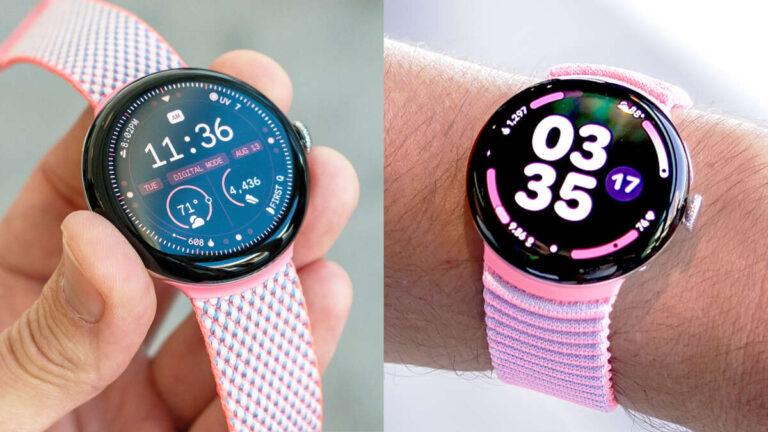
No, the Google Pixel Watch does not work with iPhone because it requires an Android phone for setup and daily use.
The answer to “does the Google Pixel Watch work with iPhone” is simple, but the details matter. Google Pixel Watch models rely on the Google Pixel Watch app, Android services, and Google account features that iOS does not support. This guide explains the compatibility limits, what happens if you try to connect one, and which smartwatch alternatives make more sense for iPhone users.
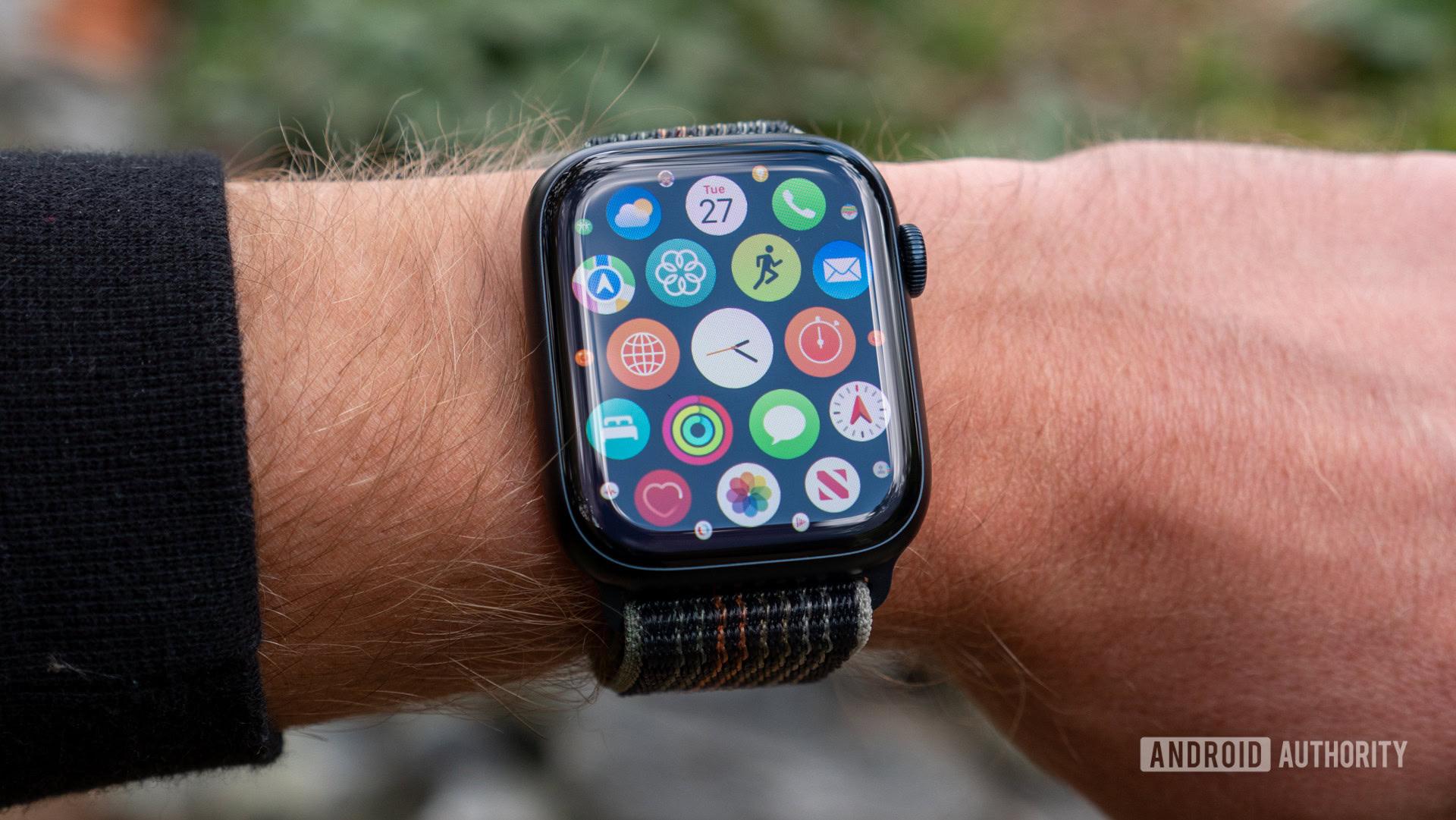
Does the Google Pixel Watch work with iPhone?
No. The Google Pixel Watch does not officially work with iPhone. You need a compatible Android phone to set up, update, manage, and use the watch.
Google designed the Pixel Watch to work closely with Android phones, especially Google Pixel devices. The watch uses the Google Pixel Watch app for setup, settings, software updates, watch faces, apps, safety tools, and account management. That app is not available for iPhone.
This means an iPhone cannot complete the normal Pixel Watch setup process. It also cannot provide the full phone connection the watch needs for notifications, calls, messages, health data, and other smart features.
The same limitation applies to the Pixel Watch, Pixel Watch 2, and Pixel Watch 3. While hardware details differ between models, their phone compatibility remains Android-based.

Why is the Google Pixel Watch not compatible with iPhone?
The main issue is not Bluetooth. It is the software connection between the watch and the phone.
Many smartwatches use Bluetooth for basic data exchange. However, a modern smartwatch also needs a companion app, background permissions, account access, health services, and notification controls. The Pixel Watch depends on Android services that Apple does not allow Google to duplicate fully on iOS.
The Google Pixel Watch app handles tasks such as:
• Pairing the watch with a phone
• Installing watch apps and watch faces
• Managing Google Assistant and Google Wallet
• Checking battery status
• Changing watch settings
• Downloading software updates
• Viewing device details
• Managing safety and cellular features
An iPhone cannot install this required app. As a result, Bluetooth pairing alone cannot make the watch usable.
Think of Bluetooth as the road between two devices. The Pixel Watch app is the traffic system that controls the road. Without the app, the connection cannot support the watch’s full features.
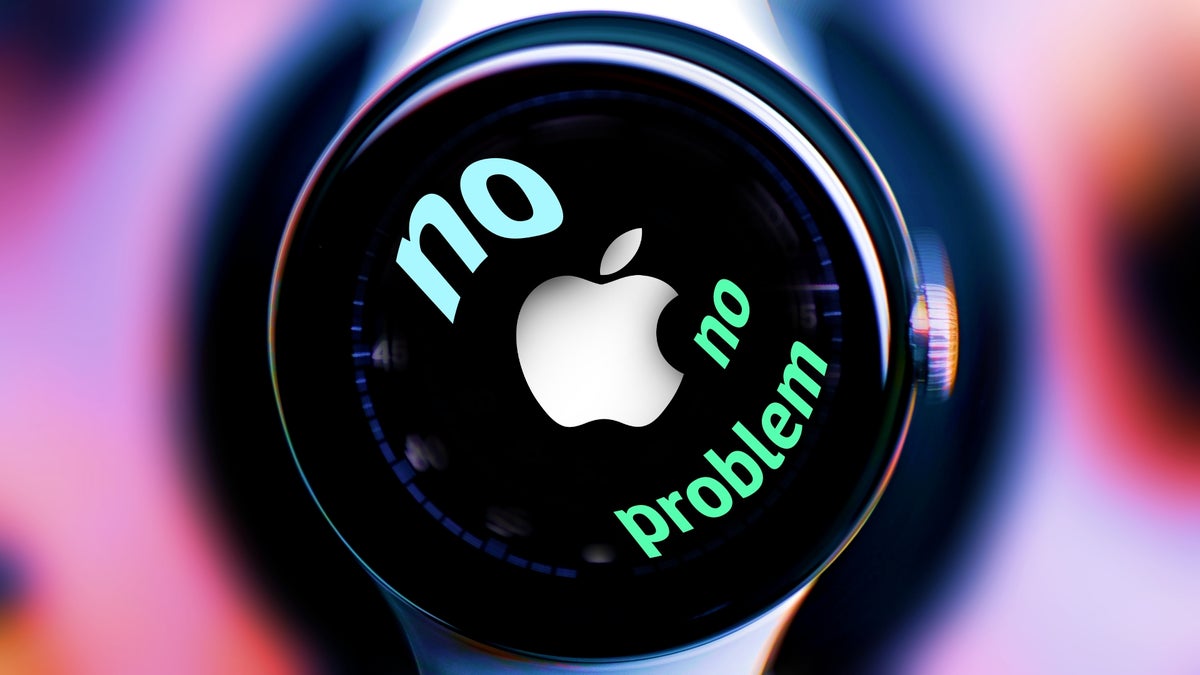
What happens if you try to pair a Pixel Watch with an iPhone?
If you try to pair a Pixel Watch with an iPhone, the process will usually stop during setup. The watch may turn on and display its setup instructions, but the required Android app is missing.
You may see the watch in the iPhone’s Bluetooth settings. That does not mean the devices are compatible. Smartwatches usually need to be paired through their official companion app, not through the phone’s Bluetooth menu alone.
You should not expect these functions to work with an iPhone:
• Initial watch setup
• Google Pixel Watch app controls
• Software updates
• Reliable iPhone notifications
• Phone calls through the watch
• Text message syncing
• Google Wallet setup
• Health and fitness data syncing
• Watch app installation
• Emergency and safety setup
A Pixel Watch that was previously set up with Android may still show the time or record some data on its own. However, that is not the same as working with iPhone. Without its supported Android connection, many features will be limited or unavailable.

Can a Pixel Watch work with iPhone after Android setup?
Setting up the watch with an Android phone first does not solve the compatibility problem. The Pixel Watch still needs an Android phone for ongoing management and many connected features.
You might be able to use a few basic functions without a nearby phone. For example, the watch may display the time, track some activity, or store limited data. A cellular model may also perform selected tasks when it has an active mobile plan.
Still, an iPhone cannot replace the Android phone used for Pixel Watch support. You may not receive dependable notifications, install updates, change settings, or sync health information to Apple Health.
This is a common mistake. Some buyers assume that setup is a one-time step. In practice, a smartwatch needs a supported phone throughout its life. The phone is more than a setup tool; it is the watch’s control center.
Does the Pixel Watch work with iPhone notifications?
No, the Pixel Watch does not offer official iPhone notification support. It cannot reliably mirror calls, messages, app alerts, or calendar notifications from an iPhone.
Apple controls how iOS shares notifications with connected accessories. Apple Watch has deep access because it is part of Apple’s own ecosystem. Third-party watches can work with iPhone only when their apps and software are designed for iOS.
The Pixel Watch does not have an iOS companion app. Therefore, it cannot create the normal notification bridge between an iPhone and the watch.
This also affects communication features. You should not buy a Pixel Watch expecting to reply to iMessages, answer iPhone calls, or receive all your iPhone alerts on the wrist.

Does the Pixel Watch work with iPhone for fitness tracking?
The watch may record some movement or health data by itself, but it does not provide a complete iPhone fitness experience.
Pixel Watch health features connect closely with Fitbit services. Full setup and syncing depend on supported software, accounts, and phone access. Without an Android phone, you may not be able to review all data, adjust health settings, or use every Fitbit feature as intended.
Important limits may affect:
• Step and activity syncing
• Workout records
• Sleep information
• Heart rate history
• Health settings
• Fitbit account management
• Exercise app installation
• Data transfer to other platforms
Google and Fitbit features can also change through software updates. For that reason, it is wise to check current device requirements before buying. Compatibility pages from Google, Fitbit, and Apple are more reliable than marketplace listings that simply say “Bluetooth smartwatch.”
Does the Google Pixel Watch work with iPhone cellular service?
A cellular Pixel Watch still does not become iPhone-compatible. LTE gives the watch its own mobile connection, but it does not remove the Android phone requirement.
Cellular service can help a supported Pixel Watch make calls, use data, stream music, or access online services away from a phone. However, the watch must first be activated and managed through a compatible Android device.
Carrier support is another factor. The watch and phone plan may need to meet specific requirements. Some carriers support smartwatch plans only when the watch is connected to a compatible Android phone account.
In short, cellular service can reduce the watch’s dependence on a nearby phone. It cannot change the operating system compatibility rules.
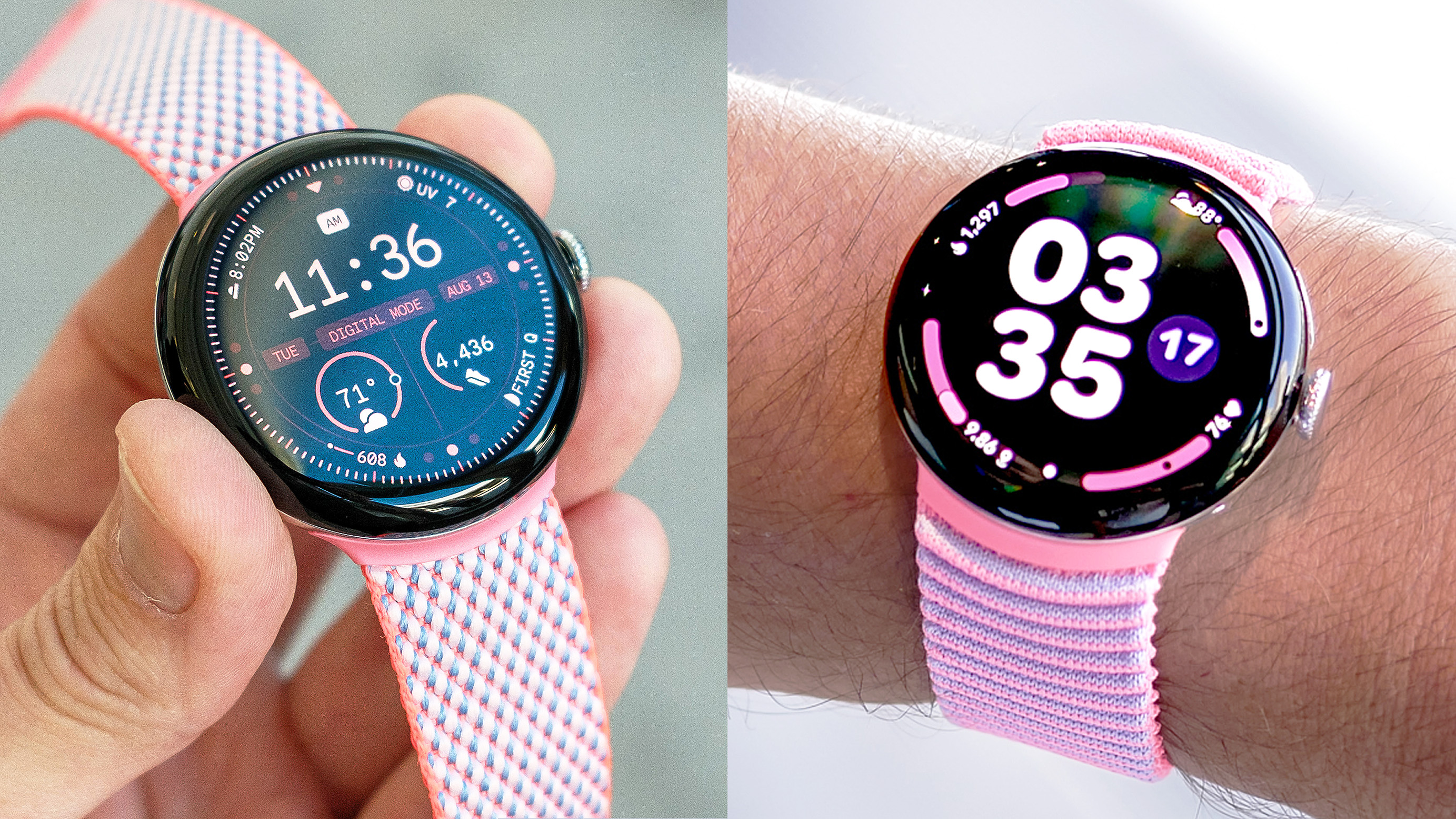
Which phones work with the Google Pixel Watch?
The Google Pixel Watch works with compatible Android phones. Google’s requirements can vary by model and software version, so check the current specifications before purchasing.
In general, you need:
• An Android phone that meets the watch’s minimum Android version
• Google Play services
• The Google Pixel Watch app
• A Google account
• A stable internet connection for setup and updates
• Bluetooth enabled
A Google Pixel phone usually offers the smoothest experience, but a compatible phone from Samsung, Motorola, OnePlus, or another Android brand may also work. Some features can depend on the phone model, region, carrier, and account settings.
Before buying, confirm the exact requirements for your watch generation. Do not rely only on the phone’s Bluetooth version.
Best smartwatch alternatives for iPhone users
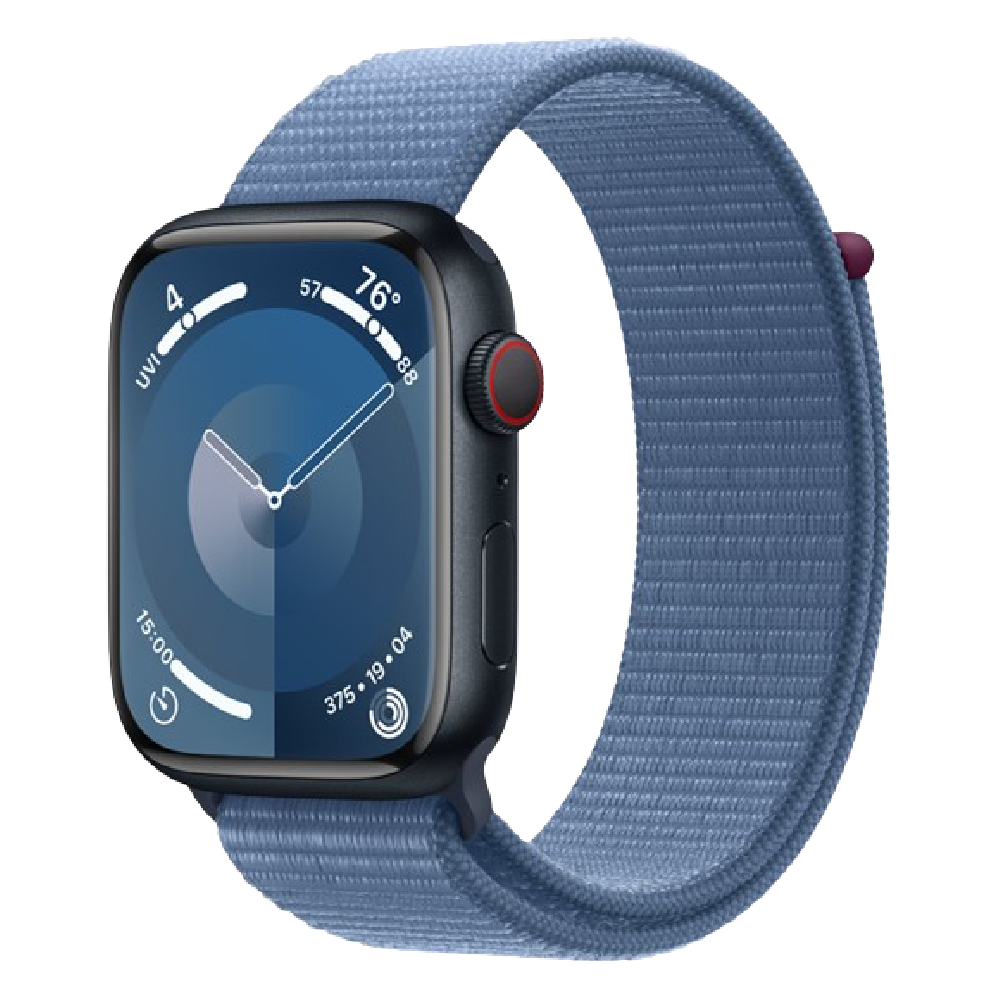
If you use an iPhone, the Apple Watch is the most complete choice. It offers the strongest integration with iMessage, Apple Health, Apple Pay, Siri, calls, notifications, and iOS settings.
Other options can also work well. Their features may not be as deeply integrated as Apple Watch, but they can offer longer battery life or broader device support.
Apple Watch
Apple Watch is made for iPhone and provides the smoothest connection. It supports notifications, calls, messages, Apple Health, fitness tracking, Apple Pay, and safety features.
The main drawback is that Apple Watch requires an iPhone. It is not a good choice if you plan to switch to Android.
Garmin watches
Garmin watches often work with both iPhone and Android through the Garmin Connect app. They are strong choices for running, cycling, hiking, battery life, training data, and outdoor use.
Notification replies and some smart features may be more limited on iPhone than on Android.
Fitbit devices
Many Fitbit trackers and watches support iPhone through the Fitbit app. They can be a good match for steps, sleep, heart rate, and general wellness tracking.
Check the exact model before buying. Fitbit features, app support, and phone requirements can differ.
Samsung Galaxy Watch
Samsung Galaxy Watch models often offer limited or no iPhone support, especially newer Wear OS models. Do not assume that every Samsung watch works with iOS.
Always check the product page for the exact model. This is one area where similar names can hide major compatibility differences.
How to choose the right smartwatch for your iPhone
Start with the feature you use most. A person who wants messages and calls needs a different watch from someone who mainly wants running data and long battery life.
Use this simple checklist:
-
Confirm iPhone compatibility on the manufacturer’s official support page.
-
Check the required iOS version.
-
Review whether notifications, calls, and messages work on iPhone.
-
Confirm access to Apple Health if that matters to you.
-
Check battery life and charging time.
-
Review cellular support and carrier requirements.
-
Look for app limitations before you buy.
-
Read recent user reviews for your specific iPhone model.
The most expensive watch is not always the best choice. Compatibility is the foundation. A less expensive watch that works smoothly with your iPhone is often better than a premium watch that cannot complete setup.
Practical buying advice from real-world setup issues
A frequent buying mistake is focusing on hardware before checking software. A buyer may see GPS, LTE, a bright display, and health sensors, then discover that the watch cannot connect to the phone they already own.
The safest habit is to verify three things before checkout:
• The exact watch model
• The exact phone operating system
• The official companion app
Also, check return rules. Compatibility claims on retail pages can be unclear, and some sellers use broad phrases such as “works with smartphones.” That does not always mean the watch supports iPhone.
If you already own a Pixel Watch and are moving from Android to iPhone, plan for a replacement or a second Android phone. Keeping an old Android phone only for watch management can be inconvenient and may still leave you without normal iPhone notifications.
Frequently Asked Questions
Does the Google Pixel Watch work with iPhone 15 or iPhone 16?
No. Newer iPhone models do not change the Pixel Watch’s compatibility requirements. The watch still needs a supported Android phone and the Google Pixel Watch app.
Can I download the Pixel Watch app on an iPhone?
No. The Google Pixel Watch companion app is designed for Android and is not available for iOS. Without the app, you cannot complete normal setup or manage the watch properly.
Can I use a Pixel Watch with an iPhone through Bluetooth?
No. Bluetooth alone cannot provide full Pixel Watch support. The required app, account services, updates, and notification connection still need a compatible Android phone.
Can a Pixel Watch receive calls from an iPhone?
No, not as an officially supported setup. A cellular Pixel Watch may handle some calls on its own after Android activation, but it cannot function as a normal iPhone-connected watch.
Can I use Google Pixel Watch with iPhone for Fitbit tracking?
The watch may store limited data without a supported phone, but the complete Fitbit setup and syncing experience requires compatible software. An iPhone cannot replace the Android connection required by the Pixel Watch.
Is Apple Watch the best option for an iPhone user?
For most iPhone owners, Apple Watch offers the deepest integration with iOS. Garmin and Fitbit can be better choices if you value longer battery life, outdoor training, or cross-platform support.
Conclusion
So, does the Google Pixel Watch work with iPhone? No. Pixel Watch models require a compatible Android phone for setup, updates, notifications, health syncing, and most connected features.
An iPhone user should choose Apple Watch for the strongest iOS experience, or consider Garmin and Fitbit for fitness tracking, battery life, and broader phone support. Check the exact app and operating system requirements before buying, then choose the watch that fits your daily needs. Share your smartwatch experience or explore more compatibility guides before making your next purchase.

Rubel Miah is the Senior Editor at MyStyleGrid.com, where he brings a sharp editorial eye and an unshakable love for fashion to everything he does. A true style addict, Rubel lives and breathes trends, from streetwear to high fashion, and has a knack for turning inspiration into impactful stories. With years of experience in fashion journalism and digital media, he curates content that empowers readers to express themselves through style. When he’s not editing features or forecasting the next big thing, you’ll find him hunting down vintage pieces or capturing street style moments around the city.


3 Responses