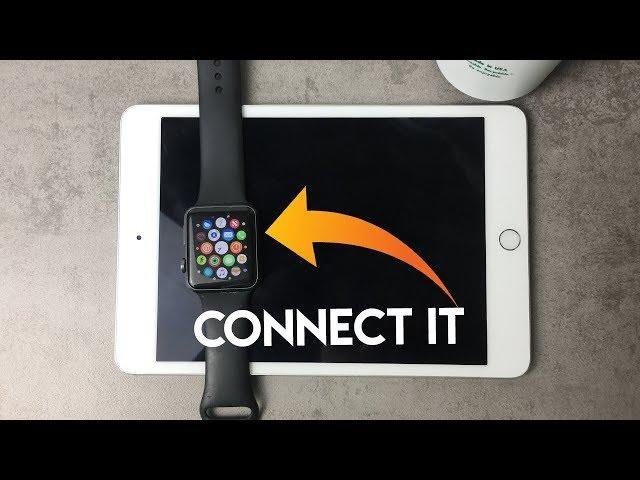
No, you cannot pair an Apple Watch directly with an iPad because Apple Watch setup requires a compatible iPhone.
The answer to “can i pair an apple watch with an ipad” is simple, but the details matter. You may still use an iPad alongside an Apple Watch for selected apps, messages, health data, and Apple services. This guide explains what works, what does not, and the best setup for your devices.

Can I Pair an Apple Watch With an iPad?
No, you cannot pair an Apple Watch directly with an iPad. Apple Watch models are designed to pair with an iPhone through the Watch app, and iPadOS does not include the Apple Watch setup and management system.
When people ask, “can i pair an apple watch with an ipad,” they often mean one of two things:
• Can the iPad replace an iPhone during Apple Watch setup? No.
• Can an iPad work with an Apple Watch after setup? Yes, but only in limited ways.
An iPhone acts as the Apple Watch’s main control center. It handles pairing, software updates, settings, app installation, backups, cellular setup, and many communication features. The iPad cannot take over these duties.

Why Can’t an Apple Watch Pair Directly With an iPad?
Apple Watch uses a special pairing process that is built into the iPhone Watch app. This process links the watch to the iPhone’s account, communication services, security settings, and health features.
The iPad does not support the required Watch app. It also does not provide the same Bluetooth and cellular management system that Apple Watch needs for full setup.
Think of the iPhone as the watch’s home base. The iPad can be a useful nearby screen, but it cannot become that home base.
Key reasons include:
• The Watch app is available on iPhone, not iPad.
• Apple Watch backups and setup depend on an iPhone.
• WatchOS updates are managed through a paired iPhone.
• Cellular activation usually requires an iPhone and a supported carrier.
• Apple Watch notifications are mainly controlled by the paired iPhone.
Therefore, the answer to “can i pair an apple watch with an ipad” remains no, even if both devices use the same Apple Account.

What Device Do You Need to Set Up an Apple Watch?
You need a compatible iPhone to set up an Apple Watch. The exact iPhone model and iOS version depend on the Apple Watch generation and its version of watchOS.
Before buying or setting up a watch, check these items:
• Your iPhone supports the Apple Watch model.
• Your iPhone runs the required version of iOS.
• Bluetooth and Wi-Fi are turned on.
• You know your Apple Account password.
• Your iPhone has enough storage for updates and backups.
• Your carrier supports Apple Watch cellular service if you have an LTE model.
To pair the watch, open the Watch app on the iPhone, tap “Pair New Watch,” and follow the on-screen instructions. You can then restore from a backup or set up the watch as new.
If you only own an iPad, you will need access to a compatible iPhone. Borrowing one may help with initial setup, but the watch will remain connected to that iPhone unless you later transfer it to another compatible iPhone.

Can an iPad Replace an iPhone for Apple Watch Setup?
No, an iPad cannot replace an iPhone for normal Apple Watch setup. This is true even when the iPad has cellular service or supports the latest iPadOS version.
An iPad with cellular data still does not work as an Apple Watch pairing device. Cellular iPad service connects the tablet to mobile data, but it does not provide the iPhone-based Watch app or phone number setup that Apple Watch expects.
This is a common mistake. A shopper may see “cellular” on both devices and assume they can connect. In practice, cellular features are not interchangeable.
If you are deciding whether to buy an Apple Watch, plan on having access to:
• An eligible iPhone for setup.
• A compatible operating system.
• A Wi-Fi connection during setup and updates.
• An Apple Account with two-factor authentication when required.

Can I Use an Apple Watch With an iPad After Pairing It With an iPhone?
Yes, an iPad can work well as a companion device after the Apple Watch is paired with an iPhone. However, the iPad does not become the watch’s primary device.
For example, you may use the iPad to view health information that syncs through iCloud. Depending on your settings and software versions, Health data from the iPhone can appear in the Health app on the iPad.
You may also use the same Apple Account across your iPhone, iPad, and Apple Watch. This helps keep some services connected, including:
• iCloud data.
• Messages and iMessage.
• Contacts and calendars.
• Find My features.
• App purchases and subscriptions.
• Health data, when syncing is enabled.
The experience is not identical to pairing. The Apple Watch still depends on the iPhone for its main settings, updates, and support.

How to View Apple Watch Health Data on an iPad
If you want to view Apple Watch activity on an iPad, first make sure the watch is paired with an iPhone. Then confirm that the iPhone and iPad use the same Apple Account.
Follow these steps:
-
Open Settings on the iPhone.
-
Tap your Apple Account name.
-
Open iCloud settings.
-
Select Health.
-
Turn on Health syncing with iCloud.
-
Sign in to the same Apple Account on the iPad.
-
Open the Health app on the iPad.
-
Allow the iPad to sync Health data when prompted.
Your watch sends activity and health information to the iPhone. The iPhone then syncs that information through iCloud, allowing the iPad to display it when the required features are available.
Syncing may take time after you change settings. Keep both devices connected to Wi-Fi and updated. If data does not appear, check the Apple Account, iCloud Health setting, available storage, and network connection.

Can an Apple Watch Receive Notifications From an iPad?
Usually, Apple Watch notifications come from the iPhone, not directly from the iPad. The watch mirrors alerts from the paired iPhone based on the iPhone’s connection and notification settings.
Apple’s notification rules can feel confusing. When the iPhone is unlocked, alerts often appear on the iPhone. When the iPhone is locked or asleep, notifications may appear on the watch. An iPad does not normally act as the source for those watch alerts.
Some Apple services may still stay in sync across devices. For example, iMessage conversations can appear on an iPhone and iPad when Messages in iCloud and related settings are enabled. That does not mean the iPad is paired with the watch.
If an alert is missing, check:
• Watch app notification settings on the iPhone.
• Focus mode settings.
• Bluetooth and Wi-Fi connections.
• Whether the iPhone is locked or unlocked.
• Whether the app supports Apple Watch notifications.
Can I Use an Apple Watch Without an iPhone Nearby?
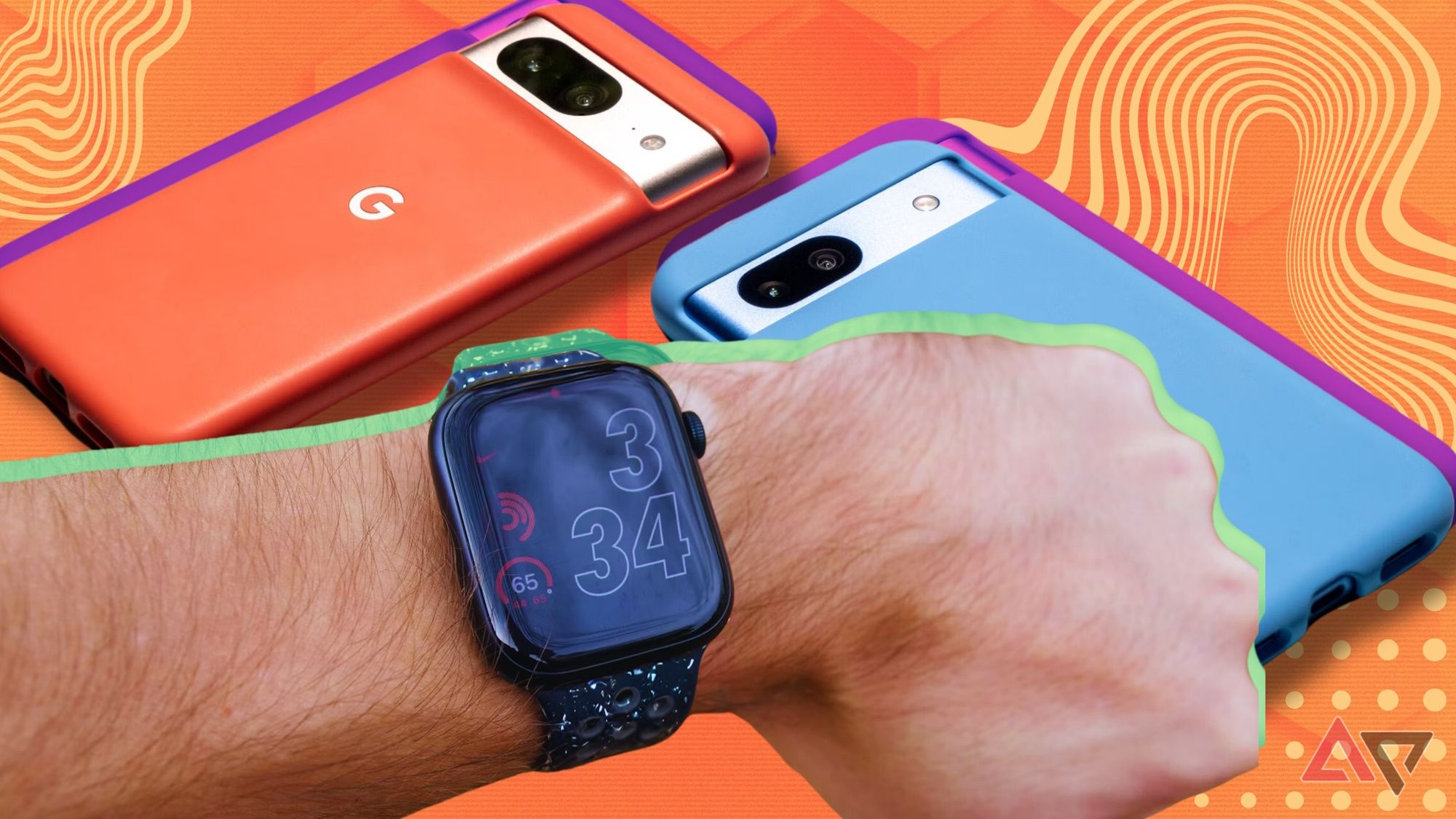
Sometimes, but not with full independence. After setup, an Apple Watch can perform many tasks without the iPhone nearby.
The watch can often track workouts, record activity, play downloaded music, tell time, use alarms, and make contactless payments. GPS Apple Watch models can also record routes during outdoor workouts and sync the information later.
A cellular Apple Watch can do more without the iPhone nearby. With an active supported plan, it may support calls, messages, streaming, navigation, and other online features.
Still, an iPhone remains important for:
• Initial pairing.
• WatchOS updates.
• Many settings.
• Backup and restore.
• Some app functions.
• Cellular plan management.
• Troubleshooting and unpairing.
This is why an iPad alone is not enough. Even an independent cellular Apple Watch still begins its life through an iPhone.

Can Family Setup Help You Use an Apple Watch With an iPad?
Family Setup can let a family member use an Apple Watch without having their own iPhone. However, Family Setup still requires an organizer’s compatible iPhone.
The organizer uses the iPhone to configure the watch, manage settings, approve contacts, and control certain parental features. The watch user may have an iPad, but the iPad does not replace the organizer’s iPhone.
Family Setup may suit:
• Children.
• Older adults.
• Family members who do not own an iPhone.
• People who need basic calling, location, and safety features.
There are limits. Some Apple Watch features and apps may not work fully under Family Setup. Cellular service may also be required, depending on the watch and the features you want to use.
So, if you ask, “can i pair an apple watch with an ipad through Family Setup,” the answer is still no. Family Setup changes who manages the watch, not which device performs the setup.
What Happens if You Try to Pair an Apple Watch With an iPad?
You will not find a normal Apple Watch pairing option on the iPad. The iPad may detect nearby Bluetooth devices for other purposes, but that does not create an Apple Watch connection.
Do not try to pair the watch through the iPad’s Bluetooth menu. Apple Watch pairing is not handled like connecting headphones, a keyboard, or a speaker.
If the watch was previously paired with an iPhone, it may show a message asking you to continue setup on an iPhone. If it is locked to another Apple Account, you may also need the original account credentials because of Activation Lock.
A reset does not remove Activation Lock. If you buy a used Apple Watch, ask the previous owner to unpair it and remove it from their Apple Account before you pay.
Best Workarounds for iPad Owners
If you own an iPad but want an Apple Watch, you have several practical choices.
Use a compatible iPhone
The simplest option is to use an iPhone for pairing and keep the iPad as your larger companion screen. This provides the full Apple Watch experience.
Buy a used or older iPhone
A supported older iPhone may be enough, but check software compatibility before buying. A very old iPhone may not support a newer Apple Watch.
Use Family Setup
If another family member has an iPhone, they may manage your Apple Watch through Family Setup. Review the feature limits before choosing this route.
Consider a different smartwatch
If you do not want an iPhone, look at watches that support Android, iPad-adjacent services, or web-based account management. Compatibility varies, so check the manufacturer’s current requirements.
In my experience, the biggest buying mistake is choosing the watch first and checking device support later. Check the iPhone requirement before opening the box. It saves time, returns, and frustration.
Common Problems and How to Fix Them
Even when an Apple Watch works with an iPhone, iPad users may notice syncing issues. Most problems come from account settings, outdated software, or unclear expectations about what the iPad can do.
Try these fixes:
• Update the iPhone, iPad, and Apple Watch when compatible updates are available.
• Confirm that the iPhone and iPad use the same Apple Account.
• Turn on iCloud Health syncing on both devices.
• Keep Wi-Fi and Bluetooth enabled during setup and syncing.
• Restart the iPhone, iPad, and Apple Watch.
• Check Focus and notification settings on the iPhone.
• Make sure the watch is not still linked to another person’s Apple Account.
• Unpair and pair the watch again only after creating a current backup.
Do not erase the watch as a first step. A reset can remove local data and create more work if you have not confirmed that your iPhone has a recent backup.
Apple Watch and iPad Compatibility Checklist
Use this quick checklist before you buy or troubleshoot.
• You cannot pair an Apple Watch directly with an iPad.
• You need a compatible iPhone for setup.
• The iPad can display some synced Health data.
• The iPad can share an Apple Account with the iPhone and watch.
• The iPad does not manage watchOS updates.
• Cellular iPad service does not replace iPhone pairing.
• Family Setup still requires an organizer’s iPhone.
• A cellular Apple Watch may work away from the iPhone after setup.
• Used watches must be removed from the previous owner’s Apple Account.
This checklist answers most versions of “can i pair an apple watch with an ipad” before you spend money or begin troubleshooting.
Frequently Asked Questions
Can I pair an Apple Watch with an iPad instead of an iPhone?
No. Apple Watch pairing and setup require a compatible iPhone with the Watch app. An iPad cannot replace the iPhone for this process.
Can I use an iPad to manage Apple Watch settings?
Not directly. You must use the Watch app on the paired iPhone to change most settings, install watch apps, manage updates, and configure the watch.
Can I view Apple Watch activity on an iPad?
Yes, in many cases. Pair the watch with an iPhone, enable Health syncing through iCloud, and use the same Apple Account on the iPad.
Can a cellular iPad pair with an Apple Watch?
No. Cellular service on an iPad does not make it compatible with Apple Watch pairing. You still need an eligible iPhone for setup.
Can I use Apple Watch without an iPhone nearby?
Some models can perform many tasks without the iPhone nearby. A cellular model can provide more online features, but setup, updates, backups, and many settings still depend on an iPhone.
Does Family Setup allow an Apple Watch to pair with an iPad?
No. Family Setup lets one person manage another person’s watch, but the organizer still needs a compatible iPhone. The iPad can be used as a companion device only.
Can I use an Apple Watch with an iPad and Android phone?
Apple Watch does not officially support pairing with Android phones or iPads. For full Apple Watch support, use a compatible iPhone.
Conclusion
You cannot pair an Apple Watch directly with an iPad. The watch needs a compatible iPhone for setup, updates, backups, settings, and most management tasks.
An iPad can still play a useful supporting role. You can use it to view synced Health data, access iCloud services, read messages, and work alongside the iPhone. If you only own an iPad, use a compatible iPhone, consider Family Setup, or choose a smartwatch that supports your device needs.
Check compatibility before buying, and confirm that a used watch is removed from its previous owner’s account. If this guide helped, explore more Apple device tips or share your experience with Apple Watch and iPad compatibility.

Rubel Miah is the Senior Editor at MyStyleGrid.com, where he brings a sharp editorial eye and an unshakable love for fashion to everything he does. A true style addict, Rubel lives and breathes trends, from streetwear to high fashion, and has a knack for turning inspiration into impactful stories. With years of experience in fashion journalism and digital media, he curates content that empowers readers to express themselves through style. When he’s not editing features or forecasting the next big thing, you’ll find him hunting down vintage pieces or capturing street style moments around the city.