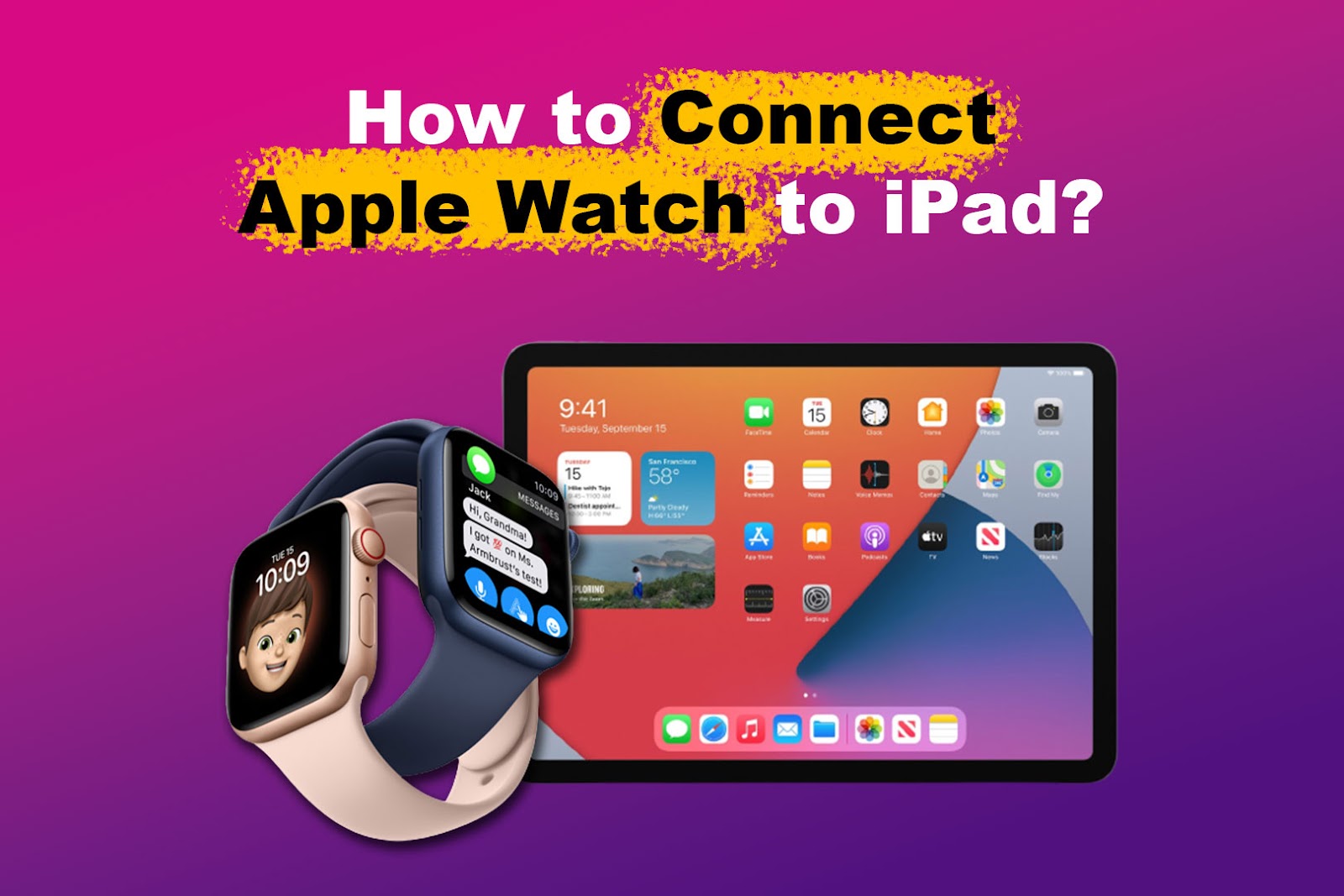
No, an Apple Watch does not pair directly with an iPad for setup or daily use.
If you are asking, “does an Apple Watch work with an iPad,” the answer depends on what you mean by “work.” An Apple Watch needs an iPhone for pairing, updates, settings, and most core features, but an iPad can still support a few related activities, such as Apple Fitness+ and account-based services. This guide explains the limits, useful workarounds, and best device setup.
Does an Apple Watch work with an iPad?
An Apple Watch does not work with an iPad as a direct replacement for an iPhone. You cannot pair most Apple Watch models with an iPad through the Watch app because the iPad does not offer the required pairing process.
Apple designed the Apple Watch around the iPhone. The iPhone acts as the watch’s main partner, while the Apple Watch serves as a companion device for health tracking, alerts, communication, and apps.
So, does an Apple Watch work with an iPad in any way? Yes, but only in a limited sense. You can use an iPad alongside an Apple Watch, but the iPad cannot set up, manage, or fully control the watch.
Why Apple Watch needs an iPhone
The Apple Watch uses the iPhone for several important tasks. During setup, the iPhone Watch app creates the connection, installs watchOS updates, manages watch settings, and handles many account and security steps.
The iPhone also helps the watch access cellular data, messages, contacts, apps, and notifications. Even a cellular Apple Watch is not fully independent. It can work away from the iPhone after setup, but the iPhone remains the main management device.
Think of the iPhone as the watch’s home base. A cellular Apple Watch can travel on its own, but it still returns to that home base for updates and many settings.
Key iPhone functions include:
• Pairing and activation of the Apple Watch
• Installing and updating watchOS
• Managing Apple Watch apps
• Changing notification and privacy settings
• Setting up Apple Pay on the watch
• Managing family and health features
• Backing up and restoring the watch
This is why the answer to “does an Apple Watch work with an iPad” is not simply yes or no. The watch can share an Apple ecosystem with an iPad, but it cannot use the iPad as its primary setup device.
What you can do with an Apple Watch and iPad
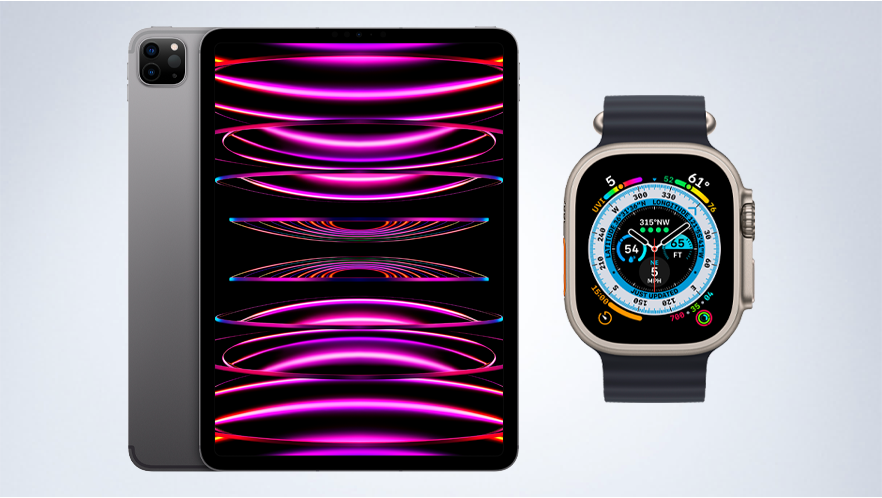
Although an iPad cannot pair directly with an Apple Watch, the two devices can still be useful together. They can share an Apple Account, internet services, and some Apple features.
Use Apple Fitness+ on an iPad
Apple Fitness+ workouts can appear on an iPad. If your Apple Watch is already paired with an iPhone, the watch can track your heart rate and workout data while the iPad displays the workout video.
This is one of the best examples of an Apple Watch and iPad working together. The iPad acts as the large screen, while the Apple Watch acts as the fitness tracker.
You may need:
• A compatible Apple Watch
• An iPhone that has completed the watch setup
• An iPad signed in to the correct Apple Account
• An active Apple Fitness+ subscription
• Bluetooth and Wi-Fi enabled when required
View health and fitness information
The iPad is not a full replacement for the iPhone Health app. However, some fitness services and third-party apps may show information collected by your Apple Watch through your Apple Account or connected iPhone.
The exact features depend on the app, watch model, iPad model, software versions, and account settings. Health data is private, so apps must have permission before they can read or display it.
Use iPad apps while wearing your watch
You can use your iPad for work, study, video calls, and entertainment while your Apple Watch tracks activity or delivers alerts through its iPhone connection. For example, you might watch a workout on an iPad while the Apple Watch records your exercise.
This setup feels smooth because both devices belong to the same ecosystem. Still, the connection is indirect. The iPhone remains the bridge for most Apple Watch features.
What an iPad cannot do for an Apple Watch
Knowing the limits can save you time and frustration. Many people buy an Apple Watch and assume an iPad can handle the setup because both devices use Apple software. That assumption is understandable, but it is incorrect.
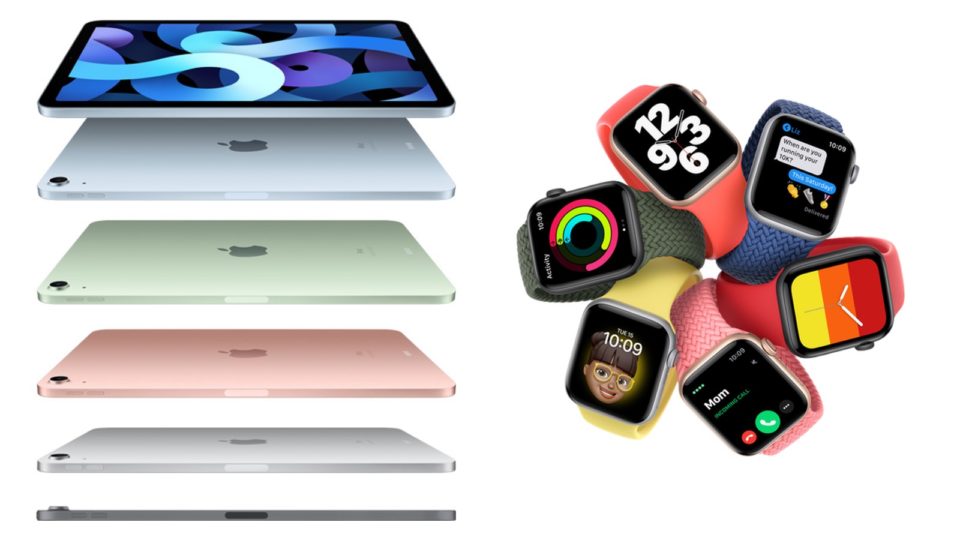
An iPad cannot normally:
• Pair with an Apple Watch as the primary device
• Replace the iPhone Watch app
• Install watchOS updates directly
• Manage all watch settings
• Restore an Apple Watch backup
• Set up a new Apple Watch from scratch
• Activate a cellular Apple Watch plan by itself
• Manage all Apple Watch notifications
• Act as the main phone number for watch calls and messages
An iPad also cannot provide every iPhone feature that the Apple Watch expects. For example, the watch may use the iPhone for contacts, messages, cellular settings, and certain location or account services.
Does an Apple Watch work with an iPad for unlocking? Not in the same way it can unlock a Mac. Apple Watch can help unlock supported Mac computers, but it does not provide a general Apple Watch unlock feature for an iPad.
How to use an Apple Watch if you only own an iPad
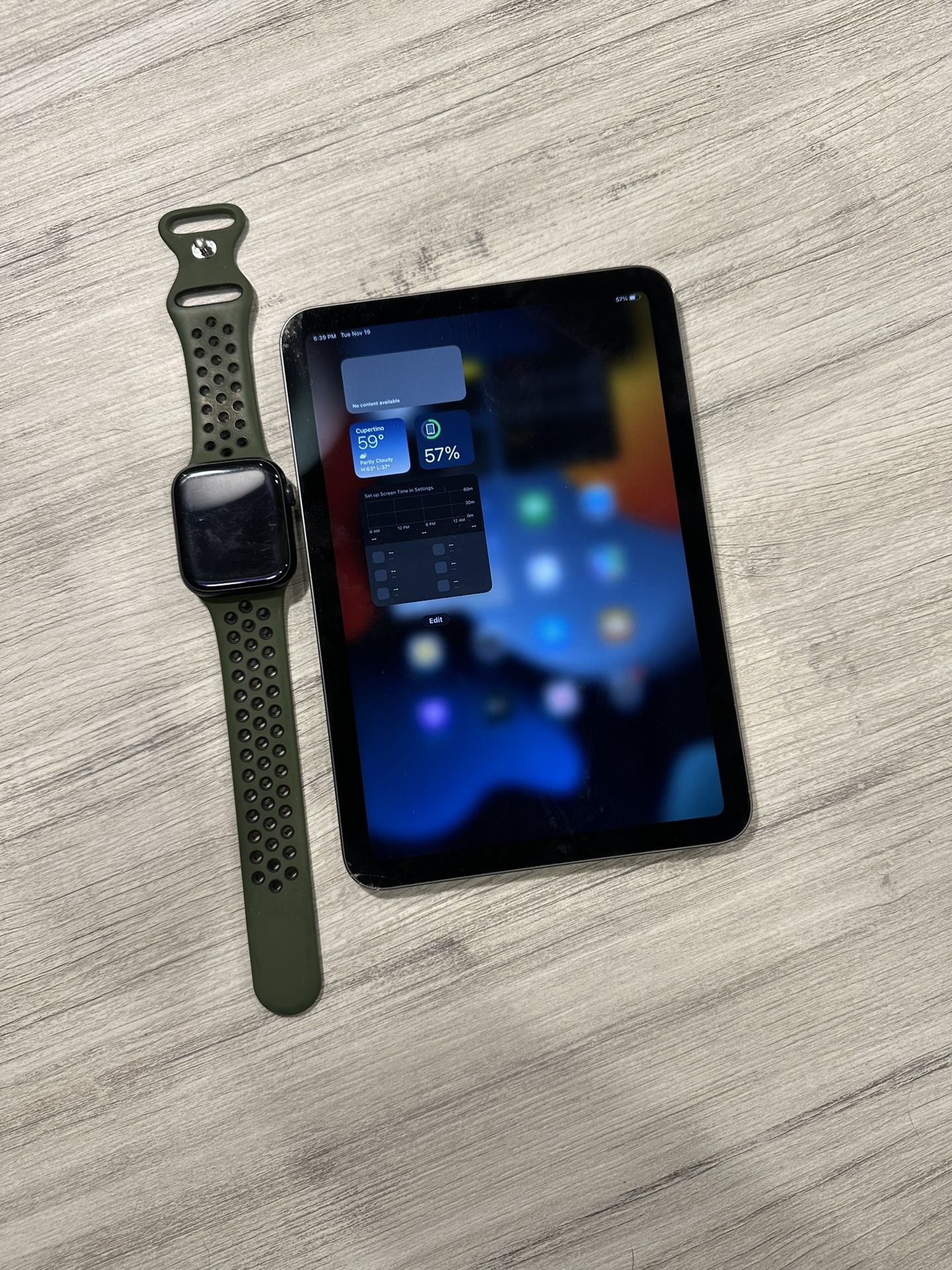
If you own an iPad but no iPhone, your options are limited. You will usually need access to a compatible iPhone to set up and manage the watch.
You can follow these steps:
-
Borrow or use a compatible iPhone.
-
Update the iPhone and Apple Watch software when possible.
-
Sign in with the Apple Account you plan to use.
-
Open the Watch app on the iPhone.
-
Pair and activate the Apple Watch.
-
Complete cellular setup if you have a cellular model.
-
Use the iPad for supported services, such as viewing workouts or using compatible apps.
-
Keep access to the iPhone for future updates, troubleshooting, and major setting changes.
A family member’s iPhone may help with initial setup, but this is not always a convenient long-term solution. If the watch belongs to you, you should understand which person’s Apple Account, phone number, and family settings control it.
Apple’s family setup features can help in some situations. They are designed for certain family members who do not have their own iPhone, but they require a family organizer’s iPhone and may limit some features. Availability can also vary by country, carrier, watch model, and age.

Apple Watch setup mistakes to avoid
When people ask, “does an Apple Watch work with an iPad,” they often want to avoid buying the wrong device. A few common mistakes can create setup problems.
Buying a GPS model for complete phone independence
A GPS Apple Watch depends more heavily on the iPhone when you are away from Wi-Fi or a known network. It can still track workouts and perform offline tasks, but it does not offer the same communication options as a cellular model.
A cellular model provides more freedom, but it still needs an iPhone for setup and management. Cellular service also requires a supported carrier plan.
Assuming cellular means fully independent
Cellular connectivity does not turn an Apple Watch into a small iPhone. It allows the watch to connect to a mobile network for certain tasks, but it does not remove the need for an iPhone.
This is a key lesson from testing Apple devices: “works without the phone nearby” does not mean “works without the phone at all.”
Forgetting account and compatibility details
Before buying, check:
• Your iPhone model and iOS version
• The Apple Watch model and watchOS version
• Your carrier’s cellular support
• Your Apple Account details
• Your region’s feature availability
• Whether the watch is locked to another account
A used Apple Watch may also have Activation Lock enabled. The previous owner must remove it from their account before you can use the watch.

Does an Apple Watch work with an iPad for messages and calls?
An Apple Watch may handle calls and messages when it is paired with an iPhone, depending on its connection and settings. The iPad does not serve as the watch’s phone partner.
If your Apple Watch has Wi-Fi or cellular access, some communication features may work while the iPhone is away. However, these features rely on the watch’s original iPhone setup and Apple services.
An iPad can use iMessage, FaceTime, and other communication apps on its own. That does not mean the Apple Watch is connected directly to the iPad. The two devices may use the same Apple Account, but account sharing is not the same as device pairing.
For reliable messaging and calling, keep the Apple Watch paired with a compatible iPhone. Use the iPad as a larger communication screen rather than as the watch’s central device.
Troubleshooting Apple Watch and iPad problems
If the watch and iPad do not appear to connect, first check whether you are expecting a feature that Apple does not support. The most common issue is trying to pair the watch from the iPad instead of an iPhone.
Try these steps:
-
Confirm that the Apple Watch is paired with an iPhone.
-
Update the iPhone, iPad, and Apple Watch when possible.
-
Sign in to the same Apple Account on supported devices.
-
Turn on Wi-Fi and Bluetooth.
-
Restart the iPhone, iPad, and Apple Watch.
-
Check that Apple Fitness+ or another app has permission to access health data.
-
Confirm that your subscription and region support the feature.
-
Contact Apple Support if activation or Activation Lock blocks setup.
If Fitness+ does not show your watch metrics on the iPad, check that the watch is unlocked, worn correctly, and connected to the paired iPhone or the required network. Also review privacy permissions in the Health app.
Does an Apple Watch work with an iPad after a software update? Usually, supported shared features continue to work, but updates can change compatibility requirements. Always check the current device requirements before updating or buying new hardware.

Best device setup for different users
The right setup depends on what you want from the watch.
If you want health tracking
Use an Apple Watch paired with an iPhone. The watch can track heart rate, workouts, sleep, activity, and other metrics, while the iPhone stores and manages much of the related data.
If you want a large workout screen
Use an iPad for Apple Fitness+ and pair the Apple Watch with an iPhone. This gives you a larger display without giving up watch-based tracking.
If you want calls without carrying your phone
Choose a cellular Apple Watch, but keep a compatible iPhone for setup and account management. Confirm carrier support before purchase.
If you only own an iPad
Consider whether you truly need an Apple Watch. A fitness tracker that supports iPad or Android-style setup may be easier. If you still want an Apple Watch, plan to use a compatible iPhone for setup and future maintenance.
If you want a smartwatch for an iPad
Look at the full ecosystem before buying. The iPad works well with many apps, but it does not replace the iPhone’s role in Apple Watch management.

Frequently Asked Questions
Can I pair an Apple Watch directly with an iPad?
No. Apple Watch pairing and management require a compatible iPhone, not an iPad. The iPad can support certain related services after the watch has been set up.
Can I set up an Apple Watch with an iPad and no iPhone?
Usually, no. You need access to a compatible iPhone for initial pairing, activation, software updates, and many important settings.
Can I use Apple Fitness+ on an iPad with an Apple Watch?
Yes, in supported setups. The Apple Watch must already be paired with an iPhone, and the iPad can display the workout while the watch records compatible fitness data.
Will an Apple Watch receive notifications from an iPad?
The Apple Watch is designed to receive notifications through its paired iPhone. It does not generally mirror iPad notifications as a direct, standalone connection.
Can an Apple Watch unlock an iPad?
No. Apple Watch can support automatic unlocking for certain Mac computers, but it does not generally unlock an iPad.
Can a cellular Apple Watch work without an iPhone nearby?
Yes, some cellular features can work when the iPhone is away. However, the watch still needs an iPhone for setup, management, updates, and many account functions.
Can I use the same Apple Account on an Apple Watch and iPad?
Yes. Using the same Apple Account can support shared services and content, but it does not create a direct Apple Watch to iPad pairing.
Conclusion
So, does an Apple Watch work with an iPad? It works alongside an iPad, but it does not pair with or depend on the iPad in the way it depends on an iPhone. The iPhone handles setup and management, while the iPad can provide a larger screen for supported services such as Apple Fitness+.
Before buying, decide whether you need health tracking, cellular freedom, workout videos, or full smartwatch control. If you only own an iPad, plan for access to a compatible iPhone or choose a tracker made for your current device setup. Check your model, software, carrier, and account requirements before you spend money.