
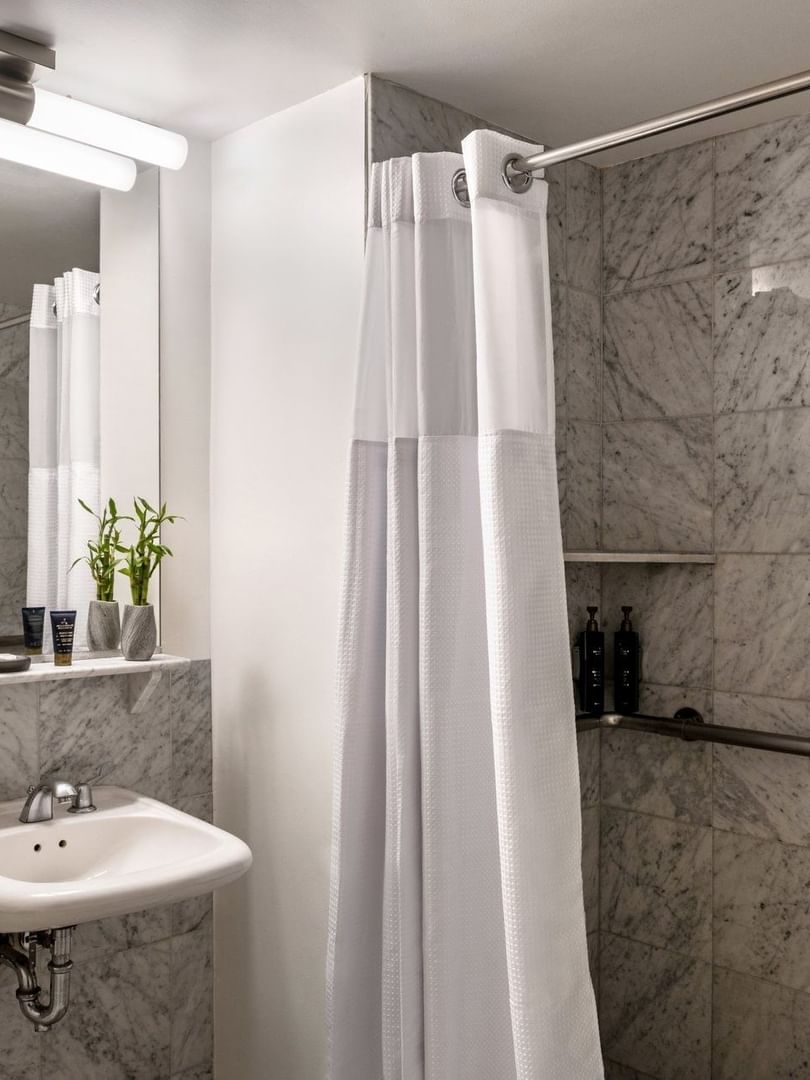
Yes, you can shower with a Galaxy Ring, but avoid hot water, harsh soap, and steam.
The Samsung Galaxy Ring is built for everyday water exposure, including normal showers. Still, water resistance is not the same as waterproofing. This guide explains the Galaxy Ring’s water rating, safe shower habits, cleaning steps, and situations where you should remove it.
Can you shower with the Galaxy Ring?
Yes, you can shower with the Galaxy Ring. Samsung designed the ring with IP68 dust and water resistance, along with a 10ATM water-resistance rating under laboratory conditions.
This means the ring can handle rain, sweat, hand washing, and a regular shower. It should also stay safe during light water activities. However, no water-resistant wearable is protected from every condition.
Water resistance can weaken over time. Drops, scratches, repairs, heat, and chemical exposure may damage the seals. For this reason, treat the Galaxy Ring as water resistant, not completely waterproof.
A normal shower is usually low risk when you follow these basic rules:
• Keep the water warm, not very hot.
• Avoid strong sprays aimed directly at the ring.
• Rinse away shampoo and soap after your shower.
• Dry the ring and your finger before charging.
• Remove the ring before using a sauna or steam room.
What do IP68 and 10ATM mean?
The Galaxy Ring’s water ratings can sound confusing. Each rating measures a different part of its protection.
IP68 mainly measures protection from dust and fresh water. The first number, 6, means the device is dust-tight. The second number, 8, means it can handle immersion in water under controlled test conditions.
The 10ATM rating measures pressure. In simple terms, it suggests the ring can handle pressure similar to water at a depth of about 100 meters in laboratory testing. This does not mean you should wear it scuba diving or at that depth.
Real life is less predictable than a lab. Moving water, sudden pressure changes, salt, chlorine, heat, and chemicals can affect a wearable differently. A water rating is more like a strong raincoat than a deep-sea suit.
It is also important to check your exact model and regional product information. Samsung may update its care instructions, and warranty terms may vary by country.
Is the Galaxy Ring safe with hot water?
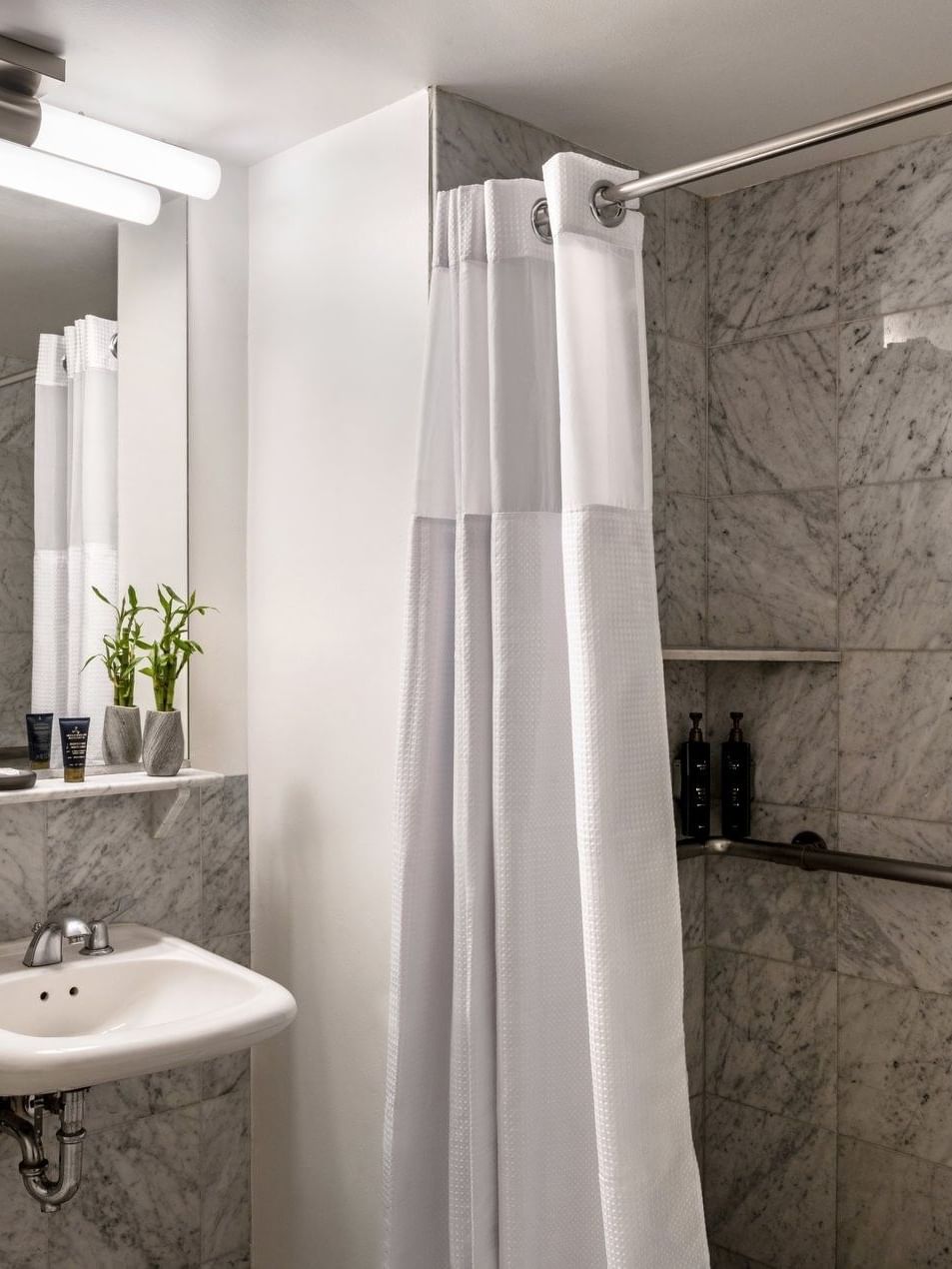
A warm shower is generally fine, but very hot water is not ideal for the Galaxy Ring. Heat can place extra stress on the ring’s seals and may reduce water resistance over time.
Hot tubs, saunas, and steam rooms create even more concern. These settings combine heat, moisture, chemicals, and long exposure. That is a much harder environment than a quick shower.
Remove the Galaxy Ring before entering:
• A sauna
• A steam room
• A hot tub
• A heated pool
• A spa bath
• A very hot shower
Hot water can also make your finger swell. This may make the ring feel tight and harder to remove. If your finger feels numb, painful, or unusually swollen, take the ring off as soon as it is safe to do so.
Can soap, shampoo, and conditioner damage the Galaxy Ring?
Occasional contact with mild soap or shampoo is unlikely to cause an immediate problem. Still, repeated exposure to body wash, conditioner, hair products, and cleaning chemicals is not ideal.
These products can leave a film on the ring. The buildup may affect comfort, sensors, and skin health. Fragrances and strong ingredients may also irritate the skin under the ring.
After a shower, rinse the ring with clean, lukewarm water. Then dry it with a soft, lint-free cloth. Do not use bleach, alcohol wipes, abrasive cleaners, or rough towels unless Samsung specifically approves them.
Be extra careful with:
• Chlorine
• Salt water
• Hair dye
• Sunscreen
• Hand sanitizer
• Acetone
• Household cleaners
• Strong skin treatments
The Galaxy Ring is small, but its sensors still need a clean surface. A quick rinse after exposure is a simple habit that can help protect both the ring and your skin.
How to clean and dry your Galaxy Ring
Cleaning the Galaxy Ring after a shower does not need to be difficult. The goal is to remove product residue without damaging the outer finish or sensors.
Follow these steps:
-
Remove the ring if it feels tight or uncomfortable.
-
Rinse it with lukewarm, clean water.
-
Wipe it gently with a soft, dry, lint-free cloth.
-
Dry the inside of the ring and the area around the sensors.
-
Let the ring air-dry fully before placing it on the charger.
-
Clean and dry your finger before wearing the ring again.
Never put a wet Galaxy Ring on its charging case. Moisture around the charging contacts can cause charging problems or corrosion. A few extra minutes of drying can prevent a much bigger issue.
Do not use a hair dryer, heater, or direct sunlight to speed up drying. Strong heat can affect the battery, finish, and internal parts.
A common mistake is cleaning the ring but ignoring the skin beneath it. If soap or water stays trapped under the ring, the skin may become itchy or irritated. Remove the ring from time to time and allow both your finger and the ring to dry.

When should you remove the Galaxy Ring?
Although the Galaxy Ring can handle a shower, removing it is the safer choice in some situations. Water resistance protects against normal exposure, but it does not remove every risk.
Take off the ring before:
• Lifting heavy objects
• Working with power tools
• Handling harsh chemicals
• Applying hair dye
• Swimming in heavily chlorinated water
• Entering a sauna or steam room
• Using a hot tub
• Playing contact sports
• Doing work that may scratch or crush the ring
Physical damage matters because a small dent or deep scratch may affect the ring’s seal. If the ring is damaged, its original water rating may no longer apply.
You should also remove it if your finger becomes swollen, sore, red, or numb. A ring that fits well at breakfast can feel tight after exercise, heat, or a salty meal.
Can you swim with the Galaxy Ring?
The Galaxy Ring may tolerate some swimming conditions because of its water-resistance rating. However, swimming is riskier than showering because exposure lasts longer and may involve chlorine, salt, pressure, and fast movement.
If you choose to wear the Galaxy Ring in a pool, keep the session short and rinse it with fresh water afterward. Avoid diving, water slides, high-pressure water, and deep-water activities.
Open-water swimming also adds salt, sand, and sudden movement. These factors can increase wear and make the ring easier to lose. The ring’s water rating does not guarantee protection during every swimming activity.
For regular swimmers, removing the Galaxy Ring is the lowest-risk option. You can still track your health data before and after the swim, but you should not assume that a 10ATM rating makes the ring suitable for every water sport.

What to do if your Galaxy Ring gets wet
If your Galaxy Ring gets wet during a shower, there is usually no need to panic. Dry it before charging and check that it works normally.
Use this simple process:
-
Take off the ring.
-
Rinse away any soap, salt, or chlorine.
-
Dry it with a soft cloth.
-
Leave it in a dry place for a while.
-
Check the sensors and charging contacts.
-
Charge it only when it is fully dry.
Do not shake the ring aggressively or use compressed air. Do not place it in rice. Rice can leave dust and particles inside small openings, and it does not reliably remove moisture from electronics.
Contact Samsung support if the ring does not charge, becomes unusually warm, shows sensor errors, or develops visible damage. Avoid charging a device that appears wet or damaged.

Does showering affect Galaxy Ring tracking?
A shower itself should not normally harm the Galaxy Ring’s health tracking. However, the ring may not collect useful data while it is off your finger, loose, covered in residue, or unable to maintain good skin contact.
Water can also make the ring slide or rotate. A poor fit may affect measurements such as heart rate, skin temperature, and activity data. The Galaxy Ring works best when it fits comfortably and stays in the correct position.
After showering, dry your finger before putting the ring back on. Check that the ring is not spinning freely and that it does not feel too tight.
Keep expectations realistic. Wearable sensors support general wellness tracking. They are not a replacement for medical tests or professional advice. If health data looks unusual, speak with a qualified health professional rather than relying on the ring alone.
Practical tips for long-term Galaxy Ring care
Good daily care can help preserve the ring’s finish, battery, and water resistance. Small habits matter more than complicated cleaning routines.
Use these tips:
• Keep the ring away from harsh chemicals.
• Dry it before charging.
• Avoid extreme heat and steam.
• Rinse off salt water and chlorine.
• Check the ring for cracks, dents, or deep scratches.
• Keep the charging case dry.
• Clean the ring and your skin regularly.
• Remove it if your finger begins to swell.
• Store it in a clean, dry place when not in use.
One practical lesson is not to confuse “can handle water” with “should stay wet all day.” The Galaxy Ring can manage normal shower exposure, but unnecessary exposure adds wear. If you are unsure, removing the ring is the safest choice.
Your finger size can also change during the day. Heat, exercise, and humidity may cause swelling. A ring that feels comfortable in the morning may feel tight after a hot shower, so never force it off.
Frequently Asked Questions About Can I Shower With Galaxy Ring
Can I shower with the Galaxy Ring every day?
Yes, a normal shower is generally safe for the Galaxy Ring. Use warm water, rinse away soap, and dry the ring fully before charging it.
Can I wear the Galaxy Ring in a hot shower?
It is better to avoid very hot showers. Heat and steam may place extra stress on the ring’s water-resistant seals over time.
Can I wear the Galaxy Ring in a pool?
The Galaxy Ring may handle limited pool exposure, but chlorine and long periods in water can increase risk. If you wear it in a pool, rinse it with fresh water and dry it afterward.
Can I wear the Galaxy Ring in the ocean?
Salt water can leave residue and may be harder on the ring than fresh water. Removing the Galaxy Ring before ocean swimming is the safest option.
What should I do if soap gets on my Galaxy Ring?
Rinse the ring with clean, lukewarm water and dry it with a soft cloth. Do not use abrasive cleaners or strong chemicals.
Can I charge the Galaxy Ring while it is wet?
No. Dry the ring, your finger, and the charging contacts before charging. Charging a wet wearable may cause charging faults or damage.
Is the Galaxy Ring waterproof?
The Galaxy Ring is water resistant, not permanently waterproof. Its IP68 and 10ATM ratings apply to controlled conditions and do not cover every activity, chemical, temperature, or type of water exposure.
Conclusion
You can shower with the Galaxy Ring under normal conditions. Its water resistance makes it suitable for daily showers, hand washing, rain, and sweat, but hot water, steam, chemicals, deep water, and long exposure can increase the risk of damage.
Rinse off soap, dry the ring before charging, and remove it for saunas, hot tubs, harsh cleaning, and risky physical work. These simple steps can help your Galaxy Ring stay comfortable and reliable for longer.
Use this advice with Samsung’s latest care instructions for your model, and share your own Galaxy Ring shower experience in the comments.

Rubel Miah is the Senior Editor at MyStyleGrid.com, where he brings a sharp editorial eye and an unshakable love for fashion to everything he does. A true style addict, Rubel lives and breathes trends, from streetwear to high fashion, and has a knack for turning inspiration into impactful stories. With years of experience in fashion journalism and digital media, he curates content that empowers readers to express themselves through style. When he’s not editing features or forecasting the next big thing, you’ll find him hunting down vintage pieces or capturing street style moments around the city.