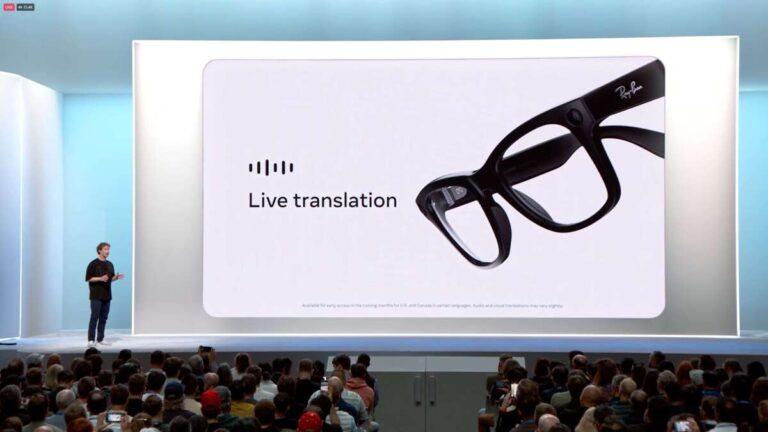
Ray-Ban Meta can translate some languages through Meta AI, but features depend on updates, region, and phone settings.
The question “do ray ban meta translate” usually means one of two things: can the glasses translate spoken language, or can they translate text seen through the camera? Ray-Ban Meta smart glasses are not a universal translation device, but Meta AI has added language tools that can help with spoken translation in supported markets. This guide explains how translation works, what the glasses can and cannot do, how to set them up, and what to expect in real-world use.
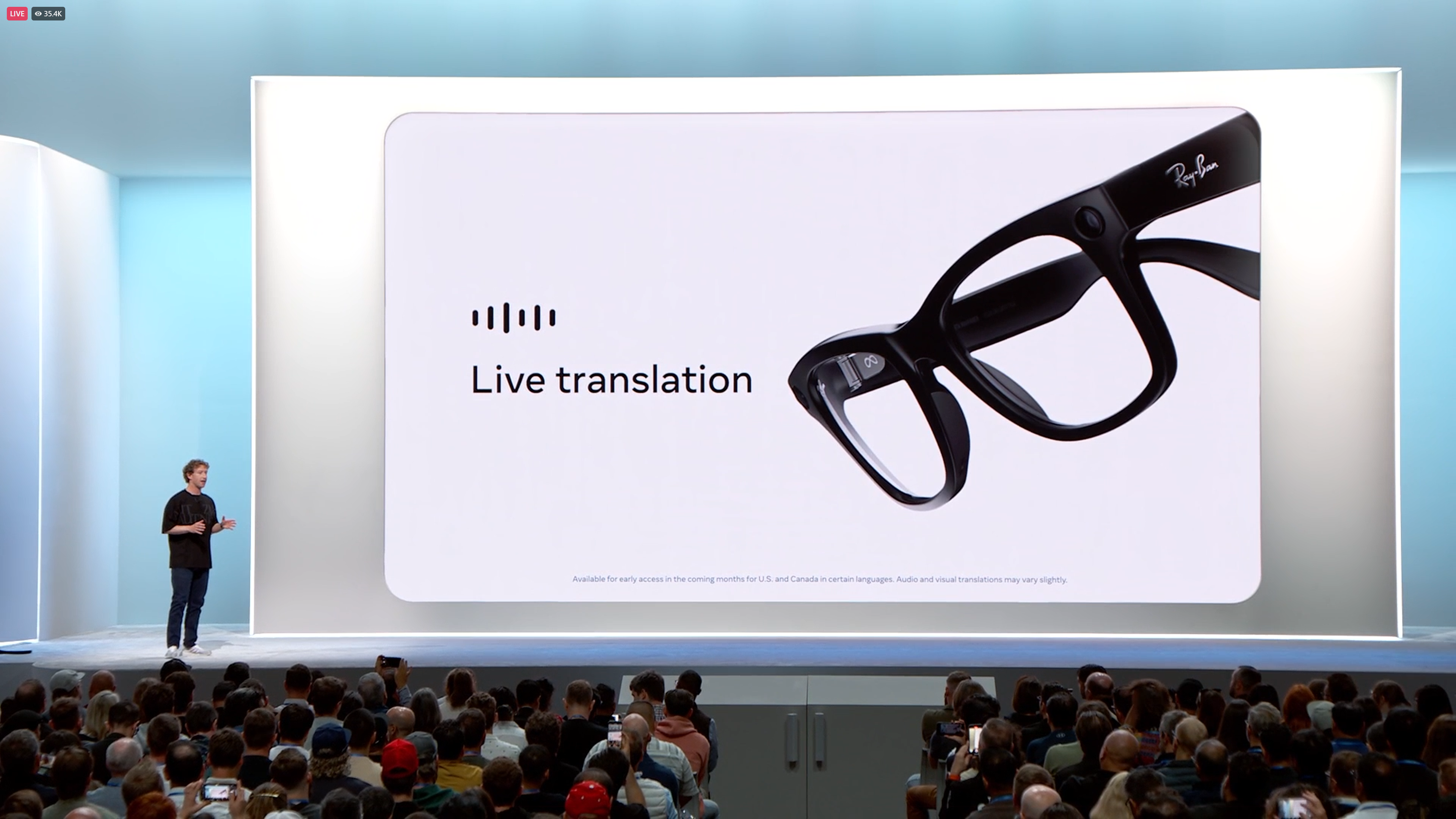
Can Ray-Ban Meta translate languages?
Yes, Ray-Ban Meta can translate some spoken languages through Meta AI. The glasses use built-in microphones, a phone connection, the Meta AI app, and cloud-based processing to understand and translate speech.
This does not mean the glasses translate every language instantly. Support depends on factors such as:
• Your country or region
• Your Meta AI account
• The software version on the glasses
• The Meta AI app version
• Your phone language and settings
• The languages available in your market
When people ask, “do ray ban meta translate,” they often expect a feature similar to a science-fiction translator. The real experience is more practical. You ask Meta AI to translate a phrase, or you use a supported live translation feature when available.
Ray-Ban Meta glasses can also answer basic language questions. For example, you may ask:
• “Hey Meta, how do I say ‘Where is the train station?’ in Spanish?”
• “Hey Meta, translate this sentence into French.”
• “Hey Meta, what does this Italian phrase mean?”
The glasses then respond through the built-in speakers. You may also see the response in the Meta AI app, depending on the feature and software version.

How Ray-Ban Meta translation works
Ray-Ban Meta translation relies on several parts working together. The glasses capture your voice, the connected phone sends the request for processing, and Meta AI creates a translated response.
The glasses are best understood as a hands-free AI interface. They do not perform every translation task fully on the device itself. Like many modern voice assistants, they often need an internet connection for advanced language processing.
Spoken translation
Spoken translation is the most useful translation feature for many users. You can speak a phrase in English and ask Meta AI to translate it into another supported language.
For example:
- Say “Hey Meta.”
- Ask, “How do I say ‘I need help finding my hotel’ in Spanish?”
- Listen to the spoken answer.
- Repeat the translated phrase to the other person.
This works well for short phrases, travel questions, menus, directions, and simple conversations. It may be less reliable with slang, background noise, fast speech, or complex subjects.
Live translation
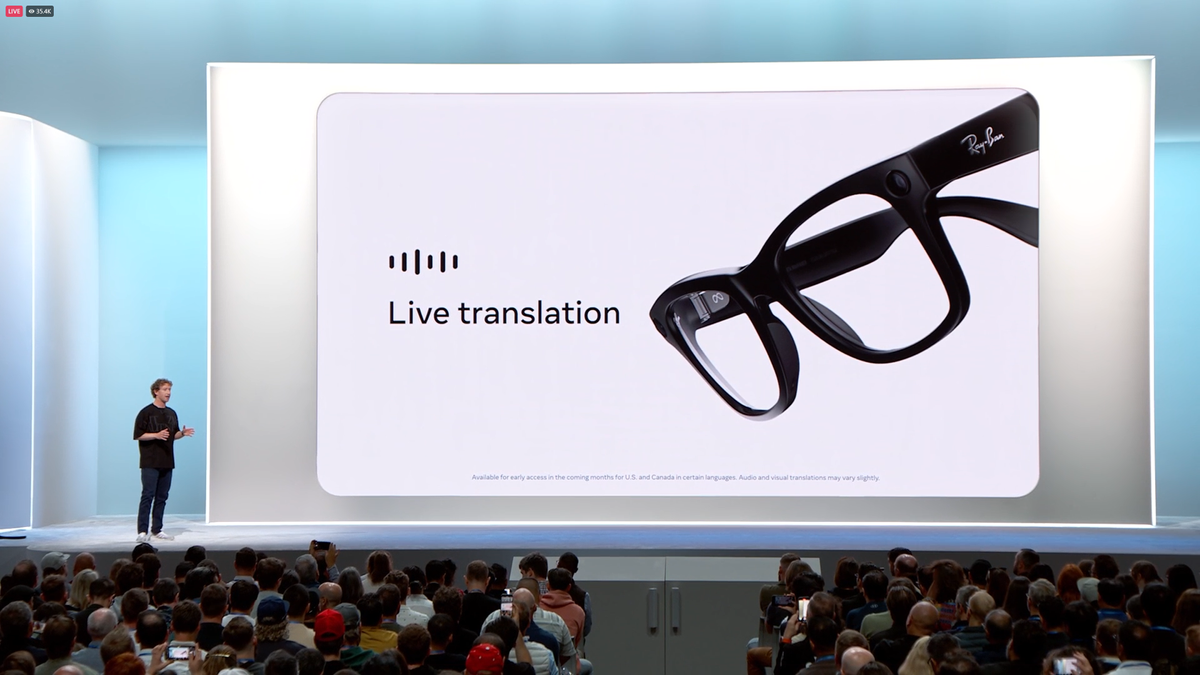
Meta has introduced live translation features for Ray-Ban Meta in selected markets and supported languages. These features may allow a conversation to be translated as people speak, with audio responses through the glasses and, in some cases, a transcript or translation shown on the phone.
Availability can change. A feature shown in a product announcement may not appear immediately for every owner. Meta often releases AI tools in stages, so two people with the same glasses may see different options.
Camera-based translation
Ray-Ban Meta glasses include a camera that can recognize and describe objects. However, camera-based text translation is not the same as full augmented reality translation.
The glasses do not place translated words over your view like AR glasses. If you point the camera at a sign, menu, or document, Meta AI may be able to read or interpret it when the feature is available. The result may be delivered through audio or shown in the app.
This is one of the most important limits to understand when asking, “do ray ban meta translate.” The glasses do not turn every foreign sign into floating English text in front of your eyes.

Which languages does Ray-Ban Meta support?
Supported translation languages can change as Meta updates its AI system. English is widely supported, and Meta has expanded language features to include several major European languages in eligible markets.
Depending on your account and location, you may find support for languages such as:
• English
• Spanish
• French
• Italian
• German or other languages as features expand
Do not assume that every language works for every task. A language may be supported for a simple translation request but not for live two-way translation. Voice commands, spoken replies, image understanding, and live translation can each have separate language limits.
The safest way to check current support is to open the Meta AI app and review the available AI and language settings. You can also ask Meta AI whether it supports translation between two specific languages.
For example, ask:
“Can you translate spoken German into English on my Ray-Ban Meta glasses?”
If the feature is not available, Meta AI should provide a limitation or alternative. Keep in mind that AI answers can sometimes be incomplete, so the app’s current settings are a better source than a general online list.

How to use Ray-Ban Meta for translation
Before using translation, make sure the glasses are paired with your phone and connected to the Meta AI app. A stable internet connection usually improves response speed and accuracy.
Follow these steps:
- Charge the glasses and turn them on.
- Install or update the Meta AI app.
- Pair the glasses through the app.
- Sign in to your Meta account.
- Install available firmware updates.
- Allow microphone, Bluetooth, and network permissions.
- Check whether Meta AI is enabled in your region.
- Ask for a translation using a short, clear sentence.
A good command is:
“Hey Meta, translate ‘I would like a glass of water’ into French.”
You can also ask for pronunciation help:
“Hey Meta, say that French phrase again slowly.”
For a better result, speak at a normal pace. Avoid covering the microphones with your hand. Move away from loud music, heavy traffic, or crowded rooms when possible.
Tips for better translation results
• Use short sentences.
• Avoid slang and local jokes.
• Name the source and target language clearly.
• Ask for a slower pronunciation.
• Confirm important details with a person or trusted translation app.
• Keep your phone connected to mobile data or Wi-Fi.
• Update both the glasses and the Meta AI app.
In practical use, Ray-Ban Meta works more like a quiet travel assistant than a professional interpreter. It can help you order food or ask for directions, but it should not be your only tool during a medical, legal, or emergency conversation.

Do Ray-Ban Meta translate conversations in real time?
In supported markets, Ray-Ban Meta may offer live translation for certain language pairs. The feature is designed to help users follow a conversation without holding a phone constantly.
The translation may be played through the open-ear speakers. This design lets you hear the result while remaining aware of traffic, people, and other sounds around you.
Still, real-time translation has limits:
• It may add a short delay.
• It can misunderstand accents or overlapping speech.
• It may struggle when several people speak at once.
• It may require an internet connection.
• It may not support every language pair.
• It may not work in every country.
The phrase “real time” can also be misleading. In many AI translation systems, the conversation is processed in short segments. You may hear the translation after a person finishes a phrase rather than at the exact same moment.
For travel, this delay is often acceptable. For fast business meetings or emotional conversations, it can become frustrating. Think of the glasses as a helpful bridge, not a perfect human interpreter.
Can Ray-Ban Meta translate text from signs and menus?
Ray-Ban Meta may help read and interpret visible text, but it does not provide a full heads-up display. The glasses do not show translated text directly on the lenses.
You can ask Meta AI about something in front of you, such as:
“Hey Meta, what does this sign say?”
If image understanding and language support are available, the glasses may describe or translate the text. The answer may be spoken through the glasses and may also appear in the Meta AI app.
This feature works best when:
• The text is large and clear.
• Lighting is bright enough.
• The camera has a direct view.
• The sign is not damaged or blocked.
• The language uses a familiar writing system.
Small print, curved menus, glare, unusual fonts, and handwritten text can reduce accuracy. For long documents, a dedicated translation app may be faster and easier because it can display the entire translated passage on your phone.

Benefits of Ray-Ban Meta translation
The biggest advantage is convenience. You do not need to pull out your phone for every short phrase. You can keep your hands free while walking, shopping, or asking for directions.
Other benefits include:
• Natural voice control
• Open-ear audio
• Quick pronunciation help
• Useful support for travelers
• Hands-free access to basic language tools
• Camera assistance for signs and objects
• A familiar glasses design instead of a bulky headset
The open-ear speakers are especially useful in public places. You can hear the translation while still hearing traffic and nearby people. That is safer than blocking both ears with traditional headphones.
Ray-Ban Meta also feels less socially awkward than holding a phone in front of someone during a short exchange. A simple voice request can make a travel moment smoother.

Limitations and privacy concerns
Ray-Ban Meta translation is not perfect. AI systems can produce incorrect words, miss context, or sound confident when the result is wrong.
Be careful with:
• Medical instructions
• Legal documents
• Immigration forms
• Financial information
• Emergency communication
• Private business discussions
For these situations, use a qualified interpreter or a trusted professional translation service.
Privacy is another important point. The glasses contain cameras and microphones. Avoid recording people without permission, especially in places where recording rules are strict. Translation requests may also be processed through online services, so do not share sensitive information unless you understand the applicable privacy settings.
A useful habit is to tell people what you are doing. You could say, “I am using my glasses to help translate this sentence.” Clear communication builds trust and prevents misunderstandings.
One mistake many new users make is assuming that a camera capture is private because the glasses look like ordinary sunglasses. They are still connected smart devices. Treat them with the same care you would give a phone camera.

Ray-Ban Meta translation compared with phone apps
A phone translation app usually provides more visual control. You can read the full translation, compare alternate meanings, scan a long menu, and type words that are hard to pronounce.
Ray-Ban Meta offers speed and hands-free use. It is better for short questions and quick spoken help.
| Feature | Ray-Ban Meta | Phone translation app |
|---|---|---|
| Hands-free use | Strong | Limited |
| Full text display | Limited | Strong |
| Short voice phrases | Convenient | Convenient |
| Long documents | Less practical | Better |
| Camera translation | Possible, feature dependent | Widely available |
| Offline use | Limited | Often better |
| Privacy control | Requires careful settings | Usually easier to review |
The best setup may be to use both. Let the glasses handle quick phrases while your phone handles long text, saved translations, and offline language packs.
Troubleshooting Ray-Ban Meta translation
If translation does not work, start with the basics. Many problems come from an outdated app, weak internet, or a feature that has not reached the user’s region.
Try these steps:
- Check that the glasses are connected to the Meta AI app.
- Confirm that Bluetooth is active.
- Test your internet connection.
- Update the Meta AI app.
- Install the latest glasses firmware.
- Check microphone permissions.
- Use the correct wake phrase.
- Ask with a short sentence.
- Restart the glasses and phone.
- Check Meta AI language and region settings.
If Meta AI says it cannot perform the request, the language or feature may not be supported. Do not assume the glasses are broken. Feature access can depend on a phased rollout.
You can also test the system in a quiet room. Say a simple phrase in your main language, then request a translation. If that works, try the same task in a busy place. This helps identify whether the issue is software, language support, or background noise.
Are Ray-Ban Meta glasses worth buying for translation?
Ray-Ban Meta glasses can be worth buying if you already want smart glasses for music, calls, photos, voice commands, and Meta AI. Translation is a useful extra feature, but it should not be the only reason to purchase them.
They are a good fit for people who:
• Travel often
• Want hands-free assistance
• Need quick phrase translations
• Enjoy voice-controlled technology
• Prefer open-ear audio
• Want camera-based AI features
They may not be the best choice if you need:
• Full offline translation
• Many rare languages
• Certified professional interpretation
• Full translated text on the lens
• Long document translation
• Guaranteed service in every country
My practical advice is simple: check the exact translation features available in your country before buying. Product pages and software updates can change, and the feature list at launch may not match what is available on your account today.
Frequently Asked Questions About Do Ray-Ban Meta Translate
Do Ray-Ban Meta glasses translate speech?
Yes, Ray-Ban Meta glasses can translate some spoken phrases through Meta AI. Supported languages and translation tools vary by region, account, and software version.
Can Ray-Ban Meta translate live conversations?
Live translation may be available for selected language pairs and markets. It can provide spoken translations, but delays, background noise, and incorrect interpretations are possible.
Do Ray-Ban Meta glasses translate signs?
They may be able to read or interpret signs through camera-based Meta AI features. However, they do not display translated words directly on the lenses like augmented reality glasses.
Do Ray-Ban Meta translate without a phone?
Most advanced translation features need a paired phone and an internet connection. Basic device functions may work without the phone, but full AI translation is generally limited when the connection is unavailable.
Which languages can Ray-Ban Meta translate?
Language support changes over time and differs by region. English and several major languages may be available, but you should check the Meta AI app for the current language list and feature support.
Are Ray-Ban Meta translations accurate?
They can be useful for simple phrases and travel situations, but they are not always accurate. Do not rely on them alone for medical, legal, emergency, or highly sensitive communication.
Conclusion
Ray-Ban Meta can translate selected spoken languages through Meta AI, and newer live translation tools may make short conversations easier. The glasses are convenient for travel, pronunciation, signs, and quick questions, but they still depend on software access, language support, internet service, and clear speech.
The most realistic answer to “do ray ban meta translate” is yes, with important limits. Check your region, update the app and glasses, test a few phrases, and keep a phone translation app ready as a backup. Explore the latest Meta AI settings before your next trip, and share your experience with Ray-Ban Meta translation in the comments.

Rubel Miah is the Senior Editor at MyStyleGrid.com, where he brings a sharp editorial eye and an unshakable love for fashion to everything he does. A true style addict, Rubel lives and breathes trends, from streetwear to high fashion, and has a knack for turning inspiration into impactful stories. With years of experience in fashion journalism and digital media, he curates content that empowers readers to express themselves through style. When he’s not editing features or forecasting the next big thing, you’ll find him hunting down vintage pieces or capturing street style moments around the city.