Pairing multiple smartwatches with one smartphone account is a smart way to stay connected, track your health, or even share devices with family. Many people do not know it is possible to use more than one smartwatch with a single phone.
The process can be simple or a bit tricky, depending on the smartwatch brand, app, and your phone. I have been using smartwatches for years, and after a lot of trial and error, I learned what really works. In this article, I will guide you step by step, sharing real insights and common mistakes to avoid.
If you want to get the most from your devices, you are in the right place.
Why Pair Multiple Smartwatches?
People choose to pair more than one smartwatch for different reasons. You might have one for sports and another for daily use. Maybe you share your phone with family, or you want to test new models. Some people switch between a classic-looking watch and a fitness band. Others use a basic tracker for sleep and a more powerful watch for work. Knowing why you want to pair several watches helps you choose the best method.
Pairing more than one device can save money and time. It also means you can switch between styles or functions without missing notifications. When I started using a sleep tracker and a fitness watch together, my health data became much richer.
I learned things about my habits I never noticed before.
How Smartwatch Pairing Works
Smartwatches need to connect with a smartphone to work fully. Most use Bluetooth and a companion app (like Galaxy Wearable, Apple Watch app, or Fitbit app). When you pair a watch, it shares data (steps, notifications, heart rate) with your phone. Usually, each brand has its own app, and some apps support pairing more than one watch at once. Others do not.
The pairing process is a bit like making friends on social media. You must approve the connection on both devices. Once paired, the watch and phone talk to each other. If you add a second watch, the app may let you switch between them or use both at once.
But not all apps are this flexible.
It is important to know that some watches can only pair with one phone at a time. Others can connect to several phones, but only one at once. These details matter if you plan to use your watches for different reasons.
Which Smartwatches Can You Pair Together?
Not all smartwatches support multi-pairing. Here is a quick overview:
| Brand | Can Pair Multiple Watches? | Notes |
|---|---|---|
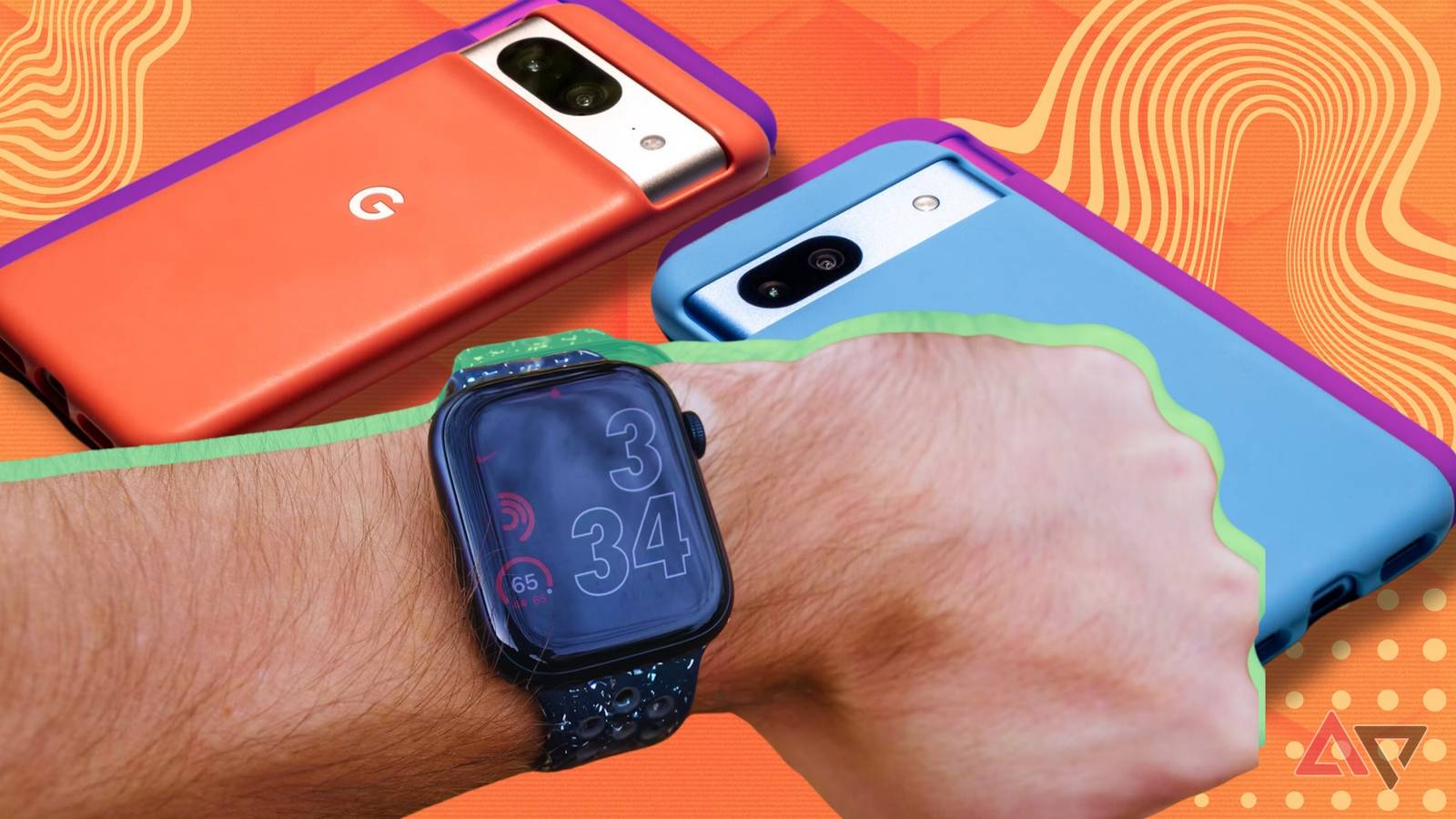
| Apple Watch | Yes (with limits) | Only one active at a time per iPhone |
| Samsung Galaxy Watch | Yes | Switch between watches in the app |
| Fitbit | Yes | Seamless data sync for multiple devices |
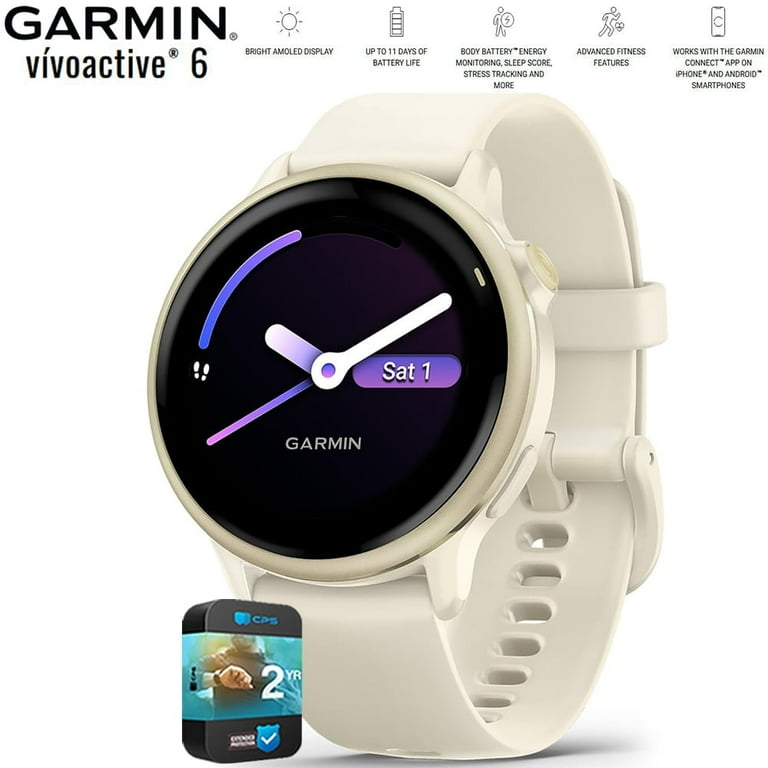
| Garmin | Yes | Multiple devices supported per account |
| Huawei Watch | No | Only one paired at a time |
Some brands, like Apple and Samsung, make it easy to pair more than one watch, but you can only use one at a time. Others, like Fitbit, let you sync several devices and even wear two at the same time (like a clip tracker and a watch).
Benefits Of Pairing Multiple Smartwatches
There are some real advantages to pairing more than one smartwatch with your phone:
- Specialized tracking: Use a sports watch for workouts and a stylish one for work.
- Data collection: Get a more complete health picture by tracking sleep and exercise with different devices.
- Backup device: If one watch needs charging, use another.
- Family sharing: Let kids or partners use a watch sometimes without needing their own phone.
- Easy switching: Change watches for style or comfort without re-pairing each time.
I once had to switch between a waterproof fitness tracker and a dress watch for a wedding. Having both paired saved me a lot of trouble.
What You Need Before You Start
To pair more than one smartwatch, you need:
- A compatible smartphone (iOS or Android)
- The latest version of the companion app for your watch
- Bluetooth turned on
- Both smartwatches charged
- A stable internet connection (for app downloads and updates)
- Your account login details
It is helpful to update your phone and watch to the latest software. Sometimes, old versions do not support multi-pairing.
How To Pair Multiple Smartwatches: Step-by-step
1. Choose The Right App
Most smartwatches use their own app. For example, you need the Apple Watch app for Apple, Galaxy Wearable for Samsung, and Fitbit app for Fitbit. Some apps (like Fitbit and Garmin Connect) are designed to handle more than one device. Others (like Huawei Health) do not support this.
Tip: Check your app’s support page to see if it allows pairing more than one watch.
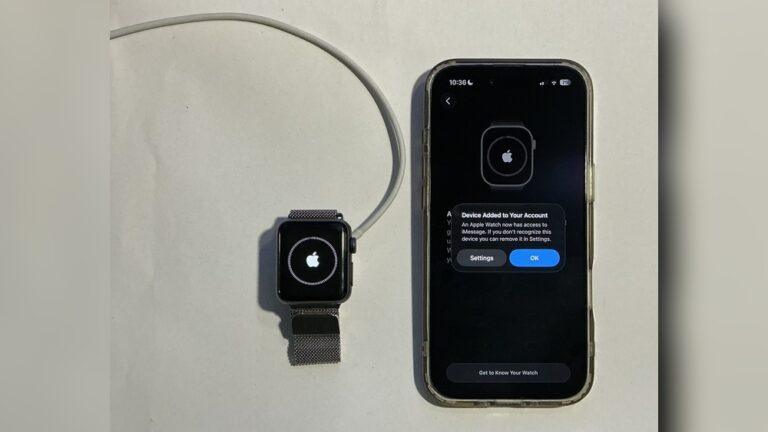
2. Pair The First Smartwatch
Follow the standard setup:
- Turn on Bluetooth on your phone.
- Open the smartwatch app.
- Tap “Add device” or “Pair new watch.”
- Put your watch in pairing mode.
- Select the watch from the list.
- Follow on-screen steps to finish pairing.
Wait until the process completes before starting with the next watch.
3. Add The Second (or Third) Smartwatch
- Open the app again.
- Tap the option to add another device.
- Follow the same pairing steps as before.
- Name your watch to avoid confusion (e.g., “Running Watch” and “Sleep Tracker”).
Some apps may ask you to switch active watches. Others let both stay connected but only sync one at a time.
4. Switch Between Watches (if Needed)
In many apps, you must select which watch is “active. ” This means the phone will send notifications and sync data only with that watch.
For example, in the Apple Watch app, you can add several watches, but you must select one as active. In the Fitbit app, you can wear two devices (like a clip tracker and a wristband) and sync both, but only one can receive notifications.
Pro Insight: Always give each watch a unique name. I once made the mistake of naming two watches the same, which made it hard to know which one was active.
5. Check Data Sync And Notifications
After pairing, test if the watch is syncing data and receiving notifications. Sometimes, you may need to turn off Bluetooth on one watch to switch to another.
If you use both watches for different things (like sleep and sports), check in the app which data comes from which watch. Some apps combine data, others keep it separate.

Credit: www.amazon.com
Smartwatch App Comparison For Multi-pairing
Let’s compare how popular apps handle more than one smartwatch:
| App | Number of Watches Supported | Switching Watches | Data Sync Method |
|---|---|---|---|
| Apple Watch app | Up to 5 | Manual switch | Only active watch syncs |
| Galaxy Wearable | Multiple | Manual or automatic | One active at a time |
| Fitbit app | Up to 5 | Automatic for some models | Data merged in one account |
| Garmin Connect | Multiple | Manual switch | Each device data visible |
This shows that most apps let you pair several watches, but you often need to switch between them for full features.
Common Mistakes And How To Avoid Them
Pairing several smartwatches can be smooth, but many people run into problems. Here are mistakes to watch out for:
- Forgetting to name each watch: If you do not give your watches unique names, it is easy to send data to the wrong one or mix up settings.
- Pairing incompatible models: Not all watches work with all phones or apps. Always check compatibility before buying a new device.
- Not updating firmware: Old software may not support multi-pairing. Keep both your phone and watches updated.
- Ignoring app instructions: Some apps require you to switch active devices for notifications. Skipping these steps means you miss calls or messages.
- Trying to sync two watches at once: Most systems only allow one active watch for real-time features. You can wear two, but only one gets notifications.
- Using watches from different brands: This can work if each has its own app. But if you try to pair two watches from different brands in the same app, it won’t work.
I once tried to pair a Huawei and a Samsung watch at the same time, expecting them both to work together. It was a mess. Now, I stick to one brand per app.
Credit: www.walmart.com
Troubleshooting: When Multi-pairing Fails
Even with the right app, things sometimes go wrong. Here is how to fix common problems:
Bluetooth Connection Problems
- Restart your phone and both watches.
- Forget the device in Bluetooth settings, then pair again.
- Move away from other Bluetooth devices to avoid interference.
App Not Detecting Second Watch
- Make sure the first watch is fully synced.
- Check for app updates.
- Log out and back into your account.
- Restart the app.
Data Not Syncing
- Open the app and make sure the correct watch is selected as active.
- Try syncing each device one at a time.
- If using two watches at once, check app help for multi-device syncing rules.
Notifications Not Working
- Go to phone settings and check app permissions.
- Make sure notifications are allowed for the active watch.
- Some watches need you to select which device gets notifications.
Watch Not Showing In App
- Check if the model is supported for multi-pairing.
- Reset the watch and try again.
- Some older models do not support pairing with more than one phone or account.
Can You Pair Different Brands Together?
Yes, but with a catch. You can pair a Fitbit and a Garmin with the same phone, but each needs its own app. You cannot manage both from one app. Your phone can handle multiple Bluetooth connections, but each app and brand has its own rules.
For example, you might use the Fitbit app for your fitness tracker and the Galaxy Wearable app for your Samsung watch. Both can run on the same phone, but they will not share data.
Extra Insight: Some people use a combination of a fitness band and a smart ring or clip tracker. These devices rarely interfere with each other if they use separate apps.
How Multi-pairing Affects Battery Life
Pairing more than one smartwatch can use more battery on your phone. Each connection uses Bluetooth, and syncing data can drain power. However, most modern phones handle this well.
Tips to save battery:
- Turn off Bluetooth when not needed.
- Only sync one watch at a time.
- Close unused apps.
- Update your phone and watch firmware for better battery life.
I noticed my phone lasted a bit less when I had two watches paired, but it was not a huge drop. Charging both at night became part of my routine.
Managing Health Data From Several Watches
One thing people often miss: when you wear two or more smartwatches, you can get double or mixed data in your health app. Most apps try to avoid counting steps or sleep twice, but you should check how your app handles it.
- In the Fitbit app, you can set a “main” device for steps and another for sleep.
- Apple Health tries to merge data from all sources but shows which device collected what.
- With Garmin, you choose which device tracks which activity.
If you notice strange numbers (like too many steps), check if both watches are tracking the same thing.
Real Example: I once wore a fitness band and a smartwatch during a hike. My phone showed double steps! After that, I set one device for steps and the other for heart rate only.
Tips For A Smooth Multi-watch Experience
- Plan your usage: Decide which watch you’ll wear for which activity.
- Keep devices updated: Updates fix bugs and improve syncing.
- Use unique names: Make it easy to switch between watches.
- Check data regularly: Spot errors early so you can fix them.
- Sync often: Regular syncing keeps all data up to date.
- Charge devices on a schedule: If you use several watches, make charging a habit.
Security And Privacy Considerations
Pairing several smartwatches means sharing more data with your phone. Make sure you:
- Use strong passwords for your accounts.
- Only pair watches you trust.
- Check app privacy settings.
- Remove old devices from your account if you sell or give them away.
If you use a shared phone, be careful what data each person can see. Some apps let you set privacy levels for different devices.
For more on privacy, you can visit this Apple support page for tips on keeping your data safe.
Advanced: Using Automation With Multiple Watches
If you like technology, you can use automation apps (like IFTTT or Tasker) to switch settings when you change watches. For example, you can set your phone to send only calls to your work watch and fitness notifications to your sports watch.
This takes some setup but can save time.
Some brands, like Apple, have features like “Auto Switch,” which picks the watch you are wearing. Others require you to change active devices manually.
When You Should Not Pair Multiple Watches
While pairing several watches has benefits, sometimes it is better to use only one:
- If your phone has limited Bluetooth connections.
- If you find your data gets mixed up.
- If you value battery life above all.
- If you only want simple notifications.
If you are a beginner, start with one watch. Once you feel comfortable, try adding another.
Credit: www.androidpolice.com
Frequently Asked Questions
Can I Pair Two Apple Watches To One Iphone?
Yes, you can pair up to five Apple Watches with one iPhone, but only one can be active at a time. You need to switch between them in the Apple Watch app. Data from both watches will be saved in your account, but you can only use one for notifications at a time.
Will My Health Data Get Mixed Up If I Use More Than One Smartwatch?
Most apps are smart enough to avoid double-counting steps or sleep, but sometimes errors happen. Check your health app settings to see which device is set as the main tracker for each type of data.
Can I Pair Smartwatches From Different Brands To The Same Phone?
Yes, you can pair watches from different brands, but each one needs its own app. For example, you can use a Fitbit and a Samsung Galaxy Watch on the same phone without problems, but you must manage them separately.
Does Pairing More Than One Watch Drain My Phone’s Battery?
Pairing several watches uses a bit more battery, mostly because Bluetooth is active more often. The difference is usually small, but it can add up if you sync often or keep all devices connected at once.
What Should I Do If My App Does Not Support Multi-pairing?
If your app does not allow multiple watches, try using a second phone or tablet, or choose a brand that supports multi-device pairing. Always check the latest app version and support info before buying a new watch.
Pairing multiple smartwatches with one smartphone account can unlock new levels of convenience, data tracking, and style. The process is easier than most people think, and by following these steps, you can avoid common headaches and get more from your devices.
Whether you are a fitness fan, a tech lover, or just want to make life simpler, learning to pair several watches is a useful skill. Start with your favorite devices, follow the tips above, and enjoy the freedom of switching styles and features with just a tap.

Madison Clark is a footwear expert and the voice behind MyStyleGrid.com. She specializes in honest shoe reviews, style tips, and practical guides to help readers find the perfect pair for any occasion. With years of experience in blogging and content creation, Madison makes footwear knowledge simple, stylish, and easy to follow.