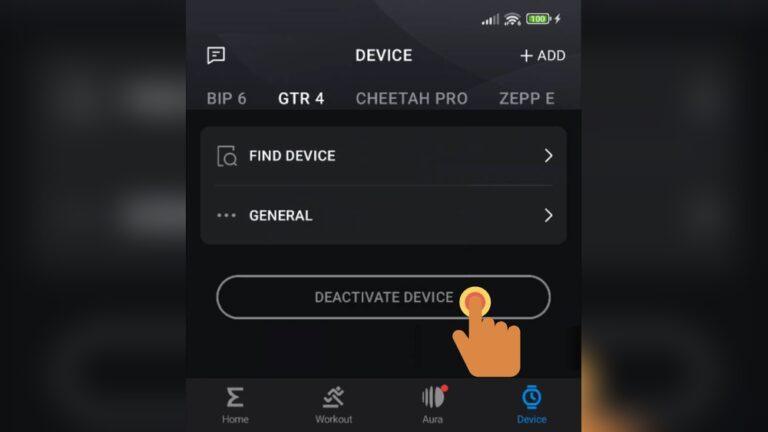
Updating your smartwatch’s firmware is important. It keeps your watch running smooth, safe, and full of new features. Most people use the official app for their smartwatch. But what if you cannot use the official app? Maybe your phone does not support it. Or maybe the app is not working, or your smartwatch is secondhand and you do not know the original app. Whatever the reason, you do not need to worry. There are still ways to update your smartwatch firmware without the official app.
I have faced this myself with an old watch I bought online. The brand’s app was not in my country’s app store. I did not want to risk using old firmware, so I searched for other options. It took time, but I found practical ways that worked.
I want to share these with you, step by step, and help you avoid the mistakes I made.
Understanding Firmware Updates
Before we dive into the methods, let’s talk about what firmware is. Firmware is the system code inside your smartwatch. It controls how your watch works. Updates fix problems, patch security holes, and add new features. Installing the latest firmware is one of the best things you can do for your watch’s health and safety.
Updating firmware can be risky if you do not follow safe steps. If the process is interrupted, your smartwatch might not work. I always recommend you keep your device charged and back up any important data before starting.
Why Update Without The Official App?
You might wonder why someone would skip the official app. Here are a few common reasons:
- The app is not available in your region.
- The app does not support your phone’s operating system.
- You have a used smartwatch and do not know the original app.
- Your phone or tablet is too old for the latest app.
- The app is blocked or removed from app stores.
I remember trying to connect a used Samsung Gear watch to my phone. The Samsung Wear app was not supported on my old device. I had to look for a different way to get the latest firmware and keep my watch working.
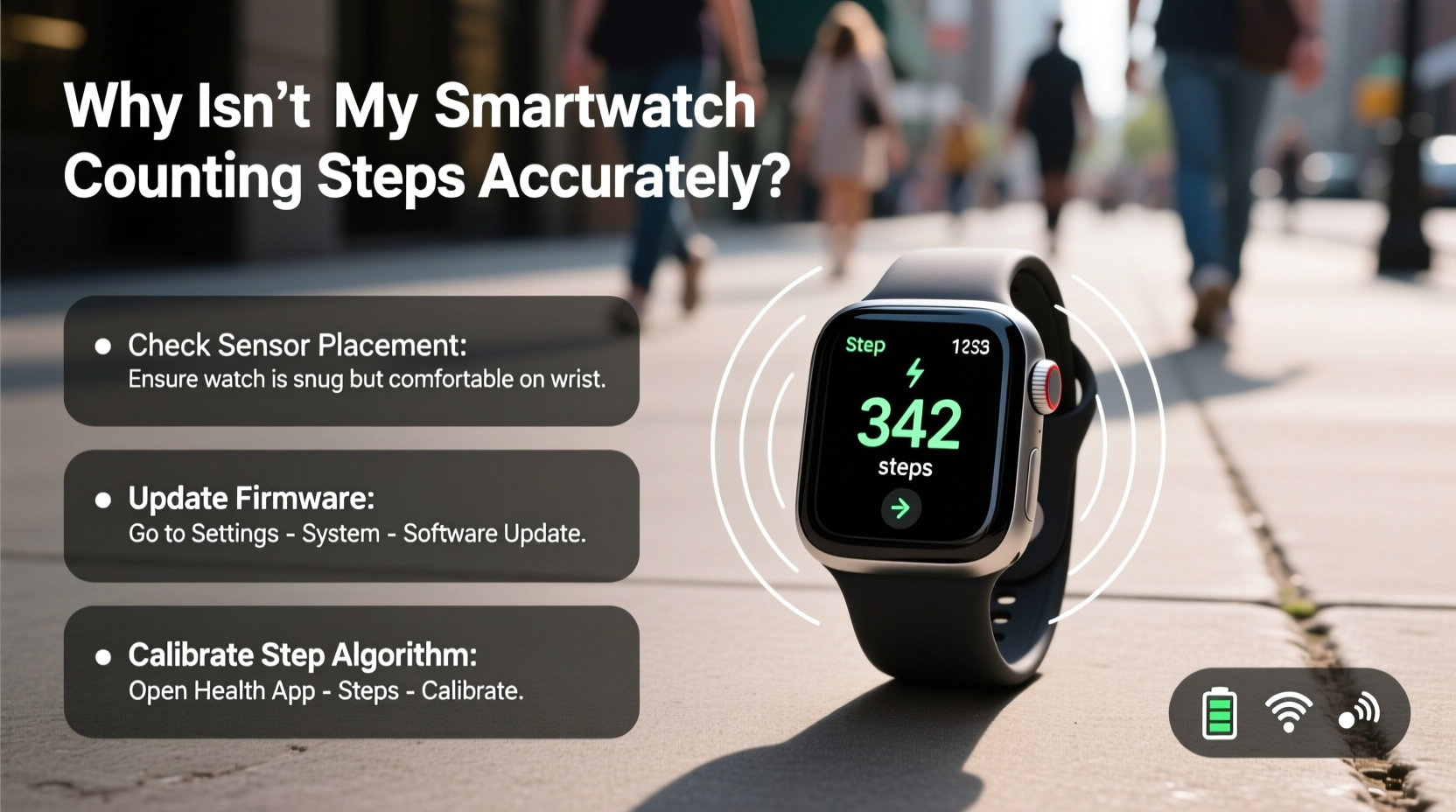
Credit: www.alibaba.com
Preparation Steps Before Updating
Jumping straight to updating is not smart. First, you should get ready:
- Fully charge your smartwatch.
- Back up any data (like contacts, steps, or health data).
- Find your smartwatch model number and current firmware version.
- Make sure you have a stable internet connection.
- If you use a PC or laptop, check for working Bluetooth or USB ports.
These steps may sound basic, but missing one could lead to problems. I once started an update with low battery and the watch died mid-way. It took hours to fix.
Methods To Update Smartwatch Firmware Without The Official App
Now let’s get into the real solutions. Depending on your smartwatch brand and model, some methods might work better than others. I will explain each one, with clear steps and practical tips.
1. Using Third-party Tools
There are several apps and software tools made by the community. These are not from the official brand, but they can help you update firmware. Examples include Gadgetbridge (for Android), Amazfit Tools, and OpenWatch.
Steps:
- Download a trusted third-party app or tool. For example, Gadgetbridge can be found on F-Droid (an open Android app store).
- Transfer the latest firmware file for your smartwatch model to your phone or PC.
- Open the third-party app and connect your smartwatch through Bluetooth.
- Use the app’s “firmware update” function. Select the firmware file and follow the on-screen instructions.
Tips:
- Use only tools with a strong community and good reviews.
- Always check that the firmware file matches your exact watch model.
- Do not disconnect the watch during the update.
2. Updating Through A Web Interface
Some smartwatches offer a web interface for updates. This is more common with advanced or open-source brands.
Steps:
- Connect your smartwatch to Wi-Fi.
- Go to the watch’s settings and look for “Update” or “Firmware” options.
- Some watches let you enter a web address in your browser (on PC or phone) to connect to the watch.
- Follow the on-screen steps to upload and install the new firmware.
Example:
The PineTime watch lets you update firmware using its web Bluetooth interface. You visit a special website, pair your watch, and upload the new firmware file.
3. Sideloading Firmware Through Usb Or Bluetooth
If your smartwatch can connect to your computer, you might be able to “sideload” firmware. This means copying the firmware file directly to the watch.
Steps:
- Download the right firmware file from a trusted source.
- Connect your watch to your computer with a USB cable or Bluetooth.
- Put the watch in “firmware update” or “bootloader” mode (check your manual).
- Use the PC software or command prompt to send the firmware file.
- Wait for the watch to install and reboot.
Tips:
- Some watches need special drivers on your PC.
- Watch for blinking lights or messages on your watch during the update.
- Do not unplug during the process.
4. Using Recovery Or Fastboot Mode
Many Android-based smartwatches have Recovery or Fastboot modes. These modes let you update the firmware without any app.
Steps:
- Turn off your smartwatch.
- Hold down certain buttons (often Power + Volume Down) to enter Recovery or Fastboot mode.
- Connect to your PC.
- Use tools like ADB (Android Debug Bridge) or Fastboot to install the firmware.
- Restart the watch when finished.
Example:
On some Wear OS watches, you can enter Fastboot and use “fastboot flash” commands to update the system.
5. Updating Through Cloud Or Direct Wi-fi
A few smartwatches can download updates directly from the internet, with no app needed.
Steps:
- Connect your watch to Wi-Fi.
- Open “Settings” and go to “About” or “System.”
- Tap “Check for updates.”
- If a new firmware is found, follow the prompts to install.
Real-world Example:
The Apple Watch can sometimes update over Wi-Fi, but usually needs an iPhone. However, some open-source watches or fitness bands can check for updates on their own if connected to Wi-Fi.
6. Using A Different Compatible App
Sometimes, another app (not the official one, but still trusted) can do updates. For example, some fitness bands work with both the Mi Fit and Zepp Life apps.
Steps:
- Search for apps that support your smartwatch.
- Install and open the app.
- Pair your watch.
- Look for a “firmware update” option.
Note:
This works best for popular brands like Xiaomi, Amazfit, or Huawei.
7. Manual Firmware Flashing
This method is advanced and risky. You download the firmware file and use special software to “flash” it to your watch. Only do this if you are comfortable with computers.
Steps:
- Find and download the official or trusted firmware file.
- Get a flashing tool (for example, QFIL for Qualcomm chips or SP Flash Tool for MediaTek).
- Put your watch in the right mode (see manual).
- Connect it to your PC.
- Use the flashing tool to select and install the firmware.
- Wait for the process to finish and do not disconnect.
Warning:
A failed flash can “brick” your watch (make it unusable). Read guides carefully and double-check everything.
8. Visiting A Local Service Center
If you are not confident with technology, consider visiting a local repair shop. Many shops can update firmware for a small fee. They have the tools and experience to do it safely.
What To Bring:
- Your smartwatch
- Any cables or chargers
- Model number and details
This is the safest way if you are unsure or your watch is expensive.
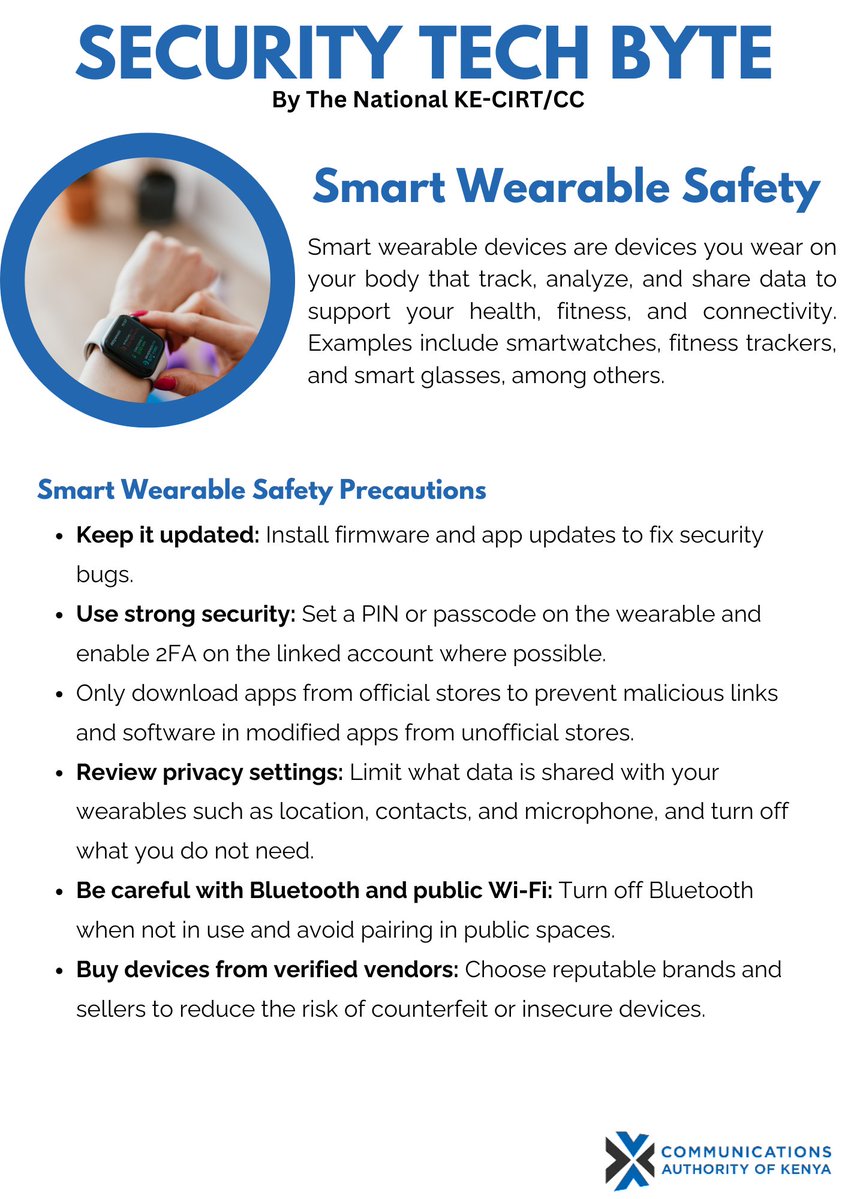
Credit: x.com
Comparing Firmware Update Methods
It helps to compare these methods side-by-side. Here is a simple comparison:
| Method | Skill Needed | Risk | Speed | Best For |
|---|---|---|---|---|
| Third-Party Tools | Basic | Low-Moderate | Fast | Popular watches |
| Web Interface | Basic | Low | Fast | Open-source watches |
| Sideloading/USB | Intermediate | Moderate | Medium | Tech-savvy users |
| Recovery/Fastboot | Advanced | High | Medium | Android smartwatches |
| Cloud/Wi-Fi | Basic | Low | Fast | Supported models |
| Compatible App | Basic | Low | Fast | Common brands |
| Manual Flashing | Expert | Very High | Slow | Advanced users |
| Service Center | None | Very Low | Medium | All users |
Where To Find Safe Firmware Files
Finding the right firmware is critical. Never download files from random websites. Here are safe sources:
- Official brand websites: Many brands post firmware files in their support section.
- Trusted tech forums: XDA Developers, Reddit, and similar forums often share safe links.
- Open-source project pages: For watches like PineTime, firmware is on the official GitHub.
One mistake I made was downloading a firmware file from a blog that looked real but was not. The file did not work and almost broke my watch. Always check the file name, size, and comments from other users.
Here is a quick comparison of sources:
| Source | Reliability | Safety | Chance of Updates |
|---|---|---|---|
| Official Websites | High | High | High |
| Tech Forums | Medium | Medium | Medium |
| Open-Source Projects | High | High | High |
| Random Blogs | Low | Low | Low |
Common Problems And How To Fix Them
Updating firmware without the official app can bring some problems. Here are the most common ones and how to solve them:
- Watch Does Not Turn On: Try holding the power button for 10-20 seconds. If this fails, try charging for an hour, then repeat.
- Update Fails Halfway: Make sure your watch is fully charged. Restart the process from the beginning. If possible, use a different cable or port.
- Firmware File Not Detected: Double-check the file format and location. Some watches need the file in a specific folder or name.
- Watch Stuck in Boot Loop: Try a “factory reset” from recovery mode. If this does not work, you may need to flash the firmware again.
- Bluetooth Not Pairing After Update: Remove the watch from your phone’s Bluetooth list. Restart both devices and pair again.
Most problems can be fixed with patience. If you feel stuck, visit a support forum or a service center.
Practical Tips For Safe Updating
Based on my experience and feedback from other users, here are some tips:
- Read guides for your exact model before starting.
- Use only trusted firmware files.
- Never interrupt the update (do not turn off, unplug, or close your app).
- Keep your watch charged above 50%.
- If you feel unsure, ask for help or choose a safer method.
Firmware updates are not something to rush. Taking your time can save hours of fixing later.
When You Should Not Try Manual Updates
There are times when it’s best to avoid manual updates:
- Your smartwatch is very expensive or rare.
- You are not comfortable with computers or tech.
- There is no trusted firmware file for your model.
- Your data is very important and not backed up.
In these cases, use a service center or wait for the official app to become available.
Real-world Example: Updating A Xiaomi Band Without Mi Fit
Let me walk you through a real example. I once wanted to update a Xiaomi Mi Band 4 without using the Mi Fit app. The app was not working on my phone. Here is what I did:
- I downloaded the Gadgetbridge app from F-Droid.
- I found the latest firmware file on the official Mi Band forum.
- I paired my band with Gadgetbridge.
- I selected “Install firmware” and chose the file.
- The update took about 5 minutes. My band rebooted and showed the new version.
It worked well, but only because I checked everything twice and used trusted files. If you follow the steps, you can do it too.
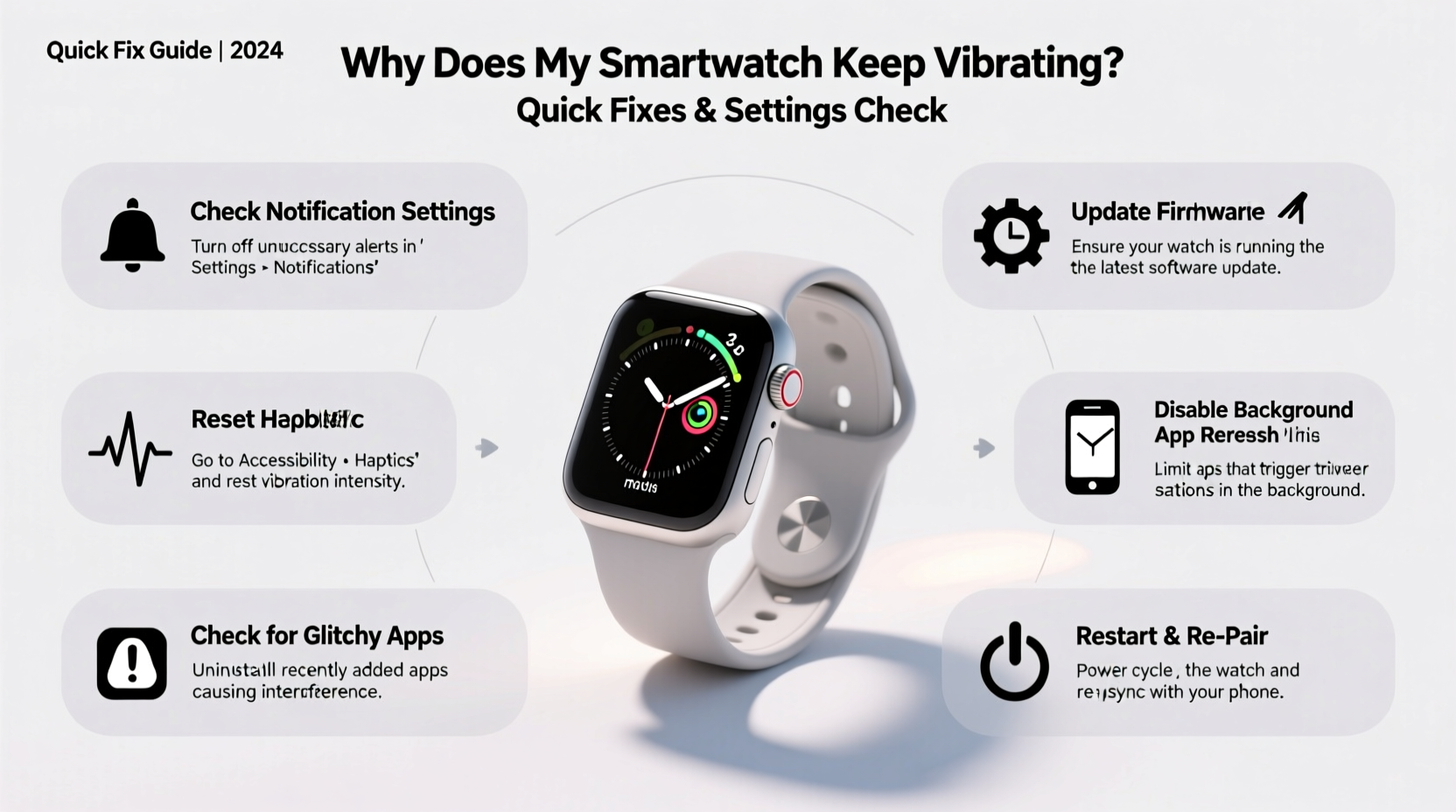
Credit: www.alibaba.com
Safety And Legal Notes
It is good to remember that using non-official methods can have risks:
- You might void your warranty.
- Some updates can lock features or block apps.
- There is a small risk of making your watch unusable.
Always check your local laws and warranty terms. If your watch is still under warranty, ask the brand for help first.
For more details about firmware and smart devices, you can check Wikipedia’s firmware page.
Frequently Asked Questions
Can I Update Any Smartwatch Without The Official App?
Not every smartwatch allows updates without the official app. Most popular brands have locked systems. But many fitness bands, open-source watches, or older models support manual updates.
Is It Safe To Use Third-party Tools For Firmware Updates?
If you use well-known tools from trusted sources, it is usually safe. Always check reviews and forum posts. Never download firmware or tools from random websites.
What Should I Do If My Smartwatch Stops Working After An Update?
Try restarting or resetting the watch. If nothing works, search for recovery steps for your model. Sometimes, you need to re-flash the firmware or visit a service center.
Will I Lose My Data During The Update?
Most firmware updates keep your data, but sometimes a full reset is needed. Always back up your watch data before you start, just in case.
How Can I Find The Correct Firmware For My Watch?
Check the brand’s official website, trusted forums, or open-source project pages. Make sure the firmware matches your exact model and region.
Keeping your smartwatch firmware updated without the official app is possible. It takes patience, some research, and care. I hope my tips and real stories help you do it safely and with confidence. Your smartwatch can have a longer, safer life with the right updates—even when the official app is not an option.

Rubel Miah is the Senior Editor at MyStyleGrid.com, where he brings a sharp editorial eye and an unshakable love for fashion to everything he does. A true style addict, Rubel lives and breathes trends, from streetwear to high fashion, and has a knack for turning inspiration into impactful stories. With years of experience in fashion journalism and digital media, he curates content that empowers readers to express themselves through style. When he’s not editing features or forecasting the next big thing, you’ll find him hunting down vintage pieces or capturing street style moments around the city.