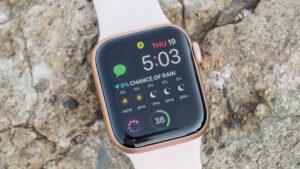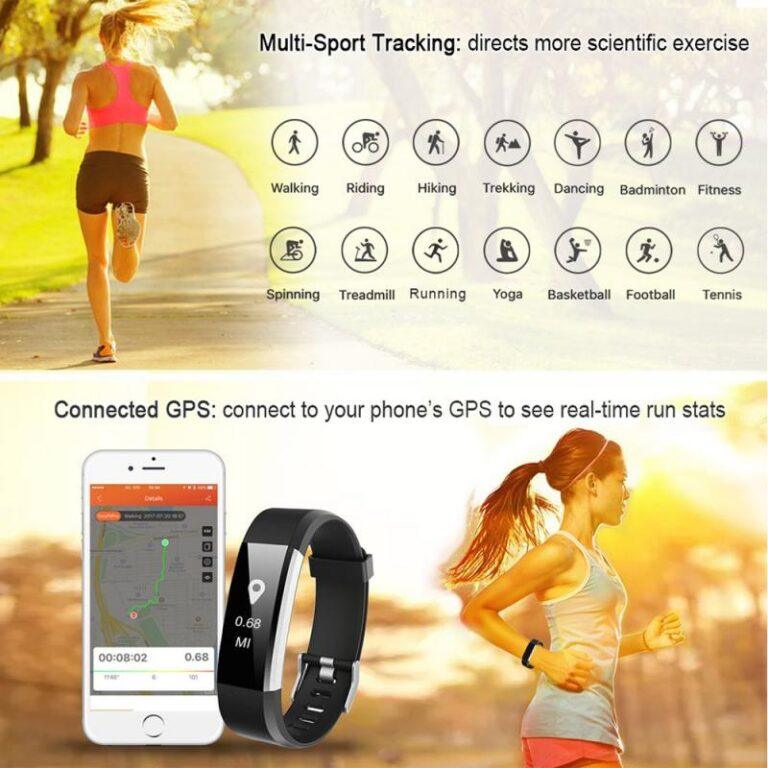
Yes, you can text on a smartwatch, but its features depend on the model, phone, and cellular plan.
The answer to “can you text on a smart watch” is more useful when you know how the watch connects, which messaging apps it supports, and what you can do without your phone. Most modern watches can show texts, send replies, and use voice dictation. Some can even send messages on their own through a cellular connection.

Can You Text on a Smart Watch?
Yes, you can text on a smart watch. Most current models let you read incoming messages and send short replies from your wrist. The exact experience varies by brand, operating system, phone type, and connection method.
A smartwatch may let you:
• Read SMS and MMS messages
• Send text replies
• Use voice-to-text dictation
• Choose quick replies
• Type on a small keyboard
• Send emojis
• Make or receive calls
• Reply through apps such as WhatsApp or Messenger
Some watches only work when they are connected to your phone through Bluetooth or Wi-Fi. Others have LTE or cellular service, which lets them text when your phone is not nearby.
Think of a smartwatch as a small remote control for your phone. A Bluetooth model usually needs the phone nearby. A cellular model has its own mobile connection and works more independently.
How Texting on a Smartwatch Works
Smartwatches use one of three main connection types: Bluetooth, Wi-Fi, or cellular data. Each option affects where and how you can send messages.
Bluetooth connection
A Bluetooth smartwatch connects to your phone over a short range. When your phone is close, the watch can receive notifications and send messages through the phone.
This is the most common setup. It also uses less battery than a cellular connection. However, you may not be able to send a new text if your phone is far away and the watch has no Wi-Fi or cellular service.
Wi-Fi connection
Some watches can connect to a saved Wi-Fi network when your phone is not nearby. This may allow messages and internet-based apps to work.
Wi-Fi support is not always the same as full texting support. For example, an internet messaging app may work over Wi-Fi, while regular SMS may still require a phone connection or cellular plan.
Cellular or LTE connection
An LTE smartwatch has a mobile connection built into the watch. It usually requires a separate wearable plan from your wireless carrier.
With cellular service, you can often:
• Send and receive texts without your phone nearby
• Make calls from the watch
• Use maps and streaming apps
• Receive notifications while away from your phone
• Contact someone during a run, hike, or quick trip
Cellular service gives the watch more freedom, but it can raise the monthly cost and reduce battery life.
Which Smartwatches Let You Send Texts?
Most major smartwatch platforms support texting in some form. The best choice depends on your phone.
Apple Watch
Apple Watch models can send texts through the Messages app. You can reply with dictation, preset responses, emojis, scribbles, or an on-screen keyboard on supported models.
An Apple Watch can use Bluetooth, Wi-Fi, or cellular service. A cellular Apple Watch can send messages without an iPhone nearby, although some features depend on carrier support and Apple account settings.
Apple Watch works best with an iPhone. It is not designed to provide the full smartwatch experience when paired with an Android phone.
Samsung Galaxy Watch
Samsung Galaxy Watch models can send and receive messages when paired with a compatible Android phone. Many models support voice replies, quick responses, emojis, and a small touch keyboard.
LTE versions can handle calls and messages away from the phone. Some features may differ based on whether the watch is paired with a Samsung Galaxy phone or another Android device.
Google Pixel Watch
Google Pixel Watch models support messaging through Android. You can use voice dictation, suggested replies, emojis, and supported messaging apps.
LTE versions can stay connected without the phone nearby. Some services may require an active plan and a compatible carrier.
Fitbit and other fitness watches
Some Fitbit devices show message alerts and allow simple replies. The available features depend on the model and connected phone.
Many fitness-focused watches are better at notifications than full texting. They may let you answer with preset responses but not type a new message from scratch.
Ways to Send a Text From a Smartwatch
The small screen may seem limiting, but modern watches offer several ways to reply.
Voice dictation
Voice dictation is often the fastest way to text on a smart watch. Tap the microphone, speak clearly, and review the words before sending.
This works well for messages such as:
• “I am on my way.”
• “Please pick up milk.”
• “Call you after work.”
Dictation can make mistakes with names, street addresses, and background noise. Check the message before sending, especially when the meaning could change.
Quick replies
Quick replies are short, saved responses. Common choices include:
• “Okay”
• “Sounds good”
• “I will call later”
• “I am busy right now”
• “Thanks”
Quick replies are useful when you need to answer without starting a full conversation. You can often edit these responses in the watch app on your phone.
On-screen keyboard
Some smartwatches include a tiny keyboard. You can tap letters, swipe across keys, or use predictive text.
Typing on a smartwatch takes practice. It works best for short messages. Long replies can feel slow, like writing a note on a postage stamp.
Scribble or handwriting input
Some watches let you draw letters on the screen with your finger. The watch converts your writing into text.
This method can be helpful when speaking is not suitable. It may be less accurate for long words or rushed handwriting.
Emojis and reactions
Many watches let you send emojis or react to messages. This is a quick way to show approval, thanks, or humor without typing.
Message reactions may not work the same way across all apps. A reaction sent through one platform may appear as a text message on another.
Can You Text on a Smart Watch Without a Phone?
Yes, you can text on a smart watch without your phone nearby if the watch supports cellular service or has a suitable Wi-Fi connection. A Bluetooth-only watch usually needs the phone within range.
There are a few important details:
• A cellular watch needs an activated wearable plan.
• The watch must have a supported carrier connection.
• Some messaging features need an account login.
• Emergency features may work differently from normal texting.
• Battery life may drop faster when the watch uses LTE.
Regular SMS, iMessage, RCS, and internet messaging do not all work in the same way. A watch may send one type of message through cellular service but require the phone for another.
Before buying a cellular model, check the carrier’s smartwatch compatibility page. Carrier support can vary by country, plan, watch model, and phone.
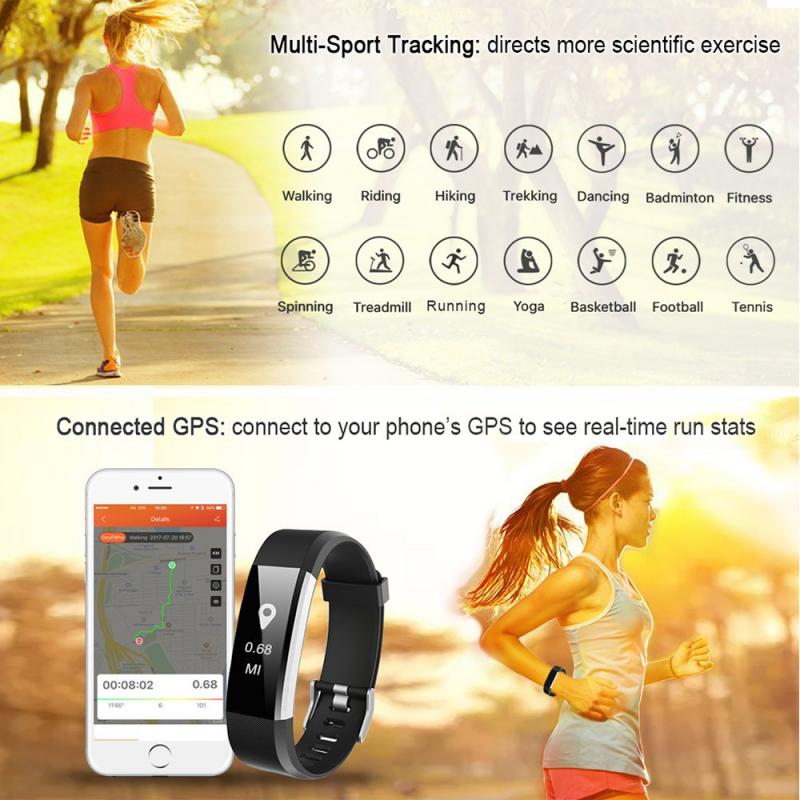
Can You Text on a Smart Watch With Android?
Yes, you can text on a smart watch with Android, but the watch must support Android phones. Samsung Galaxy Watch and Google Pixel Watch are common choices for Android users.
The Android phone must usually have:
• Bluetooth enabled
• The correct watch app installed
• Notification access enabled
• A compatible version of Android
• A working messaging app