Adding an Apple Watch to a T-Mobile plan usually costs $10 per month with AutoPay, plus taxes, fees, and the watch price.
The exact cost depends on your T-Mobile plan, AutoPay status, watch model, and any current promotion. This guide explains how much to add Apple Watch to T-Mobile plan, what the monthly charge includes, and how to avoid surprise fees when you activate service.
How much does it cost to add an Apple Watch to a T-Mobile plan?
For most customers, adding cellular service for an Apple Watch to a T-Mobile account costs about $10 per month with AutoPay. Without AutoPay, the price may be closer to $15 per month, depending on the wearable plan available on your account.
This monthly charge covers the watch’s cellular connection. It lets the Apple Watch use calls, messages, notifications, music streaming, maps, and emergency features when the iPhone is not nearby.
Your total cost may include:
• Cellular service: Usually $10 per month with AutoPay, or about $15 without AutoPay
• Taxes and regulatory fees: These vary by state, city, and account setup
• Device cost: The Apple Watch itself may cost from roughly $249 to more than $799
• Activation or setup fee: T-Mobile may charge a one-time fee, depending on the order method and current policy
• Protection plan: Optional insurance or device protection adds another monthly charge
A simple example is an Apple Watch SE purchased for $249 with a $10 monthly wearable line. Your first bill could include the watch payment, service charge, taxes, and a possible activation fee. Later bills would usually include only the device installment and the monthly watch line.
What T-Mobile Apple Watch service includes
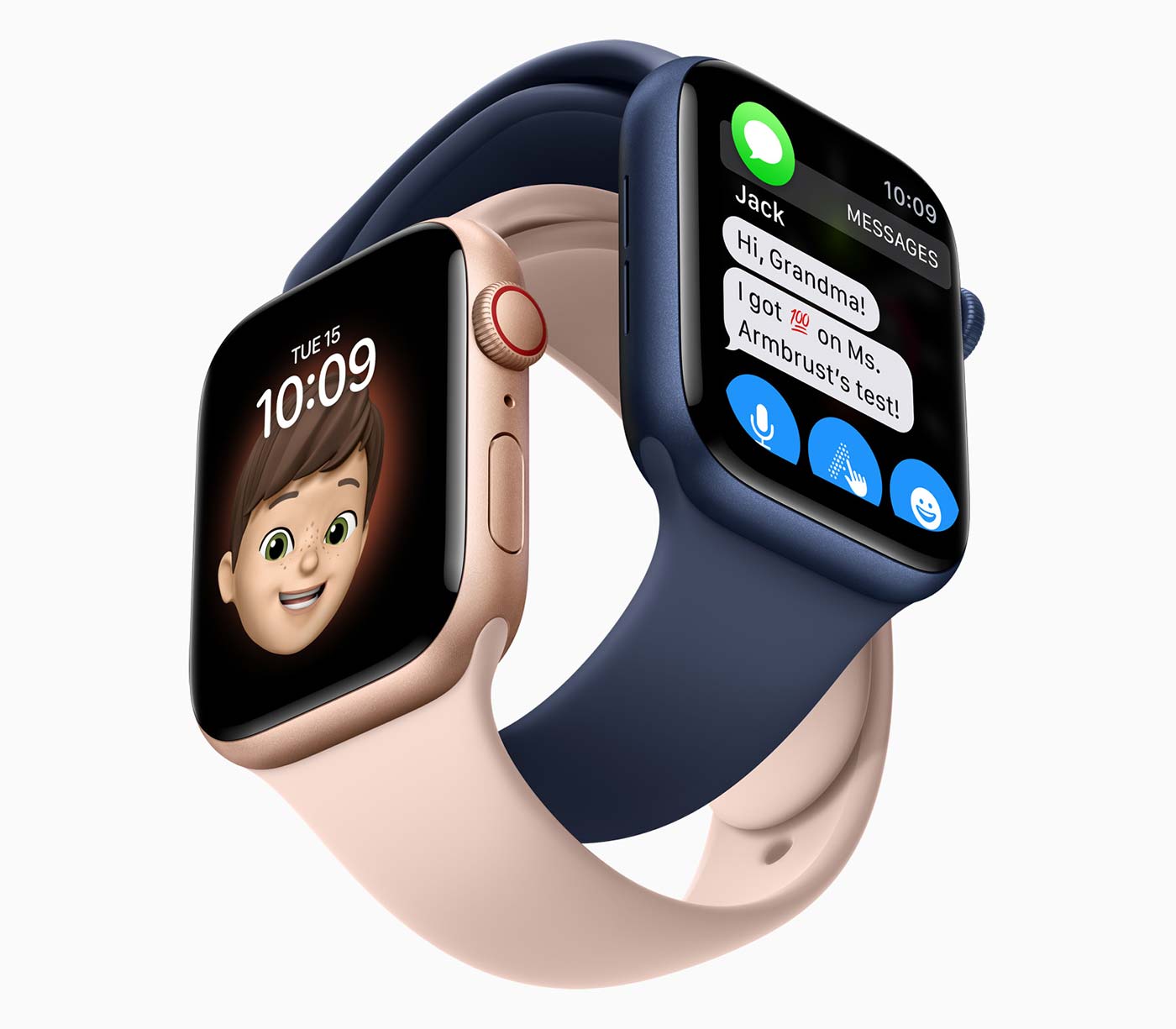
A cellular Apple Watch connects to T-Mobile through an eSIM built into the watch. The watch receives its own mobile service, but it normally shares your iPhone’s phone number through Apple’s number-sharing system.
This means you can leave your iPhone at home and still use many key features. The watch can connect to T-Mobile’s network on its own, as long as it has an active wearable line and enough network coverage.
With a compatible Apple Watch and plan, you can usually:
• Make and receive calls
• Send and receive text messages
• Use Apple Maps and location services
• Stream music and podcasts
• Receive app alerts
• Use Find My and emergency functions
• Contact emergency services when supported by the watch and network
The watch does not become a second full phone line in the same way a smartphone does. Instead, it works as a companion device connected to your iPhone and T-Mobile account.
Wi-Fi-only Apple Watch models do not need a T-Mobile line. They can still make calls and send messages through a nearby iPhone or known Wi-Fi network, but they lose independent cellular access when away from both.
T-Mobile Apple Watch pricing by cost type
Understanding the difference between service cost and device cost makes the answer much clearer. Many shoppers focus on the $10 monthly line and forget that the watch may be financed separately.
Monthly cellular service
The common T-Mobile price is $10 per month with AutoPay. T-Mobile may list the standard price as $15 per month before an AutoPay discount or account-specific offer.
The discount rules can change. Some plans may have different wearable pricing, and promotional plans can include a temporary credit. Always review the final checkout screen before accepting the line.
Apple Watch purchase price
The watch price depends on the model and features. Common choices include:
• Apple Watch SE: Often the lower-cost option for calls, texts, fitness, and safety tools
• Apple Watch Series models: Usually offer a broader feature set and newer health tools
• Apple Watch Ultra models: Designed for outdoor use, longer battery life, and advanced fitness needs
You can buy the watch upfront or finance it through T-Mobile. Device financing lowers the amount due today but does not remove the total device cost.
Taxes and fees
Taxes may apply to both the device and monthly service. The amount varies based on your billing address and local rules.
Some customers also see a one-time device connection or activation charge. T-Mobile promotions may waive or reduce this fee, but it should not be assumed.
Optional protection
Protection plans can help with accidental damage, loss, or theft, depending on the coverage terms. They are not required to use cellular Apple Watch service.
Before adding protection, compare its monthly cost with the price of repairing or replacing your watch. A low-cost Apple Watch may not justify an expensive protection plan.
Which Apple Watch models work with T-Mobile?
You need a GPS plus Cellular Apple Watch to use T-Mobile service away from your iPhone. A GPS-only model cannot be added as a cellular wearable line.
Supported models usually include recent cellular versions of:
• Apple Watch SE
• Apple Watch Series models
• Apple Watch Ultra models
Compatibility can depend on the watch generation, software version, and country where it was purchased. A cellular Apple Watch sold in the United States is the safest choice for a U.S. T-Mobile account.
The iPhone also matters. Apple requires a compatible iPhone with a supported version of iOS. Your iPhone and Apple Watch should use current software before activation.
A practical mistake is buying a GPS-only watch because it looks nearly identical to the cellular version. Check the product listing for “GPS + Cellular” before you buy. The red ring on some Digital Crown models can help identify cellular versions, but the product specifications are more reliable.

How to add an Apple Watch to your T-Mobile plan
You can usually add the watch through the Apple Watch app on your iPhone, the T-Mobile website, or a T-Mobile store.
Follow these steps:
-
Confirm that your Apple Watch is a GPS plus Cellular model.
-
Update your iPhone and Apple Watch software.
-
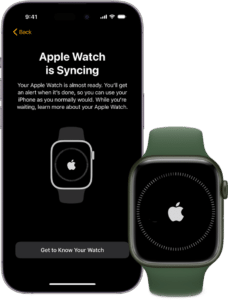
Pair the watch with your iPhone using the Apple Watch app.
-
Open the Cellular section in the Watch app.
-
Choose Set Up Cellular.
-
Sign in to your T-Mobile account when asked.
-
Review the monthly price, taxes, and any activation charge.
-
Accept the terms and complete the setup.
-
Test a call or message with your iPhone turned off or away from the watch.
The account owner may need to approve the new line. You may also need your T-Mobile ID, account PIN, billing information, and an eligible rate plan.
If the setup fails, restart both devices and check that the watch is not still linked to another carrier. A used Apple Watch may also have Activation Lock enabled. The previous owner must remove it from their Apple Account before you can use it.

Does every T-Mobile plan support Apple Watch?
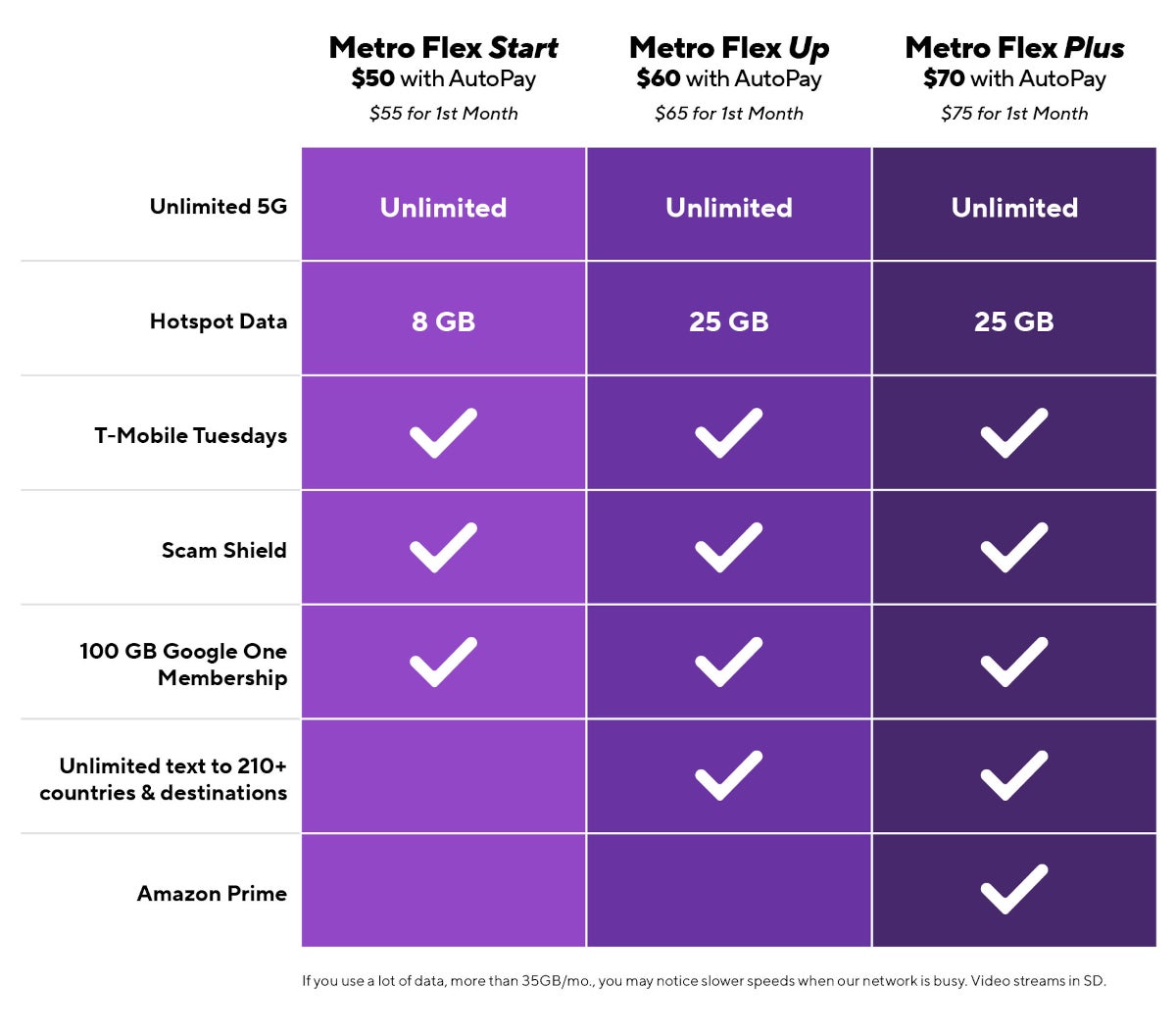
Not every plan has identical wearable features. T-Mobile generally supports connected wearable service on many consumer plans, but eligibility can vary by account type, plan generation, business status, and promotional terms.
Some older, prepaid, discounted, or special plans may not support Apple Watch cellular service in the same way. A store representative or T-Mobile account page can confirm eligibility before you purchase the watch.
Your plan may also affect hotspot data, international use, and high-speed data limits. The watch line is not automatically identical to your phone line.
Before activation, check these details:
• Is the plan eligible for a smartwatch line?
• Is AutoPay required for the lower monthly price?
• Are taxes and fees included?
• Does the watch receive domestic roaming?
• What happens when traveling internationally?
• Is the line eligible for a free-line or bill-credit promotion?
This step can prevent a common billing surprise. A promotion advertised for phones may not apply to wearables, and a free device offer may require a qualifying trade-in or a specific plan.
Is adding an Apple Watch worth the monthly cost?
For many people, the answer is yes. Cellular service is useful if you exercise outdoors, work in a setting where phones are restricted, or want a safety connection for a child or older family member.
It is less useful if your iPhone is almost always nearby. In that case, a GPS-only Apple Watch can provide fitness tracking, notifications, and many smart features without a monthly carrier charge.
Cellular service may be worth it for:
• Runners and cyclists
• People who spend time outdoors
• Parents who want a basic communication tool for a family member
• Workers who cannot carry a phone all day
• Travelers who want emergency access during short walks or workouts
• People who use Apple Watch safety and health features often
The service does not create unlimited battery life. Cellular use can drain the watch faster, especially during calls, streaming, or workouts. You should still charge the watch each day or follow the battery schedule recommended for your model.
In practical terms, $10 per month is $120 per year before taxes. Over three years, the service can cost about $360. Compare that amount with how often you will use cellular features before signing up.

Ways to reduce the cost of Apple Watch service
There are several simple ways to keep your total cost lower.
• Use AutoPay if the discount terms work for your budget and account.
• Compare T-Mobile promotions before buying the watch.
• Consider an Apple Watch SE instead of a premium model.
• Buy a GPS-only model if you rarely leave your iPhone behind.
• Avoid adding insurance unless the coverage makes financial sense.
• Check whether a family member already has an unused wearable line.
• Review your bill after the first full billing cycle.
Be careful with “free Apple Watch” promotions. These deals often use monthly bill credits. If you cancel the line early, change to an ineligible plan, or return the device, the remaining balance may become due.
A good habit is to save a screenshot of the promotion terms. Keep the order confirmation, trade-in details, and financing agreement in one place. This makes billing problems much easier to resolve.

Common mistakes when adding an Apple Watch to T-Mobile
The most common error is confusing a cellular Apple Watch with a GPS-only model. Only the cellular version can connect directly to T-Mobile.
Another mistake is assuming the watch line costs exactly $10 after every discount. AutoPay rules, taxes, plan eligibility, and temporary promotions can change the final amount.
Watch for these issues:
• Buying a watch locked to another carrier
• Forgetting to remove Activation Lock on a used watch
• Activating the watch on the wrong T-Mobile account
• Ignoring the device installment balance
• Assuming international roaming works like phone roaming
• Canceling a phone line that is needed for number sharing
• Failing to test cellular service after setup
The safest approach is to read the final order summary line by line. Look for the device payment, wearable service, AutoPay discount, taxes, fees, and promotional credits.
Frequently asked questions
How much is it to add an Apple Watch to T-Mobile?
Adding an Apple Watch to T-Mobile commonly costs $10 per month with AutoPay. The price may be about $15 per month without AutoPay, before taxes and fees.
Can I add an Apple Watch to T-Mobile without buying a new phone?
Yes. You can usually add a compatible cellular Apple Watch to an existing T-Mobile account. Your iPhone must support Apple Watch pairing and use compatible software.
Does a GPS-only Apple Watch need a T-Mobile plan?
No. A GPS-only Apple Watch does not need cellular service. It can use your iPhone or Wi-Fi for many communication and online features.
Can I use my Apple Watch without my iPhone nearby?
Yes, if the watch is a GPS plus Cellular model with an active T-Mobile wearable line. Coverage, battery level, software, and feature limits still apply.
Does T-Mobile charge an activation fee for Apple Watch?
T-Mobile may charge a one-time connection or activation fee, although promotions can reduce or waive it. Check the final order summary because fees can vary by account and purchase method.
Can I use an Apple Watch bought from Apple on T-Mobile?
Usually, yes, if it is a U.S. GPS plus Cellular model that is compatible with T-Mobile. Confirm that the watch is not carrier locked and that it meets Apple and T-Mobile compatibility requirements.
Can I cancel the Apple Watch line later?
You can normally cancel the wearable line, but device financing or promotional credits may continue under the terms of your agreement. Review the remaining device balance before canceling.
Conclusion
The cost to add an Apple Watch to a T-Mobile plan is usually about $10 per month with AutoPay, or around $15 without it, plus taxes and possible fees. You must also account for the watch price, financing terms, and any optional protection plan.
Choose a GPS plus Cellular model, confirm your plan’s eligibility, and review the complete bill before activation. If your iPhone is rarely out of reach, a GPS-only Apple Watch may save you more over time.
Check your T-Mobile account for the latest pricing and promotions, then choose the option that matches how you actually use your watch.

Rubel Miah is the Senior Editor at MyStyleGrid.com, where he brings a sharp editorial eye and an unshakable love for fashion to everything he does. A true style addict, Rubel lives and breathes trends, from streetwear to high fashion, and has a knack for turning inspiration into impactful stories. With years of experience in fashion journalism and digital media, he curates content that empowers readers to express themselves through style. When he’s not editing features or forecasting the next big thing, you’ll find him hunting down vintage pieces or capturing street style moments around the city.