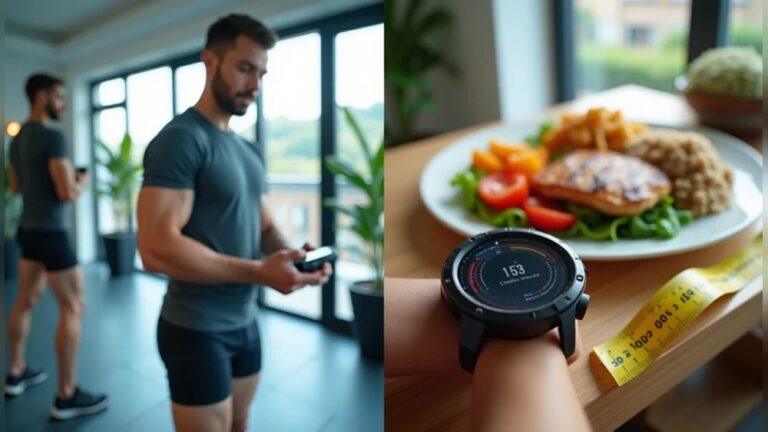
If you’ve ever looked down at your smartwatch after a long walk or workout and thought, “That can’t be right,” you’re not alone. Many people find that their smartwatch calorie tracking shows wrong results. Sometimes, your watch says you burned way too many calories. Other times, it seems far too low. If you rely on this data for health goals, it can be confusing and even discouraging.
I remember a time when I wore my smartwatch for a week and noticed my daily calorie burn was always about 300 calories higher than what I expected. It made me wonder if the problem was with the watch, or if I was missing something important.
After some digging, testing, and adjusting, I learned a lot about why these errors happen and how to fix them.
In this guide, I’ll walk you through everything you need to know to get more accurate calorie tracking from your smartwatch. I’ll share what causes errors, how to troubleshoot, and what you can do to trust your numbers again.
Why Does Your Smartwatch Show Wrong Calorie Data?
Smartwatches use sensors and formulas to estimate how many calories you burn. These include your heart rate sensor, accelerometer, and sometimes a built-in GPS. The watch combines your personal data (like age, weight, height, and gender) with your activity data. But things don’t always work perfectly.
Here are some common reasons for wrong calorie results:
- Incorrect personal data: If your weight, age, or height are wrong, your watch can’t calculate well.
- Sensor issues: Dirty or loose sensors can’t read your heart rate or movement correctly.
- Software errors: Updates or bugs in the watch’s operating system can cause problems.
- Wrong activity type: Using the wrong workout mode can confuse the watch.
- Manual errors: Forgetting to start or stop activity tracking changes your calorie count.
A study by Stanford University found that most smartwatches had calorie errors between 27% and 93%. That’s a lot. Knowing this helps set realistic expectations and points to solutions.
Step 1: Double-check Your Personal Data
One of the first things you should do is check your personal details in your watch’s app or settings. Your age, weight, height, and gender all affect calorie calculations.
How To Fix
- Open your smartwatch app (like Apple Health, Samsung Health, or Fitbit).
- Go to your profile or settings.
- Check every detail: Weight, height, age, gender.
- Update if anything changed recently.
Why It Matters
If your weight is off by even 5kg, your calorie results can be off by 50–70 calories per hour. For people losing weight or managing health, this adds up.
Pro Tip: Weigh yourself once a week and update your device, especially if you’re changing weight.

Credit: plantigo.in
Step 2: Clean And Wear Your Watch Correctly
A dirty or loose smartwatch can’t track well. Sweat, lotion, or dust may block sensors.
How To Wear Your Watch
- Place your watch above your wrist bone (not on it).
- Make sure the band is snug but comfortable.
- Clean the back of the watch with a soft, damp cloth.
Personal Note
Once, I wore my smartwatch loose during a hike, and my calorie burn was almost half of normal. After tightening the band, the numbers matched my expected results.
Why Cleanliness Matters
Dirty sensors can’t “see” your blood flow. This can make the heart rate reading—and calorie count—jump around.
Step 3: Update Your Watch And App
Technology changes all the time. Firmware and software updates often fix bugs or improve tracking.
How To Update
- Open your smartwatch’s app on your phone.
- Check for updates for both the watch and app.
- Install any available updates.
Outdated software is a sneaky cause of wrong calorie data. Companies often fix tracking problems in new versions.
Step 4: Choose The Right Activity Type
Smartwatches use different formulas for each exercise. If you select “outdoor run” when you’re doing yoga, the calorie math won’t match.
How To Fix
- Before starting, choose the correct activity (walking, running, cycling, swimming, yoga, etc. ).
- If your watch allows, add custom activities for things like HIIT or dancing.
- If you forget, edit the activity later in the app.
Example
If you do 30 minutes of cycling but select “walking,” the watch may count fewer calories, since cycling burns more per minute.
Step 5: Calibrate Your Watch
Some smartwatches let you calibrate for better accuracy. This means teaching the watch how you move.
For Apple Watch
- Go for a 20-minute walk at your normal pace outside.
- Make sure GPS is on.
- This helps the watch learn your stride and movement.
For Other Brands
- Look for “calibrate” or “tune” options in the settings.
- Follow the instructions.
Calibration can cut errors by 10–20%. It’s worth doing every few months.
Step 6: Check Your Heart Rate Accuracy
Most watches use heart rate to estimate calories. If your heart rate is wrong, your calorie count will be too.
How To Test
- During a workout, count your pulse for 30 seconds.
- Compare with what your watch shows.
- If there’s a big difference, clean the sensors, tighten the strap, or try a different wrist.
What If It’s Still Off?
Some people have tattoos, thick hair, or dark skin that makes it harder for optical sensors. If your heart rate is always off, try a chest strap that connects to your watch. Chest straps are often more accurate.
Step 7: Compare With Other Devices
If you have access to more than one tracker (for example, a phone and a watch), compare their results. Or, compare with a treadmill or gym machine.
How To Do It
- Wear your watch and use another device at the same time for a workout.
- Record both results.
What To Look For
If your watch is always much higher or lower, it may need recalibration or repair.
Below is an example comparison for a 30-minute treadmill run:
| Device | Calories Burned |
|---|---|
| Smartwatch | 280 |
| Treadmill Display | 260 |
| Phone App | 255 |
If your smartwatch is much higher or lower, check all your settings and repeat the steps above.
Step 8: Adjust Activity Intensity Manually
Some watches let you set the activity intensity. For example, you can choose “easy walk,” “brisk walk,” or “run.”
How To Use This
- If your workout feels harder than usual, adjust the intensity in the app.
- For interval or HIIT training, check if your watch has a special mode.
Why It Helps
If you always use the default setting, your calorie count can be too low for hard workouts.
Step 9: Understand The Limits Of Calorie Calculations
Even with the best settings, smartwatch calorie tracking is not perfect. It’s an estimate based on formulas and sensors, not a direct measurement.
What Factors Affect Accuracy?
- Body composition (muscle burns more than fat)
- Genetics
- Hydration level
- Temperature and humidity
- Illness or medication
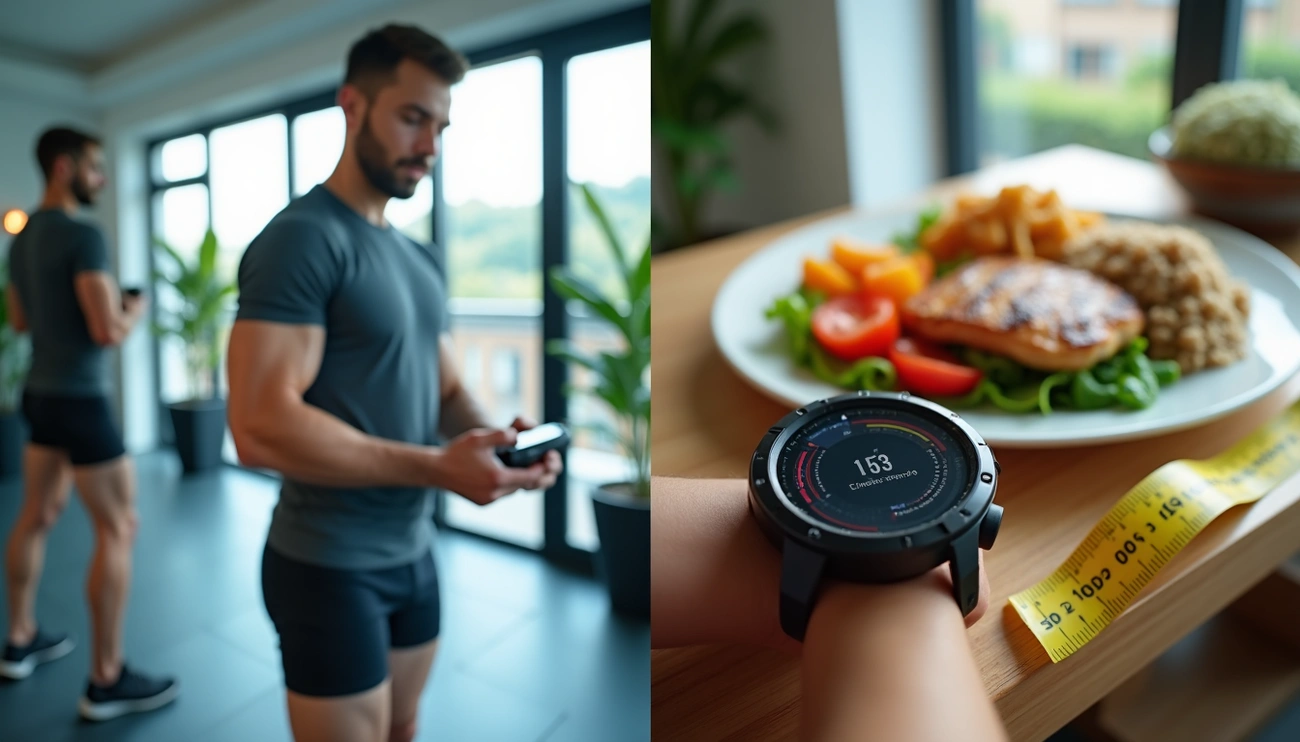
No smartwatch can know all these things. It’s best to use calorie data as a guide, not an exact number.
Credit: www.fitnessmentors.com
Step 10: Reset And Re-pair Your Watch
If your calorie tracking is still wrong after trying everything, try a reset.
How To Reset
- Go to your watch settings.
- Choose “reset” or “factory reset.”
- Follow instructions to erase and set up again.
Why This Works
Software glitches can cause errors that only a full reset will fix. After resetting, input your personal data again and update the software.
Step 11: Review The App’s Calorie Formula
Not all apps use the same calorie formulas. Some are more advanced than others.
Example
Fitbit uses the MET (Metabolic Equivalent of Task) formula, which includes your age, weight, and activity type. Apple and Garmin have their own methods.
If you want to know the exact formula, look in the support section of your app’s website.
Step 12: Use Third-party Apps For Comparison
If you’re not happy with your smartwatch’s numbers, try a third-party app. Popular ones are MyFitnessPal, Google Fit, or Strava. Enter your activity manually and compare the results.
| App | Calorie Estimate (30-min walk) |
|---|---|
| Smartwatch Default | 120 |
| MyFitnessPal | 110 |
| Google Fit | 115 |
| Strava | 118 |
If all the apps are close, you can trust your numbers more. If not, adjust your main device.
Step 13: Keep Your Watch Up-to-date With Your Fitness Level
As you get fitter, your heart rate for the same activity goes down. This can trick your watch into thinking you’re burning fewer calories.
How To Fix
- Update your resting heart rate in your profile if it changes.
- If you lose weight or gain muscle, update your stats.
- Recalibrate your watch every few months.
Step 14: Check For Known Issues With Your Watch Model
Sometimes, manufacturers admit their watches have problems. Check your brand’s support page or forums.
Example
Some older Fitbit models had known calorie tracking errors after certain updates. The company fixed this in later updates.
If your watch is listed, follow the recommended fix or contact support.
Step 15: Combine Calorie Data With Other Health Metrics
Don’t rely only on calorie numbers. Use steps, active minutes, and heart rate to get a full picture of your health.
Why It Matters
If your calorie count is off, but your active minutes and steps are on target, you’re still moving more. This is what matters for most health goals.
Step 16: Don’t Compare With Other People’s Numbers
Everyone’s body is different. Your friend might burn more or fewer calories doing the same workout, even with the same watch.
Example
Two people walk 10,000 steps. One burns 350 calories, the other 450. This is normal due to weight, height, and fitness level.
Step 17: Use Professional Tools For Important Tracking
If you need very accurate calorie tracking (for medical reasons or sports), use professional tools like a metabolic cart or lab test. These measure your actual oxygen use and are used in research.
For everyday use, smartwatches are good guides but not medical devices.
Step 18: Watch Out For Firmware Bugs
After a software update, check your calorie tracking. Sometimes, new updates have bugs that last a few days or weeks.
What To Do
- Search online for “watch model + calorie bug.”
- If others have the same problem, wait for an update or contact support.
Step 19: Try Different Wearing Positions
If your watch isn’t accurate on your left wrist, try the right. Some people get better readings on one arm.
How To Test
- Wear the watch on both wrists (not at the same time).
- Check which side gives more stable results.
This can help if your dominant hand moves more or has a better blood flow.

Credit: cosmotogether.com
Step 20: Accept Some Fluctuation Is Normal
No smartwatch will be perfect every time. Day-to-day changes of 5–10% are normal. Focus on trends over weeks, not single days.
When I started using my smartwatch for calorie tracking, I spent weeks adjusting settings, wearing positions, and comparing with other devices. Over time, the numbers became more stable—and much more useful for my health journey.
When Should You Contact Support Or Replace Your Watch?
If you’ve tried everything above and your numbers are still way off, it may be a hardware problem. Contact your watch’s support center or visit a store. Sometimes, sensors break or batteries fail. If your watch is older, consider upgrading to a newer model with better sensors.
How Accurate Are Smartwatch Calories, Really?
On average, most smartwatches are within 10–20% of actual calorie burn for simple activities like walking or running. For complex workouts, errors can be higher.
If you want to read more about how smartwatches estimate calories, you can visit the Wikipedia page on wearable technology.
Frequently Asked Questions
Why Does My Smartwatch Show Very Different Calorie Results From The Gym Machine?
Gym machines and smartwatches use different formulas and sensors. Gym machines often use generic settings for everyone, while smartwatches use your personal data. It’s normal to see differences.
Can Wearing My Smartwatch Too Loose Affect Calorie Tracking?
Yes, a loose band can cause poor contact with your skin, making the sensors less accurate. Always wear your watch snugly—just tight enough to stay in place, but not uncomfortable.
Do Smartwatches Track Calories Better During Some Activities?
Yes, smartwatches are most accurate during steady activities like walking, running, or cycling. They can be less accurate during weightlifting, HIIT, or activities with lots of wrist movement.
How Often Should I Update My Personal Data In My Watch?
Update your weight, age, and fitness level every few months, or whenever you have a big change. This keeps your calorie tracking as accurate as possible.
Is There A Best Brand For Accurate Smartwatch Calorie Tracking?
Most top brands (Apple, Garmin, Fitbit, Samsung) are similar for simple activities. Differences are small. Look for a model with a good heart rate sensor and GPS for best results.
By following these steps, you can fix most problems with smartwatch calorie tracking showing wrong results. Remember, use your numbers as a guide, not a rule. Trust trends over time, and make changes based on what you see. With patience and the right settings, your smartwatch can become a powerful tool for your health and fitness journey.

Rubel Miah is the Senior Editor at MyStyleGrid.com, where he brings a sharp editorial eye and an unshakable love for fashion to everything he does. A true style addict, Rubel lives and breathes trends, from streetwear to high fashion, and has a knack for turning inspiration into impactful stories. With years of experience in fashion journalism and digital media, he curates content that empowers readers to express themselves through style. When he’s not editing features or forecasting the next big thing, you’ll find him hunting down vintage pieces or capturing street style moments around the city.