Most smartwatches do not need data plans, but cellular models require one for calls, texts, and internet without a phone.
Do smartwatches need data plans? The answer depends on the watch, your phone, and how you plan to use it. A Wi-Fi or Bluetooth smartwatch can handle many daily tasks at no extra monthly cost, while a cellular model adds freedom but also brings a recurring carrier fee. This guide explains the difference, costs, limits, and best choice for your needs.
Do Smartwatches Need Data Plans?
No, many smartwatches work without a data plan. Most models connect to your smartphone through Bluetooth and use the phone’s internet connection for notifications, apps, weather updates, and messages.
A cellular smartwatch has built-in mobile hardware. It can connect to a carrier network through an eSIM, which is a digital SIM card. This lets the watch work away from your phone, much like a small phone on your wrist.
Do smartwatches need data plans in every case? No. A data plan is usually optional unless you want cellular service. You can often buy the same watch in two versions:
• Bluetooth or Wi-Fi model: Uses your phone or a Wi-Fi network.
• Cellular model: Connects to a mobile network when your phone is not nearby.
• GPS-only model: Tracks location and fitness routes without mobile data, though map features may be limited away from Wi-Fi.

How Smartwatches Connect to the Internet
Understanding the connection types makes the answer much clearer. A smartwatch may use Bluetooth, Wi-Fi, GPS, or cellular service. These technologies do different jobs.
Bluetooth connection
Bluetooth is the main link between a smartwatch and a smartphone. It uses very little power and works well when your phone is nearby, often within about 30 feet in normal indoor use.
Through Bluetooth, your watch can show alerts, control music, answer calls, and sync health data. The phone does most of the internet work in the background.
Wi-Fi connection
Many smartwatches can join a known Wi-Fi network. This helps the watch receive messages, download apps, or sync data when your phone is not close.
Wi-Fi does not usually provide mobile service while you are outside. A watch may connect at home or work but lose that connection during a walk.
GPS connection
GPS does not provide internet access. It only helps the watch find your location. This is useful for running, hiking, cycling, and navigation.
A GPS-only watch can record a route without a phone. It may sync the route later when it reconnects to your phone or Wi-Fi.
Cellular connection
Cellular service lets a compatible watch use a mobile network. You may be able to call, text, stream music, receive notifications, and use maps without carrying your phone.
This is the feature that normally requires a smartwatch data plan. Carriers may call it a wearable plan, watch plan, or connected device plan.

What Can You Do Without a Data Plan?
A smartwatch without cellular service can still be useful. In fact, many people never need mobile data on their watch.
When your phone is nearby, you can usually:
• Receive calls and notifications
• Read and send some messages
• Track steps, heart rate, sleep, and workouts
• Use alarms, timers, calendars, and reminders
• Control music playing on your phone
• Make contactless payments, if supported
• Use GPS during outdoor workouts
• Check the weather through your phone’s connection
• Download watch apps over Bluetooth or Wi-Fi
Some features depend on the brand and operating system. For example, emergency calling, voice assistants, and messaging may work differently on Apple Watch, Galaxy Watch, Pixel Watch, and other devices.
Do smartwatches need data plans for fitness tracking? Usually not. A watch can record steps, heart rate, workouts, and GPS data without a monthly subscription. The data may upload later when the watch reconnects.

What Requires a Cellular Data Plan?
A cellular plan matters when you want the watch to act independently. It gives you a direct connection to a mobile network.
You may need a plan to:
• Make and receive calls without your phone
• Send texts when your phone is turned off or far away
• Stream music over mobile data
• Use maps and directions while leaving your phone at home
• Receive app notifications outside Wi-Fi range
• Use voice assistants without a phone connection
• Contact emergency services in areas with mobile coverage
The exact features vary by carrier and watch. Some watches support emergency calls without a paid plan, but this is not universal. Check the manufacturer’s safety features and the carrier’s rules before relying on the watch in an emergency.
A cellular watch also needs network support. An unlocked watch may not work with every carrier because providers use different bands, software settings, and activation rules.

How Much Does a Smartwatch Data Plan Cost?
A smartwatch plan often costs about $5 to $15 per month in the United States. Some carriers charge an activation fee, while others offer discounts when you add the watch to an existing phone account.
The total cost can include:
• A monthly wearable line fee
• Taxes and regulatory charges
• A one-time activation fee
• The cost of the cellular watch itself
• An installment payment for the watch
• Extra charges for international use
Some carriers include smartwatch service in a premium phone plan. Others offer a free trial for a limited period. Read the plan details carefully because “unlimited” may still include limits for roaming, video streaming, or international use.
Do smartwatches need data plans if the monthly fee feels too high? Not at all. A Bluetooth model can provide most core features without adding another bill.
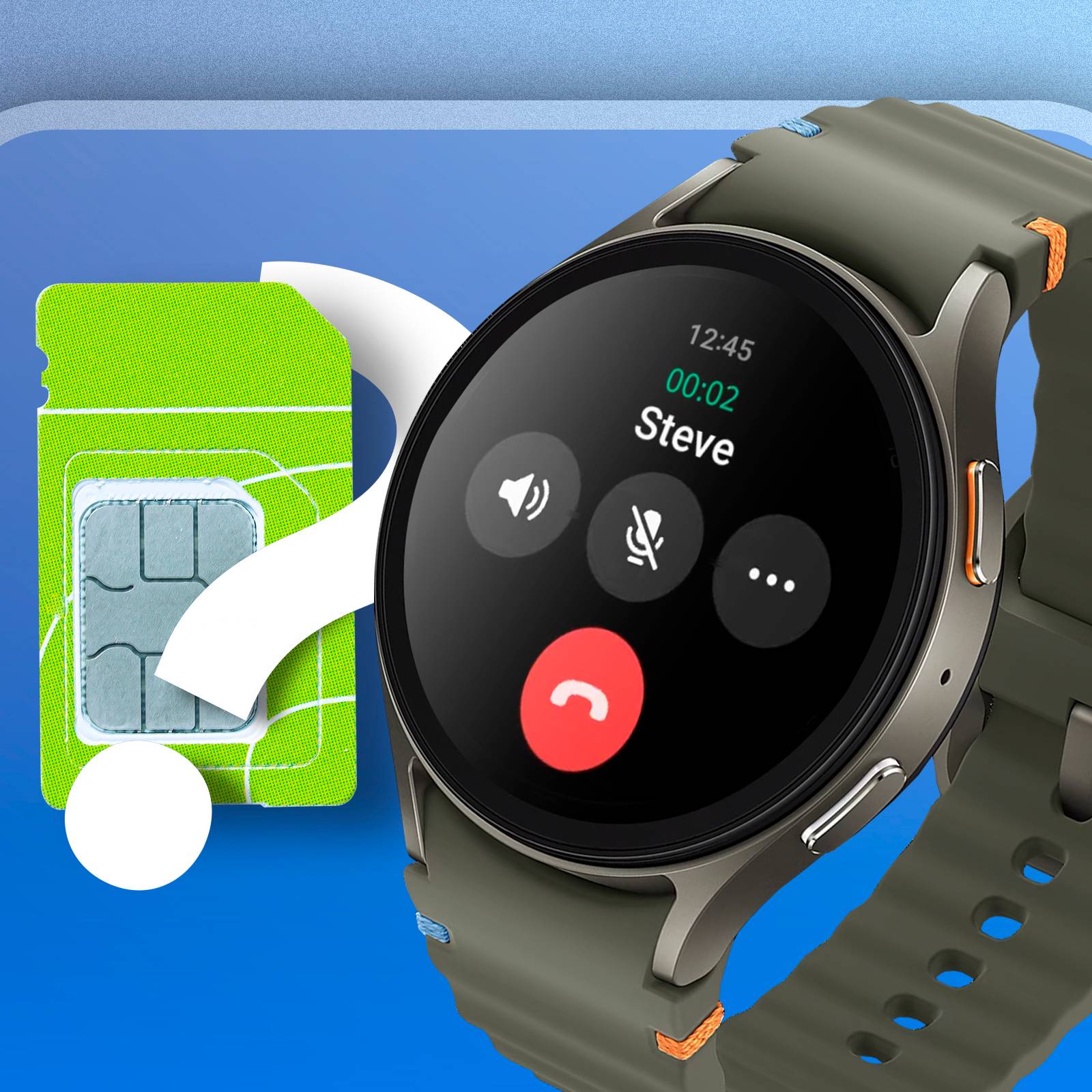
Cellular Smartwatch vs. Wi-Fi or Bluetooth Model
Choosing between models is easier when you compare real-life use.
| Feature | Bluetooth or Wi-Fi watch | Cellular smartwatch |
|---|---|---|
| Works near your phone | Yes | Yes |
| Works away from your phone | Limited | Yes |
| Requires a monthly plan | No | Usually |
| Makes calls independently | Usually no | Yes |
| Tracks fitness | Yes | Yes |
| Uses GPS | Often yes | Yes |
| Battery life | Often longer | May be shorter |
| Purchase price | Often lower | Often higher |
A Bluetooth model is a good fit for students, office workers, gym users, and people who carry a phone most of the day. A cellular model suits runners, parents, hikers, delivery workers, and anyone who wants to stay reachable without carrying a phone.
One common mistake is buying a cellular watch “just in case” and never activating the service. If you spend most of your time near your phone, the extra hardware may not provide much value.

Benefits of a Cellular Smartwatch
A cellular smartwatch can offer real freedom. You can go for a short run, walk the dog, or visit a store without carrying your phone.
The main benefits include:
• More freedom during exercise
• A backup way to contact family
• Easier communication for children or older adults
• Access to maps while traveling light
• Emergency contact options when a phone is not available
• Fewer distractions from carrying a full-size smartphone
For parents, a cellular watch can provide a simple way to stay in touch with a child. However, parental controls and location features may require a separate app or subscription.
For older adults, a watch can provide fall detection or emergency contact tools. These features can be helpful, but they should not replace a medical alert system when constant monitoring is needed.

Limitations and Hidden Costs
Cellular service is useful, but it is not magic. The watch still depends on mobile coverage, battery power, and carrier support.
Keep these limitations in mind:
• Cellular use can drain the battery faster.
• Poor signal areas can block calls and data.