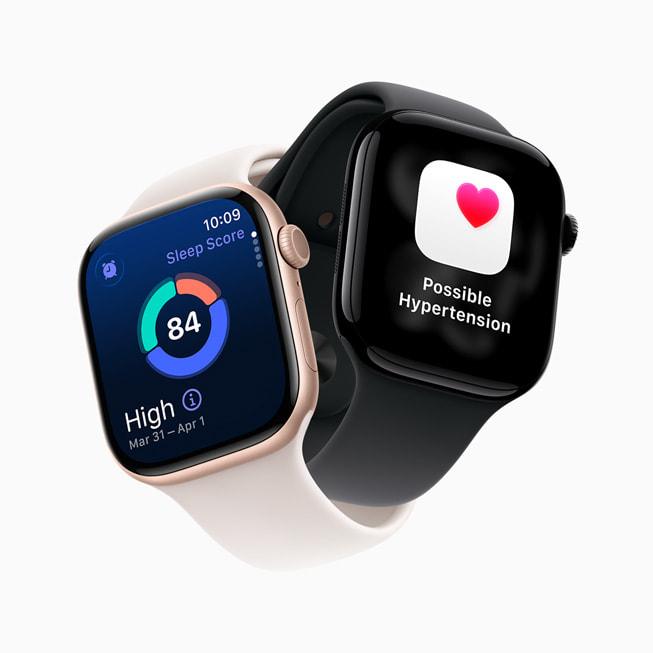
To charge Apple Watch Series 11, attach its magnetic USB-C charging cable to the watch and connect the cable to power.
Learning how to charge Apple Watch Series 11 is simple, but the right cable, power source, and charging habits matter. Whether you charge it before bed or during a quick morning routine, this guide explains the safest method, charging times, battery tips, common mistakes, and what to do if your watch will not charge.
What You Need to Charge Apple Watch Series 11
To charge Apple Watch Series 11, use an Apple Watch Magnetic Fast Charger with a USB-C connector or a compatible certified charger. The watch charges through magnets on the back of the device.
You will also need a power source. This can be a USB-C power adapter, a computer with a suitable USB-C port, or another certified USB-C power source.
For the best result, use:
• The magnetic charging cable that came with your Apple Watch Series 11
• A reliable USB-C power adapter
• A clean, dry charging area
• A stable wall outlet when you need the fastest and most reliable charge
Avoid using damaged cables, loose adapters, or unknown low-quality chargers. A poor charger may charge slowly or stop charging without warning.
How to Charge Apple Watch Series 11 Step by Step
The process for how to charge Apple Watch Series 11 takes only a few seconds. Follow these steps:
-
Plug the USB-C end of the Apple Watch charging cable into a USB-C power adapter or another suitable power source.
-
Place the round magnetic charger against the back of the watch.
-
Let the magnets align the charger with the center of the watch.
-
Look for the green lightning bolt on the watch screen. This icon confirms that charging has started.
-
Leave the watch on the charger until it reaches the battery level you want.
The charger should connect with a light snap. You do not need to press hard or twist the cable. If the watch does not show the charging symbol, remove the charger, check the cable connection, and attach it again.
When learning how to charge Apple Watch Series 11, remember that the display may turn off during charging. Press the side button or tap the screen to check the battery level.

How to Position Apple Watch Series 11 on the Charger
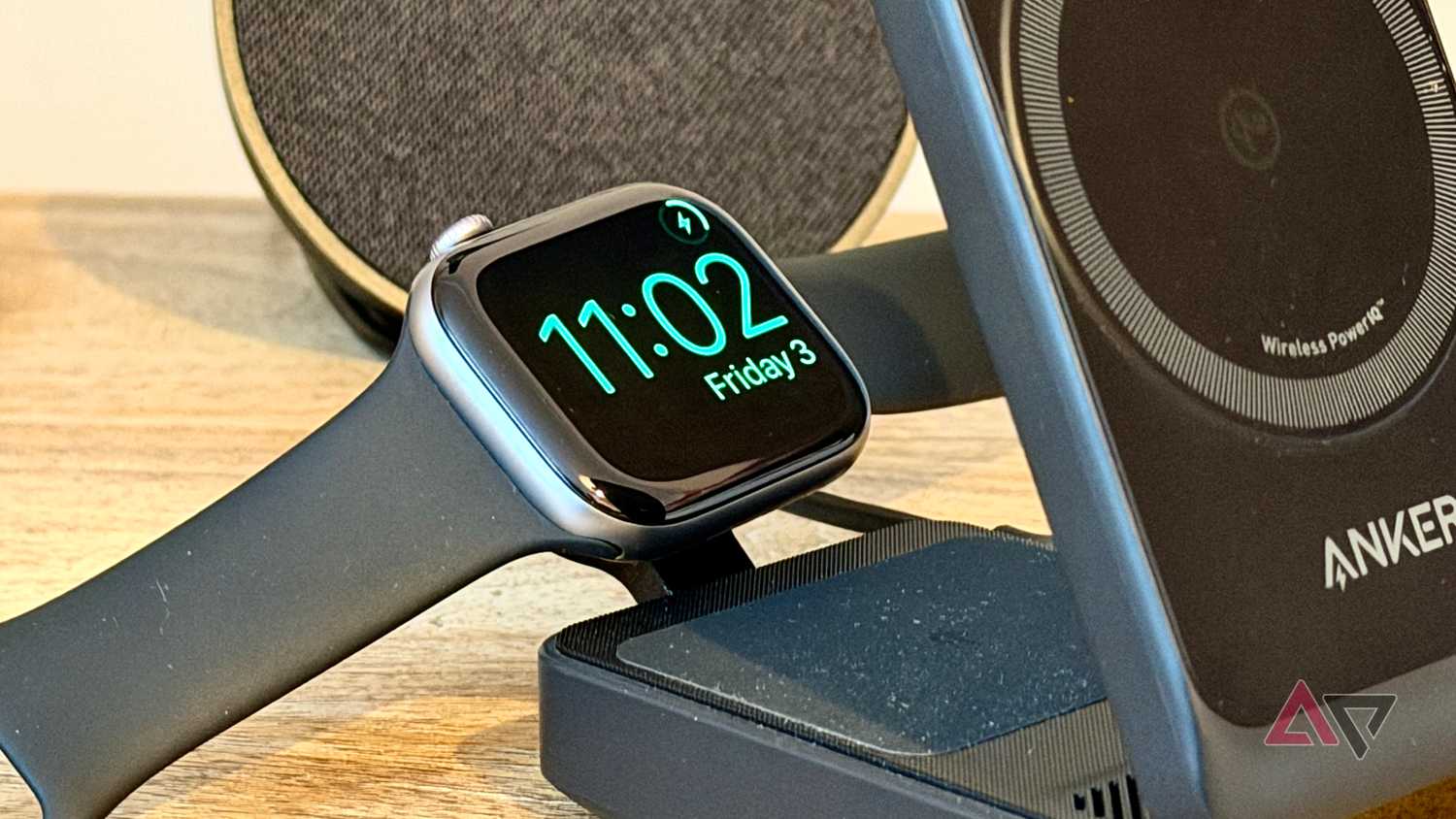
Correct placement makes charging Apple Watch Series 11 more reliable. The back of the watch must touch the magnetic charging puck. The front of the watch should face upward unless you are using Nightstand mode.
You can charge the watch while it is open or while wearing a compatible band. However, some large or rigid bands may make it harder for the back of the watch to sit flat against the charger.
Try these positioning tips:
• Place the charger on a flat table or nightstand.
• Keep the back of the watch free from dust, sweat, and lotion.
• Make sure the charger sits in the center of the watch.
• Remove thick cases or accessories that block the charging surface.
• Do not place metal objects between the watch and charger.
A small gap can interrupt charging. If the battery level stays the same, reposition the charger and wait for the green lightning bolt.
How Long Does Apple Watch Series 11 Take to Charge?
Charging time depends on the adapter, cable, battery level, temperature, and watch settings. Apple describes Series 11 as supporting fast charging when used with the proper magnetic fast charging cable and a suitable power adapter.
In normal use, a short charge can provide enough power for several hours. A longer session is better when the battery is nearly empty.
Apple’s published charging guidance for Series 11 indicates that fast charging can reach about 80% in roughly 30 minutes under supported conditions. Actual results can vary, so treat this as an estimate rather than a promise.
Charging may slow near the top of the battery range. This is normal. The watch reduces charging speed as the battery gets fuller to help manage heat and battery stress.
When considering how to charge Apple Watch Series 11, these habits work well:
• Charge it for 15 to 30 minutes before leaving home.
• Charge it while you shower if the watch is dry and away from water.
• Use a longer overnight charge when the battery is very low.
• Keep the watch and charger at room temperature.
• Do not judge charging speed during the final few percent.

Can You Charge Apple Watch Series 11 Overnight?
Yes, you can charge Apple Watch Series 11 overnight. Apple Watch includes charging controls that help manage the time it spends at a high battery level.
Optimized Battery Charging can delay charging beyond a certain level and finish closer to when you usually remove the watch. This can help reduce the time the battery stays fully charged.
To check battery charging features:
-
Open the Settings app on the Apple Watch.
-
Tap Battery.
-
Tap Battery Health.
-
Review Optimized Battery Charging and related charging options.
You can also check charging settings in the Watch app on your iPhone. The exact menu names may change with watchOS updates.
Overnight charging is useful if you wear the watch for sleep tracking. Still, place the charger on a hard, open surface. Do not cover it with a blanket or place it under a pillow.
How to Charge Apple Watch Series 11 for Sleep Tracking
If you wear Apple Watch Series 11 at night, charge it before bed or after waking up. A short charge can often refresh the battery without requiring a long break from wearing the watch.
A practical routine looks like this:
• Put the watch on the charger while you get ready in the morning.
• Charge it during breakfast or a shower.
• Put it back on before leaving home.
• Use a second short session in the evening if the battery is low.
Apple states that a brief fast-charge session can provide enough power for sleep tracking, but your result depends on battery health and use. Workout tracking, cellular use, music playback, and a bright display can reduce battery life.
A common mistake is waiting until the battery reaches zero every day. You do not need to fully drain the watch before charging it. Short, regular charges are often more convenient.

Which Power Adapter Should You Use?
A USB-C power adapter from Apple or another reputable brand is a good choice. The adapter should meet the charging needs of the Apple Watch cable and come from a trusted manufacturer.
A higher-wattage USB-C adapter is generally acceptable when it follows USB-C power standards. The watch draws the power it needs. You do not need a special high-power MacBook adapter just to charge Apple Watch Series 11.
Good options include:
• An Apple USB-C power adapter
• A certified USB-C wall charger
• A quality multi-port USB-C charging station
• A compatible USB-C port on a computer
A computer may charge the watch more slowly than a wall adapter. Some hubs and low-power ports may not provide steady power, especially when several devices share the same hub.
Do not use a random magnetic puck made for another device unless the manufacturer clearly states that it supports Apple Watch. A phone’s MagSafe charger is not automatically an Apple Watch charger.

Can You Use an iPhone MagSafe Charger?
Usually, no. An iPhone MagSafe charger and an Apple Watch magnetic charger use different charging designs.
The Apple Watch charging puck is made to match the watch’s rear charging system. An iPhone MagSafe puck may attach poorly, fail to charge, or provide no charging response.
For reliable charging Apple Watch Series 11, use:
• The Apple Watch Magnetic Fast Charger with USB-C
• A certified Apple Watch charging dock