No, Apple Watch Series 3 is not officially compatible with iPhone 16 or its required iOS version.
The answer to “is Apple Watch Series 3 compatible with iPhone 16” is more complex than a simple Bluetooth connection. The watch may still turn on and show the time, but Apple’s software requirements, pairing process, and support limits make it a poor match for the iPhone 16. This guide explains why, what may happen during setup, and which Apple Watch models work better.
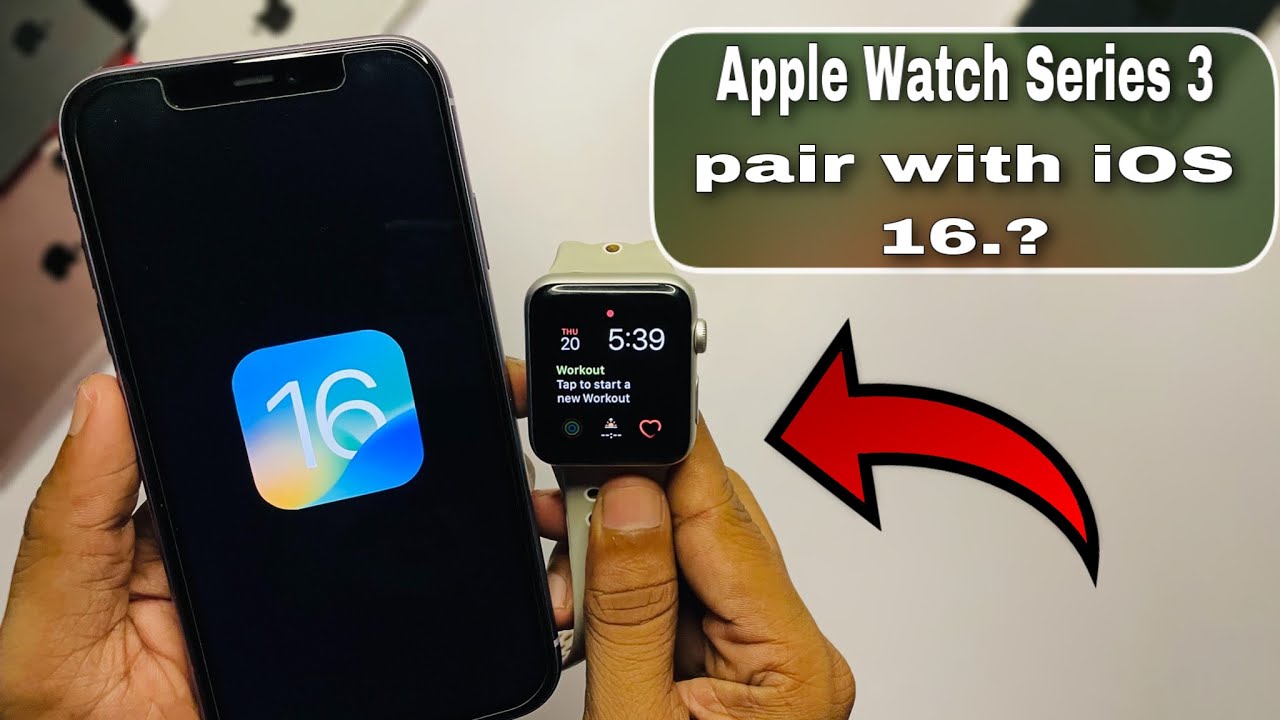
Is Apple Watch Series 3 compatible with iPhone 16?
No, Apple Watch Series 3 is not officially compatible with iPhone 16. The iPhone 16 runs iOS 18, while Apple Watch Series 3 is limited to watchOS 8. This large software gap can prevent the devices from pairing or completing setup.
Apple Watch Series 3 launched in 2017. It was designed for older iPhone models and older versions of iOS. Apple no longer provides major watchOS updates for this model, so it cannot meet the requirements of newer iPhones.
The key issue is not only Bluetooth. An Apple Watch needs the correct version of watchOS, the Apple Watch app, and system support on the iPhone. Think of it like trying to connect an old printer to a new computer. The cable may fit, but the software may not know how to communicate with it.
In practical terms, the answer to “is Apple Watch Series 3 compatible with iPhone 16” is no for normal, officially supported use.

Why Apple Watch Series 3 does not work well with iPhone 16
Several technical limits explain why Apple Watch Series 3 and iPhone 16 are not a good combination.
Software compatibility
Apple Watch Series 3 supports watchOS 8 at most. New iPhones use newer versions of iOS and newer Apple Watch pairing requirements. Apple Watch Series 3 cannot update to the current watchOS version needed by modern iPhone models.
The iPhone 16 launched with iOS 18. Apple designs its current pairing system around newer Apple Watch models that can run newer watchOS releases. Since Series 3 cannot update far enough, the setup may stop before pairing is complete.
Limited hardware
The Series 3 uses an older processor and has much less storage than newer Apple Watch models. Its small storage was already a common problem during watchOS updates. Users often had to erase media, apps, and data before the watch could install an update.
That limitation becomes more serious with a new iPhone. The watch may need to download setup files, restore data, and install required software. Series 3 may not have enough space or system support to finish those tasks.
Apple’s support cycle
Apple usually supports older products for several years, but support eventually ends. The Series 3 received watchOS 8, but it did not receive watchOS 9 or later. The lack of new software is the main reason the answer to “is Apple Watch Series 3 compatible with iPhone 16” is negative.

What happens if you try to pair Apple Watch Series 3 with iPhone 16?
When you try to pair Apple Watch Series 3 with iPhone 16, the setup may show a compatibility warning. In some cases, the iPhone may detect the watch but fail during the update or pairing stage.
You may see problems such as:
• The Apple Watch app does not complete setup.
• The watch asks for a software update that it cannot install.
• Pairing stops during activation.
• The watch repeatedly returns to the pairing screen.
• A restored Series 3 becomes stuck while trying to connect.
A watch that was already paired with an older iPhone may behave differently. It might continue to show the time and perform some basic tasks after moving near the iPhone 16. However, that does not mean it is fully compatible or supported.
This is an important distinction. Detection is not the same as compatibility. A device can appear in Bluetooth settings but still fail to work through the Apple Watch app.
Can Apple Watch Series 3 connect to iPhone 16 through Bluetooth?
Bluetooth alone does not make Apple Watch Series 3 compatible with iPhone 16. Apple Watch uses Bluetooth as one part of a larger connection system that also includes the Apple Watch app, iCloud, watchOS, Wi-Fi, and Apple activation services.
You should not try to pair the watch from the iPhone’s Bluetooth settings. Apple Watch setup must take place in the Apple Watch app. If the app does not support the watch’s software version, a direct Bluetooth connection will not solve the issue.
Some features may also depend on Apple’s online services. Notifications, messages, activity data, app updates, and health data need proper pairing and account support. A partial connection would not provide the normal Apple Watch experience.
That is why the answer to “is Apple Watch Series 3 compatible with iPhone 16” remains no, even if the phone can discover the watch nearby.

Can Apple Watch Series 3 receive notifications from iPhone 16?
In most cases, you should not expect reliable notifications from iPhone 16 to Apple Watch Series 3. Notifications require a proper pairing relationship, and that relationship depends on compatible versions of iOS and watchOS.
If a Series 3 remains paired with an older iPhone, it may receive notifications from that older device. But switching to iPhone 16 can break the connection or prevent the watch from being set up again.
The same limitation can affect:
• Calls and text messages
• Activity and workout syncing
• Apple Pay setup
• App installation
• Siri features
• Health data updates
• Find My features
A few basic watch functions may continue to work without a phone. These include telling time, using alarms, tracking some workouts, and viewing stored information. However, those offline features do not make the watch compatible with iPhone 16.
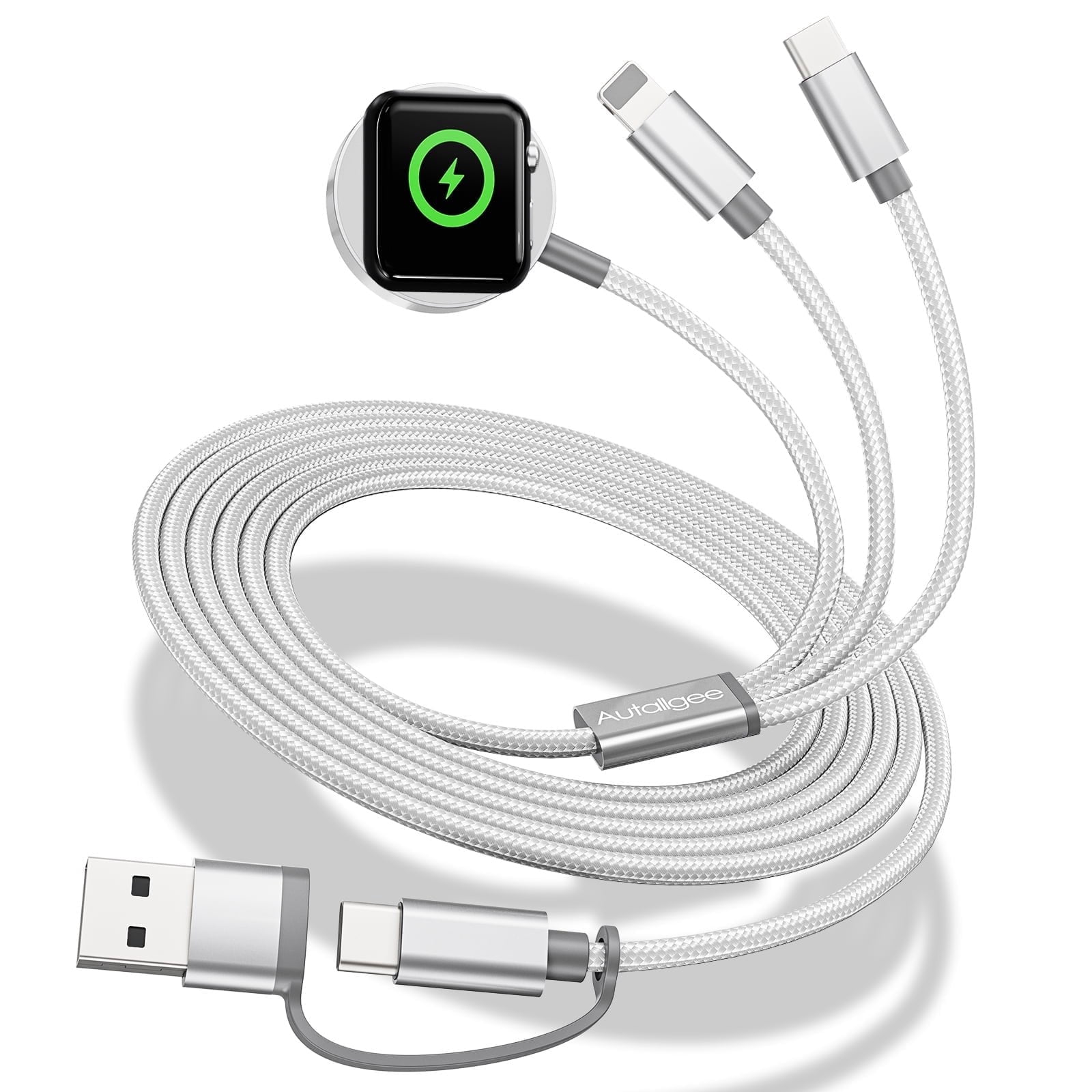
Is Apple Watch Series 3 GPS or cellular compatible with iPhone 16?
Neither the GPS model nor the cellular model of Apple Watch Series 3 is officially compatible with iPhone 16. The difference between GPS and cellular affects mobile connectivity, not the basic watchOS pairing requirement.
The GPS version depends heavily on the iPhone for calls, messages, location features, and internet access. The cellular version can perform more tasks away from the phone, but it still needs a supported iPhone for setup and management.
Cellular service creates another issue. Old Apple Watch models may not support every modern carrier requirement, and cellular plans are usually activated through a compatible iPhone and Apple Watch app. Buying a cellular Series 3 will not bypass the software problem.
If you are wondering “is Apple Watch Series 3 compatible with iPhone 16” because you own the cellular version, the answer is still no.

What Apple Watch models are compatible with iPhone 16?
For the best experience, choose a newer Apple Watch model that supports the watchOS version required by your iPhone. Apple’s current compatibility rules can change, so check the official compatibility list before buying a used watch.
Generally, newer models such as these are safer choices:
• Apple Watch Series 9
• Apple Watch Series 10
• Apple Watch Ultra 2
• Apple Watch SE models supported by the current watchOS release
The exact model matters. A used Apple Watch may look nearly new but still be too old for iPhone 16. Check the model number, watchOS support, battery health, and Activation Lock status before you pay.
For most buyers, an Apple Watch Series 9 or newer offers a better balance of speed, software support, and long-term value. An Apple Watch SE can also be a smart choice if you want core features at a lower price.

How to check Apple Watch compatibility before buying
Use these steps before connecting an older Apple Watch to iPhone 16:
-
Open the Apple Watch app on the iPhone 16.
-
Check the model listed on the watch or its packaging.
-
Confirm the latest watchOS version that the model supports.
-
Compare that version with Apple’s current iPhone and Apple Watch requirements.
-
Ask the seller to remove Activation Lock.
-
Confirm that the watch can be erased and paired.
-
Check battery health and charging performance.
The model number is more reliable than appearance. Apple has released several watches that look similar, especially from the front. A seller may also describe a watch as “fully working” because it turns on, even though it cannot pair with a current iPhone.
One practical lesson from testing older Apple devices is to verify compatibility before erasing or unpairing anything. A watch may work with its old phone but fail when you try to move it to a newer one.
Should you buy a used Apple Watch Series 3 for iPhone 16?
Usually, no. Apple Watch Series 3 may be inexpensive, but its low price reflects its age and limited software support. It is not a good buy if your main goal is notifications, fitness syncing, Apple Pay, or health features with iPhone 16.
A Series 3 can still make sense in a narrow situation. For example, it may be useful as a basic timepiece for a child or as a temporary watch with an older supported iPhone. Even then, battery age and discontinued software support can create problems.
Before buying, consider:
• The watch cannot run newer watchOS versions.
• Battery replacement may cost more than the watch is worth.
• Some apps may no longer support it.
• Setup with a current iPhone may fail.
• Security and health features are less advanced.
Spending a little more on a newer used model is often the better choice. It can provide years of updates and reduce the risk of a frustrating setup.
Troubleshooting Apple Watch Series 3 pairing problems
If you already tried connecting Apple Watch Series 3 to iPhone 16, begin with a few basic checks. These steps may help identify the problem, but they cannot overcome an official software limit.
• Charge both devices to at least 50 percent.
• Turn off Airplane Mode on both devices.
• Keep the watch and iPhone close together.
• Restart the iPhone and Apple Watch.
• Open the Apple Watch app instead of Bluetooth settings.
• Make sure the watch is not still paired with another iPhone.
• Remove Activation Lock through the previous owner’s Apple account.
• Check Apple’s current compatibility requirements.
Do not erase the watch unless you are sure it can pair again. An erased Series 3 may lose its previous working connection and become unusable with iPhone 16.
If the setup screen specifically says the watch is unsupported, replacing the watch is usually the most practical solution. Repeated resets will not make old hardware run a newer watchOS version.
Common questions about is Apple Watch Series 3 compatible with iPhone 16
Can I pair Apple Watch Series 3 with iPhone 16?
No, Apple Watch Series 3 is not officially supported with iPhone 16. The watch is limited to watchOS 8, while iPhone 16 uses newer iOS and pairing requirements.
Will Apple Watch Series 3 work with iOS 18?
Apple Watch Series 3 is not a reliable or officially supported choice for an iPhone running iOS 18. Even if the phone detects the watch, setup, updates, and syncing may fail.
Can I use Apple Watch Series 3 without an iPhone?
Yes, some basic features work without an iPhone, such as timekeeping, alarms, and certain workout tools. However, you need a compatible iPhone for setup, updates, data syncing, and many smart features.
Does Apple Watch Series 3 support watchOS 9 or later?
No, Apple Watch Series 3 supports watchOS 8 as its final major software version. It cannot update to watchOS 9, watchOS 10, or newer releases.
Is Apple Watch Series 4 compatible with iPhone 16?
Apple Watch Series 4 is also too old for the best current compatibility and should not be treated as a safe choice for iPhone 16. A newer model with current watchOS support is a better option.
What is the cheapest Apple Watch for iPhone 16?
A supported Apple Watch SE is often the most affordable new option. A newer used model can also work, but check its watchOS support, battery health, and Activation Lock before buying.
Conclusion
Apple Watch Series 3 is not officially compatible with iPhone 16 because it stops at watchOS 8 and cannot meet newer pairing requirements. Bluetooth detection, an active display, or a cellular connection does not remove this software limit.
If you own Series 3, keep it paired with a compatible older iPhone or use it for basic offline tasks. If you want reliable notifications, health tracking, updates, and syncing with iPhone 16, choose a newer Apple Watch model. Check Apple’s latest compatibility list before purchasing, and share your experience or question in the comments.