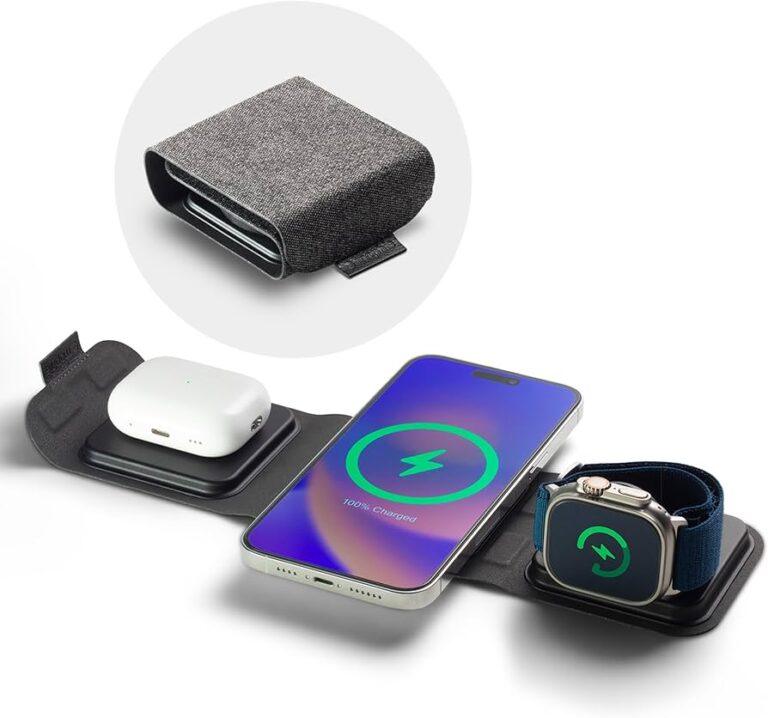
No, Apple Watch Series 3 is not officially compatible with iPhone 17 because its software is too old.
The answer to “is Apple Watch Series 3 compatible with iPhone 17” depends on Apple’s current pairing rules, not only Bluetooth support. Apple Watch Series 3 reached its software limit years ago, while iPhone 17 uses a much newer version of iOS. This guide explains the compatibility issue, possible limits, and the best options before you spend money on an older watch.

Is Apple Watch Series 3 compatible with iPhone 17?
No. Apple Watch Series 3 is not officially compatible with iPhone 17.
The main problem is software support. Apple Watch Series 3 can run only older versions of watchOS, while iPhone 17 requires a newer Apple Watch system for setup and pairing. The Apple Watch app on a modern iPhone may also block the Series 3 during the setup process.
Apple Watch Series 3 was released in 2017. It originally worked with older iPhone models and older iOS versions. It cannot install recent watchOS releases, so it does not meet the software requirements for a new iPhone 17.
In simple terms, the watch and phone speak different software languages. Bluetooth alone cannot solve that gap.

Why Apple Watch Series 3 does not work with iPhone 17
There are several reasons Apple Watch Series 3 is not a practical match for iPhone 17.
1. The watch has reached its software limit
Apple Watch Series 3 supports only older watchOS versions. It cannot update to the newer watchOS versions designed for recent iPhone models.
Apple often requires a specific iOS version on the iPhone and a matching watchOS version on the watch. When the watch is too old, the Apple Watch app may refuse to complete setup.
2. iPhone 17 uses a newer iOS version
The iPhone 17 generation uses a current iOS release. New iOS versions often remove support for older Apple Watch models.
This does not mean the watch suddenly stops working with every old iPhone. It means the watch may work only within an older software pair, such as an older iPhone running an older iOS version.
3. The Apple Watch app controls pairing
Apple Watch does not pair like a standard Bluetooth headset. You must use the Apple Watch app on the iPhone.
The app checks:
• Apple Watch model
• watchOS version
• iPhone model
• iOS version
• Apple account and activation status
If one part fails the requirements, setup may stop. This is why simply turning on Bluetooth will not make Apple Watch Series 3 compatible with iPhone 17.
4. Apple Watch Series 3 is no longer supported for current use
Apple Watch Series 3 is an old device. Even if you find a way to connect it temporarily, it may have slow performance, limited storage, battery wear, and missing security updates.
That makes it a poor long-term choice for an iPhone 17 owner.
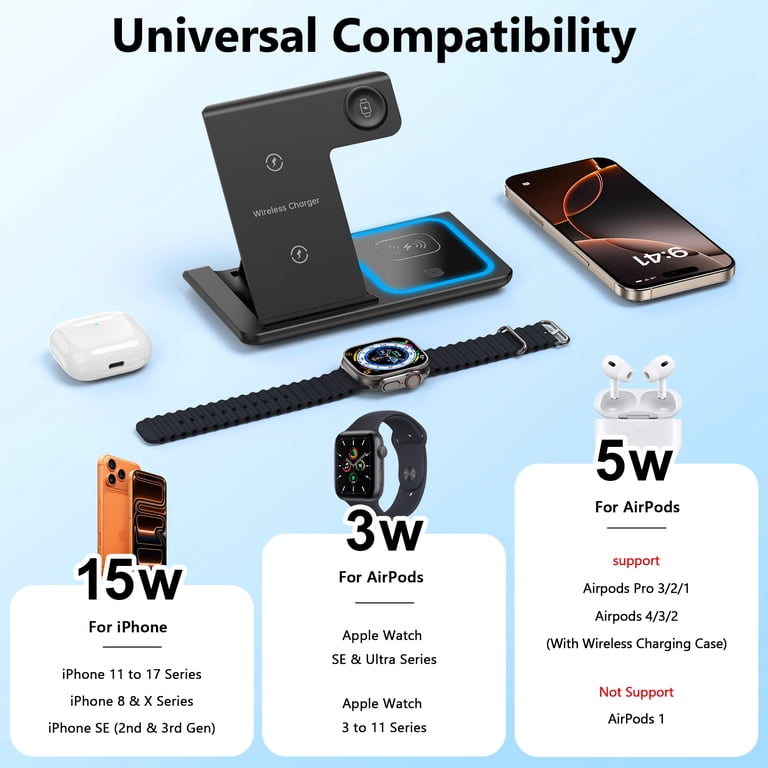
Can Apple Watch Series 3 connect to iPhone 17 through Bluetooth?
No, Bluetooth does not provide full Apple Watch compatibility with iPhone 17.
Apple Watch needs system-level pairing through the Apple Watch app. Bluetooth is only one part of the connection. It does not replace the required iOS and watchOS support.
You may see the Series 3 appear in Bluetooth settings, but that does not mean it will complete setup. It may also connect briefly and then fail during activation, software checks, or data syncing.
Think of Bluetooth as the doorway. The Apple Watch app and operating system decide whether the watch is allowed inside.

What happens if you try to pair Apple Watch Series 3 with iPhone 17?
You may experience one or more of these problems:
• The Apple Watch app may say the watch needs an update.
• The update may fail because Series 3 cannot install the required watchOS version.
• Pairing may stop during activation.
• The iPhone may report that the watch is not supported.
• Health and activity data may not sync correctly.
• Notifications may fail or arrive late.
• Apple Pay and other features may not work.
A reset does not normally fix this issue. Resetting removes the old data, but it does not upgrade the watch hardware or change Apple’s compatibility rules.
One common mistake is buying a used Series 3 because it looks clean and powers on. A working screen does not prove that the watch can pair with a modern iPhone.
Does the Apple Watch Series 3 cellular model work with iPhone 17?
No. The cellular version does not solve the compatibility problem.
Apple Watch Series 3 cellular models still use the same older watchOS platform. Cellular service cannot bypass the iPhone and watchOS requirements.
There is also a second issue with older cellular watches. Many carriers may not support activation for an old Apple Watch model, and cellular plans usually require an eligible iPhone and watch combination.
Cellular capability is useful only after the watch passes the basic pairing and software checks.

Could an update make Apple Watch Series 3 compatible with iPhone 17?
It is highly unlikely.
Apple Watch Series 3 cannot move beyond its supported watchOS limit. A normal software update cannot add support for a watch model that Apple has excluded from newer releases.
Apple controls watchOS compatibility by model. The watch also has older hardware, limited storage, and an older processor. These limits make a future update unlikely.
If Apple changes its compatibility policy, its official support pages and device setup screens would provide the reliable answer. Until then, Apple Watch Series 3 should be treated as incompatible with iPhone 17.

Which Apple Watch models work with iPhone 17?
For a reliable match, choose a newer Apple Watch model that supports the current watchOS version required by iPhone 17.
The exact list can change when Apple releases a new iOS or watchOS update. Before buying, check these details:
• The watch model is listed as compatible with the current watchOS.
• The watch can update to the required watchOS version.
• Your iPhone 17 runs the required iOS version.
• The watch is not locked to another Apple account.
• The battery health is acceptable.
• The cellular model matches your carrier if you need mobile service.
As a general buying rule, avoid Apple Watch Series 3, Series 4, and other very old models when shopping for an iPhone 17 accessory. A newer entry-level Apple Watch is often a better choice than a cheap, outdated premium model.
Apple Watch SE models and newer mainline models are usually safer choices, but confirm the current Apple compatibility list before purchase.

What should you do with an Apple Watch Series 3?
If you already own Apple Watch Series 3, you have a few practical options.
Keep an older compatible iPhone
You may continue using the watch with an older iPhone and a supported iOS version. This option can work, but it has limits.
An old iPhone may no longer receive security updates. It may also have poor battery life, weak app support, and limited value as a daily phone.
Use the watch without pairing
Apple Watch Series 3 may still show the time and perform some basic functions after setup. However, many important features depend on an iPhone connection.
You may lose access to:
• New apps
• Reliable notifications
• Health data syncing
• Software updates
• Apple Pay setup
• Cloud features
• GPS data support from the phone
An unpaired Apple Watch is not a full smartwatch. It is closer to a small offline device.
Trade in or replace the watch
Replacing the watch is the best option for most iPhone 17 users. A compatible model will provide better performance, longer software support, improved health tools, and fewer setup problems.
Before recycling or selling the Series 3, remove it from your Apple account and erase all personal data.
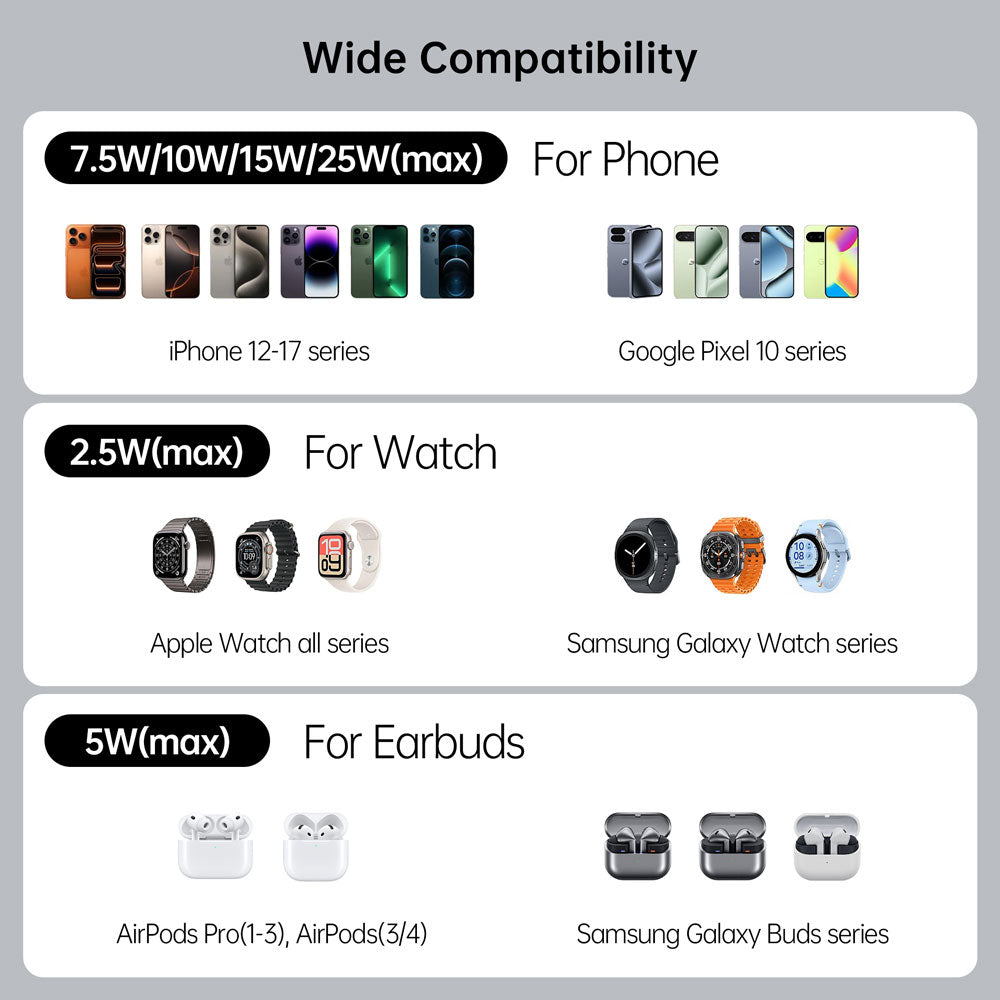
How to check Apple Watch compatibility before buying
Use this process before buying any used Apple Watch.
- Open the watch’s Settings app and check the model and software version.
- Ask the seller to remove the Activation Lock.
- Confirm that the watch is erased and ready for pairing.
- Check Apple’s current compatibility information for your iPhone and watchOS.
- Avoid models that cannot run the required watchOS version.
- If possible, pair the watch before completing the purchase.
- Check battery health, screen condition, buttons, speakers, and charging.
The most important check is not the watch’s age alone. It is the newest watchOS version the model can install.
For example, an older watch may look nearly new but still be unable to meet iPhone 17 software requirements. Compatibility is a software bridge, and old hardware cannot always cross it.
Real-world lessons when buying an older Apple Watch
A common buying mistake is focusing on price instead of support. I have seen people buy an older Apple Watch because it costs much less than a current model, only to discover that pairing fails after the sale.
The best lesson is simple: check compatibility before handing over money. Ask for the exact model number, current watchOS version, and proof that Activation Lock is off.
Another mistake is assuming that an unlocked cellular watch will work with every carrier. Cellular watches can have regional and carrier limits, so the model number matters.
When helping with device setups, I also recommend avoiding a watch that is already several software generations behind. Even if it pairs today, its useful life may be short.
Benefits of upgrading from Apple Watch Series 3
A newer Apple Watch can offer several clear benefits with iPhone 17.
• Faster app loading and smoother menus
• Better battery efficiency
• More reliable notifications
• Newer health and fitness features
• Longer security and software support
• Improved screen brightness
• Better GPS performance
• More storage for apps and music
• Easier setup and data transfer
The value is not only about new features. A supported watch is less likely to lose access to important services after the next iOS update.
For most people, dependable daily use is more valuable than saving money on an outdated model.
Is Apple Watch Series 3 compatible with iPhone 17: final buying advice
If you are buying an iPhone 17, do not buy Apple Watch Series 3 as its companion device. It is too old for official support and may fail during pairing.
If you already have the watch, keep it only if you also have a suitable older iPhone and accept its limited features. Otherwise, trade it in, recycle it, or upgrade to a newer Apple Watch that supports the current watchOS release.
Frequently Asked Questions
Can I pair Apple Watch Series 3 with iPhone 17?
No, Apple Watch Series 3 is not officially supported by iPhone 17. Its older watchOS limit prevents reliable setup with the newer iPhone software.
Will resetting Apple Watch Series 3 make it work with iPhone 17?
No. A reset erases the watch, but it does not install a newer watchOS version or remove Apple’s compatibility limits.