A smartwatch tracks health, shows notifications, supports workouts, offers directions, and helps manage daily tasks from your wrist.
What can a smartwatch do beyond telling time? Modern models act like small personal assistants, fitness trackers, safety tools, and communication hubs. Their sensors can measure useful trends, while apps help you stay connected without reaching for your phone. This guide explains what can a smartwatch do in real life, where these devices help most, and where their limits matter.
What can a smartwatch do every day?
A smartwatch can handle many small tasks that add up throughout the day. It connects to your phone through Bluetooth, Wi-Fi, or cellular service, depending on the model. You can glance at useful information without stopping to unlock your phone.
Common daily features include:
• Showing the time, date, weather, and calendar events
• Displaying calls, texts, emails, and app alerts
• Setting alarms, timers, and reminders
• Controlling music and podcasts
• Checking news, sports scores, and travel updates
• Paying in stores through mobile wallet services
• Finding your phone with a sound or alert
• Using voice commands for quick tasks
For example, you can start a timer while cooking, read a text during a meeting, or check rain before leaving home. These actions may seem small, but they reduce phone use and help you stay focused.
A smartwatch does not replace a smartphone in most cases. Instead, it works as a quick control panel for the phone in your pocket.
What can a smartwatch do for health and fitness?
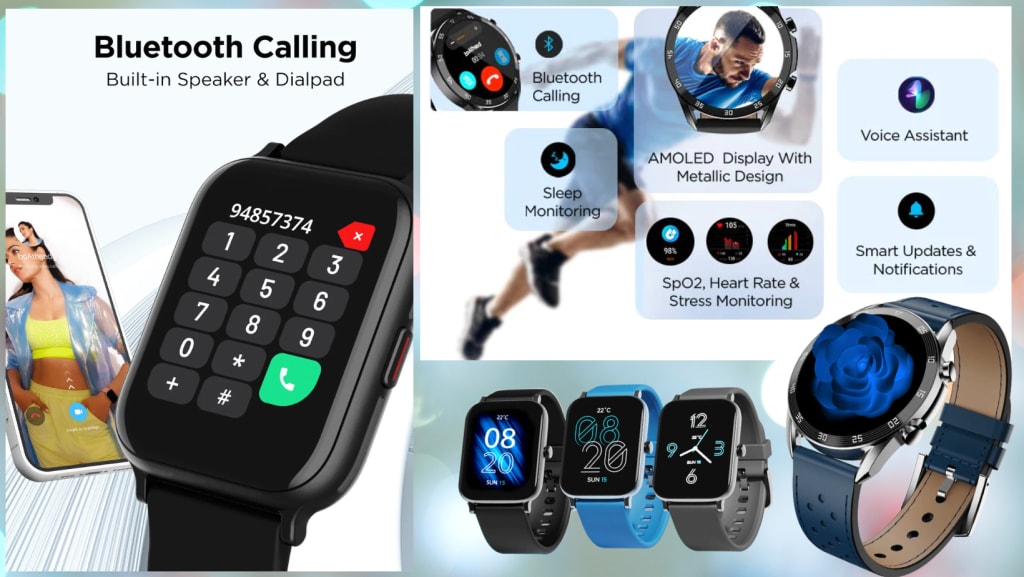
Health and fitness tracking are among the main reasons people buy a smartwatch. Most devices use sensors to estimate movement, heart rate, sleep, and exercise data. The exact features vary by brand and model.
A smartwatch can often track:
• Steps and distance
• Calories burned
• Active minutes
• Heart rate during rest and exercise
• Heart rate variability on some models
• Sleep duration and sleep stages
• Breathing rate
• Blood oxygen levels on selected devices
• Menstrual cycle patterns
• Workouts such as running, walking, cycling, swimming, and strength training
Workout tracking can make exercise more measurable. Instead of guessing how far you walked, you can review distance, pace, time, and heart rate after the session. Over several weeks, these trends can show whether your stamina is improving.
Some watches also provide training zones. These zones help you understand exercise effort. A low zone may support easy recovery, while a higher zone may improve speed or endurance.
Still, smartwatch data is not perfect. Wrist movement, loose bands, skin contact, tattoos, cold weather, and intense motion can affect readings. Treat the numbers as helpful estimates, not medical-grade results.
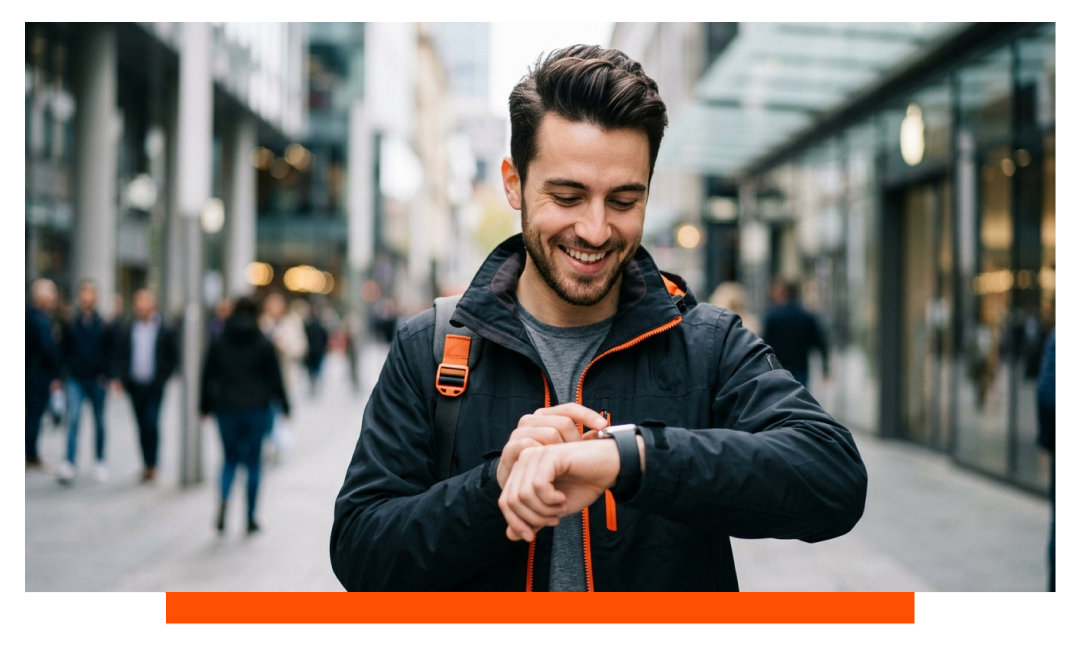
What can a smartwatch do for heart and wellness monitoring?
Many smartwatches can monitor heart-related signals. They may alert you when your heart rate seems unusually high or low while you are resting. Some can record an electrocardiogram, often called an ECG or EKG, when the user starts a reading.
Certain models may also detect signs linked to an irregular heart rhythm, such as atrial fibrillation. These alerts can encourage someone to seek medical advice. They are not a diagnosis, and they should not replace a doctor’s evaluation.
Some watches can estimate blood oxygen saturation. This feature may be useful for tracking personal patterns, but it has important limits. It should not be used alone to diagnose lung or heart conditions.
A good rule is simple:
- Use the watch to notice changes or trends.
- Repeat an unusual reading when you are calm and still.
- Check the fit and sensor contact.
- Speak with a health professional if the result concerns you.
- Seek urgent care for serious symptoms such as chest pain, severe breathing trouble, or fainting.
The U.S. Food and Drug Administration has warned that many consumer health features are not designed to diagnose disease. This is an important distinction. A smartwatch can be an early signal, but it is not a doctor on your wrist.
What can a smartwatch do for sleep?
Sleep tracking is another popular feature. A watch may estimate when you fall asleep, wake up, and move during the night. Some models also show light, deep, and REM sleep estimates.
Sleep data can help you spot habits. You may notice that late caffeine, weekend schedule changes, or evening screen time affects your rest. A weekly view is usually more useful than one night because sleep naturally changes from day to day.
Comfort matters here. A watch that feels heavy, tight, or bright may disturb sleep. If the device bothers you, charge it before bed or use a smaller band.
In my experience, the best use of sleep tracking is not chasing a perfect score. It is looking for simple patterns, such as a regular bedtime or a link between alcohol and poor sleep. The score is a guide, not a grade.
What can a smartwatch do for communication?
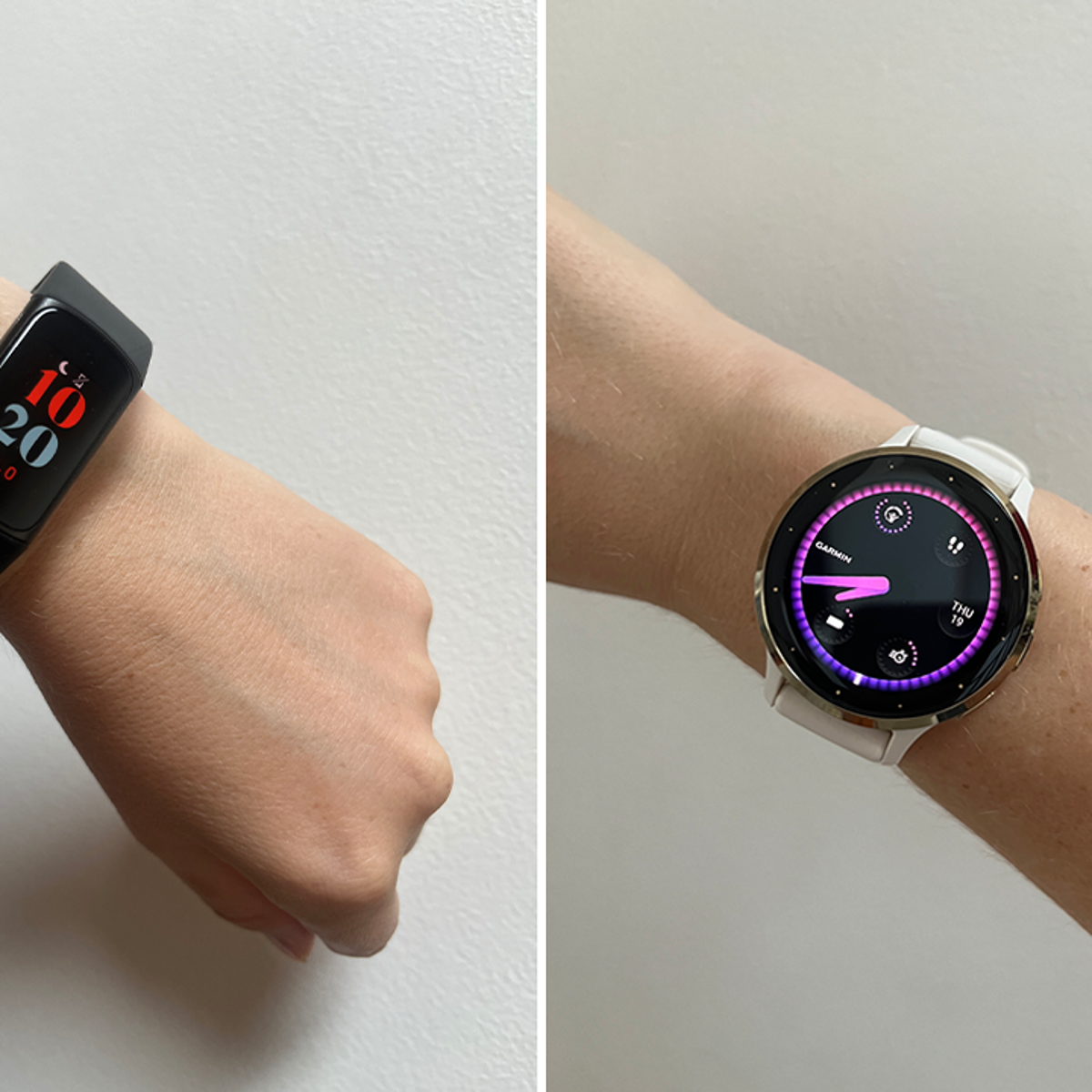
A smartwatch can keep you connected without requiring constant phone checks. It can show who is calling, preview messages, and let you reply with a voice message, preset response, keyboard, or emoji.
Models with cellular service can make calls and send messages without a nearby phone. This usually requires a separate wireless plan. GPS-only or Bluetooth models need the phone nearby for many communication features.
Communication tools may include:
• Phone calls
• Text messages
• Voice replies
• Email previews
• Contactless payment
• Video call alerts
• Social media notifications
• Calendar reminders
• Navigation prompts
The main benefit is control. You can ignore a low-priority alert and respond to an urgent one. This can be useful during a run, while traveling, or when your phone is buried in a bag.
One mistake I often see is enabling every notification. The watch then vibrates all day and becomes a source of stress. Keep only the alerts that truly need your attention.
What can a smartwatch do for safety?
Safety features can make a smartwatch valuable for older adults, runners, hikers, and people who spend time alone. Depending on the model, a watch may offer emergency calling, location sharing, fall detection, and crash detection.
Useful safety tools include:
• Emergency SOS
• Fall detection
• Car crash detection
• Live location sharing
• Compass and GPS
• Backtrack or route return features
• Loud sirens on some outdoor models
• Medical ID information
• Emergency contact alerts
Fall detection can contact emergency services after a hard fall if the wearer does not respond. It may not detect every fall, and false alarms can happen. Users should review the setup and add trusted emergency contacts.
GPS can help you follow a route or share your location. In remote areas, however, signal quality may drop. Some outdoor watches support satellite messaging, but access, cost, weather, and location can affect performance.
No safety feature works as a guarantee. Keep basic habits too: tell someone where you are going, carry water, and learn how to call for help manually.
What can a smartwatch do without a phone?
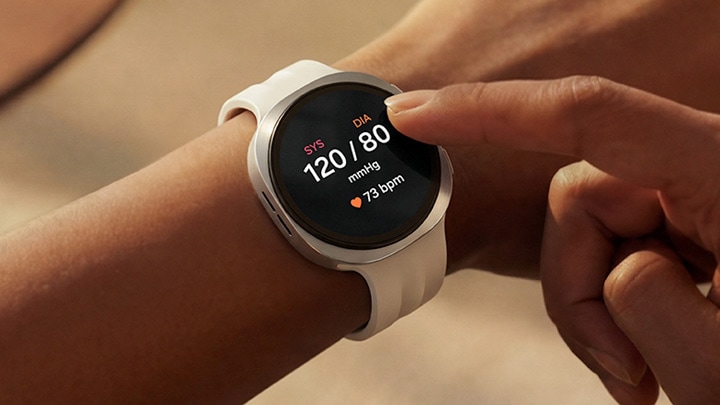
What can a smartwatch do without a phone? It depends on whether the watch has GPS, Wi-Fi, or cellular support. A basic Bluetooth watch can still track steps, record workouts, show the time, and store some health data.
A cellular smartwatch can often call, text, stream music, use maps, and receive online updates away from a phone. It needs cellular coverage and a compatible service plan.
Without a phone, a smartwatch may still support:
• Time and alarms
• Offline music
• GPS workout recording
• Stored contact information
• Some payments
• Health and fitness tracking
• Downloaded maps on selected models
• Emergency functions, depending on connectivity
Battery life may change when cellular data, GPS, or music streaming is active. A watch that lasts several days during light use may need daily charging with heavy GPS use.
Before buying, check the exact offline features. Marketing pages often say a watch is “connected,” but that may require a phone, Wi-Fi, or a paid plan.
What can a smartwatch do for navigation and travel?
A smartwatch can provide turn-by-turn directions, compass readings, route tracking, and travel alerts. Many users like wrist navigation because they can follow a prompt without holding a phone on a busy street.
Navigation features may help you:
• Walk through a new city
• Track a hike or bike ride
• Find your way back along a route
• View transit reminders
• Check weather changes
• Convert time zones
• Store boarding passes on some platforms
• Make contactless payments while traveling
A watch is especially useful for short directions. It can buzz when you need to turn, then let you keep your eyes on your surroundings.
For long trips, carry a backup plan. Download maps when possible, bring a charging cable, and do not depend on a watch in areas with poor signal. A paper address or phone screenshot can help when technology fails.

What can a smartwatch do for work and productivity?
A smartwatch can support productivity by putting short tasks within reach. It works best for quick actions, not long writing or complex planning.
Productivity uses include:
• Reviewing your next calendar event
• Setting a task reminder
• Starting a focus timer
• Checking a meeting alert
• Recording a short voice memo
• Controlling a presentation
• Managing smart home devices
• Scanning a boarding pass or entry code
• Tracking standing and movement breaks
A watch can also support focus. If you silence phone alerts but allow important calls, you may avoid opening distracting apps. This turns the smartwatch into a filter rather than another screen.
The key is restraint. A tiny screen cannot replace a laptop for serious work. Use it for fast checks, then return to the task in front of you.
What can a smartwatch do with smart home devices?
Many smartwatches connect with smart home platforms. You may control lights, thermostats, locks, cameras, and speakers from your wrist. Voice commands can make these actions even faster.
For example, you might turn off lights after getting into bed or check whether a garage door is closed. Some systems require compatible brands, an internet connection, or a smart home hub.
Security deserves attention. Protect the watch with a passcode, update its software, and avoid giving broad access to unknown apps. A lost watch should be easy to lock or erase remotely.
This feature is convenient, but it is not essential for everyone. If you rarely use smart home products, it should not be a major buying factor.

What can a smartwatch do poorly?
Knowing what can a smartwatch do also means understanding what it cannot do well. These devices have small batteries, small screens, and limited sensors. Their usefulness depends on design, software, and your habits.
Common limits include:
• Battery charging every one to several days
• Inaccurate readings during fast or irregular movement
• Limited typing comfort
• Dependence on phone apps or subscriptions
• Reduced function without internet or cellular service
• Privacy concerns from health and location data
• False health or safety alerts
• Compatibility limits between phones and watches
• Extra cost for cellular plans and accessories
Privacy is especially important. A smartwatch may collect location, movement, heart, sleep, and voice data. Read the privacy settings, review app permissions, and use a strong passcode.
Do not buy a watch based only on its longest feature list. A reliable battery, comfortable fit, clear display, and good phone compatibility often matter more than a rarely used function.
How to choose the right smartwatch
The best watch depends on your phone, lifestyle, health goals, and budget. Start with the features you will use each week.
Consider these points:
- Phone compatibility: Some watches work best with one phone platform.
- Battery life: Choose more battery if you hike, travel, or dislike daily charging.
- Health tools: Check whether the sensors match your goals.
- Fitness support: Runners may need strong GPS, while swimmers need water resistance.
- Cellular service: Choose it if you want calls and messages without your phone.
- Comfort: Look at weight, case size, band material, and skin sensitivity.
- Durability: Outdoor users may need stronger glass and better water protection.
- App support: Make sure the watch works with your favorite health and music apps.
- Privacy: Review how the company stores and shares personal data.
- Cost: Include the watch, band, service plan, and replacement charger.
If you mainly want step counts and notifications, a simple model may be enough. If you need maps, advanced training data, or emergency tools, expect to pay more.
Practical tips for using a smartwatch
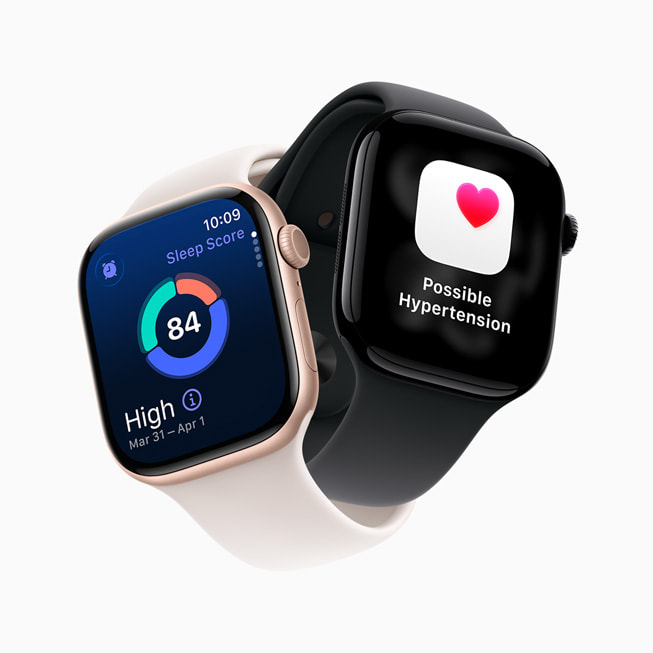
A few setup choices can make a major difference. Start by entering accurate age, height, weight, and health details. Wear the watch snugly, but not so tight that it causes discomfort.
Use these habits:
• Charge it at a regular time
• Clean the back sensor and band
• Update the watch and phone software
• Review notification settings each month
• Wear it consistently for useful trends
• Compare unusual readings with another method
• Turn on emergency contacts
• Test GPS before a long trip
• Keep a backup charger when traveling
• Remove the watch if your skin becomes irritated
One practical lesson is to focus on trends instead of single numbers. A step count can change because of a busy day. A heart rate can rise from stress, caffeine, heat, or exercise. Context makes data more useful.
Also, do not let the watch create guilt. Missing a goal does not mean you failed. Adjust goals to your health, schedule, and advice from a qualified professional.
Frequently Asked Questions About What Can a Smartwatch Do
Can a smartwatch replace a phone?
Usually, no. A cellular smartwatch can handle calls, texts, music, payments, and some apps, but a phone remains better for long messages, large screens, photos, and complex tasks.