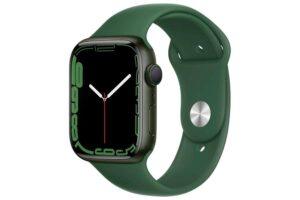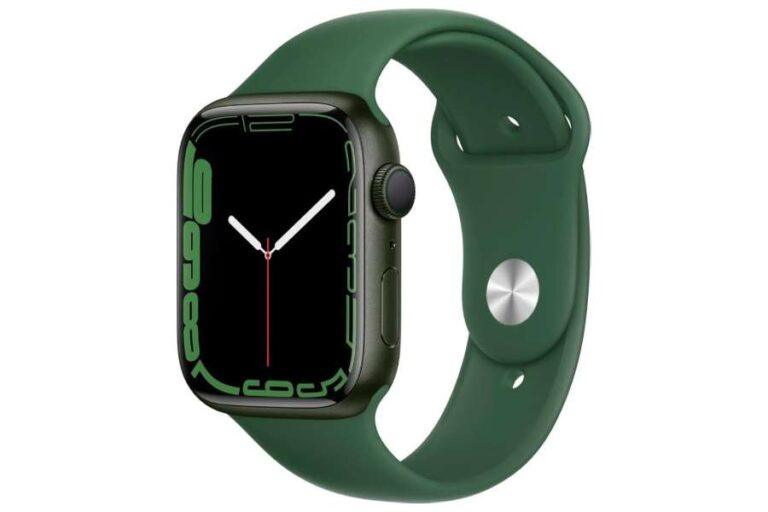
Yes, an Apple Watch is worth buying if you want health tracking, safety tools, and quick iPhone access.
The answer to “is it worth buying an Apple Watch” depends on your iPhone, daily habits, budget, and health goals. After weighing its features, limits, costs, and real-world use, this guide will help you decide with confidence.
Is It Worth Buying an Apple Watch?
For many iPhone users, an Apple Watch is worth buying because it combines a fitness tracker, safety device, notification screen, timer, music remote, and digital wallet in one small device.
It is especially useful if you want to track workouts, monitor sleep, receive calls, pay in stores, or get reminders without reaching for your phone. It can also provide emergency features that may offer peace of mind for older adults, runners, hikers, and people who live alone.
However, an Apple Watch is not essential for everyone. It needs regular charging, works best with an iPhone, and may feel like an expensive notification screen if you do not use its main features.
A simple rule is this:
• Buy one if it solves a daily problem for you.
• Skip it if you only want to check the time or read occasional messages.
• Choose an older or lower-cost model if you want the core experience without paying for premium extras.
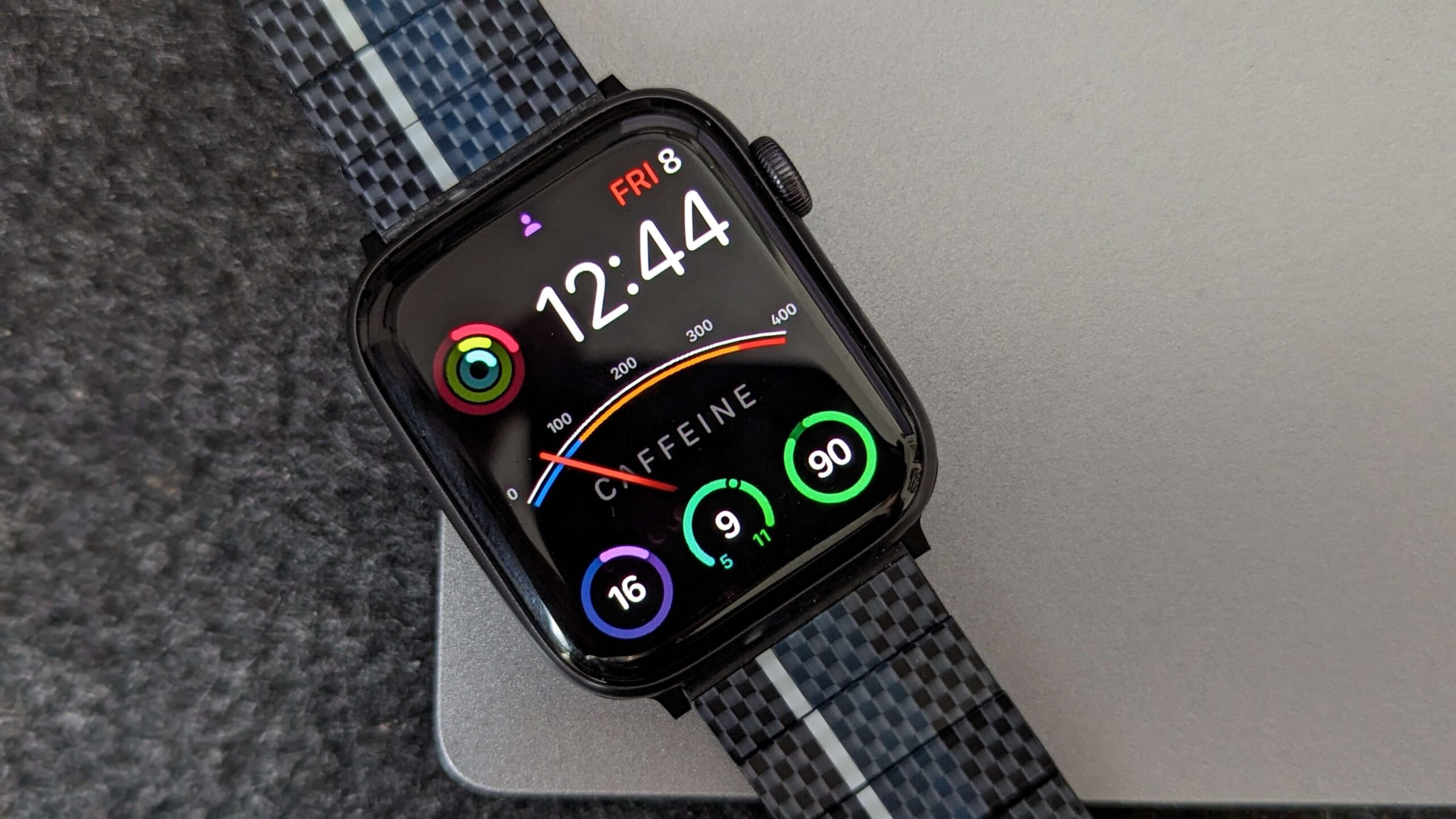
Who Should Buy an Apple Watch?
An Apple Watch makes the most sense for people who want convenience, fitness data, and safety features close at hand.
Active people and fitness users
The watch can track walking, running, cycling, swimming, strength workouts, and many other activities. It records information such as heart rate, workout time, distance, pace, calories, and elevation.
For casual users, this data can make exercise more motivating. Closing activity rings or seeing a weekly trend may encourage you to take a walk instead of sitting all evening.
Serious athletes may also value features such as heart rate zones, route tracking, custom workouts, and training metrics. Still, dedicated sports watches often offer longer battery life and deeper training tools.
People who want fewer phone distractions
An Apple Watch can help you leave your phone in your pocket. You can glance at a message, reject a call, check a calendar alert, or control music without opening social media.
This benefit is easy to underestimate. A short phone check can become 20 minutes of scrolling. A watch can act like a small filter, showing only the alerts that matter.
Older adults and family caregivers
Fall detection, emergency calling, location sharing, and health alerts can make an Apple Watch useful for some older adults. It may help a wearer contact emergency services after a hard fall or sudden health problem.
These features are helpful, but they are not a substitute for medical care or a personal emergency response system. Fall detection can miss some events, and users must keep the watch charged and properly fitted.
People who enjoy Apple services
The experience is strongest when you already use Apple devices and services. Apple Watch works closely with the iPhone, Apple Health, Apple Pay, Messages, Maps, Music, and Siri.
If your home is built around Android phones, Google services, or another smartwatch platform, the value may be lower.
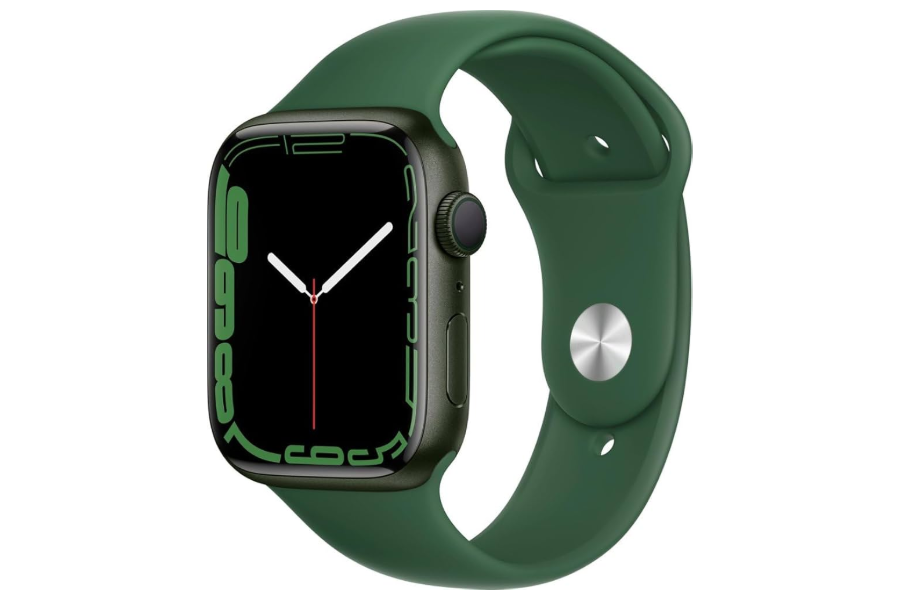
Who Should Skip an Apple Watch?
An Apple Watch may not be worth buying if its limitations conflict with your needs.
Android phone users
Apple Watch is designed for the iPhone. It does not provide the same full experience with Android phones, so Android users should consider watches from Samsung, Google, Garmin, Fitbit, or other brands.
Buying an Apple Watch without an iPhone is usually a poor choice. Some cellular functions can work away from your phone, but setup and core features still depend heavily on Apple’s ecosystem.
People who dislike daily charging
Most Apple Watch models need frequent charging. Battery life varies by model, settings, cellular use, workouts, and display features, but many users charge once each day or every other day.
That may be fine if you charge while showering or sleeping. It may be frustrating if you want a watch that runs for a week or more.
People who want advanced sports features
Apple Watch is a capable fitness tool, but it may not replace a high-end Garmin, COROS, or Polar watch for endurance athletes. Dedicated sports watches often provide:
• Longer battery life
• More detailed training plans
• Better recovery tools
• Stronger navigation features
• More physical buttons for outdoor use
• Greater durability for long adventures
If your main goal is marathon training, ultrarunning, or multi-day hiking, compare those products before deciding whether an Apple Watch is worth buying.
People on a tight budget
The purchase price is only part of the cost. You may also buy a protective case, extra bands, a charging stand, AppleCare, or a cellular plan.
A lower-cost model or refurbished unit can reduce the price. Always check battery health, return rules, warranty coverage, and seller reputation before buying used.

Main Benefits of an Apple Watch
The best reason to buy an Apple Watch is not one feature. It is the way several small features work together.
Health and fitness tracking
Apple Watch can record heart rate, activity, workouts, sleep, walking steadiness, and other health data, depending on the model and region.
Some models include features such as:
• High and low heart rate notifications
• Irregular heart rhythm notifications
• Electrocardiogram readings
• Blood oxygen measurements on supported models and markets
• Temperature sensing
• Cycle tracking support
• Sleep stages and sleep duration
• Fall and crash detection
Health features can help you notice patterns. They do not diagnose every condition, and they should not replace a doctor. A notification is a reason to seek professional advice, not proof that you have a disease.
Safety features
Safety tools are among the strongest reasons an Apple Watch may be worth buying. Emergency SOS can help users contact emergency services. Fall detection and crash detection may also provide support after serious incidents.
These tools work best when your emergency contacts, medical information, location settings, and cellular connection are set up correctly. Test your settings before you need them.
Convenient payments and access
Apple Pay lets you pay at compatible stores without taking out your phone. Depending on your setup, the watch can also unlock a Mac, act as a digital key, show boarding passes, and open certain smart locks.
These features save only a few seconds at a time, but small savings add up. The watch feels most useful when it removes many tiny annoyances from your day.
Better notifications
You can choose which apps are allowed to send alerts. This gives you more control over interruptions.
A good setup sends alerts for calls, family messages, appointments, banking, delivery updates, and safety reminders. It blocks low-value alerts from games, shopping apps, and social media.
Family and accessibility features
Apple Watch includes tools for people with hearing, vision, movement, or cognitive needs. Large text, haptic alerts, voice control, and simplified interactions can improve access.
Feature availability differs by model, language, country, and software version. Check the exact specifications before purchase.
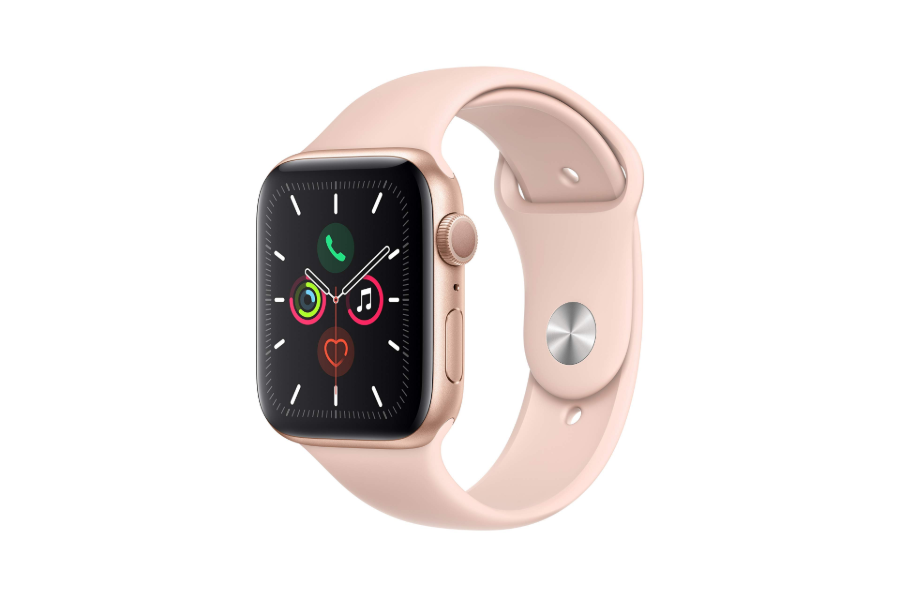
Apple Watch Limitations to Consider
A balanced answer to “is it worth buying an Apple Watch” must include the drawbacks.
Battery life
Battery life remains the most common complaint. A bright display, cellular connection, long workout, music streaming, or poor signal can drain the battery faster.
Sleep tracking creates another challenge. If you wear the watch at night, you need a charging routine. A short charge during a shower, breakfast, or desk break can help.
Phone dependence
Apple Watch can perform some tasks on Wi-Fi or cellular service, but it is still closely tied to the iPhone. Setup, software updates, app management, and many features depend on Apple’s phone ecosystem.
This is not a fully independent computer on your wrist.
Notification overload
A watch can reduce phone use, but it can also create more interruptions. If every app sends alerts, your wrist may buzz all day.
Start with only essential notifications. Review them after a week and remove anything that does not help you act.
Health anxiety
Health data can be useful, but constant monitoring can make some people anxious. A single unusual heart rate reading does not always indicate a serious problem.
Look for repeated patterns and discuss concerns with a qualified health professional. Do not use a smartwatch as a medical diagnosis tool.
Repair and replacement costs
Small wearable devices can be costly to repair. Screen damage, battery wear, and water damage may affect the long-term value.
A case can protect the screen, but it may make the watch thicker. Water resistance also declines with age and does not mean the watch is safe in every water situation.
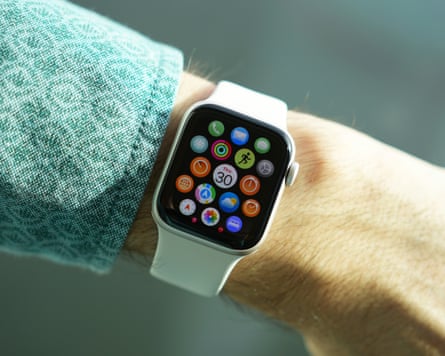
Which Apple Watch Should You Buy?
The best model depends on your needs, not on the most expensive specification sheet.
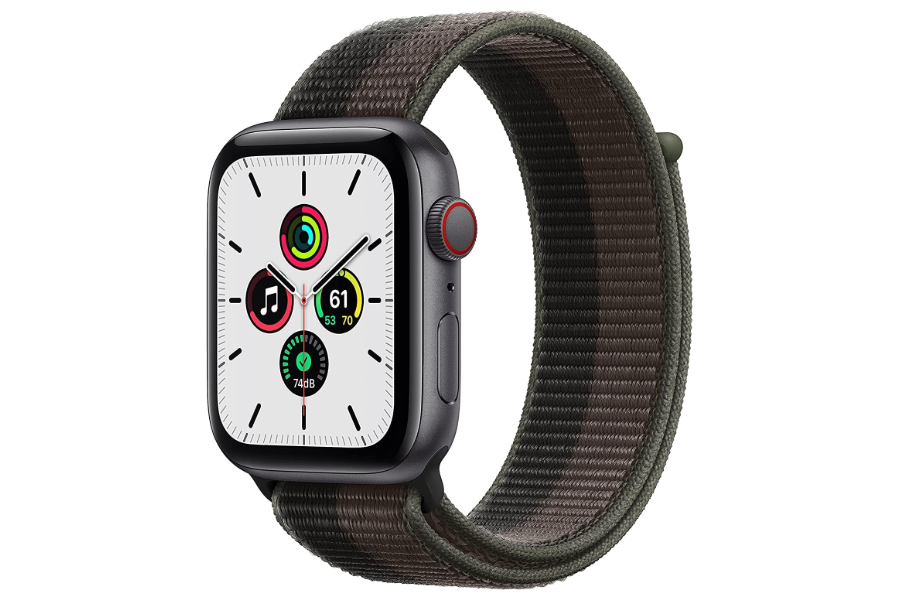
Apple Watch SE
The SE line usually focuses on core features at a lower price. It can be a good choice for:
• Notifications and calls
• Basic workout tracking
• Activity goals
• Apple Pay
• Safety features
• Family use
• First-time buyers
It may not include every advanced health sensor, premium display feature, or luxury material. For many people, that is a fair trade.
Standard Apple Watch
The standard model is the balanced choice. It typically offers a brighter display, more health tools, stronger performance, and a broader feature set than the entry model.
It is often the best fit for someone who wants a full everyday experience without the size and price of the Ultra line.
Apple Watch Ultra
The Ultra line targets outdoor users, divers, endurance athletes, and people who want a larger, tougher watch with longer battery life.
It can be worth the higher price if you need rugged construction, extended workouts, better outdoor visibility, or specialized adventure tools. It is not automatically better for a casual user.
The large case can feel heavy on smaller wrists, and many buyers will never use its advanced features.
GPS or cellular?
GPS models connect to your iPhone for calls, messages, and data when you are away from Wi-Fi. Cellular models can connect to a mobile network when you add an eligible plan.
Choose cellular if you often leave your phone behind during runs, errands, or work. Skip it if your iPhone is almost always nearby, since cellular service adds both purchase and monthly costs.
Is an Apple Watch Worth It for Fitness and Health?
For everyday health and fitness, an Apple Watch is often worth buying. It makes activity data easy to understand and can encourage simple improvements.
For example, a person who sees very little movement during workdays might set a goal to walk for 10 minutes after lunch. Someone who sleeps poorly may notice that late caffeine or irregular bedtimes affect their rest.
The most useful data is data you act on. Tracking dozens of metrics will not improve your health unless it changes your habits.
Research on wearable devices suggests that feedback and reminders can support physical activity, but results vary. A wearable is a tool, not motivation in a box. Your goals, routine, and consistency matter more than the device.
Avoid treating calorie estimates as exact. Wrist-based calorie readings can be imperfect, especially during strength training, cycling, or activities with unusual movement.
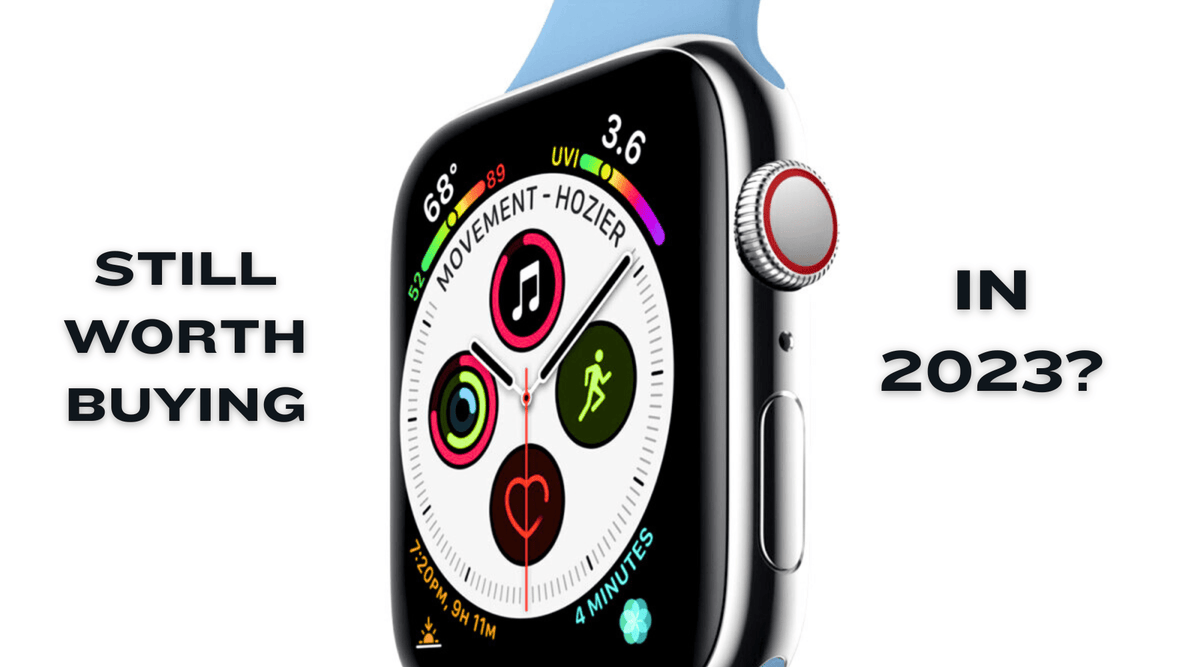
Is an Apple Watch Worth It for Sleep Tracking?
An Apple Watch can be worth buying for basic sleep tracking, but it is not the best choice for everyone.
It can show sleep duration, sleep stages, bedtime patterns, and overnight health data. This may help you notice a regular sleep schedule or identify habits that affect rest.
The main challenge is charging. If you wear the watch overnight, you need to charge it at another time. Some users find this easy, while others prefer a wearable with a battery that lasts many days.
Sleep stages from consumer wearables are estimates. They can show trends, but they should not be treated as a clinical sleep study. If you have loud snoring, breathing pauses, severe daytime sleepiness, or ongoing insomnia, speak with a health professional.

How Much Does an Apple Watch Really Cost?
The real cost depends on the model, storage, protection, accessories, and cellular service.
Before buying, consider:
• Watch price
• Sales tax
• Cellular activation and monthly fees
• Protective case
• Extra band
• Extended warranty
• Replacement charger
• Repairs after the warranty period
You can lower the total cost by choosing a previous-generation model. Older models often provide excellent value when they still receive software updates and have healthy batteries.
Avoid buying a very old model only because it is cheap. It may have a shorter support life, slower performance, weaker battery health, or missing features.
A useful method is to divide the total cost by the number of months you expect to use it. If you pay $300 and use it for three years, the device costs about $8.33 per month before accessories and service. Compare that value with how often you expect to use its features.
How to Get More Value From an Apple Watch
If you decide an Apple Watch is worth buying, set it up with purpose.
Start with essential notifications
Open the Watch app on your iPhone and turn off alerts that do not require immediate attention. Keep calls, important messages, calendar events, navigation, and safety alerts.
Create a charging routine
Charge the watch at the same time each day. A morning shower or evening reading session can become a reliable charging window.
If you track sleep, charge before bed. If you do not track sleep, overnight charging may be the simplest choice.
Use health features responsibly
Enter your age, height, weight, medications, and emergency contacts accurately when relevant. Review health permissions and learn what each metric means.
Do not change medication or treatment based only on watch data.
Buy the right size and band
Try the case size if possible. A watch that feels too large may get less use. The band should be snug enough for accurate readings but comfortable enough for all-day wear.
A poor fit can affect heart rate readings and make workouts less enjoyable.
Compare refurbished options
A certified refurbished model can be a smart way to save money. Check:
• Battery health
• Warranty length
• Return policy
• Activation status
• Included charger
• Water resistance expectations
• Compatibility with your iPhone
Common Mistakes to Avoid
Many buyers regret the purchase because they choose based on hype instead of daily needs.
Avoid these mistakes:
• Buying the largest model when a smaller case would be more comfortable
• Paying for cellular service when your phone is always nearby
• Expecting medical-grade results from consumer health sensors
• Allowing every app to send notifications
• Ignoring battery health when buying used
• Buying an old model that may soon lose software support
• Assuming water resistance means waterproof performance in every situation
• Treating activity rings as a measure of overall health
• Choosing an expensive band before learning which style you like
The biggest mistake is buying an Apple Watch without a clear purpose. Decide whether you want fitness tracking, safety support, less phone use, or convenience. Then select the least expensive model that meets that goal.
Frequently Asked Questions: Is It Worth Buying an Apple Watch?
Is an Apple Watch worth buying for an iPhone user?
Yes, it can be worth buying if you want convenient notifications, fitness tracking, Apple Pay, safety tools, and quick access to calls or messages. It is less useful if you rarely exercise and prefer to keep your phone nearby.
Is an Apple Watch worth buying without cellular service?
Yes. A GPS Apple Watch can still track workouts, show notifications near your iPhone, use Apple Pay, play downloaded content, and provide many health features. Cellular service is mainly useful when you often leave your iPhone behind.
Is an Apple Watch worth buying for fitness?
An Apple Watch is a strong choice for casual exercise, gym workouts, walking, running, cycling, and general health goals. Serious endurance athletes may prefer a dedicated sports watch with longer battery life and deeper training features.
How long does an Apple Watch last?
Many users keep an Apple Watch for several years, but its useful life depends on battery health, software support, physical damage, and personal expectations. Replacing the battery may extend its life, while an older model may eventually lose access to new features.
Is an Apple Watch worth buying for an older adult?
It can be helpful because of emergency calling, fall detection, health notifications, and easy access to family contacts. Set it up carefully, make sure the wearer understands charging and emergency features, and do not treat it as a replacement for medical supervision.
Can an Apple Watch replace an iPhone?
No. It can handle some calls, messages, payments, workouts, and apps, especially with cellular service, but it still depends on an iPhone for setup and many core functions. Think of it as a companion device rather than a complete phone replacement.
Conclusion
So, is it worth buying an Apple Watch? For most iPhone users who want health tracking, safety features, simple notifications, and fewer phone checks, the answer is yes.
It is not the right choice for Android users, people who dislike frequent charging, or athletes who need multi-day battery life and advanced training tools. The best value usually comes from choosing the model that meets your needs rather than buying the most expensive version.
Write down the two or three features you will use each week, compare them with the total cost, and choose a model that fits your phone and routine. Explore current models and trusted refurbished options, then share your own Apple Watch experience in the comments.