Most Samsung smart watches are water resistant, but none are fully waterproof or safe for every water activity.
If you ask, “are Samsung smart watches waterproof,” the most accurate answer depends on the model, its water rating, and how you use it. Galaxy Watch devices can handle rain, sweat, hand washing, and many swim sessions, but water resistance has limits. This guide explains Samsung’s ratings, safe activities, common mistakes, and simple ways to protect your watch.
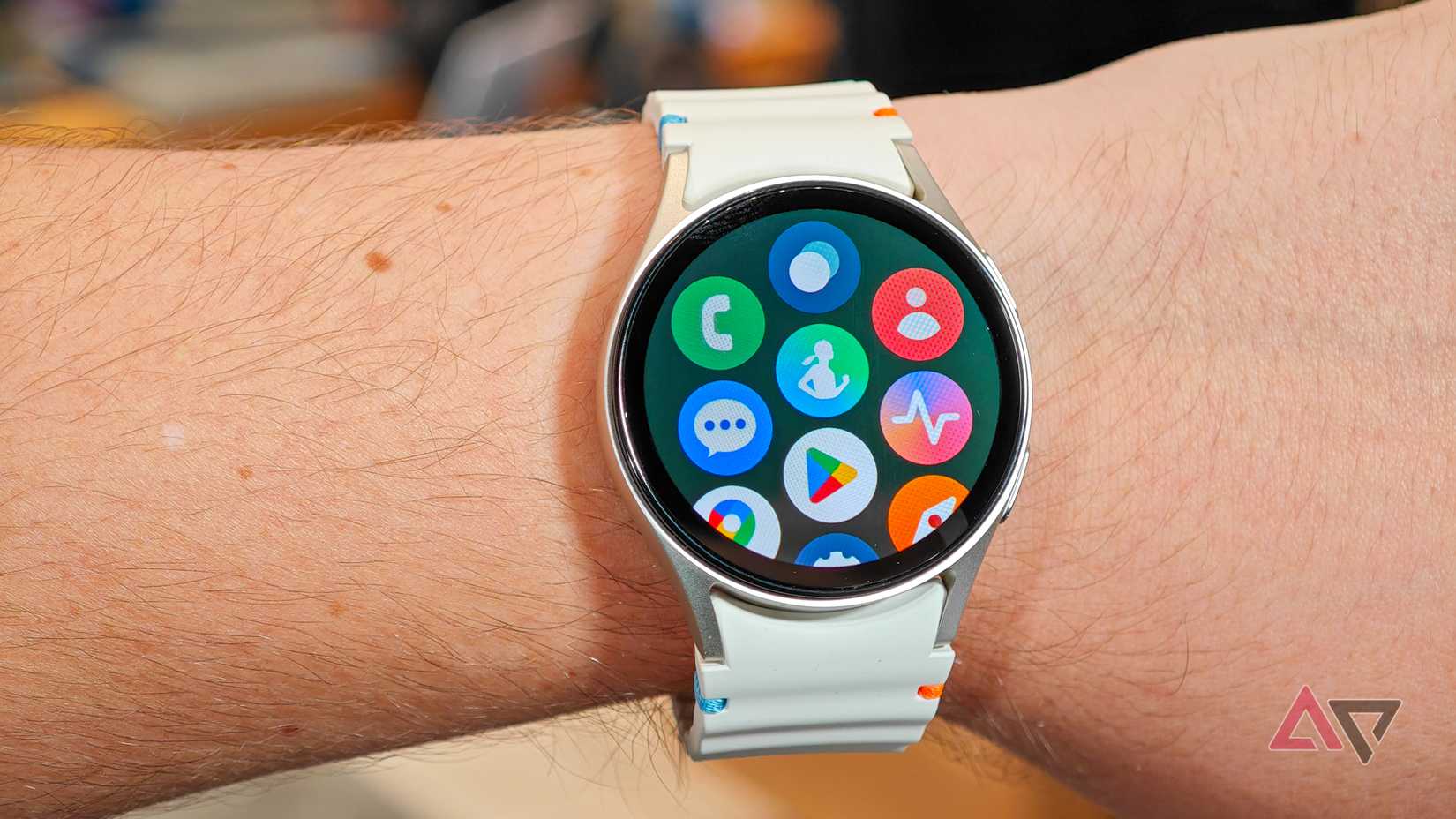
Are Samsung Smart Watches Waterproof or Water Resistant?
Are Samsung smart watches waterproof? No smartwatch is truly waterproof forever. Samsung uses the term water resistant because a watch can keep water out under certain test conditions, but that protection can weaken over time.
Many recent Galaxy Watch models have a 5ATM water-resistance rating and an IP68 rating. These ratings show that the watch can resist water in controlled tests. They do not mean you can wear the watch anywhere, at any depth, or in every type of water.
Think of water resistance like a rain jacket. It can keep you dry in a storm, but it may not protect you if you jump into a pool with it. The same idea applies to your Galaxy Watch.
Water resistance can decline because of:
• Drops and impacts
• Cracks in the screen or case
• Normal aging of seals
• Repairs by an unapproved service center
• Exposure to soap, chemicals, salt, or heat
• Pressure from fast-moving water
The best answer to “are Samsung smart watches waterproof” is therefore simple: most models are water resistant for daily use and swimming, but they are not immune to water damage.
What Do 5ATM and IP68 Mean?
Understanding the water ratings helps you use your Galaxy Watch with more confidence. Samsung commonly lists two ratings: 5ATM and IP68. They measure different types of protection.
5ATM water resistance
A 5ATM rating means the watch passed a pressure test equal to about 50 meters of static water pressure. The word “static” matters. The test does not copy every real-world activity.
For example, a watch may pass a calm water test but face more pressure when you:
• Dive into a pool
• Ride a fast water slide
• Use a high-pressure shower
• Water-ski or wakeboard
• Move your arm quickly underwater
So, 5ATM does not mean you can safely take the watch 50 meters underwater. It is a lab rating, not a promise for deep diving.
IP68 protection
IP68 is an international rating for protection against dust and water. The first number, 6, means the device is dust-tight. The second number, 8, means it can resist immersion under specific test conditions set by the manufacturer.
The exact test depth and time can vary. Always check the support page or manual for your specific Galaxy Watch model.
MIL-STD-810H
Some Galaxy Watch models, such as rugged versions, also carry a MIL-STD-810H rating. This relates to durability tests for conditions such as shock, vibration, temperature changes, and altitude.
MIL-STD-810H does not make a watch waterproof. It also does not replace the 5ATM or IP rating. Each rating covers a different kind of protection.

Which Samsung Galaxy Watches Can Go in Water?
Many recent Galaxy Watch models are designed for swimming and everyday water exposure. However, ratings can differ between generations, so checking the exact model is important.
Recent Galaxy Watch devices often include:
• Galaxy Watch4 and newer standard models with water-resistance features
• Galaxy Watch Classic models with similar water protection
• Galaxy Watch5 Pro with added outdoor durability
• Galaxy Watch6 and Galaxy Watch7 models designed for swimming and daily wear
• Galaxy Watch Ultra with stronger water and outdoor protection for approved activities
Older Samsung watches may have different ratings. Some early Gear and Galaxy Watch models may be water resistant, but their seals may be older or less reliable today.
If you are unsure about your watch, look for the model name in the Galaxy Wearable app:
- Open the Galaxy Wearable app.
- Tap Watch settings.
- Select About watch.
- Note the model number.
- Check Samsung’s official specifications for that model.
This is safer than guessing based on appearance. Two watches can look similar but have different water ratings.
Can You Swim With a Samsung Galaxy Watch?
For many current models, swimming is an approved use when the watch is in good condition. Galaxy Watch devices can often track pool swims and some open-water workouts.
Before swimming, follow these steps:
- Make sure the watch has no cracks or visible damage.
- Fasten the band so the watch does not hit the pool wall.
- Start the swimming workout if you want activity data.
- Turn on Water lock before entering the water.
- Rinse the watch with clean water after swimming.
- Dry the watch and band fully before charging.
Water lock helps prevent accidental screen taps. It does not improve the watch’s seal or make it more water resistant.
Pool water contains chlorine, which can affect seals and metal parts over time. Rinse the watch with fresh water after swimming, then dry it with a soft cloth.
Open-water swimming needs more care. Salt water can leave residue, and waves can create extra pressure. A swim in calm water is not the same as diving, surfing, or water-skiing.
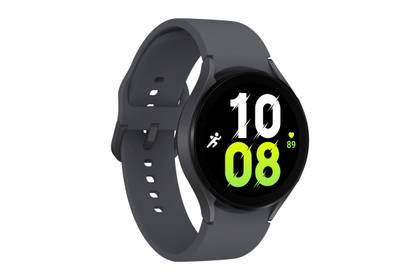
Can You Wear a Samsung Watch in the Shower?
A Samsung Galaxy Watch may survive a normal shower, but that does not make shower use ideal. Hot water, steam, soap, shampoo, and strong water pressure can challenge the seals.
A cool or warm shower with little soap exposure is less risky than a hot shower. Still, Samsung generally advises users to avoid exposing the watch to hot water, steam, saunas, and hot tubs.
Remove the watch before:
• Taking a very hot shower
• Entering a sauna or steam room
• Using a hot tub
• Applying body wash or shampoo near the watch
• Cleaning the watch with strong chemicals
Soap can reduce surface tension and make it easier for liquid to enter small openings. Heat can also expand materials and place stress on seals.
If you wear the watch in the shower, rinse it with clean water afterward. Pay special attention to the speaker, microphone, buttons, and band connection.
What Water Activities Should You Avoid?
Knowing what not to do is just as important as knowing what the watch can handle. Are Samsung smart watches waterproof enough for diving, surfing, or jet skiing? Usually, no.
Avoid wearing a standard Galaxy Watch during:
• Scuba diving
• Deep snorkeling
• High diving
• Water skiing
• Wakeboarding
• Jet skiing
• Rafting in strong rapids
• Activities with powerful water jets
• Hot tubs and saunas
Fast water creates more pressure than calm water. A sudden impact can also damage the case or loosen a seal.
Some rugged Samsung models support more outdoor water activities than standard versions. Even then, read the model instructions first. A stronger rating does not mean the watch is suitable for scuba diving unless Samsung clearly states that it is.
Do not test your watch by pushing it underwater. A home test cannot confirm whether the seals are working, and it may cause damage that is not covered by the warranty.
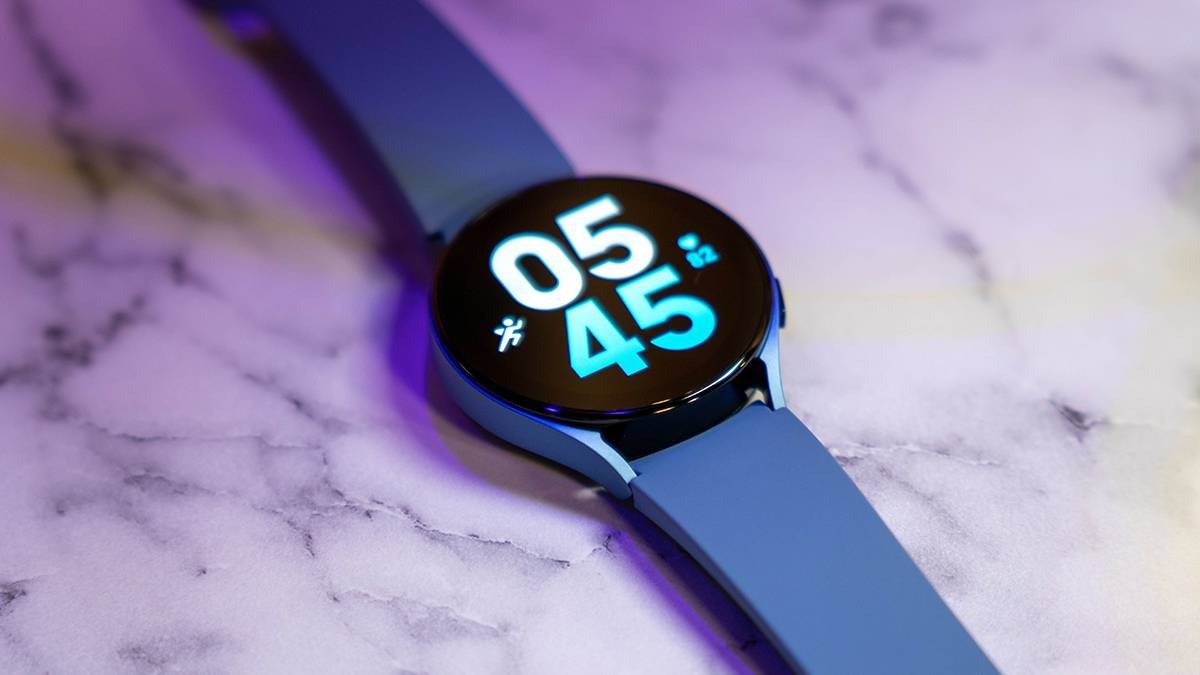
How to Protect a Samsung Watch From Water Damage
A few simple habits can extend the life of your watch. Water resistance is not a permanent feature, so care matters.
Before water exposure
Check the watch for:
• Cracks in the screen
• A loose back cover
• Damage around buttons
• A stretched or damaged band
• Signs of a previous repair
• Unusual gaps in the case
Do not wear a damaged watch in water. Even a small crack can let moisture reach the battery or circuit board.
After swimming or getting wet
Use this process:
- Rinse the watch with fresh water if it touched salt water or pool water.
- Shake it gently to remove excess water.
- Wipe it with a clean, soft cloth.
- Let it air-dry completely.
- Do not charge it while the charging area is wet.
Samsung watches may use sound or vibration to push water from the speaker. This feature helps clear the speaker opening, but it does not dry the internal parts of the watch.
Avoid hair dryers, heaters, and direct sunlight. High heat may damage the screen, battery, adhesive, or seals.
A common mistake is placing a wet watch on its charger right away. Moisture near charging contacts can cause corrosion or charging problems. Wait until both the watch and charger are dry.
What to Do if Your Samsung Watch Gets Wet
If your watch gets wetter than expected, act quickly but calmly.
- Remove it from the water.
- Turn it off if it is not already off.
- Dry the outside with a soft, lint-free cloth.
- Remove the band if it holds moisture against the case.
- Leave the watch in a dry, well-ventilated place.
- Do not charge or heat it.
- Contact Samsung support if it acts strangely.
Warning signs may include:
• A foggy display
• Random restarts
• Buttons that stop working
• A speaker that sounds muffled for a long time
• Failure to charge
• A hot case
• Fast battery drain
Do not put the watch in rice. Rice dust can enter openings, and it does not reliably remove internal moisture. Silica gel packets in a sealed container may help with surface moisture, but professional inspection is safer if water entered the device.
Water damage may not be covered by a limited warranty, especially if the watch shows physical damage or has been used outside its stated limits. Warranty terms can vary by region and product, so check Samsung’s current policy.
Does Water Resistance Wear Out?
Yes. Water resistance can weaken with age and use. The seals inside a watch are not designed to last forever.
A drop on a hard floor may cause hidden damage even when the screen looks fine. A repair can also affect water resistance if the case is not sealed correctly.
For this reason, avoid treating an older watch like a new one. If your watch has been dropped, repaired, or used often in salt water, be more cautious.
Here are practical habits that help:
• Keep the watch away from strong chemicals.
• Do not press buttons underwater unless the instructions allow it.
• Avoid sharp temperature changes.
• Use a soft cloth instead of abrasive cleaners.
• Have damaged watches checked by an authorized service center.
• Replace worn bands so the watch does not fall into water.
In real life, the biggest mistake is trusting the word “waterproof” too much. The watch may work perfectly for months, then fail after one hard impact followed by a swim. Treat water resistance as protection, not insurance.
Are Samsung Smart Watches Safe in Salt Water and Chlorinated Water?
Are Samsung smart watches waterproof in ocean water? Many can handle brief exposure to salt water when the model supports swimming, but salt water is more demanding than fresh water.
Salt can leave deposits around buttons, seams, and charging contacts. Chlorine can also affect materials over time. Neither type of water should remain on the watch after use.
After ocean or pool exposure:
• Rinse the watch with fresh, clean water.
• Avoid strong running water directly against openings.
• Dry the case, band, and charging contacts.
• Check that the speaker sounds normal.
• Do not charge until everything is dry.
Do not use soap, bleach, alcohol, or household cleaners unless Samsung specifically recommends the product for your model. Strong chemicals may damage the finish or seals.
If you swim often, inspect the watch every few weeks. Look for cracks, loose parts, or changes in button movement. These small checks can prevent a much larger repair bill.
How Samsung Watches Compare With “Waterproof” Claims
Many products use “waterproof” in marketing because it is easy to understand. Technically, water resistance is the more accurate term.
A waterproof claim suggests that water cannot enter under normal conditions. That is not realistic for a smartwatch with speakers, microphones, buttons, sensors, and charging contacts.
Samsung’s ratings give you useful limits, but they do not cover every situation. The safest interpretation is:
• Rain and sweat: usually low risk for supported models
• Hand washing: usually low risk
• Pool swimming: often supported on current models
• Ocean swimming: possible with careful rinsing
• Showering: possible but not ideal
• Hot tubs and saunas: avoid
• Diving and high-pressure water: avoid