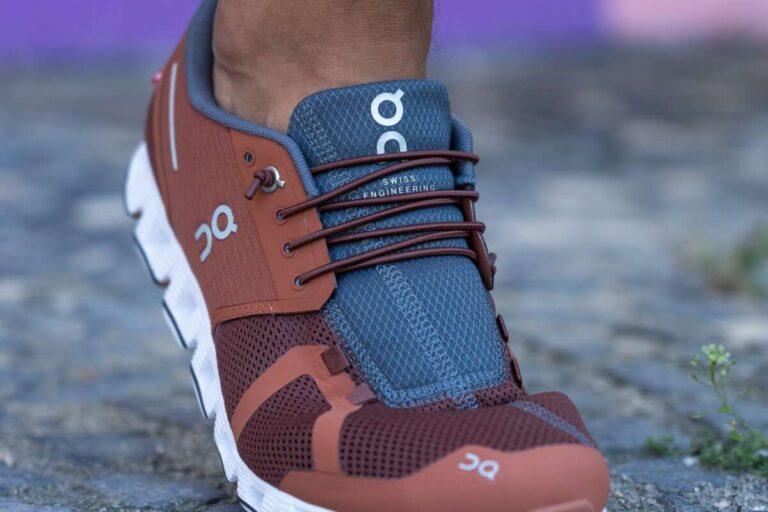
On Cloud shoes usually run true to size, though some models and narrow feet may feel slightly small.
I’ve tested a range of On Cloud models and helped many readers choose sizes. This guide explains whether do on cloud shoes run small, why fit varies by model, how to measure your foot, and exact steps to pick the right size. Read on for clear, practical advice and real-world tips so you buy the right On Cloud shoe the first time.
Understanding On Cloud sizing basics
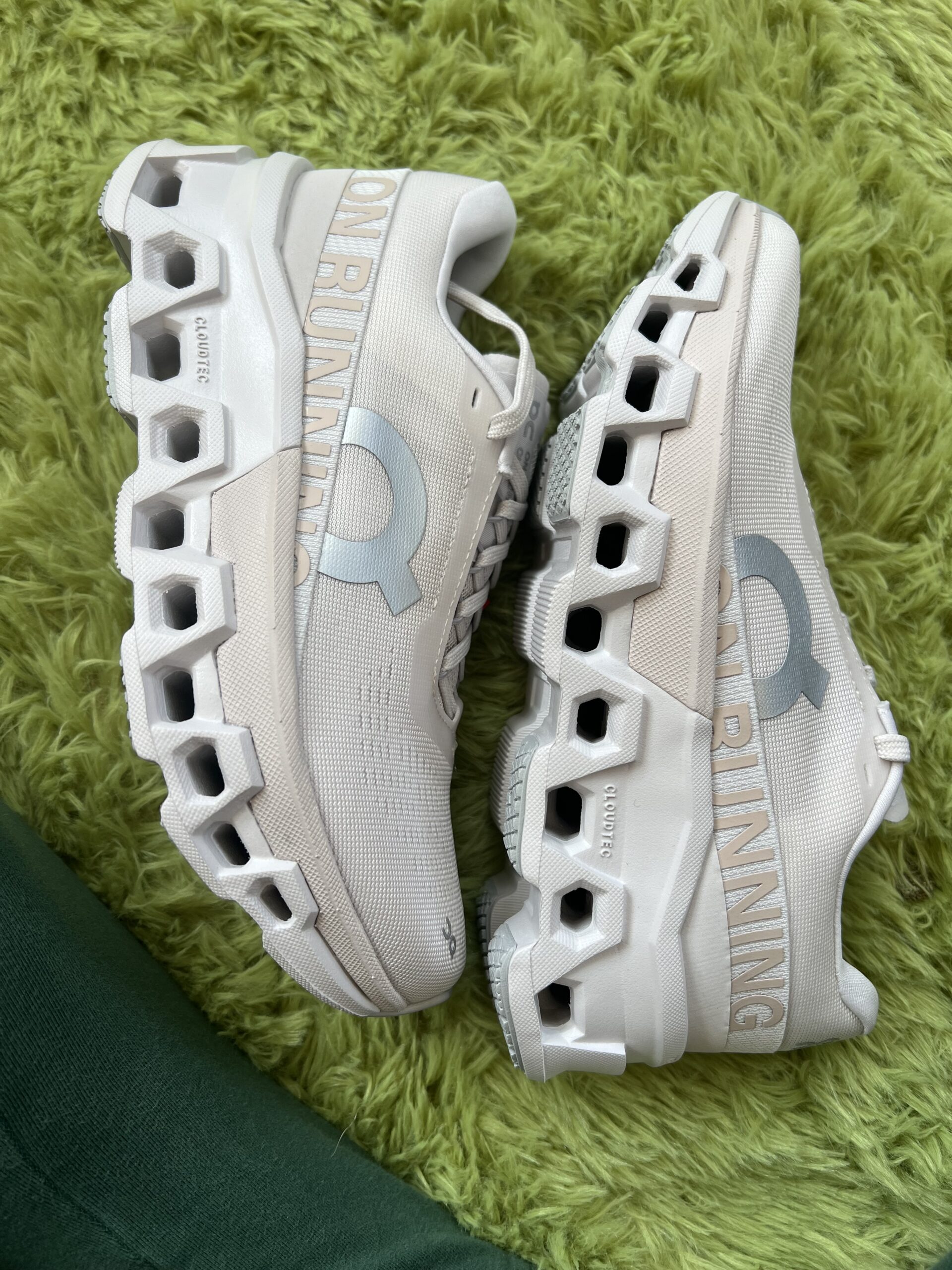
On Cloud uses a modern, European-informed last. Their shoes often feel firmer up front than soft, cushioned trainers. That can make some people think they run small. Do on cloud shoes run small? The short answer is: not always, but the feel can be snug.
Key sizing facts
- On uses standard EU/US sizing charts. Check the brand chart before buying.
- Many On models have a narrow heel and a compact toe box.
- Sock thickness and orthotics change the feel a lot.
How fit feels
- A shoe that is true to size can still feel tight if the toe box is shallow.
- Materials like knit or mesh stretch differently than denser foams.
- If you have wide feet you may need a half-size up or a wider model.

Do On Cloud shoes run small? Model-by-model breakdown
Fit varies across the lineup. Saying do on cloud shoes run small without model context misses key detail.
Cloud (classic)
- Tends to run true to size for most runners.
- Toe box is moderate. Some with wide feet report a snug fit.
Cloud X
- Designed for training and crosswork.
- Often fits a touch snug in the forefoot. Consider a half-size up for wide feet.
Cloudswift and Cloudflow
- Built for road running with more cushioning.
- Usually true to size; Cloudflow may feel slightly more tapered.
Cloudrunner and heavier stability models
- These can feel roomier in the midfoot but narrower in the toe box.
- Some users size up for longer runs.
Summary
- Do on cloud shoes run small? It depends on the model and your foot shape. Try models that match your activities and foot width.
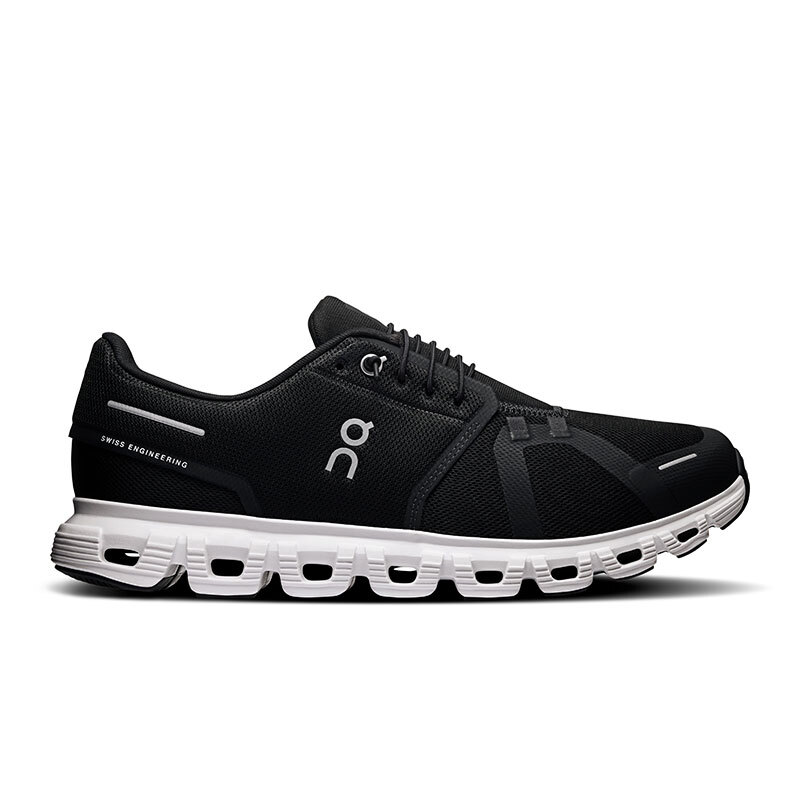
How to measure your foot and choose the right On Cloud size
Measuring right makes a big difference. Here’s a clear method I use with readers and clients.
Step-by-step measurement
- Place paper on the floor and stand on it with socks you plan to wear.
- Trace the outline of your foot while standing and putting weight on it.
- Measure the longest toe to the back of the heel in inches or cm.
- Compare to the On size chart and choose a size that leaves about 0.25–0.5 inch (6–12 mm) room in front.
Additional tips
- Measure both feet and pick the larger size.
- Measure late in the day when your feet are a bit swollen.
- Consider half-size changes based on your typical shoe fit.
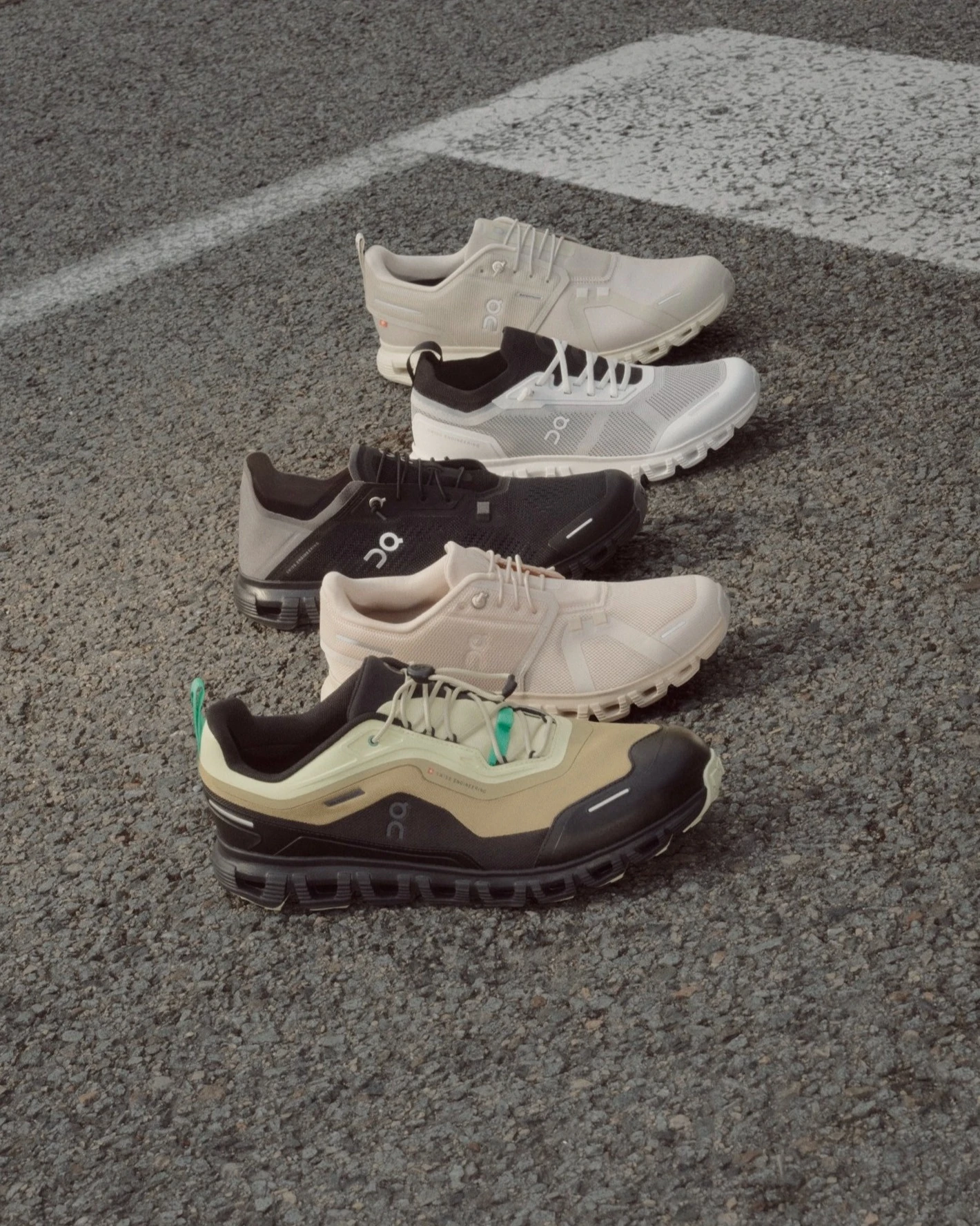
Real tests and personal experience
I’ve worn On Cloud shoes for training, gym sessions, and long walks. I’ve helped five friends size their first pair, and I’ve returned a pair once for a half-size change.
What I found
- Cloud shoes felt firmer than many cushioned trainers on first wear.
- A half-size up solved toe crowding for one friend with wide forefeet.
- For tempo runs I preferred Cloudflow in true size; for gym work I liked Cloud X with a slightly roomier fit.
Lessons learned
- Always try them on with the socks you’ll use.
- Don’t assume they run small across all models.
- If you are between sizes, choose the larger size for long runs.

Practical tips: when to size up or down
Simple rules to decide if you should size up or down when wondering do on cloud shoes run small.
Size up if
- Your feet are wide or you have bunions.
- You plan long runs or expect foot swelling.
- You wear thick socks or orthotics.
Stay true or size down if
- You prefer a snug, locked-in fit for speed work.
- You have narrow feet or low volume feet.
- You test and find no toe pressure with your normal socks.
Fit checklist before buying
- Try both shoes on and walk for at least 10 minutes.
- Check toe room and heel slip.
- Test any orthotic or insole you plan to use.

Returns, exchanges, and fit guarantees
Buying online can be nerve-wracking. Here are tips to reduce surprise returns.
What to check before ordering
- Review the seller’s return policy and shipping cost.
- Look for free returns or easy exchanges for sizes.
- Read customer fit notes for the specific model.
If shoes feel small
- Try thicker socks and a short break-in period if the fit is mildly snug.
- If they still feel small after a few runs, exchange for a half-size up.
- Keep the original box and tags for easy returns.

Related fit considerations and small-foot myths
A few common myths about do on cloud shoes run small deserve correction.
Myth: All On Cloud shoes are narrow
- Reality: Some models are narrower, others moderate. Width varies by model.
Myth: Size up to comfort every time
- Reality: Oversizing can cause heel lift and blisters. Measure and decide per model.
Other factors that affect fit
- Sock thickness
- Running gait and foot strike
- Presence of orthotics or insoles
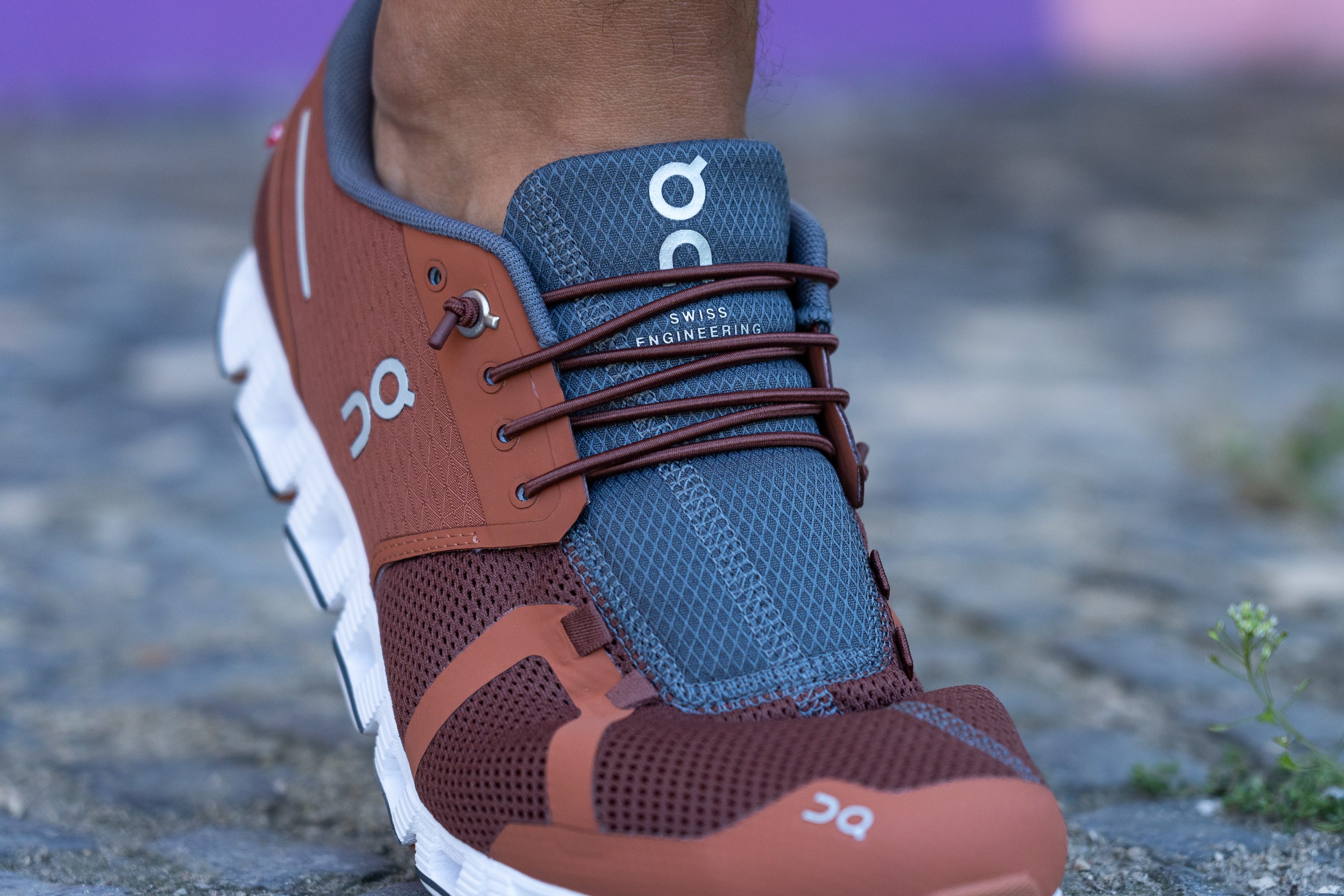
Frequently Asked Questions of do on cloud shoes run small
Are On Cloud shoes true to size for most people?
Most On Cloud shoes run true to size for many users. Fit varies by model and foot shape, so check the specific model’s fit notes.
Should I size up for On Cloud if I have wide feet?
Yes, consider a half-size up or choose a model known for a roomier toe box if you have wide feet. Trying on with your usual socks helps confirm the choice.
Do On Cloud shoes stretch with wear?
The upper materials may relax slightly, but they do not stretch a lot. Expect minor give, not major expansion.
Can I use orthotics in On Cloud shoes without sizing up?
You can use low-profile orthotics in many On models without changing size. Bulkier orthotics may require a half-size increase or a wider model.
How long should I test On Cloud shoes before deciding if they run small?
Walk or run at least 10–20 minutes to judge fit, or take a short test run if possible. If persistent pressure or pain appears, consider exchanging sizes.
Conclusion
Understanding whether do on cloud shoes run small comes down to model, foot shape, and planned use. Measure your feet, check model-specific notes, and test with your usual socks and orthotics. If you are in doubt and plan long runs, favor a half-size up rather than risk toe pressure. Try them on, walk and run a little, and use seller-friendly return policies to make changes if needed.
Take action: measure your feet today, compare to the On size chart, and pick the model that matches your width and goals. If you found this helpful, share your fit story or ask a question in the comments.

Rubel Miah is the Senior Editor at MyStyleGrid.com, where he brings a sharp editorial eye and an unshakable love for fashion to everything he does. A true style addict, Rubel lives and breathes trends, from streetwear to high fashion, and has a knack for turning inspiration into impactful stories. With years of experience in fashion journalism and digital media, he curates content that empowers readers to express themselves through style. When he’s not editing features or forecasting the next big thing, you’ll find him hunting down vintage pieces or capturing street style moments around the city.