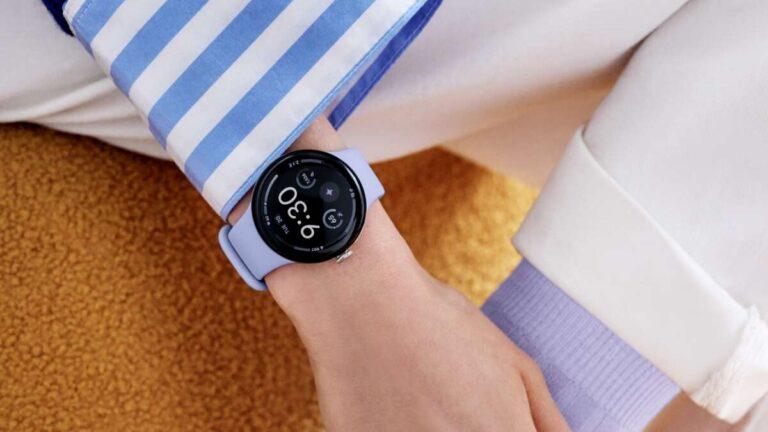
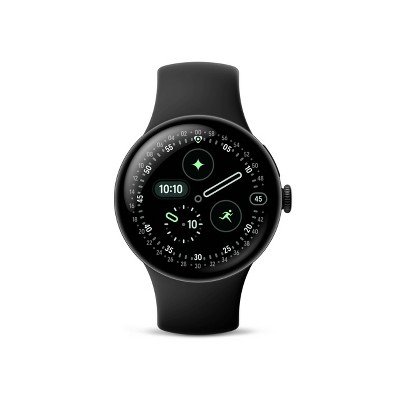
The Pixel Watch 4 is water-resistant, not fully waterproof, with a 5 ATM rating for swimming and daily splashes.
The phrase “waterproof” can be misleading with smartwatches. Based on Google’s published specifications and standard watch guidance, the Pixel Watch 4 can handle shallow water and sweat, but it is not designed for every water activity. This guide explains the Pixel Watch 4 waterproof rating, safe uses, limits, care tips, and what to do after water exposure.
Is Pixel Watch 4 waterproof?
No smartwatch is truly waterproof. The Pixel Watch 4 is water-resistant and built to handle common contact with water.
Google rates the Pixel Watch 4 for 5 ATM water resistance. This means it can withstand pressure similar to a depth of 50 meters under controlled laboratory conditions. It does not mean you can safely wear it 50 meters underwater.
The Pixel Watch 4 also has an IP68 rating for dust and water protection. The 5 ATM rating is more useful for swimming and water pressure, while IP68 shows strong protection against dust and brief immersion.
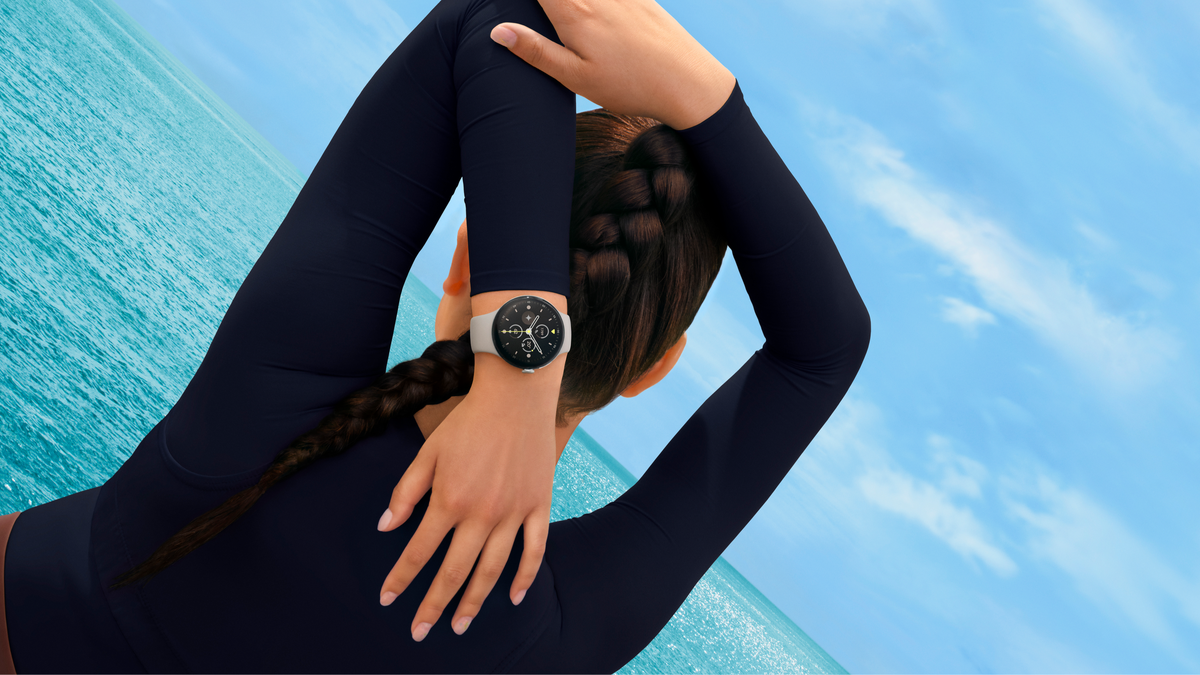
In everyday use, the Pixel Watch 4 should cope with:
• Sweat during workouts
• Rain and light splashes
• Hand washing
• Accidental drops in shallow water
• Swimming in a pool or calm open water, when Google’s instructions allow it
However, water resistance can weaken over time. Drops, cracks, repairs, heat, soap, and chemicals may damage the seals that keep water out.
What does the Pixel Watch 4 5 ATM rating mean?
A 5 ATM rating means the watch passed pressure tests equal to about 50 meters of static water pressure. The test takes place in a controlled setting, with the watch still and the water clean.
Real life is different. Moving your arm through water, jumping into a pool, or riding a fast water slide creates extra force. That force can be much higher than the pressure suggested by a simple depth number.
Think of 5 ATM as a strong raincoat, not a diving suit. It offers useful protection, but it does not make the Pixel Watch 4 suitable for deep diving or high-speed water sports.
The rating does not guarantee safety in:
• Scuba diving
• Free diving
• Jet skiing
• Water skiing
• Surfing in heavy waves
• High-pressure water sprays
• Hot tubs and saunas

Can you swim with Pixel Watch 4?
You can generally swim with the Pixel Watch 4 because its 5 ATM rating is intended to support shallow-water activities. A pool workout is a normal use case for a water-resistant smartwatch.
Still, swimming with a watch carries some risk. Pool chemicals can affect seals and materials. Salt water can also leave residue that may irritate the skin or damage charging contacts if you do not rinse the watch afterward.
For safer swimming:
-
Check the watch body and screen for cracks before entering the water.
-
Make sure the band and case are secure.
-
Avoid diving from a board or jumping into deep water.
-
Rinse the watch with clean water after swimming.
-
Dry the watch and band before charging it.
-
Do not press buttons or connect the charger while the watch is wet.
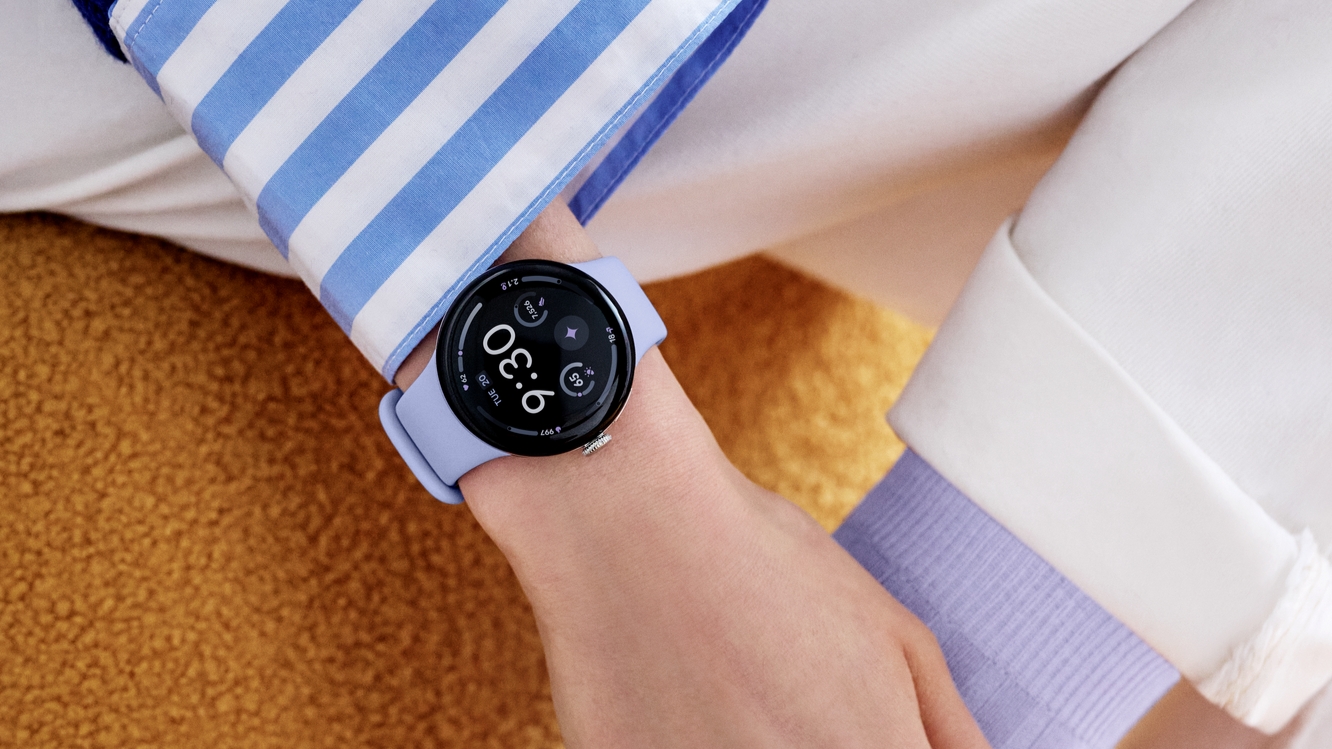
A useful practical lesson from testing and reviewing wearable devices is that water damage often happens after the activity, not during it. People place a damp watch on its charger, trap salt under the band, or use soap to clean it. Those small habits can cause more trouble than a short swim.
Is Pixel Watch 4 safe in the shower?
The Pixel Watch 4 may survive a quick shower, but Google generally advises caution with hot water, soap, shampoo, and strong water flow.
Warm water can affect water-resistant seals over time. Soap and shampoo can also break down skin oils and leave residue around buttons, speakers, microphones, and charging contacts.
The safest approach is to remove the Pixel Watch 4 before showering. If you wear it in the shower by accident, rinse away any soap with clean, fresh water and dry it fully.
Avoid wearing it in:
• Hot showers
• Steam rooms
• Saunas
• Hot tubs
• Whirlpool baths
• High-pressure showers

Can Pixel Watch 4 go in salt water?
The Pixel Watch 4 may tolerate brief exposure to calm salt water, but salt water is not risk-free. Salt can collect around the case, band, speaker, microphone, and charging contacts.
If you use the Pixel Watch 4 near the ocean:
• Avoid deep diving and strong waves.
• Keep the watch away from sunscreen and oily products.
• Rinse it with fresh water soon after use.
• Dry it with a soft, lint-free cloth.
• Let it dry before charging.
• Check the band for trapped sand or salt.
Do not scrub the watch with a rough cloth. Abrasive cleaning can create tiny scratches, and scratches may weaken the watch’s protection.
What water activities should you avoid?
The Pixel Watch 4 is not a dive computer or an action camera. Its water resistance is designed for normal exposure, not extreme conditions.
Avoid wearing it during activities that create sudden pressure or force:
• Scuba diving
• Cliff jumping
• Water skiing
• Jet skiing
• Rafting in strong rapids
• High-speed water slides
• Long periods in salt water
• Sauna or hot-tub use
• Direct spray from a pressure washer
Water resistance is also not the same as chemical resistance. Chlorine, salt, soap, sunscreen, and cleaning products can affect the watch even when the case remains sealed.
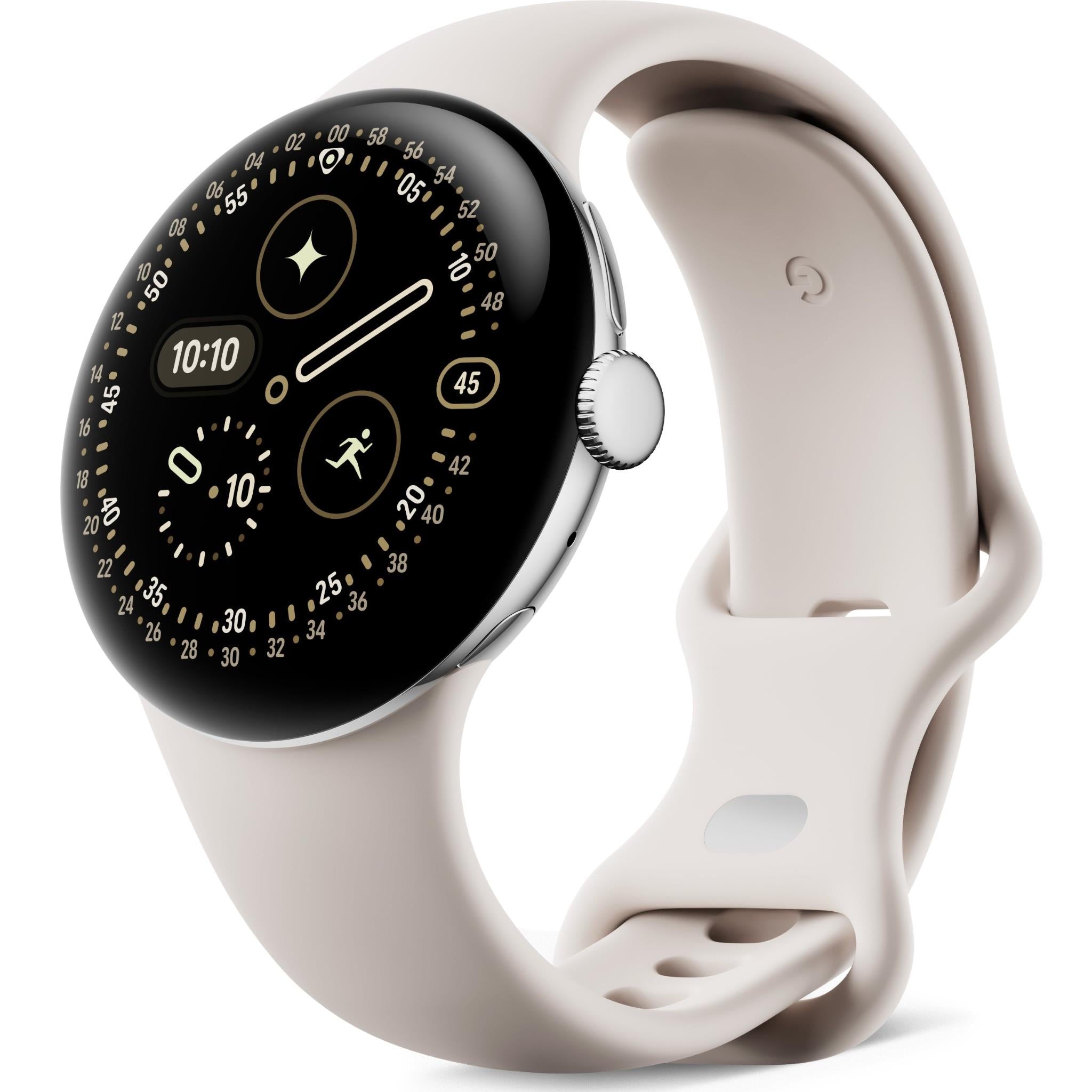
How to protect Pixel Watch 4 from water damage
Water resistance is not permanent. Good care can help preserve it, but no cleaning routine can restore a damaged seal.
Follow these habits:
• Inspect the display and case after drops.
• Replace a cracked screen before exposing the watch to water.
• Use a soft, damp cloth for cleaning.
• Rinse off chlorine and salt with fresh water.
• Dry the watch before placing it on the charger.
• Keep soap, oils, and chemicals away from the case.
• Do not open or repair the watch yourself.
• Use an authorized repair service for battery or screen work.
• Avoid extreme heat and sudden temperature changes.
The most common mistake is assuming a water-resistant rating stays unchanged forever. Seals can age, and a past repair may affect protection. Treat the rating as a helpful limit, not a promise of permanent safety.

What to do if Pixel Watch 4 gets wet
If your Pixel Watch 4 gets wet, remove it from the water and wipe it with a soft, dry cloth.
Then follow these steps:
-
Remove the watch from your wrist.
-
Rinse off salt, chlorine, or soap with clean water if needed.
-
Dry the outside carefully.
-
Shake or angle the watch gently to help water leave the speaker area.
-
Leave it in a dry, well-ventilated place.
-
Do not use a hair dryer, heater, oven, or direct sunlight.
-
Do not charge it until the charging contacts and watch are completely dry.
If the watch shows charging problems, a muffled speaker, screen issues, or repeated restarts, stop using it and contact Google support or an authorized repair provider.
Do not put the watch in rice. Rice dust can enter small openings, and it does not reliably remove water from sealed electronics.

Does water damage void the Pixel Watch 4 warranty?
Water damage may not be covered by the standard warranty. Warranty terms can vary by region, product condition, and the cause of the damage.
A water-resistant rating is not an insurance policy. Damage from deep water, hot water, chemicals, physical impact, or a failed seal may be treated differently from normal product use.
Keep your purchase record and check the current warranty terms for your country. If the watch has a crack or has been opened by an unofficial repair shop, its water protection may be reduced or lost.

Pixel Watch 4 waterproof rating compared with common use
The Pixel Watch 4 waterproof question is easier to answer when matched to real activities.
| Activity | Recommended? | Reason |
|---|---|---|
| Sweat and workouts | Yes | Designed for normal exercise exposure |
| Rain | Yes | Light rain should not be a problem |
| Hand washing | Yes | Brief splashes are expected |
| Pool swimming | Generally yes | Supported by the 5 ATM rating |
| Calm open-water swimming | Use caution | Salt, waves, and loss risk add hazards |
| Showering | Best avoided | Heat, soap, and spray can weaken protection |
| Hot tub | No | Heat and chemicals can damage seals |
| Sauna | No | Extreme heat is unsafe for the device |
| Scuba diving | No | Pressure exceeds normal smartwatch use |
| Water skiing | No | High speed and impact create extra pressure |
This table is a practical guide, not a substitute for Google’s latest product instructions. Always follow the manual supplied with your model and region.
Does water resistance get weaker over time?
Yes. Water resistance can decline as the watch ages.
Common causes include:
• Accidental drops
• Scratches or cracks
• Wear around buttons and seals
• Battery or screen repairs
• Exposure to heat
• Contact with soap or chemicals
• Normal aging of adhesives and gaskets
Manufacturers often do not recommend testing water resistance at home. A pressure test performed by a qualified service center is more reliable, but even that does not make an old or damaged watch safe for every activity.
The best protection is simple: avoid extreme water, inspect the case, and treat any damage as a warning.
Frequently Asked Questions About Is Pixel Watch 4 Waterproof
Is the Pixel Watch 4 fully waterproof?
No. The Pixel Watch 4 is water-resistant, not fully waterproof. Its 5 ATM rating supports everyday water exposure and suitable swimming, but it does not make the watch safe for diving, saunas, or high-pressure water.
Can I wear Pixel Watch 4 in the pool?
Generally, yes. The 5 ATM rating is designed to handle shallow-water activities such as pool swimming, but rinse the watch afterward and avoid diving or forceful water impact.
Can I wear Pixel Watch 4 in the shower?
It is best to remove it before showering. Hot water, soap, shampoo, steam, and strong spray may weaken the watch’s water resistance over time.
Is Pixel Watch 4 safe in the ocean?
Use caution in the ocean. Salt water, waves, sand, and sunscreen can harm the watch or affect its seals, so rinse it with fresh water and dry it after exposure.
Can Pixel Watch 4 go in a hot tub?
No. Hot tubs combine heat, chemicals, and strong water movement. These conditions can damage the watch and may reduce its water resistance.
What should I do if Pixel Watch 4 will not charge after getting wet?
Stop trying to charge it and dry the watch and charging contacts completely. If charging problems continue, contact Google support or an authorized repair provider rather than opening the watch yourself.
Conclusion
The Pixel Watch 4 is water-resistant, but calling it waterproof gives the wrong impression. Its 5 ATM rating makes it suitable for sweat, rain, splashes, and many shallow-water activities, while its IP68 rating adds dust and water protection.
Avoid diving, hot tubs, saunas, high-pressure water, and long exposure to salt or chemicals. Rinse and dry the watch after swimming, and never charge it while wet.
Use the Pixel Watch 4 confidently for normal water exposure, but treat its rating as a limit. Check Google’s latest care guidance before swimming, and share your own experience or questions in the comments.

Rubel Miah is the Senior Editor at MyStyleGrid.com, where he brings a sharp editorial eye and an unshakable love for fashion to everything he does. A true style addict, Rubel lives and breathes trends, from streetwear to high fashion, and has a knack for turning inspiration into impactful stories. With years of experience in fashion journalism and digital media, he curates content that empowers readers to express themselves through style. When he’s not editing features or forecasting the next big thing, you’ll find him hunting down vintage pieces or capturing street style moments around the city.