Apple Watch Series 6 or newer, Apple Watch SE 2, and Apple Watch Ultra models work with iPhone 16.
Choosing which Apple Watch is compatible with iPhone 16 is simple once you separate current models from older watches. The iPhone 16 runs iOS 18, so it supports Apple Watches that meet Apple’s software and hardware requirements. This guide explains compatibility, setup limits, older model support, and the best watch to buy.
Which Apple Watch Is Compatible With iPhone 16?
The iPhone 16 works with many Apple Watch models. For the newest features, Apple Watch Series 6 or later, Apple Watch SE 2, and all Apple Watch Ultra models are the safest choices.
Here is the main compatibility list:
• Apple Watch Series 10
• Apple Watch Ultra 2
• Apple Watch Series 9
• Apple Watch Ultra
• Apple Watch Series 8
• Apple Watch Series 7
• Apple Watch Series 6
• Apple Watch SE 2nd generation
These models support watchOS 11 when paired with an iPhone 16 running iOS 18 or later. The Apple Watch Series 10 and Apple Watch Ultra 2 offer the newest hardware and features.
The answer to which Apple Watch is compatible with iPhone 16 also includes some older models. Apple Watch Series 4 and Series 5 may work with the iPhone 16 if they run compatible software, such as watchOS 10. However, they cannot install watchOS 11.

Apple Watch Models That Work Best With iPhone 16
The best model depends on your budget, fitness needs, and interest in new features.
Apple Watch Series 10
The Apple Watch Series 10 is one of the best choices for most iPhone 16 owners. It has a thin design, a bright display, strong health tools, and fast performance.
It also supports newer watchOS features that older models may not receive. If you want a balanced watch for calls, messages, workouts, sleep tracking, and health data, Series 10 is a strong pick.
Apple Watch Ultra 2
The Apple Watch Ultra 2 is designed for outdoor use and demanding workouts. It has a larger case, a more rugged build, better battery life, and advanced GPS features.
It is a good match for hikers, runners, divers, cyclists, and people who spend a lot of time outdoors. For everyday use, however, it may feel larger and more expensive than needed.
Apple Watch Series 9
The Series 9 remains a capable choice if you find it at a good price. It supports watchOS 11 and includes health tracking, crash detection, temperature sensing, and fast performance.
For many people, the Series 9 provides nearly everything they need without the higher price of the newest model.
Apple Watch Series 6, 7, and 8
The Series 6, Series 7, and Series 8 can work well with an iPhone 16. They support many important Apple Watch features, but battery condition matters because these watches are older.
A used watch with a weak battery may need daily charging or a battery replacement. Always check the battery health before buying one.
Apple Watch SE 2
The Apple Watch SE 2 is often the best low-cost option. It works with iPhone 16 and includes activity tracking, workout tools, fall detection, crash detection, and notifications.
It does not include every health sensor found on premium models. For example, it lacks features such as an always-on display and some advanced heart health tools. Still, it covers the basics very well.
Can Older Apple Watches Pair With iPhone 16?
Older Apple Watch models can be confusing because compatibility depends on watchOS, not only the watch’s release date.
Apple Watch Series 4 and Series 5 may pair with an iPhone 16 when they use supported software. They can run watchOS 10, but they do not support watchOS 11. This means they may work today but will miss newer software features.
The Apple Watch Series 3 is not a good choice for iPhone 16. Its age, limited storage, and outdated software create pairing and update problems. The first-generation Apple Watch, Apple Watch Series 1, and Apple Watch Series 2 are also not practical choices.
For a used Apple Watch, follow these steps:
- Ask the seller which watchOS version is installed.
- Check the model number in the Apple Watch settings.
- Confirm that Activation Lock is removed.
- Check battery health and physical condition.
- Make sure the watch has been unpaired from the previous iPhone.
- Confirm that the watch charger is included.
The key lesson about which Apple Watch is compatible with iPhone 16 is this: an older watch may connect, but connection does not mean it receives the newest features.

Apple Watch Compatibility by Model
This table gives a simple overview of which Apple Watch is compatible with iPhone 16.
| Apple Watch model | Works with iPhone 16? | Software notes |
|---|---|---|
| Apple Watch Ultra 2 | Yes | Supports watchOS 11 |
| Apple Watch Series 10 | Yes | Supports watchOS 11 |
| Apple Watch Series 9 | Yes | Supports watchOS 11 |
| Apple Watch Ultra | Yes | Supports watchOS 11 |
| Apple Watch Series 8 | Yes | Supports watchOS 11 |
| Apple Watch Series 7 | Yes | Supports watchOS 11 |
| Apple Watch Series 6 | Yes | Supports watchOS 11 |
| Apple Watch SE 2 | Yes | Supports watchOS 11 |
| Apple Watch Series 5 | Usually, with limits | Supports watchOS 10, not watchOS 11 |
| Apple Watch Series 4 | Usually, with limits | Supports watchOS 10, not watchOS 11 |
| Apple Watch Series 3 | Not recommended | Too old for a reliable modern setup |
| Series 1, Series 2, and original | No | Not supported for a current setup |
Apple’s software requirements can change over time. Before buying an older model, check the latest compatibility information for the specific watchOS version.

What iOS and watchOS Does iPhone 16 Need?
The iPhone 16 launched with iOS 18. Apple Watch models that run watchOS 11 need an iPhone XS or later with iOS 18 or later.
Because the iPhone 16 is newer than the iPhone XS, it meets the phone requirement. You should still update the iPhone before pairing the watch.
For the smoothest setup:
• Update the iPhone 16 to the latest available iOS version.
• Charge the Apple Watch to at least 50 percent.
• Turn on Bluetooth and Wi-Fi.
• Keep both devices close together.
• Use the Watch app on the iPhone.
• Have the Apple Account password ready.
If the watch does not appear during setup, restart both devices. Also check whether Activation Lock is still enabled. This lock is a common problem with used Apple Watches.
A major point about which Apple Watch is compatible with iPhone 16 is that software support is just as important as the hardware model. A compatible watch with outdated software may need an update before it can pair.
How to Pair an Apple Watch With iPhone 16
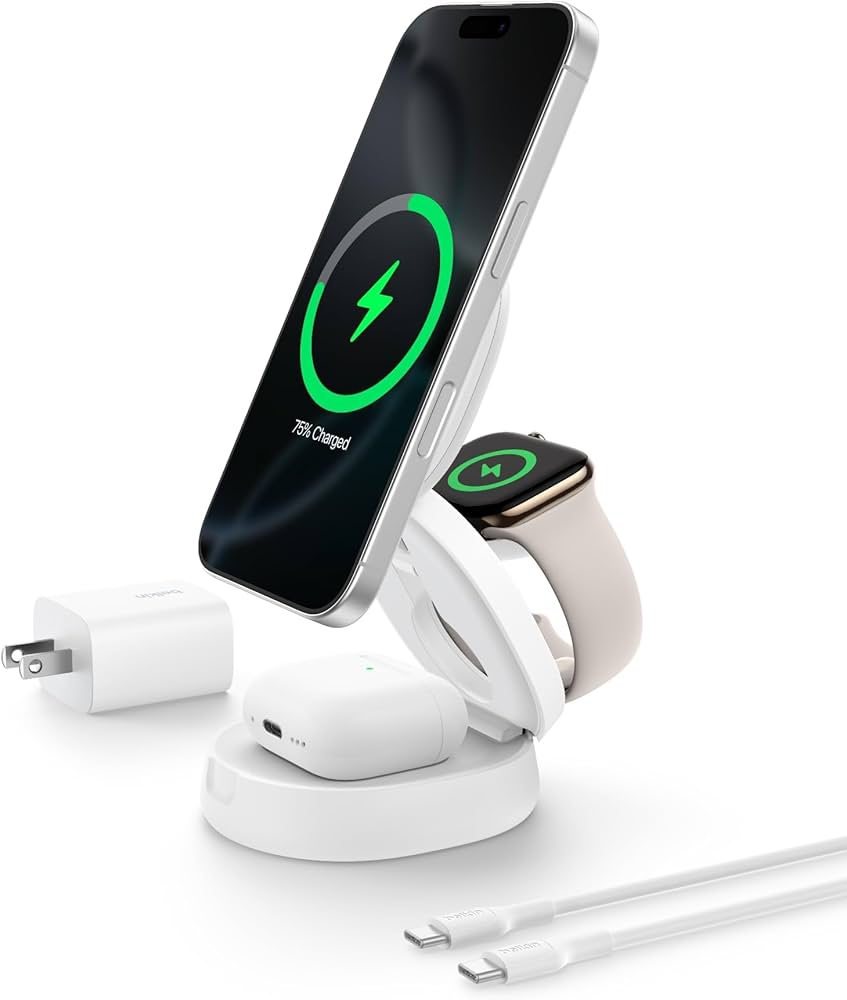
Pairing an Apple Watch with iPhone 16 usually takes only a few minutes.
- Turn on the Apple Watch by holding the side button.
- Place the watch near the unlocked iPhone 16.
- Wait for the pairing message to appear.
- Tap Continue.
- Choose Set Up for Myself.
- Scan the animation on the watch with the iPhone camera.
- Select whether to restore a backup or set up the watch as new.
- Sign in with your Apple Account if asked.
- Create or enter a passcode.
- Wait for the sync and software update to finish.
If the Apple Watch was paired with another iPhone, erase it first. On the watch, go to Settings, select General, choose Transfer or Reset, and tap Erase All Content and Settings.
Erasing the watch does not remove Activation Lock. The previous owner must remove the watch from their Apple Account. This is one of the most important tips when purchasing a used Apple Watch.
:max_bytes(150000):strip_icc():focal(1042x615:1044x617)/apple-new-products-1-86d34f51ab834ce28e49cad43c122465.jpg)
Features You Can Use With iPhone 16
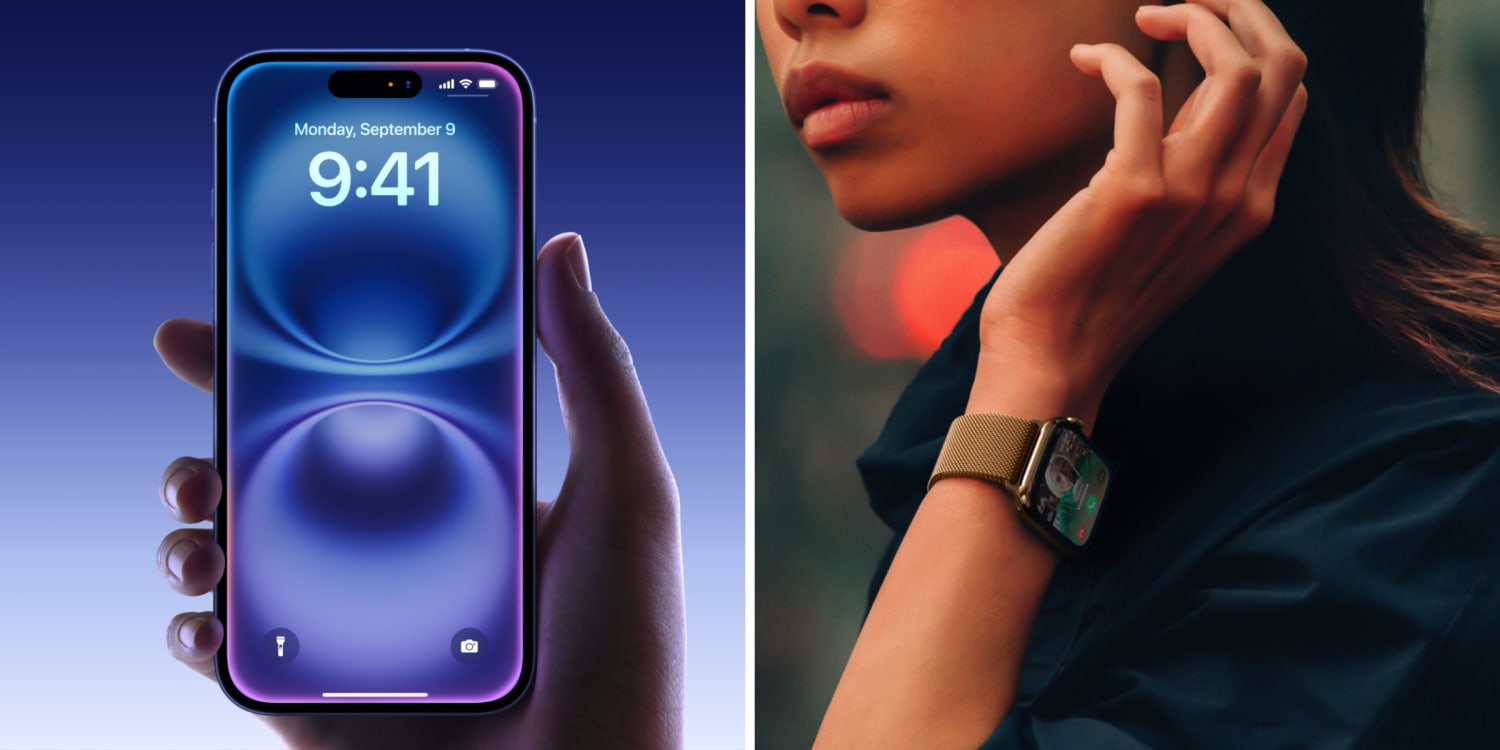
Once paired, a compatible Apple Watch can work as an extension of the iPhone 16. It can show alerts, track activity, and provide quick access to useful tools.
Common features include:
• Calls and text messages
• Calendar alerts and reminders
• Apple Pay
• Workout tracking
• Heart rate monitoring
• Sleep tracking
• Fall detection
• Crash detection
• Emergency SOS
• Music and podcast controls
• GPS tracking
• Notifications from iPhone apps
The exact features depend on the Apple Watch model. For example, newer models may offer improved sensors, temperature tracking, faster charging, and better battery performance.
Some health tools may also vary by country or region. Apple Watch features are not medical advice, and unusual health results should be discussed with a qualified health professional.

GPS or Cellular: Which Version Should You Buy?
Both GPS and cellular Apple Watch models work with iPhone 16. The main difference is whether the watch can use mobile data when the iPhone is not nearby.
A GPS model can make the most of your iPhone through Bluetooth or Wi-Fi. It is usually less expensive and does not require a monthly cellular plan.
A cellular model can call, message, stream music, and use maps without the iPhone nearby. It is useful for running, travel, work, or emergencies. However, cellular service requires a supported carrier plan and may cost more each month.
For most users, GPS is enough. Choose cellular if you often leave your iPhone at home and still want to stay connected.

Common Compatibility Problems and Fixes
Even when you know which Apple Watch is compatible with iPhone 16, setup can fail for simple reasons.
The watch will not pair
Update the iPhone and restart both devices. Make sure Bluetooth is on and the watch is not already connected to another iPhone.
The watch asks for someone else’s Apple Account
This means Activation Lock is active. Only the previous owner can remove it. Do not buy the watch unless the seller completes this step.
The software update will not install
Keep the watch on its charger and connect the iPhone to Wi-Fi. Make sure both devices have enough storage and battery power.
The watch disconnects often
Keep the devices close during setup. Older watches may also have worn batteries or outdated software that causes unstable performance.
Cellular service will not activate
Check whether your carrier supports Apple Watch service. The iPhone and watch may also need to use the same carrier account.
One practical lesson is to avoid rushing through setup. Most problems come from skipped updates, locked used devices, or weak batteries rather than from the iPhone 16 itself.

Best Apple Watch to Buy for iPhone 16
The Apple Watch Series 10 is the best overall choice for most iPhone 16 users. It offers current software, modern hardware, and a good mix of health and daily features.
The Apple Watch SE 2 is the best budget option. It is ideal for notifications, workouts, safety tools, and basic health tracking.
The Apple Watch Ultra 2 is best for outdoor users who want a tough design and longer battery life. The Series 9, Series 8, and Series 7 are also worth considering when discounted.
Avoid buying a Series 3 or an older model just because it is cheap. A low purchase price can become expensive if the watch cannot update, pair reliably, or hold a charge.
Frequently Asked Questions About Which Apple Watch Is Compatible With iPhone 16
Does Apple Watch Series 10 work with iPhone 16?
Yes. Apple Watch Series 10 works with iPhone 16 and supports watchOS 11 when the iPhone runs iOS 18 or later.
Does Apple Watch SE work with iPhone 16?
The Apple Watch SE 2nd generation works with iPhone 16. The original Apple Watch SE is older and may have more limited software support, so check its watchOS version before buying.
Can Apple Watch Series 9 pair with iPhone 16?
Yes. Apple Watch Series 9 pairs with iPhone 16 and supports the current watchOS features available for that model.
Can Apple Watch Series 4 or Series 5 work with iPhone 16?
They may work if they run compatible software, such as watchOS 10. They cannot update to watchOS 11, so they are not the best choice for long-term use.
Does Apple Watch Series 3 work with iPhone 16?
Apple Watch Series 3 is not recommended for iPhone 16. Its outdated hardware and software can cause pairing, update, and performance problems.
Do I need cellular Apple Watch for iPhone 16?
No. A GPS Apple Watch works with iPhone 16 for calls, messages, apps, workouts, and notifications when the phone is nearby or the watch has Wi-Fi. Cellular is useful only if you want mobile service without carrying the iPhone.
Can I use an Apple Watch bought in another country with iPhone 16?
Usually, the watch can pair, but cellular features may depend on regional and carrier support. Check the model number and carrier compatibility before purchasing an imported cellular model.
Conclusion
The best answer to which Apple Watch is compatible with iPhone 16 is Apple Watch Series 6 or newer, Apple Watch SE 2, and all Apple Watch Ultra models. Series 4 and Series 5 may still pair with limits, while Series 3 and older watches should be avoided.
For most buyers, Apple Watch Series 10 offers the best balance. Choose the SE 2 for value, or the Ultra 2 for outdoor use and longer battery life. Before buying used, check software support, battery health, and Activation Lock. Choose the model that fits your daily needs, then explore Apple’s latest compatibility details before completing your purchase.

Rubel Miah is the Senior Editor at MyStyleGrid.com, where he brings a sharp editorial eye and an unshakable love for fashion to everything he does. A true style addict, Rubel lives and breathes trends, from streetwear to high fashion, and has a knack for turning inspiration into impactful stories. With years of experience in fashion journalism and digital media, he curates content that empowers readers to express themselves through style. When he’s not editing features or forecasting the next big thing, you’ll find him hunting down vintage pieces or capturing street style moments around the city.