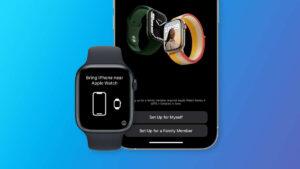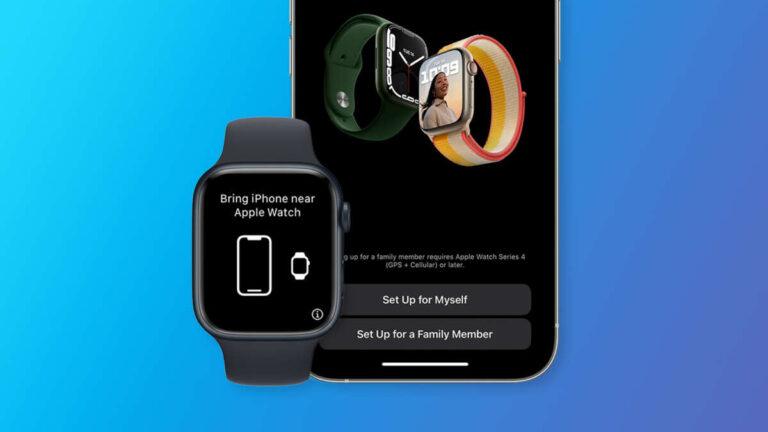
No, an Apple Watch cannot stay paired with two iPhones at the same time.
If you want to know, “Can you pair Apple Watch with two phones?” the answer depends on what you mean by “pair.” Apple Watch supports one active iPhone connection, but you can move it between phones with the right steps. This guide explains the limits, the best workarounds, and how to switch safely without losing your data.
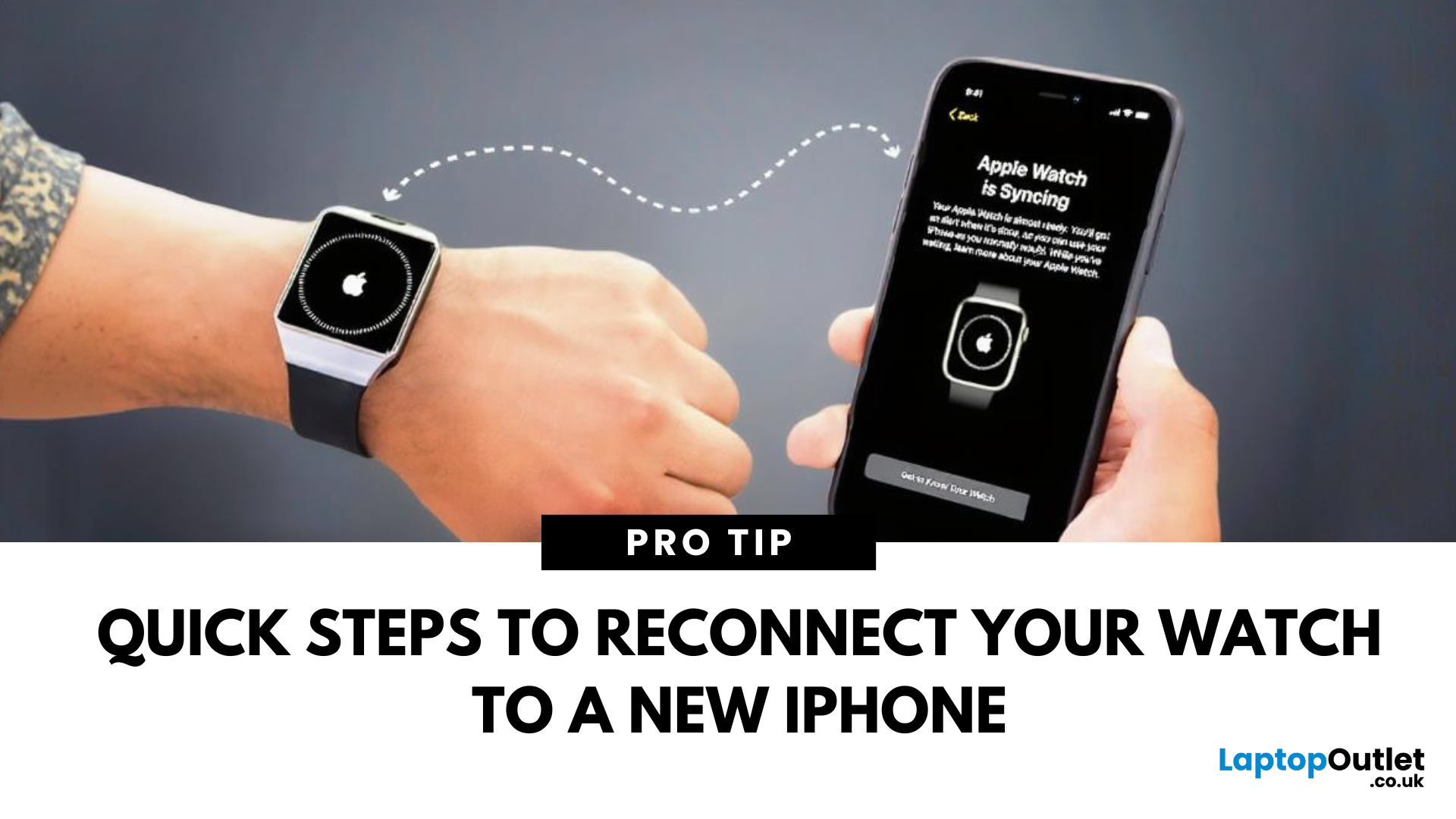
Can you pair Apple Watch with two phones?
No, you cannot pair one Apple Watch with two iPhones at the same time. An Apple Watch is designed to have one primary iPhone for setup, syncing, notifications, apps, and backups.
You can pair several Apple Watches with one iPhone. The reverse is not supported. Think of the iPhone as the watch’s home base. The watch can visit another iPhone, but it cannot maintain two home bases at once.
When people ask, “Can you pair Apple Watch with two phones?” they often mean one of these situations:
• Using a work iPhone and a personal iPhone
• Switching between two iPhones during the day
• Sharing one Apple Watch between two people
• Connecting an Apple Watch to an iPhone and an Android phone
• Keeping watch data synced with two Apple devices
Each case has different limits. The main rule stays the same: one Apple Watch can have only one active iPhone pairing at a time.
Why Apple Watch supports only one iPhone
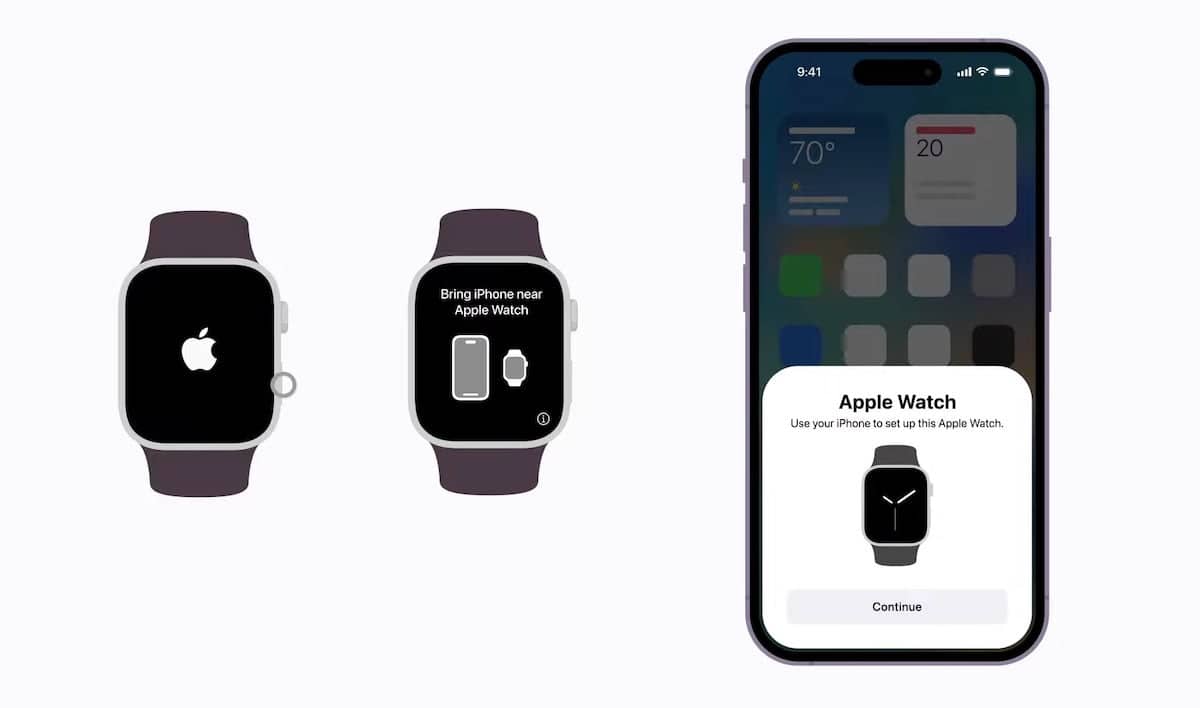
Apple Watch and iPhone work as a connected system. The iPhone manages many key tasks, including watch settings, app installation, health data syncing, software updates, and backups.
During setup, the Apple Watch creates a trusted connection with the iPhone. This connection uses Bluetooth, Wi-Fi, and sometimes cellular service. The watch can also communicate through the internet, but that does not create a second full pairing.
The restriction also helps protect your personal data. Health records, activity history, messages, payment cards, and notifications need a clear owner and sync path. Supporting two iPhones at once could create conflicts or duplicate data.
Apple’s setup design also allows one iPhone to manage multiple watches. For example, one person may own an Apple Watch Series 9 and an Apple Watch Ultra. The iPhone can recognize both, although only one watch is normally active at a time.
That is why the answer to “Can you pair Apple Watch with two phones?” is no for simultaneous use. The watch can switch phones, but it cannot keep both pairings active.

Can you switch an Apple Watch between two iPhones?
Yes, you can switch an Apple Watch between two iPhones. However, switching usually requires unpairing the watch from the first iPhone and pairing it with the second one.
This process can take several minutes. You may also need to restore a backup, enter your Apple Account password, add payment cards again, and adjust settings.
Before switching, check these items:
• Both iPhones should use compatible iOS versions.
• The Apple Watch should use a compatible watchOS version.
• You should know your Apple Account password.
• The first iPhone should have a recent Apple Watch backup.
• The watch and replacement iPhone should have enough battery.
• Keep both devices near each other during setup.
To switch safely, follow these steps:
-
Open the Watch app on the first iPhone.
-
Tap All Watches at the top of the screen.
-
Tap the information button beside your watch.
-
Choose Unpair Apple Watch.
-
Enter your Apple Account password if asked.
-
Wait for the unpairing process to finish.
-
Open the Watch app on the second iPhone.
-
Tap Start Pairing.
-
Choose Restore from Backup when that option appears.
-
Select the latest watch backup.
The exact menu names can change slightly with new iOS versions. Still, the basic process remains the same.
A common mistake is to erase the watch directly before creating a backup. That can remove recent activity and settings from the device. Always unpair through the Watch app when possible.

What happens when you unpair Apple Watch?
Unpairing does not automatically mean that all your watch data is lost. When you unpair through the Watch app, the iPhone usually creates a backup of the Apple Watch first.
That backup may include:
• App settings
• Watch face layouts
• General system settings
• Workout settings
• Notification preferences
• Health and activity information
• Order of apps on the watch
Some items still need extra attention. Apple Pay cards are removed from the watch for security reasons. You usually need to add them again after pairing with the second iPhone.
Bluetooth accessories may also need to be connected again. Some apps may take time to reinstall. If the second iPhone uses a different Apple Account, your health and activity data may not transfer as expected.
For the smoothest move, use the same Apple Account on both iPhones. Make sure iCloud Health syncing is enabled if you want your health history available on both devices.
If your watch contains important health records, do not rush the process. Confirm that the first iPhone has completed its latest backup before you unpair it.

Can you pair Apple Watch with two phones by using Wi-Fi?
Wi-Fi does not allow an Apple Watch to maintain two iPhone pairings. It can help the watch receive messages, use some online features, and communicate with Apple services, but it does not replace the primary iPhone connection.
An Apple Watch may work away from its paired iPhone when it has:
• A known Wi-Fi network
• An active cellular plan
• A nearby iPhone connected to the internet
• Access to Apple services
This can make the watch feel independent. For example, a cellular Apple Watch can make calls, send messages, stream music, and use maps without the iPhone nearby.
However, the watch still belongs to the iPhone used during setup. Wi-Fi expands the watch’s reach. It does not create a second owner or a second pairing.
This distinction matters when asking, “Can you pair Apple Watch with two phones?” The watch may connect to networks and services without the phone, but it cannot sync normally with two iPhones.
Can a cellular Apple Watch work with two phones?
A cellular Apple Watch still pairs with one iPhone. Cellular service does not change the basic pairing rule.
Your carrier may allow the watch to use a phone number linked to the primary iPhone. Some plans support number sharing, while others use a separate watch line. Carrier rules differ, so check your plan before making changes.
A cellular model can be useful if you carry two phones. For example, you might leave your personal iPhone at home while carrying a work phone. The watch can remain connected to cellular service, but it will not become fully paired with the work iPhone.
You may still receive some calls and messages through the watch. Yet app sync, settings, health management, and software updates remain tied to the paired iPhone.
If you move the watch to another iPhone, the cellular plan may need to be transferred or activated again. Do not erase the watch until you understand how your carrier handles the transfer.
Best options for people with two iPhones
If you carry two iPhones, you have several practical choices. The best option depends on how often you switch phones and how much watch data matters to you.
Keep the Apple Watch paired to one iPhone
This is the simplest and most reliable option. Choose the iPhone you use most often as the primary device.
You can still carry the second phone. The watch may show some notifications from the second phone only if you manually manage those services, but it will not mirror that iPhone like a paired watch.