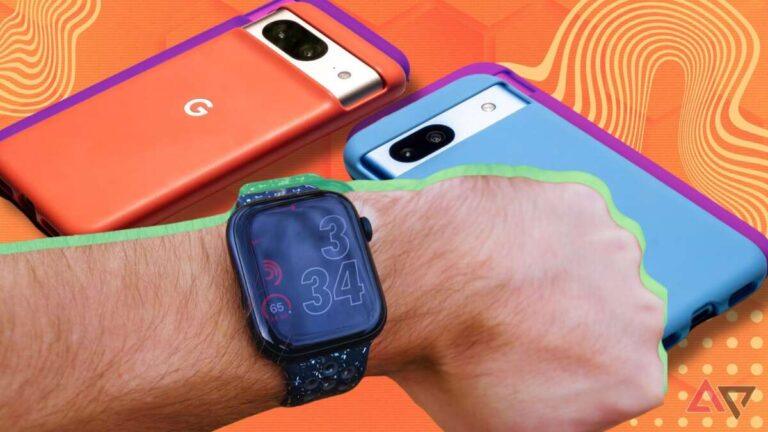
No, the answer to “does Apple Watch work with Google Pixel” is no because an iPhone is required.
If you are moving from an iPhone to a Google Pixel, it is natural to wonder whether your Apple Watch can come along. Apple Watch and Pixel phones use different software systems, and Apple keeps watch setup inside its iPhone ecosystem. This guide explains what works, what fails, why the limits exist, and which smartwatch makes more sense for your Pixel.
Does Apple Watch Work With Google Pixel Phones?
No, Apple Watch does not officially work with Google Pixel phones. You cannot pair, set up, or manage an Apple Watch directly from a Pixel phone.
Apple Watch depends on the Apple Watch app on iPhone. That app handles key tasks such as:
• Initial watch setup
• Apple ID sign-in
• Software updates
• Watch face management
• App installation
• Notifications
• Health and activity settings
• Cellular plan activation
• Backup and restore
Google Pixel phones run Android, while Apple Watch runs inside Apple’s watchOS ecosystem. The two devices do not offer the system-level connection needed for normal pairing.
So, does Apple Watch work with Google Pixel in the same way a Pixel Watch works with a Pixel phone? No. Pixel Watch is built for Android, while Apple Watch is built for iPhone.
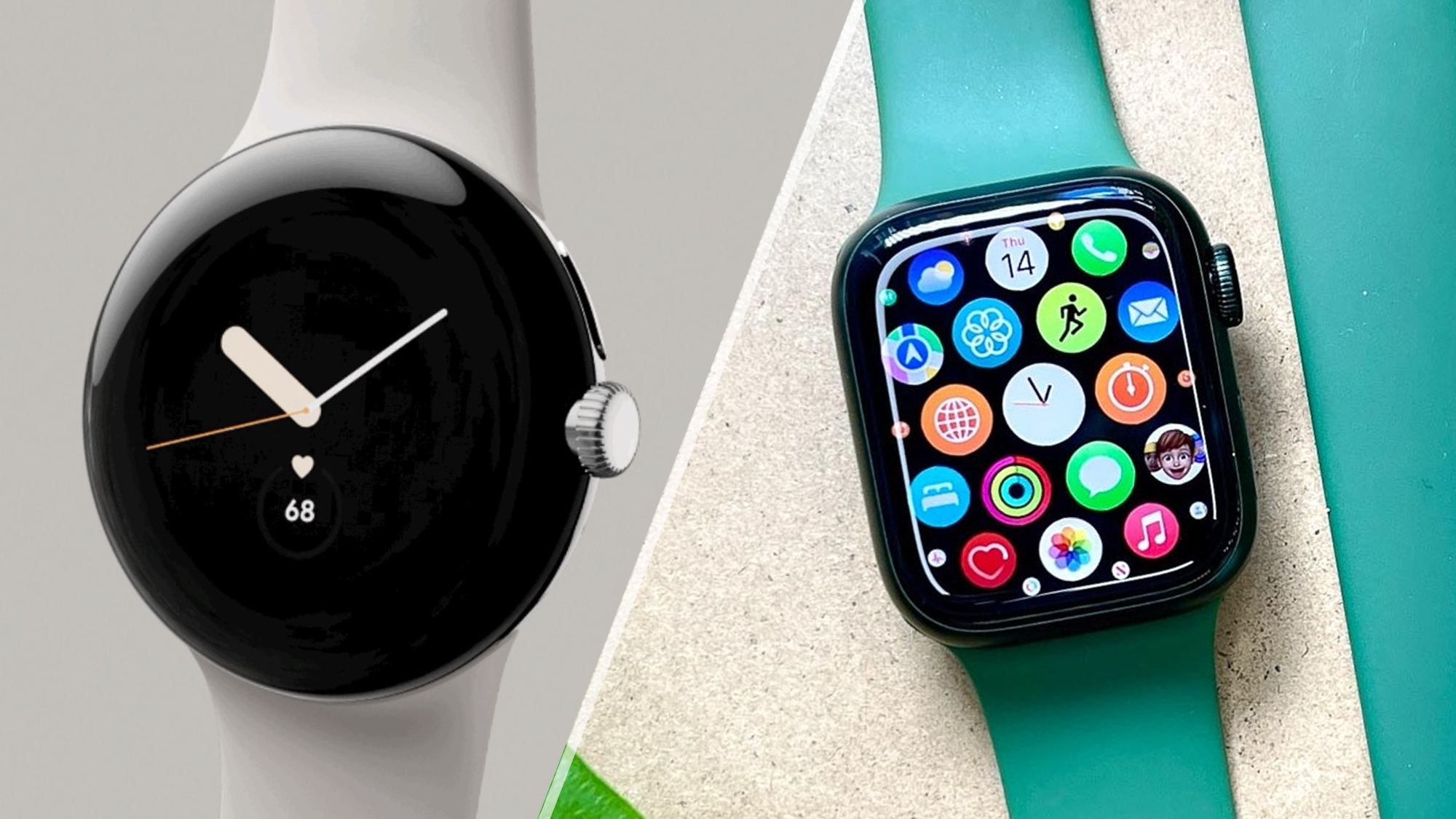
Why Apple Watch Cannot Pair With a Google Pixel
The main issue is not Bluetooth alone. Apple Watch uses a deeper connection with iOS that Bluetooth pairing by itself cannot replace.
When you set up an Apple Watch, the iPhone does much more than send notifications. It acts as the watch’s control center. The Apple Watch app manages communication between watchOS, iOS, Apple services, and compatible apps.
A Google Pixel cannot provide this Apple-specific software layer. Even if the Pixel detects the watch’s Bluetooth signal, it cannot complete the official setup process.
The main barriers include:
• Apple Watch requires the Apple Watch app, which is available for iPhone, not Android.
• watchOS does not support standard Android pairing.
• Apple Watch software updates need an iPhone connection.
• Many watch settings are stored and managed through iOS.
• Apple services, including Apple Pay setup and some health features, depend on Apple devices.
• Apple does not provide an Android version of its watch management system.
Think of the Apple Watch as a smart home key made for one lock. Bluetooth may let another device see the key, but it does not make that key fit.
This is why the answer to does Apple Watch work with Google Pixel remains no, even when both devices support Bluetooth and Wi-Fi.
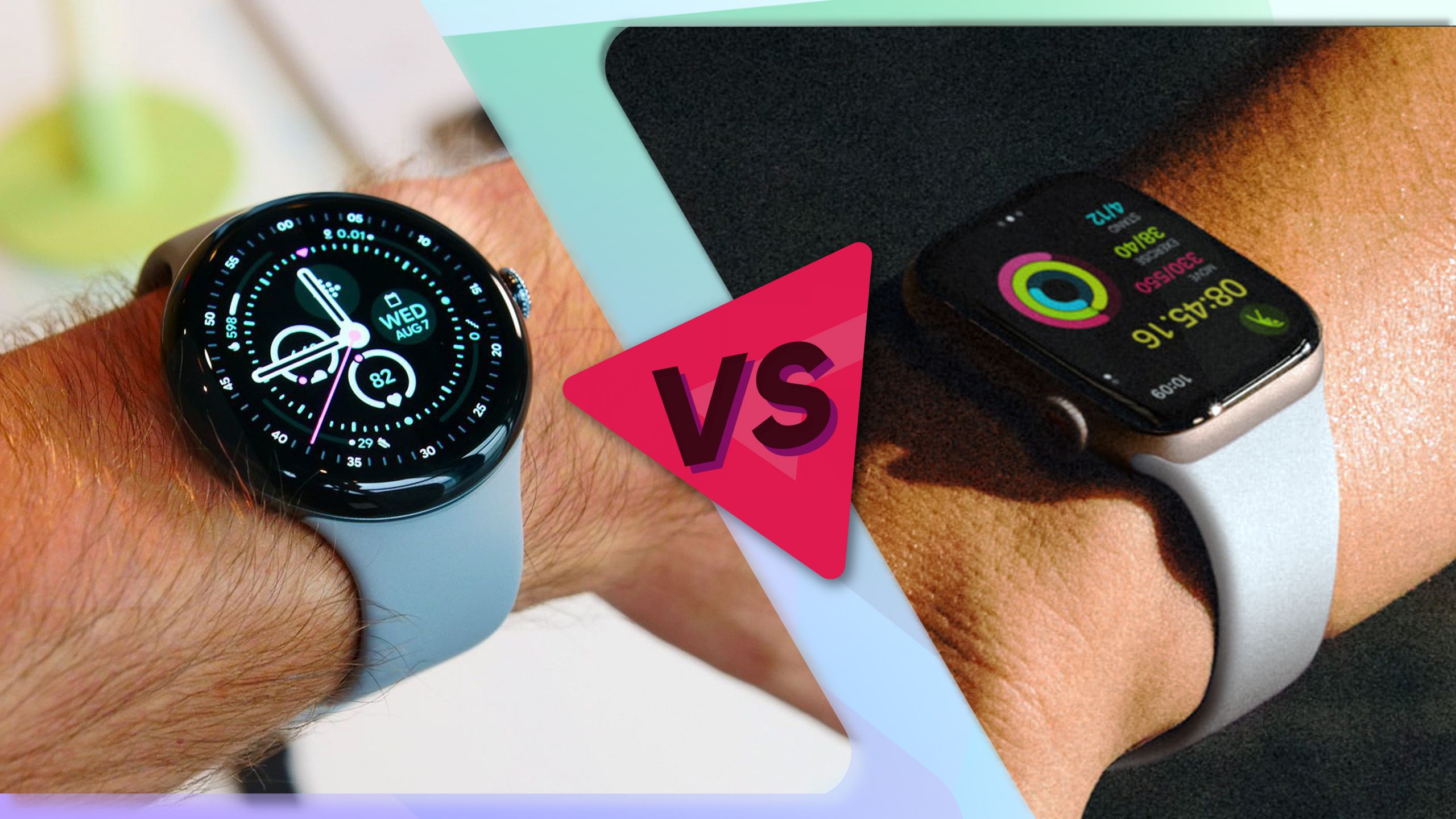
Can You Set Up an Apple Watch With a Google Pixel?
You cannot complete normal Apple Watch setup with only a Google Pixel. The watch needs to be paired with a compatible iPhone first.
During setup, the iPhone connects to the watch and helps activate features. It also links the watch to the owner’s Apple account and prepares services such as Find My, notifications, and app syncing.
Some people try to solve this by borrowing an iPhone. That may allow initial setup, but it does not create a proper Pixel and Apple Watch experience.
After setup, the watch may continue to perform a few basic tasks on its own, depending on the model and connection. However, it still will not become a fully supported Android smartwatch.
You may need the original iPhone for:
• WatchOS updates
• Changing many settings
• Installing or removing apps
• Restoring the watch
• Managing Apple Pay
• Changing cellular settings
• Reviewing complete health data
• Fixing pairing problems
A family member’s iPhone can sometimes manage an Apple Watch through Apple’s Family Setup feature. However, this is not the same as pairing the watch to a Google Pixel. It also has feature limits and requires an iPhone for the setup and management process.
For practical purposes, does Apple Watch work with Google Pixel after borrowing an iPhone? Only in a very limited way, and not as a true Pixel-compatible watch.
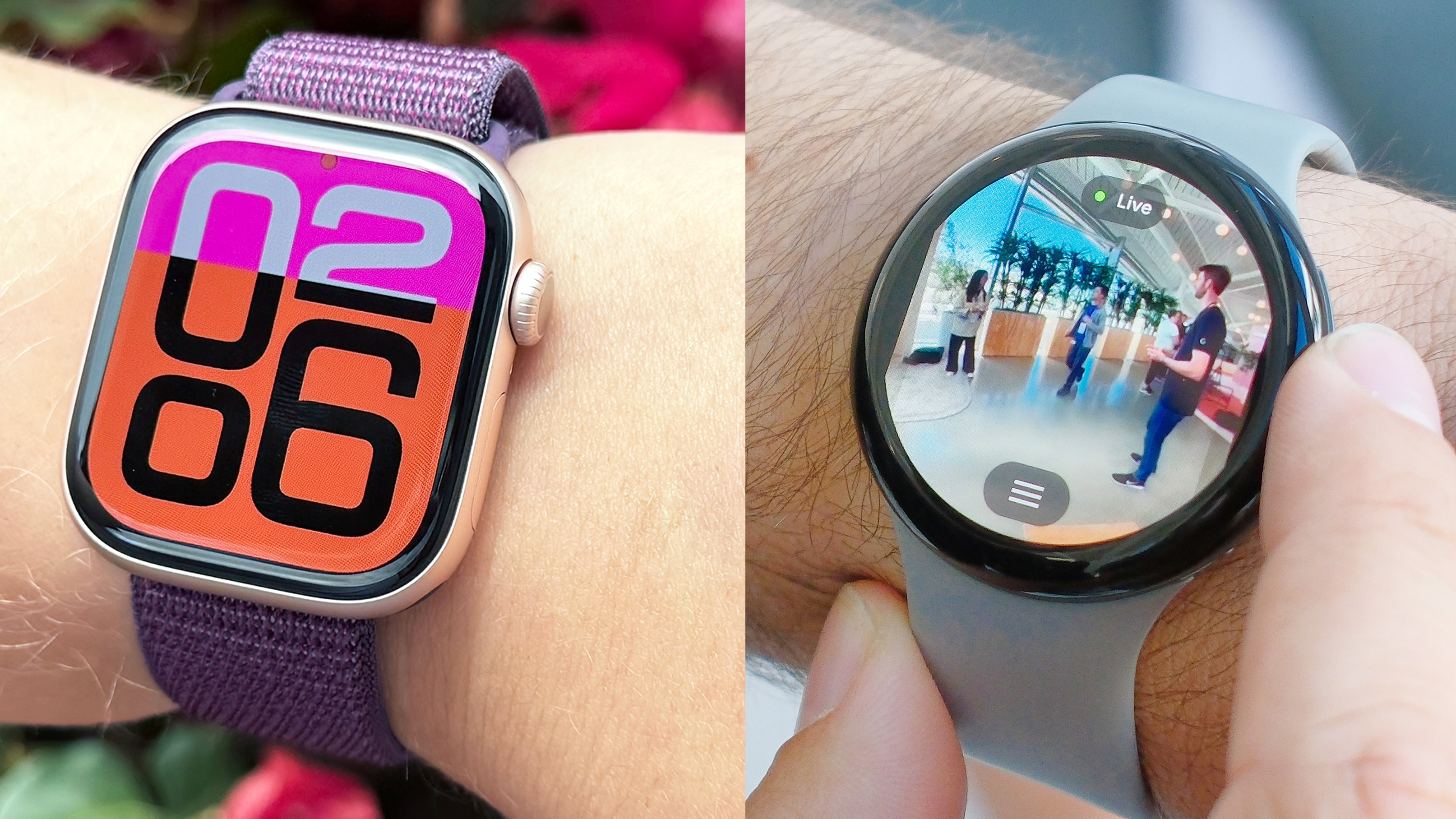
What Features Might Still Work Without an iPhone?
An Apple Watch that was already set up may keep some functions when it is away from its paired iPhone. The exact experience depends on the watch model, whether it has cellular service, and the availability of Wi-Fi.
Possible offline or independent features include:
• Telling time
• Alarms and timers
• Stopwatch functions
• Some downloaded music or podcasts
• Workout tracking
• Basic heart rate readings
• Activity tracking
• Apple Pay, if already configured
• Compass and some built-in tools
• Cellular calls and messages on supported models
These features do not mean the watch works with Google Pixel. They simply mean that Apple Watch can operate in a limited standalone mode.
A cellular Apple Watch can connect to a carrier network without being near its iPhone. It may handle calls, messages, streaming, and some apps. Still, the watch must first be activated through an iPhone, and many services remain limited without regular iPhone access.
Health data also deserves caution. The watch can record information, but reviewing trends and managing health features is much easier through the Health app on an iPhone. A Pixel user may not have the same complete view of that data.
This distinction is important when asking does Apple Watch work with Google Pixel: limited standalone use is not the same as Android compatibility.
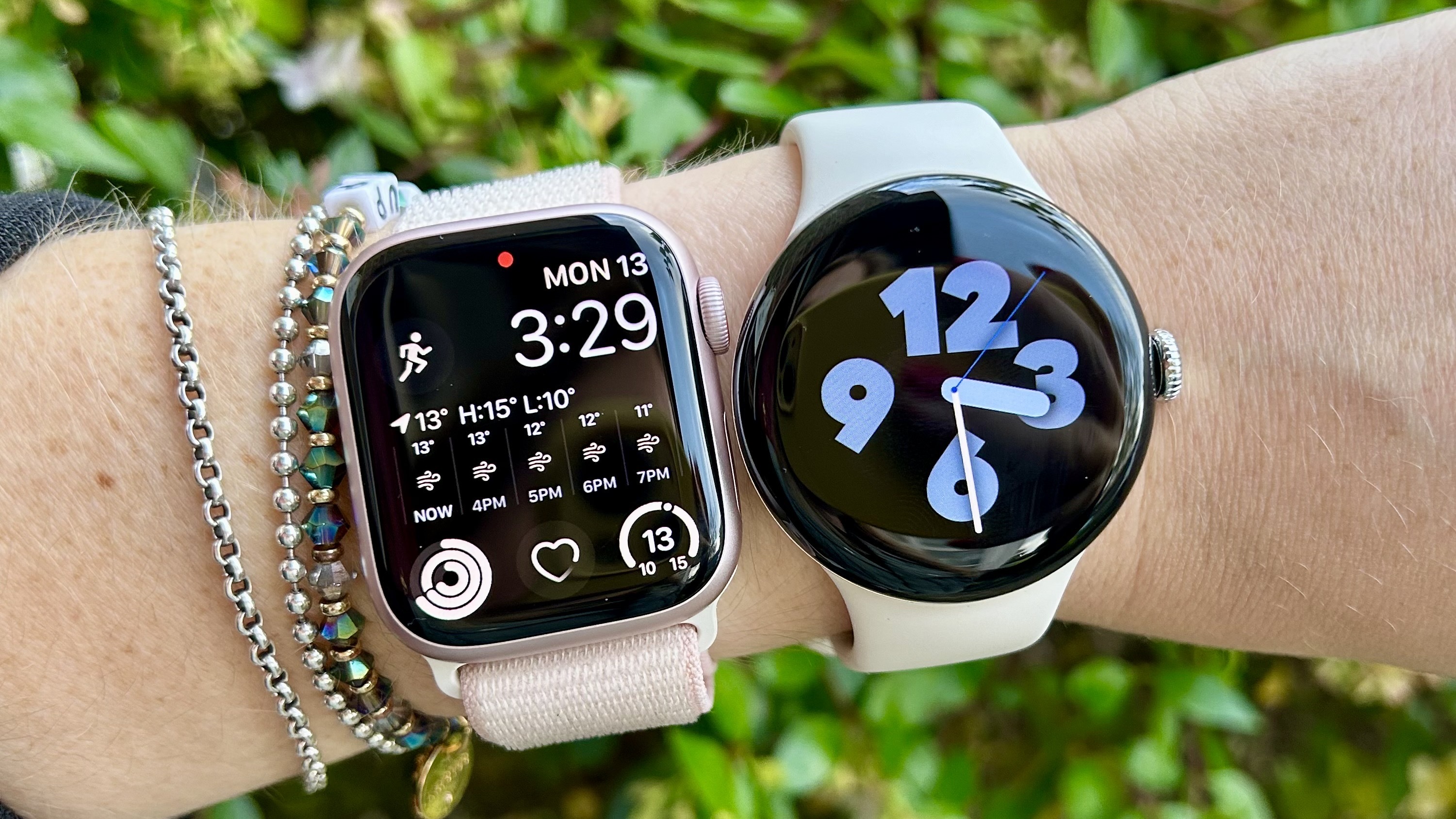
Can Apple Watch Receive Pixel Notifications?
An Apple Watch cannot normally mirror notifications from a Google Pixel. Notification delivery depends on the watch being paired with an iPhone.
A watch that was previously linked to an iPhone may still show certain alerts from its own apps or cellular connection. However, it cannot act as a normal extension of your Pixel phone.
You should not expect reliable access to:
• Pixel phone calls
• Android text messages
• Gmail alerts from the Pixel
• Google Calendar notifications
• Android app notifications
• Pixel alarm alerts
• Two-way messaging through Pixel apps
Some communication features may work directly on a cellular Apple Watch, but they do not come from the Pixel. They come from the watch’s own network connection or Apple services.
This is one of the first problems people notice after switching phones. The watch may still look normal on the wrist, but the connection that made it useful has disappeared.
So, does Apple Watch work with Google Pixel for notifications? No. It does not provide normal Pixel notification mirroring.
What Happens If You Switch From iPhone to Google Pixel?
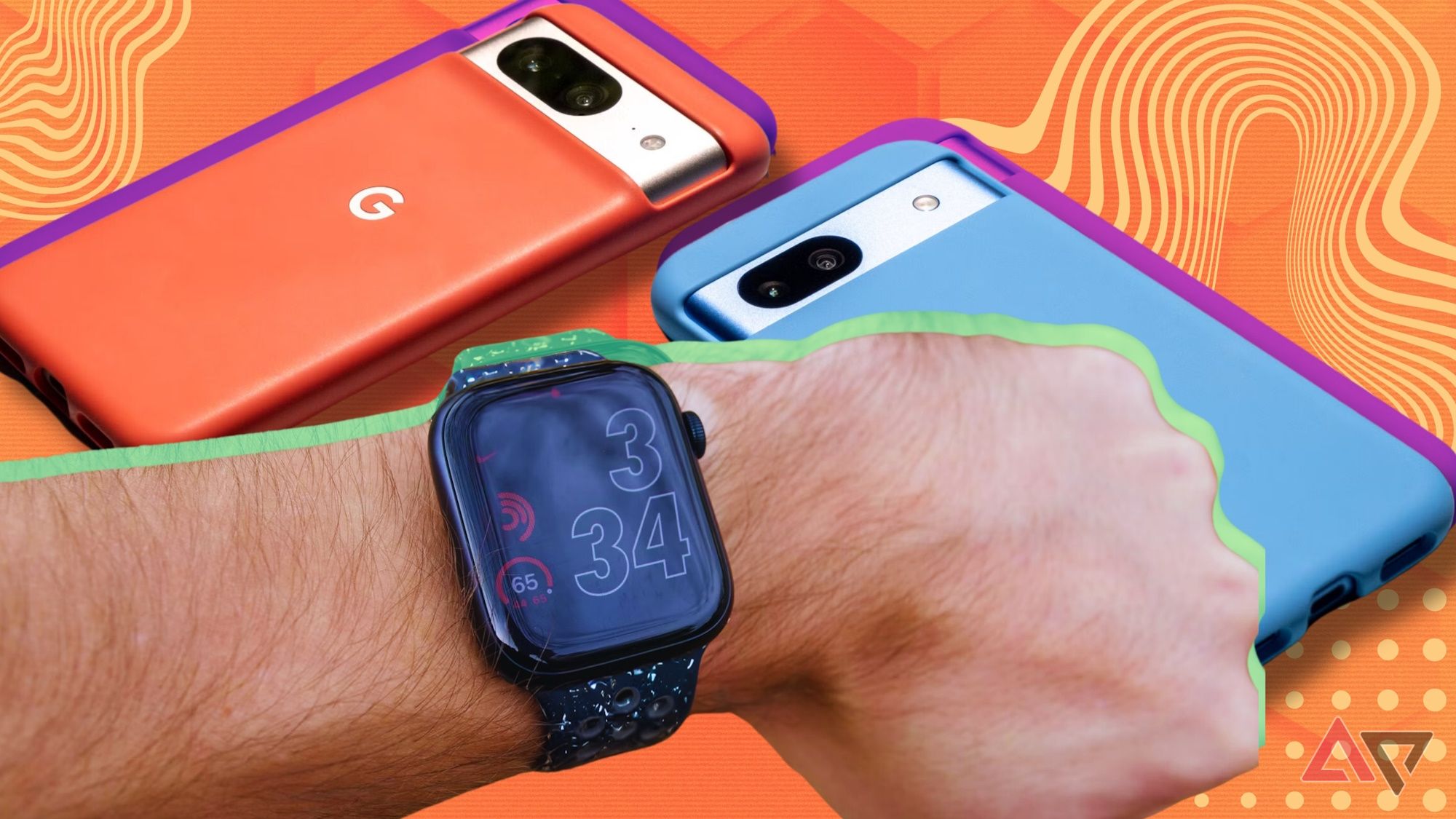
If you move from an iPhone to a Google Pixel, your Apple Watch does not automatically transfer to the new phone. The watch remains linked to the Apple ecosystem.
Before selling or resetting your iPhone, it is smart to prepare your Apple Watch. Otherwise, Activation Lock or account settings may make the watch harder to reuse or sell.
Follow these steps:
- Keep the Apple Watch and iPhone close together.
- Open the Apple Watch app on the iPhone.
- Unpair the Apple Watch.
- Enter your Apple account password if requested.
- Confirm that the watch is removed from your account.
- Back up important health and activity information.
- Set up your Google Pixel separately.
- Choose an Android-compatible smartwatch.
Unpairing the watch is better than simply erasing it. Unpairing creates a backup and removes the watch from the iPhone connection more cleanly.
If you already traded in the iPhone, you may need access to another compatible iPhone to erase and manage the watch. Apple account tools may help remove Activation Lock, but they do not make the watch compatible with Android.
This switch is a common lesson in answering does Apple Watch work with Google Pixel. A phone upgrade can also require a smartwatch upgrade.
Best Apple Watch Alternatives for Google Pixel Users
If you use a Google Pixel, a Wear OS watch is usually the easiest choice. Wear OS is Google’s smartwatch platform, and it is designed to work with Android phones.
Google Pixel Watch
Google Pixel Watch is the most natural match for a Pixel phone. It offers close integration with Google services and can work with features such as:
• Google Assistant
• Google Maps
• Google Wallet
• Google Calendar
• Gmail alerts
• Google Fit-related services
• Fitbit health and fitness tools
The Pixel Watch is a strong choice if you want a clean Google experience and a design that matches your Pixel phone.
Samsung Galaxy Watch
Samsung Galaxy Watch models provide broad Android support and strong health features. Some functions work best with Samsung Galaxy phones, so Pixel users should check feature limits before buying.
Galaxy Watch can be a good option for users who want:
• Detailed workout tracking
• Sleep analysis
• A large app selection
• Long battery life on selected models
• A classic watch design
Fitbit Smartwatches and Trackers
Fitbit devices are useful if health tracking is your top goal. Many Fitbit models work with Android and focus on steps, sleep, heart rate, and exercise.
They may not offer the full app experience of a Pixel Watch, but they are often simple and comfortable for daily use.
Garmin Smartwatches
Garmin watches work well with Android phones and are popular with runners, cyclists, hikers, and outdoor users. They often provide long battery life and detailed sports data.
Garmin may be a better fit than Apple Watch if you spend several days outdoors or prefer focused fitness tools over a large app ecosystem.
When comparing alternatives, do not ask only whether does Apple Watch work with Google Pixel. Also consider battery life, health tools, app support, calls, payments, and how well the watch works with Google services.
Apple Watch Versus Pixel Watch
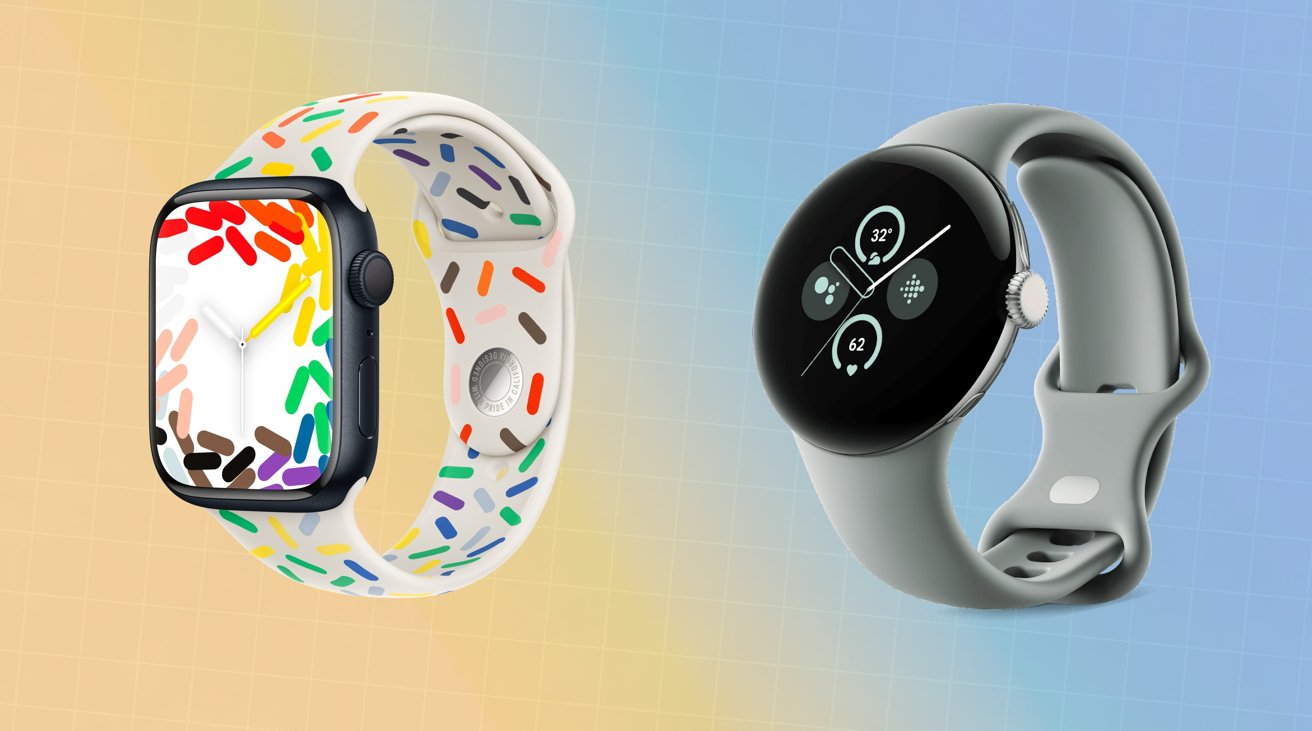
Apple Watch and Pixel Watch are similar in purpose but different in ecosystem design.
| Feature | Apple Watch | Google Pixel Watch |
|---|---|---|
| Main phone support | iPhone | Android phones |
| Works with Google Pixel | No | Yes |
| Operating system | watchOS | Wear OS |
| Health platform | Apple Health | Fitbit and Google health services |
| Mobile payments | Apple Pay | Google Wallet |
| Voice assistant | Siri | Google Assistant |
| Setup phone | iPhone | Android phone |
| App management | Apple Watch app | Pixel Watch app |
Apple Watch may offer excellent integration with iPhone, while Pixel Watch is designed around Android and Google services. Neither is universally better. The best choice depends on your phone and the services you already use.
For someone with a Pixel, buying Apple Watch usually creates avoidable limits. A compatible Wear OS watch will provide better setup, support, and daily use.
That is the practical answer to does Apple Watch work with Google Pixel: choose the watch platform that matches your phone.
Common Mistakes to Avoid
Many shoppers waste time because smartwatch compatibility is not always clear on product pages. A few mistakes are especially common.
• Assuming Bluetooth means full compatibility: Bluetooth only provides a connection method. It does not guarantee support for setup or apps.
• Buying a cellular Apple Watch for a Pixel: Cellular service does not remove the iPhone requirement.
• Believing a borrowed iPhone solves everything: It can help with setup, but it does not create normal Android integration.
• Ignoring account locks: Always unpair an Apple Watch before selling or giving away an iPhone.
• Focusing only on appearance: A watch may look perfect with your phone but still lack notifications, updates, and app support.
• Forgetting health data needs: Check whether your preferred watch stores and displays health data in a way you can access.
Before buying, check the official compatibility list for the exact watch model and phone software version. Compatibility can change with updates, but Apple Watch’s core iPhone requirement has remained consistent.
A quick check before purchase can prevent an expensive mistake. If your main phone is a Pixel, does Apple Watch work with Google Pixel should be answered before you compare colors, bands, or storage.
Frequently Asked Questions About Does Apple Watch Work With Google Pixel
Can I pair an Apple Watch directly with a Google Pixel?
No. Apple Watch does not support direct pairing with Google Pixel or other Android phones. Initial setup and ongoing management require a compatible iPhone.
Will a cellular Apple Watch work with a Google Pixel?
A cellular Apple Watch may perform some independent tasks after iPhone setup, but it cannot pair with or mirror a Pixel phone. Cellular service does not remove Apple’s iPhone requirement.
Can I use an Apple Watch if I borrow an iPhone?
You can set up or manage the watch with a borrowed compatible iPhone, but it will not become fully integrated with your Pixel. Updates, settings, health data, and account management may still require that iPhone.
Can Apple Watch receive Google Pixel notifications?
No. Apple Watch cannot normally mirror calls, messages, or app alerts from a Google Pixel. It needs an iPhone connection for standard notification syncing.
What smartwatch works best with Google Pixel?
Google Pixel Watch is the most direct match because it uses Wear OS and Google services. Samsung Galaxy Watch, Garmin, and Fitbit devices are also strong options, depending on your health and fitness needs.
Can I use Apple Pay on an Apple Watch without an iPhone?
If Apple Pay was already configured, it may continue to work in supported situations. However, setup, changes, and account management generally require an iPhone.
Does Apple Watch work with Google Pixel through Bluetooth?
No. Bluetooth alone cannot provide the software connection Apple Watch needs. The watch still requires the Apple Watch app and an iPhone for official pairing.
Conclusion
Does Apple Watch work with Google Pixel? Not as a fully supported smartwatch. Apple Watch requires an iPhone for setup, updates, notifications, health management, and most key features, even when the watch has cellular service.
A Pixel Watch is the simplest choice for most Google Pixel owners. Samsung Galaxy Watch, Fitbit, and Garmin also offer useful options for different budgets and fitness goals.
Check phone compatibility before buying any smartwatch, and unpair your Apple Watch before switching away from iPhone. Choose a watch that matches your phone’s operating system, then explore its health, payment, and notification features with confidence.

Rubel Miah is the Senior Editor at MyStyleGrid.com, where he brings a sharp editorial eye and an unshakable love for fashion to everything he does. A true style addict, Rubel lives and breathes trends, from streetwear to high fashion, and has a knack for turning inspiration into impactful stories. With years of experience in fashion journalism and digital media, he curates content that empowers readers to express themselves through style. When he’s not editing features or forecasting the next big thing, you’ll find him hunting down vintage pieces or capturing street style moments around the city.