To connect your watch to a new phone, install its app, turn on Bluetooth, and complete the pairing steps.
Learning how do i connect my watch to my new phone can feel harder than it should, especially when the watch is still linked to your old device. The exact steps vary between Apple Watch, Samsung Galaxy Watch, Google Pixel Watch, Fitbit, Garmin, and other models. This guide explains the safe process, common errors, data transfer tips, and the best way to reconnect your watch without losing important health or fitness data.

Before you connect your watch to a new phone
Before learning how do i connect my watch to my new phone, prepare both devices. A few minutes of setup can prevent pairing errors and lost data.
Check these items first:
• Charge your watch to at least 50%.
• Charge your new phone or keep it connected to power.
• Turn on Bluetooth and Wi-Fi on the new phone.
• Update the phone’s operating system.
• Install the official watch app from the App Store or Google Play.
• Keep your old phone nearby if you still have it.
• Know your Apple ID, Google Account, or Samsung account password.
Your watch and phone must also be compatible. Apple Watch models pair with iPhone, while most Wear OS watches pair with Android phones. Some Samsung watches work with Android devices but do not support iPhone pairing. Fitbit and Garmin watches usually support both major phone platforms, but features may differ.
Do not reset the watch at the start. A reset may erase local settings, downloaded apps, music, and unsynced activity. First, try to transfer or back up the watch through the old phone.
How do i connect my watch to my new phone?
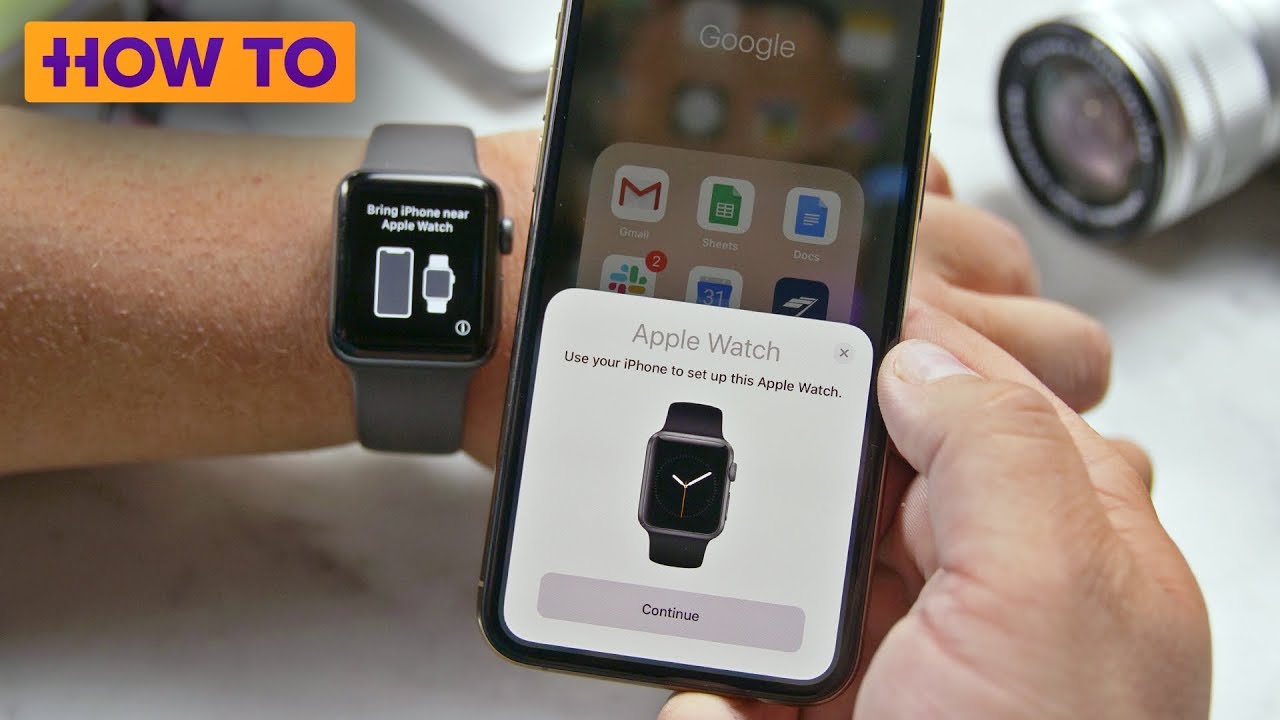
The general process is similar across most brands. Your watch uses Bluetooth for the first connection, while the companion app manages settings, updates, notifications, and account data.
Follow these steps:
-
Turn on the new phone and complete its basic setup.
-
Install the watch’s companion app.
-
Sign in with the same account used on the old phone.
-
Turn on Bluetooth and Wi-Fi.
-
Open the watch app and choose Add device, Set up device, or Pair new watch.
-
Select your watch when it appears.
-
Confirm that the code on the watch matches the code on the phone.
-
Allow requested permissions for notifications, contacts, location, health data, and calls.
-
Install available watch software updates.
-
Wait for the first sync to finish before closing the app.
The first sync can take several minutes. Keep the watch and phone close together. If the app asks you to restore a backup, choose the latest backup from your old phone.
In my experience helping people move to new phones, the most common mistake is opening the phone’s Bluetooth menu first and trying to pair the watch there. That may create a partial connection. The better method is to start inside the official watch app.

How to connect an Apple Watch to a new iPhone
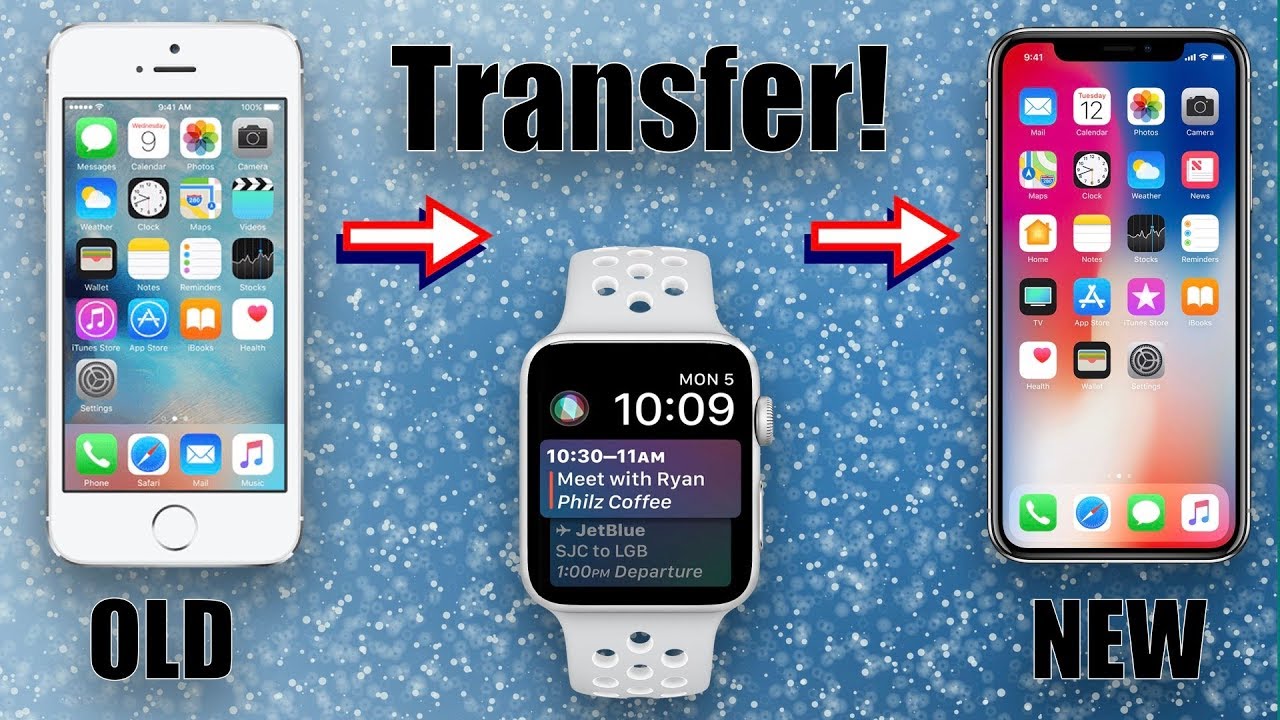
If you are moving from one iPhone to another, Apple Watch setup is usually simple when the old iPhone still works. Keep both iPhones close to the watch.
First, update the old iPhone and Apple Watch if possible. Then back up the old iPhone to iCloud or a computer. Health and activity data may require an encrypted computer backup if you use that method.
Next, follow these steps:
-
Open the Watch app on the old iPhone.
-
Tap All Watches.
-
Tap the information button beside your watch.
-
Choose Unpair Apple Watch.
-
Enter your Apple Account password if requested.
-
Turn on the new iPhone and restore it from the latest backup.
-
Open the Watch app on the new iPhone.
-
Tap Pair New Watch or continue with the setup prompt.
-
Select Restore from Backup when that option appears.
If the old iPhone is lost or no longer works, erase the Apple Watch from the watch itself. Then open the Watch app on the new iPhone and pair it as a new watch or restore any available backup.
Cellular Apple Watch users should pay close attention to the mobile plan screen. Keep the cellular plan if you are using the same phone number and carrier. If you sell or give away the watch, remove the cellular plan and Activation Lock first.
How to connect a Samsung Galaxy Watch to a new phone
To connect a Samsung Galaxy Watch to a new phone, install the Galaxy Wearable app. Some newer models may also need a separate watch plug-in, which the app installs automatically.
If your old phone is available, open the Galaxy Wearable app and back up the watch settings. Then use the app’s transfer, connect to new phone, or backup and restore option, depending on your watch model and software version.
For a new Android phone:
-
Install Galaxy Wearable from Google Play.
-
Sign in to your Samsung account.
-
Open the app and tap Start or Add new device.
-
Choose your Galaxy Watch.
-
Confirm the matching code.
-
Select Restore if a backup is available.
-
Review permissions for calls, messages, contacts, and health features.
If the watch will not connect, open Settings on the watch. Look for General, Connect to new phone, or Transfer watch to new phone. The wording can vary by model. Confirm the transfer only after your data has synced to the old phone.
A Galaxy Watch may need a reset before it can pair with a different phone. This is normal for many models because the watch is designed to maintain one primary phone connection at a time.

How to connect a Google Pixel Watch or Wear OS watch
Google Pixel Watch and many other Wear OS watches use the Google Pixel Watch app or the brand’s companion app. The phone must meet the watch’s Android and Google Play requirements.
To connect the watch:
-
Install the correct companion app.
-
Sign in to your Google Account.
-
Turn on Bluetooth and location services.
-
Open the app and choose Set up new watch.
-
Select the watch from the list.
-
Compare the pairing code on both screens.
-
Allow health, notification, and contact permissions.
-
Restore your settings if the app provides a backup.
Some Wear OS watches do not support iPhone. Check the watch maker’s current compatibility page before buying or pairing. A phone may detect the watch in Bluetooth settings but still fail inside the app if the operating system is not supported.
Wear OS updates can also take time. Keep the watch on its charger during a large update, and do not force a restart unless the app has clearly stopped responding.

How to connect Fitbit, Garmin, and other fitness watches
Fitbit and Garmin devices usually transfer to a new phone through an account rather than a direct phone-to-watch backup. This means your activity history is often stored in the Fitbit or Garmin cloud after a successful sync.
For these watches:
-
Install the official Fitbit or Garmin app.
-
Sign in with your existing account.