Yes, the Galaxy Watch Ultra is water-resistant up to 10 ATM, but it is not completely waterproof.
The Galaxy Watch Ultra is built for swimming, rain, sweat, and many outdoor activities. However, its water rating has limits. Understanding those limits can help you protect the watch, avoid costly damage, and use it with confidence in daily life.
Is the Galaxy Watch Ultra waterproof?
The short answer is no watch is truly waterproof. The better term is water-resistant. The Galaxy Watch Ultra has a 10 ATM water-resistance rating and an IP68 dust and water-resistance rating.
This means the watch can handle more water than many standard smartwatches. It is made for activities such as:
• Swimming in a pool
• Swimming in shallow open water
• Showering in some situations
• Running in heavy rain
• Sweating during workouts
• Outdoor use near dust and dirt
Still, the Galaxy Watch Ultra is not designed for scuba diving, deep diving, high-speed water sports, or strong water pressure. A water rating is a safety limit, not a promise that the watch can survive every wet environment.
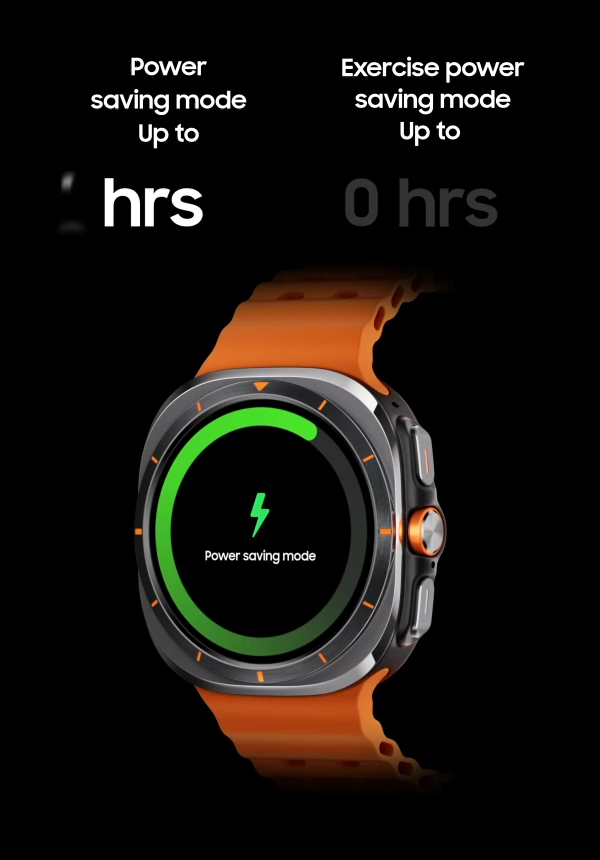
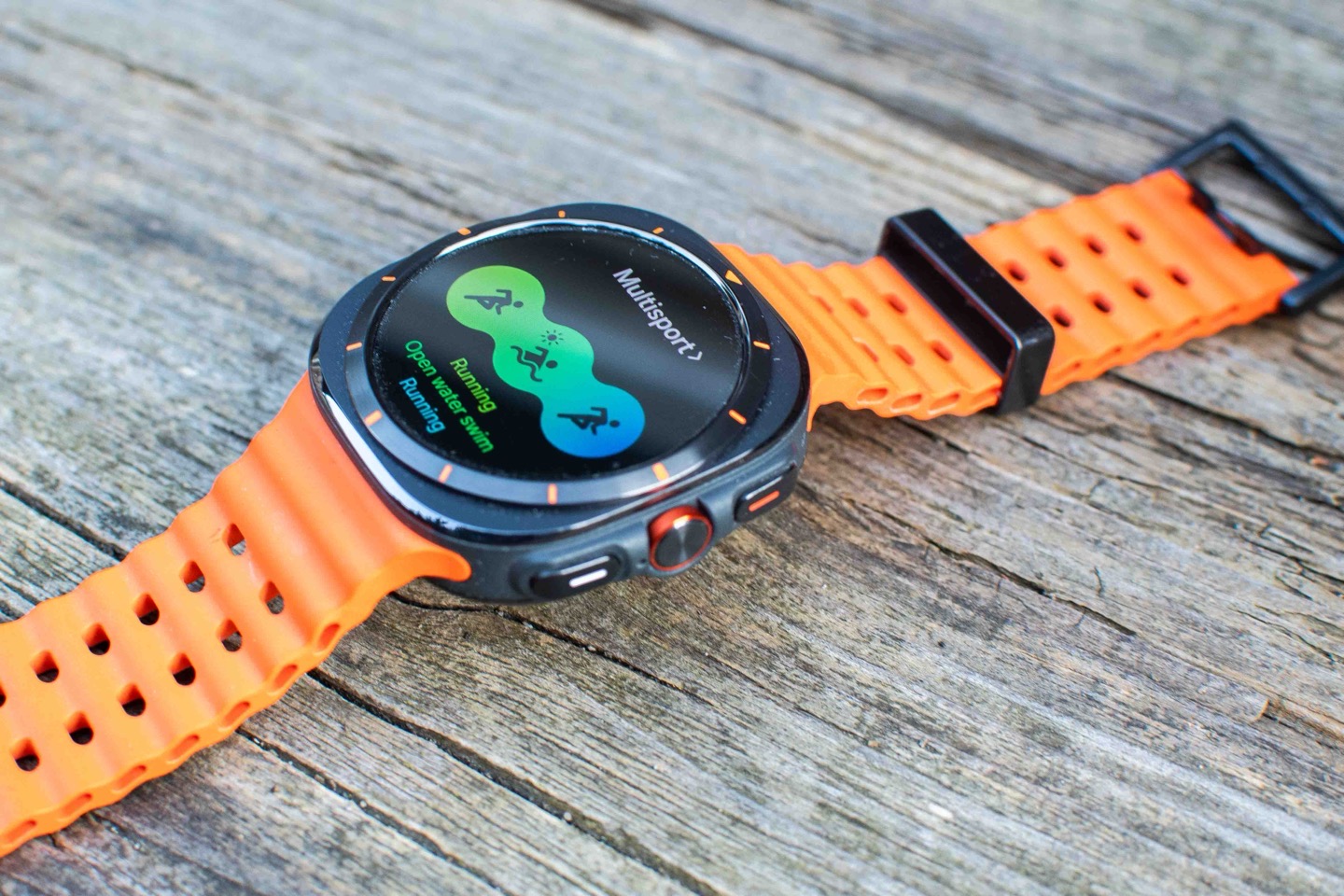
The Galaxy Watch Ultra also includes a rugged case, a strong crystal display, and seals designed for outdoor use. These features make it one of Samsung’s most water-ready watches, but care is still important.
What do the Galaxy Watch Ultra water ratings mean?
The Galaxy Watch Ultra uses two main ratings: 10 ATM and IP68. Each rating tests a different type of protection.
What does 10 ATM mean?
10 ATM means the watch can resist pressure equal to a depth of 100 meters under controlled test conditions. This does not mean you can safely wear the watch 100 meters underwater.
The test uses still, fresh water in a lab. Real water puts different stress on the seals. Swimming strokes, waves, fast movement, and jumps can create sudden pressure.
In simple terms, 10 ATM is suitable for normal swimming and shallow water use. It is not a diving certification.
What does IP68 mean?
IP68 is an international protection rating. The first number, 6, means the watch is dust-tight. The second number, 8, means it can handle extended immersion under controlled conditions.
The exact test depth and time can vary by product and manufacturer. For that reason, IP68 should not be treated as a universal promise for every type of water activity.
The IP68 rating also does not protect the watch from every liquid. Salt water, chlorine, soap, oils, and chemicals can affect seals and materials over time.

Can you swim with the Galaxy Watch Ultra?
Yes, you can swim with the Galaxy Watch Ultra. Samsung designed the watch for swimming and other common water activities.
Before swimming, make sure the watch is in good condition. A cracked screen, damaged case, or worn seal can reduce water resistance. The watch is also more vulnerable after a hard impact.
For safer swimming:
• Secure the watch firmly on your wrist.
• Use a swimming workout if you want to track laps and distance.
• Avoid diving from high platforms.
• Avoid water slides and fast-moving water.
• Rinse the watch with clean water after swimming.
• Dry the watch, band, and charging area before charging.
The Galaxy Watch Ultra may work well in a pool, but chlorine can still leave residue. Rinsing it after each swim is a simple habit that can help protect the finish and seals.
Can you wear the Galaxy Watch Ultra in the ocean?
The Galaxy Watch Ultra can handle short periods in salt water, but ocean use requires extra care. Salt can build up around buttons, gaps, and the speaker openings.
After ocean swimming, rinse the watch with fresh water. Do not use strong sprays. A gentle rinse is enough to remove salt and sand.
Follow these steps:
- Rinse the watch with clean, fresh water.
- Wipe it with a soft, clean cloth.
- Let it air-dry fully.
- Check the buttons and band for sand or salt.
- Charge it only after the charging area is dry.
Do not press buttons while the watch is wet unless the user guide says it is safe. Sand can also scratch the screen or interfere with moving parts.
Can you shower with the Galaxy Watch Ultra?
A brief shower may not harm the Galaxy Watch Ultra, but Samsung does not recommend treating it like a shower tool. Soap, shampoo, hot water, and steam can weaken water resistance over time.
Hot showers are especially risky because heat can expand materials and place stress on seals. Steam can also reach areas that ordinary splashes do not.
It is safer to remove the watch before:
• Hot showers
• Baths
• Saunas
• Steam rooms
• Hot tubs
• Spa treatments
If you wear the Galaxy Watch Ultra in a cool shower, rinse away soap afterward. Dry the watch well before placing it on the charger.
Is the Galaxy Watch Ultra safe for diving?
No. The Galaxy Watch Ultra is not a dive computer and should not be used for scuba diving or deep freediving.
Diving creates pressure changes that are different from normal swimming. Equipment used for diving must meet specific standards and provide depth, time, and safety information.
Avoid wearing the watch during:
• Scuba diving
• Deep freediving
• High-pressure water activities
• Jet skiing
• Water skiing
• Wakeboarding
• Cliff jumping
The Galaxy Watch Ultra may survive some of these activities, but survival is not the same as safe, approved use. Strong impact or sudden pressure can damage the seals.

What can damage the Galaxy Watch Ultra’s water resistance?
Water resistance can decline with age and use. The seals inside the watch are not permanent. Repeated impacts, heat, chemicals, and repairs can affect them.
Common risks include:
Physical impact
A drop can damage the case or create a small gap. Even if the screen looks fine, internal seals may be affected.
Heat and steam
Saunas, hot tubs, and very hot showers can damage water-resistant seals. Heat is one of the most overlooked risks.
Chemicals
Soap, sunscreen, perfume, cleaning products, chlorine, and salt can leave residue or damage materials. Rinse the watch after contact with these substances.
High water pressure
A fast stream from a hose can create more pressure than calm water. Avoid pressure washers, strong taps, and forceful sprays.
Repairs and battery service
Opening the watch can affect its original water resistance. If the watch needs service, use an authorized repair center when possible.
A useful rule is simple: treat the Galaxy Watch Ultra like a sealed outdoor tool, not like a waterproof camera.
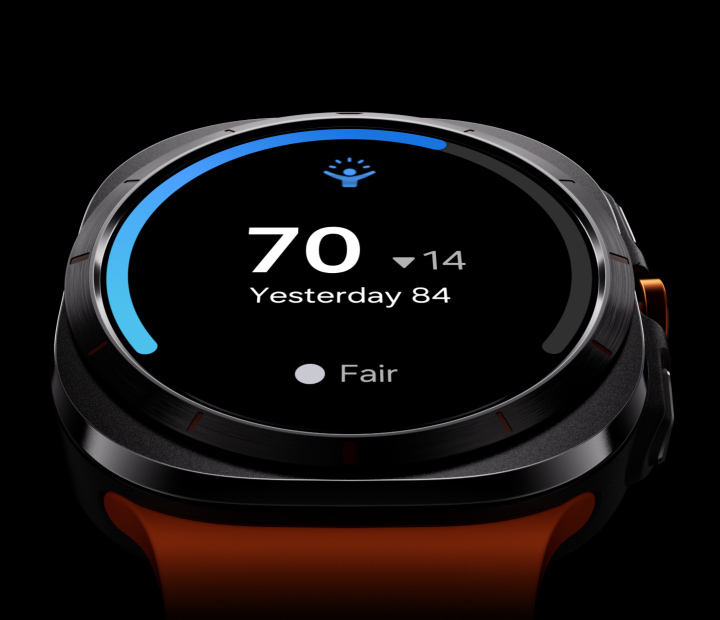
How to use the water lock feature
The water lock feature helps prevent accidental screen touches while the watch is wet. It does not make the watch more water-resistant.
To use it:
- Open the quick settings panel.
- Tap the water drop or water lock icon.
- Use the watch during your water activity.
- Turn off water lock when you finish.
- Follow the on-screen instructions to eject water from the speaker.
Water lock is helpful during swimming and rainy workouts. It prevents water droplets from opening apps or changing settings on the screen.
Remember that water lock is a software feature. It cannot repair a damaged seal or protect the watch from deep water.

How to dry the Galaxy Watch Ultra safely
Drying the watch correctly matters as much as rinsing it. Moisture trapped near the charger can cause charging problems or corrosion.
Use this method:
• Remove the watch from your wrist.
• Wipe it with a soft, dry cloth.
• Gently shake away water from the speaker area.
• Leave it in a dry place with good airflow.
• Wait until the back and charging contacts are fully dry.
• Do not charge it while moisture remains.
Avoid hair dryers, heaters, ovens, and direct high heat. Heat can damage the battery, screen, adhesive, or internal seals.
Do not insert cotton swabs, pins, or sharp objects into the speaker holes. These can push debris deeper into the watch.
How does the Galaxy Watch Ultra compare with other Galaxy watches?
The Galaxy Watch Ultra has stronger outdoor protection than many regular Galaxy Watch models. Its 10 ATM rating, IP68 protection, and rugged design make it a better choice for hiking, swimming, and demanding daily use.
Many other Galaxy Watch models also offer water resistance, but their design, case materials, and durability features may differ. The exact rating depends on the model and generation.
Before buying or using any Galaxy Watch, check the specific model number and user guide. The words “Galaxy Watch” alone do not guarantee the same water protection across the entire product range.
The Galaxy Watch Ultra is a strong choice for people who want extra durability. It is still not a replacement for professional dive equipment or a dedicated dive watch.

Signs that water may have entered the watch
Water damage is not always visible right away. Watch for changes after swimming, rain, or accidental submersion.
Possible warning signs include:
• A foggy or cloudy screen
• Muffled or distorted sound
• Random restarts
• Buttons that feel unusual
• Charging errors
• A screen that stops responding
• Fast battery drain
• Heat during normal use
If you notice these signs, remove the watch from the charger and turn it off if possible. Wipe it gently and contact Samsung support or an authorized service center.
Do not place the watch in rice. Rice cannot remove moisture from sealed electronics and may leave dust or particles in the ports and speaker openings.
Practical tips from real-world use
When testing water-resistant electronics, the biggest lesson is that small habits matter. Most problems do not come from one light splash. They often follow repeated exposure to heat, salt, soap, impact, or poor drying.
A common mistake is charging a watch immediately after swimming. Even a small amount of moisture near the charging contacts can cause trouble. Waiting a few minutes to dry the watch is an easy step that costs nothing.
Another mistake is assuming a rugged watch is indestructible. The Galaxy Watch Ultra is tough, but its water resistance can change after a hard fall or repair. If the watch has suffered a major impact, avoid swimming with it until it has been checked.
My practical care routine would be:
- Use water lock before swimming.
- Avoid diving and high-pressure water.
- Rinse away chlorine or salt.
- Dry the watch with a soft cloth.
- Let the charging area air-dry.
- Check for cracks after impacts.
- Use an authorized service provider for repairs.
These steps are simple, but they give the watch the best chance of keeping its rated protection.
Does water damage affect the warranty?
Water resistance does not mean every type of liquid damage is covered by warranty. Warranty terms can vary by country, carrier, product condition, and the cause of damage.
Physical damage, improper use, unauthorized repairs, and exposure to conditions outside the product instructions may affect warranty coverage. Liquid damage may also be excluded in some cases.
Keep your purchase record and review the warranty terms for your region. If the watch stops working after water exposure, contact Samsung support instead of trying to open it yourself.
No water-resistant rating lasts forever. Normal wear, aging, and damage can reduce protection even when the product is used correctly.
Frequently Asked Questions About Is the Galaxy Watch Ultra Waterproof
Is the Galaxy Watch Ultra fully waterproof?
No. The Galaxy Watch Ultra is water-resistant, not permanently waterproof. Its 10 ATM and IP68 ratings make it suitable for many everyday water activities, but not all forms of immersion or pressure.
Can I swim with the Galaxy Watch Ultra?
Yes, the Galaxy Watch Ultra is designed for swimming in pools and shallow water. Rinse it with fresh water afterward, especially after exposure to chlorine or salt.
Can I wear the Galaxy Watch Ultra in the ocean?
Yes, but ocean use requires care. Rinse the watch with fresh water after swimming and avoid strong waves, diving, and high-speed water sports.
Can I wear the Galaxy Watch Ultra in the shower?
A brief, cool shower may be acceptable, but it is safer to remove the watch. Soap, shampoo, hot water, and steam can reduce water resistance over time.
Is the Galaxy Watch Ultra safe for scuba diving?
No. The Galaxy Watch Ultra is not a scuba diving computer and is not designed for deep diving. Use certified dive equipment for scuba or deep freediving.
What does 10 ATM mean on the Galaxy Watch Ultra?
10 ATM means the watch passed controlled pressure testing equal to 100 meters of water pressure. It does not mean the watch can be worn safely at a depth of 100 meters.
Does water lock make the Galaxy Watch Ultra waterproof?
No. Water lock prevents accidental screen touches and helps eject water from the speaker. It does not improve the watch’s physical water resistance.
What should I do if my Galaxy Watch Ultra gets wet?
Rinse off salt, chlorine, or soap with clean water, then dry the watch with a soft cloth. Do not charge it until the watch and charging contacts are fully dry.
Conclusion
The Galaxy Watch Ultra is highly water-resistant, but it is not completely waterproof. Its 10 ATM and IP68 ratings support swimming, rain, sweat, and many outdoor activities, while diving, hot water, strong pressure, and harsh chemicals remain risky.
Use water lock, rinse the watch after salt or chlorine exposure, dry it before charging, and check it after hard impacts. These habits can help preserve the watch’s seals and performance for longer.
If you own a Galaxy Watch Ultra, follow these care tips before your next swim. For more practical smartwatch guides, explore related resources or share your experience in the comments.

Rubel Miah is the Senior Editor at MyStyleGrid.com, where he brings a sharp editorial eye and an unshakable love for fashion to everything he does. A true style addict, Rubel lives and breathes trends, from streetwear to high fashion, and has a knack for turning inspiration into impactful stories. With years of experience in fashion journalism and digital media, he curates content that empowers readers to express themselves through style. When he’s not editing features or forecasting the next big thing, you’ll find him hunting down vintage pieces or capturing street style moments around the city.