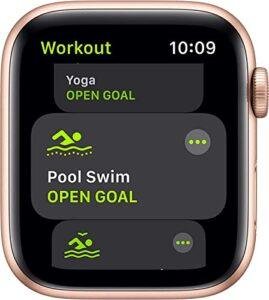
The Apple Watch tracks health, supports communication, improves safety, and handles many daily tasks from your wrist.
If you are asking what can the Apple Watch do, the answer goes far beyond counting steps. Apple’s smartwatch combines fitness tools, health sensors, messages, calls, navigation, payments, safety features, and useful apps in one small device. This guide explains its main features, real-world benefits, limits, and the best ways to use it.
What can the Apple Watch do at a glance?
The Apple Watch works like a small command center on your wrist. It connects with an iPhone and can also perform some tasks through Wi-Fi or cellular service, depending on the model.
What can the Apple Watch do in daily life? It can help you:
• View notifications without reaching for your phone
• Answer calls and reply to messages
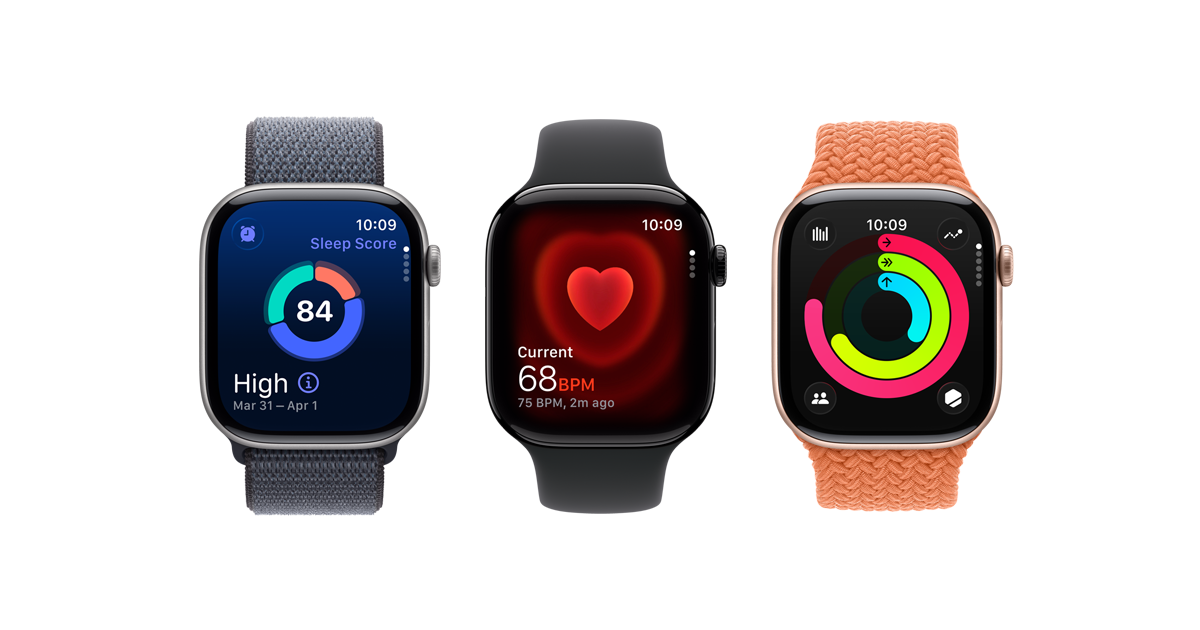
• Track workouts, steps, heart rate, and sleep
• Pay in stores with Apple Pay
• Get directions with turn-by-turn alerts
• Play music and podcasts
• Set timers, alarms, and reminders
• Monitor some health signals
• Contact emergency services
• Find your iPhone
• Unlock compatible devices and doors
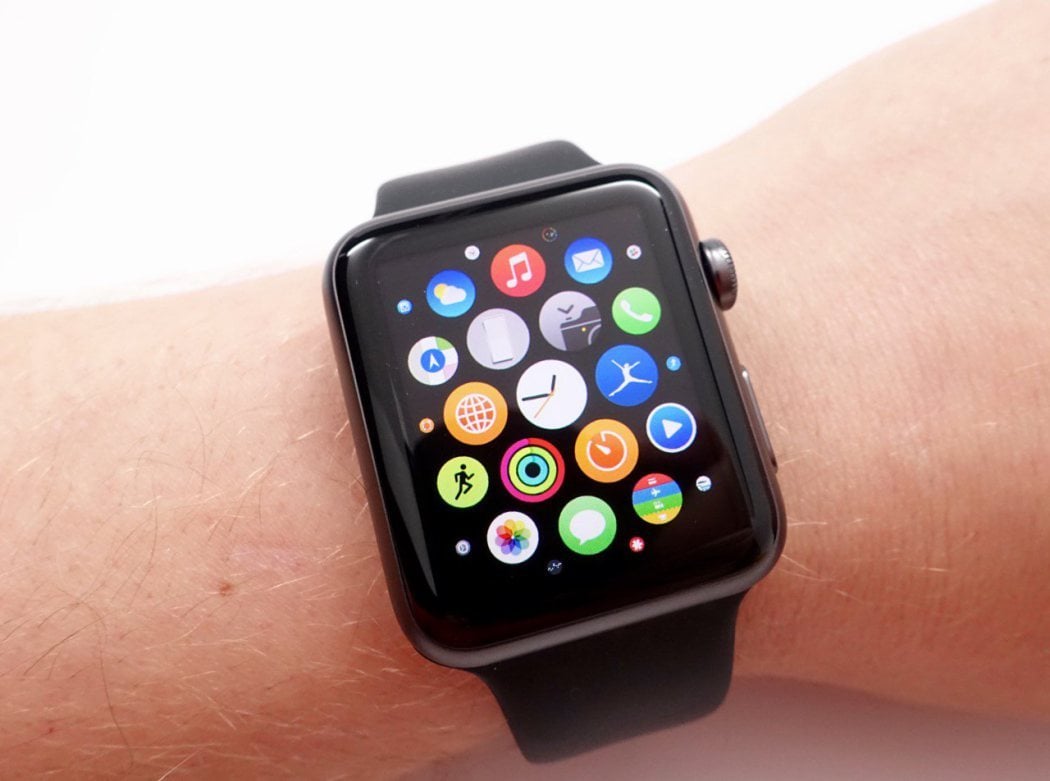
• Use apps for weather, travel, news, and more
The exact features depend on the Apple Watch model, watchOS version, iPhone, region, and whether the watch has cellular service. A newer Apple Watch may offer features that older models do not.
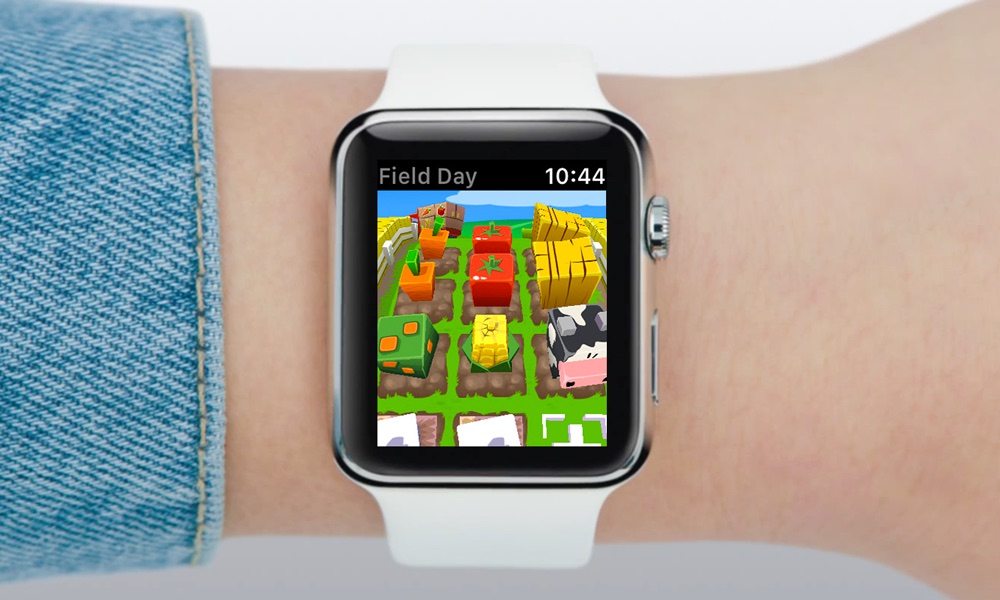
Fitness and workout tracking
One of the clearest answers to what can the Apple Watch do is track exercise. It can record walking, running, cycling, swimming, hiking, rowing, strength training, yoga, and many other workouts.
The Workout app shows useful data during exercise, such as:
• Heart rate
• Active calories
• Total calories
• Distance
• Pace
• Speed
• Elevation
• Workout time
• Heart rate zones
• Splits during a run
The watch can also remind you to stand, move, and complete daily activity goals. Its Activity rings turn movement into a simple visual target. This design can make exercise feel less like a chore and more like a small daily game.
For runners, Apple Watch models can track pace, cadence, route, and heart rate. Some newer models also offer training load or advanced running tools. Cyclists can view workout data on the watch and, with supported setups, connect to cycling sensors.
The Apple Watch can detect some workouts automatically. Still, starting a workout by hand is often better when you want the most complete record. GPS accuracy can also change based on buildings, trees, weather, and the watch model.

Health features and wellness tools
What can the Apple Watch do for health? It can measure or estimate several useful signals, but it is not a doctor or a full medical device.
Depending on the model, the Apple Watch may offer:
• Heart rate tracking
• High and low heart rate alerts
• Irregular rhythm notifications
• Electrocardiogram readings
• Blood oxygen readings in supported regions and models
• Wrist temperature estimates
• Cycle tracking support
• Respiratory rate tracking
• Sleep tracking
• Noise exposure alerts
• Fall detection
• Medication reminders
• Mindfulness and breathing sessions
The ECG app can record the heart’s electrical activity for a short period on supported models. It may help users notice signs that deserve medical attention. However, it does not detect every heart condition, and it should not replace a clinical ECG or a doctor’s advice.
The watch can also alert you when your heart rate seems unusually high or low while you are inactive. These alerts can be useful, but they may have many causes. A single alert does not prove that you have a health problem.
Sleep tracking shows sleep time and, on supported versions, sleep stages and trends. Think of it as a helpful diary rather than a sleep lab. For the best results, wear the watch comfortably overnight and keep it charged before bed.
Noise alerts are another practical feature. The watch can warn you when sound levels may harm your hearing over time. This is especially useful at concerts, sporting events, busy worksites, or during long headphone sessions.

Calls, texts, and communication
What can the Apple Watch do when your phone is not in your hand? It can keep you connected through calls, texts, email, and notifications.
You can use it to:
• Answer or decline calls
• Make calls on supported models
• Read text messages
• Send replies with dictation, taps, or preset responses
• Send voice messages
• View email alerts
• Respond to some app notifications
• Use Siri for simple requests
A cellular Apple Watch can connect to a mobile network when your iPhone is away. This usually requires a separate carrier plan. Without cellular service, the watch can still connect through a nearby iPhone or known Wi-Fi network.
Small screens work best for short replies. Dictation is often faster than typing, but it may make mistakes in noisy places or with names. For long messages, the iPhone remains more comfortable.
You can also use the watch to share your location, send an emergency message, or contact selected people. These tools can provide peace of mind during a run, commute, or outdoor trip.
Navigation, payments, and smart home control
What can the Apple Watch do while you are moving around town? It can provide directions without requiring you to keep looking at your phone.
The Maps app can show directions and use taps on your wrist to guide you. This is useful when walking, cycling, or exploring a new city. You can glance at the screen instead of holding your phone in your hand.
Apple Pay is another major convenience. After adding an eligible card, you can pay at supported contactless terminals by double-clicking the side button and authenticating the payment. Availability depends on your bank, card network, country, and merchant.
The Apple Watch can also control parts of a smart home. With the Home app, you may be able to:
• Turn lights on or off
• Adjust a thermostat
• Check a camera
• Unlock a compatible door
• Run a scene
• Control music and speakers
The watch can find a misplaced iPhone by playing a sound. On supported devices, it may also help locate other Apple products through the Find My network.
Music, apps, and personalization
What can the Apple Watch do for entertainment? It can play music, podcasts, and other audio through Bluetooth headphones. Some models can store downloaded content for use when your iPhone is not nearby.
You can control audio that is playing on your iPhone or stream from supported services. This makes the watch useful during a workout or walk when you want fewer distractions.
The App Store lets you add apps for:
• Weather
• Travel
• Sports scores
• Shopping
• Public transit
• News
• Meditation
• Productivity
• Home control
• Language learning
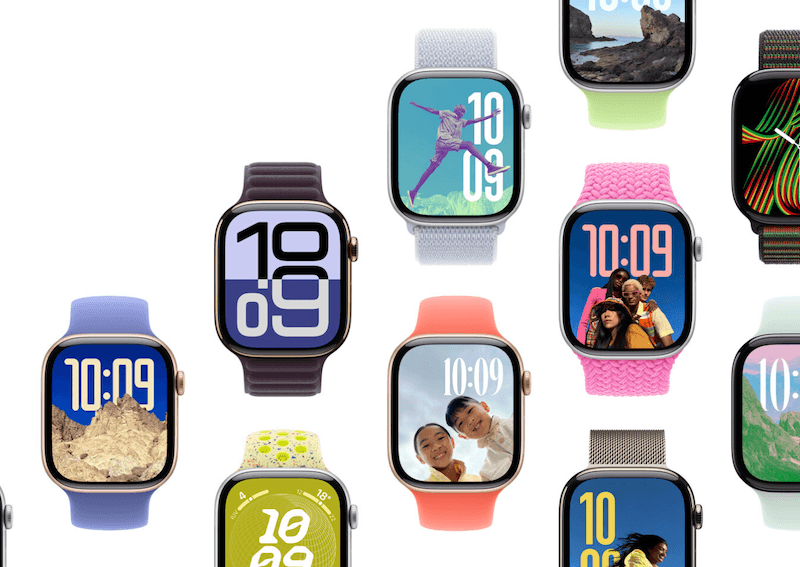
Watch faces are also highly customizable. You can select colors, styles, complications, and layouts that match your needs. A workout-focused face might show heart rate, activity, and weather. A work face might show your calendar, reminders, and timers.
A useful tip is to avoid filling the watch face with too much information. Too many complications can make the screen feel crowded. Choose the few details you check most often.
Safety and emergency features
Safety tools are among the most valuable answers to what can the Apple Watch do. They can help you contact someone quickly during an emergency, although they do not work in every situation.
Supported models and regions may include:
• Emergency SOS
• Fall Detection
• Crash Detection
• Medical ID
• Emergency contacts
• Location sharing
• Siren features
• Backtrack or route return tools on some models
Fall Detection can identify a hard fall and ask whether you need help. If you do not respond after a set period, the watch may contact emergency services and share your location. It is not perfect, and it may not detect every fall.
Crash Detection is designed to recognize severe vehicle crashes on supported devices. It can prompt you to contact emergency services and may call automatically if you do not respond. False alerts are possible, so keep your emergency information current.
Medical ID can show important details from your Health profile, such as allergies, conditions, and emergency contacts. You choose what appears and whether it can be viewed from the lock screen.
Emergency features require a compatible model, suitable settings, and network access in many cases. They should support an emergency plan, not replace one.

Battery life, compatibility, and other limits
What can the Apple Watch do depends partly on what it cannot do. Battery life is one of its main limits. Most models need regular charging, and intensive GPS use, cellular service, workouts, and low temperatures can reduce battery time.
Other limits include:
• An Apple Watch requires an iPhone for setup and many features
• Cellular models need a compatible carrier plan
• Some health features vary by country
• Older models may not support newer watchOS versions
• Battery capacity declines over time
• Water resistance is not the same as waterproofing
• Some apps offer only limited watch versions
• Health readings can be affected by fit, motion, skin, and device condition
The watch should fit snugly but not painfully. A loose band can reduce the quality of heart rate and other sensor readings. Clean and dry the watch after heavy sweat or swimming, and follow Apple’s care guidance.
Do not use Apple Watch data to diagnose yourself. If you have chest pain, trouble breathing, fainting, or another serious symptom, seek urgent medical help instead of waiting for a watch reading.
Privacy also deserves attention. Review which apps can access your health data, location, contacts, and notifications. A smartwatch is convenient, but it is still a connected computer on your wrist.

How to get more value from an Apple Watch
If you are still wondering what can the Apple Watch do, start with a few features rather than turning on everything at once. A simple setup is easier to understand and more likely to become part of your routine.
Try these steps:
- Update the iPhone and Apple Watch to supported software versions.
- Set a passcode and enable wrist detection.
- Add emergency contacts and review Medical ID.
- Choose the notifications that truly matter.
- Set up Apple Pay if your bank supports it.
- Select a comfortable watch band.
- Calibrate fitness tracking with a normal outdoor walk or run.
- Create a charging routine, such as charging while showering or working.
- Review privacy and health permissions.
- Test emergency settings before you need them.
A common mistake is allowing every app to send alerts. The result is wrist fatigue: constant taps, sounds, and interruptions. Keep messages from important people, calendar alerts, safety notices, and key apps. Silence the rest.
Another practical lesson is to use Focus modes. A work Focus can show calendar alerts, while a workout Focus can reduce distractions. This helps the Apple Watch support your day instead of taking it over.
The best Apple Watch feature is often the one that removes a small daily hassle. That might mean checking a timer while cooking, seeing a turn while walking, or noticing that you have been sitting too long.
Frequently Asked Questions About What Can the Apple Watch Do
Can the Apple Watch work without an iPhone?
The Apple Watch needs an iPhone for initial setup and many features. A cellular model can handle calls, messages, streaming, and some online tasks away from the iPhone, while GPS models need the iPhone or Wi-Fi for more connected functions.
Can the Apple Watch measure blood pressure?
Most Apple Watch models do not directly measure blood pressure like an inflatable arm cuff. It may help record health information, but you need a clinically validated blood pressure monitor for blood pressure readings.
Can the Apple Watch track sleep?
Yes, the Apple Watch can track sleep when you wear it overnight. It can estimate sleep time and, on supported software and models, show sleep stages and related trends.
Can the Apple Watch detect a heart attack?
The Apple Watch cannot reliably detect every heart attack. Its heart rate and ECG features may show signals that need medical review, but call emergency services immediately if you have serious symptoms.
Can the Apple Watch make calls without a phone?
A cellular Apple Watch can make calls without your iPhone nearby when it has an active compatible plan and network coverage. A GPS model can make calls through a nearby iPhone or, in some cases, a Wi-Fi connection.
Is the Apple Watch waterproof?
The Apple Watch is water resistant to a stated level, but it is not completely waterproof. Water resistance can weaken with age, impact, chemicals, and normal wear, so follow the model’s care instructions.
Which Apple Watch should a beginner buy?
A beginner should choose a model that supports the health, safety, and communication features they need. Compare screen size, battery life, cellular support, durability, software support, and price rather than choosing only by appearance.
Conclusion
What can the Apple Watch do? It can track workouts, monitor selected health signals, handle calls and texts, guide you through streets, process payments, control smart home devices, play audio, and offer important safety tools.
Its value comes from small moments. A tap can remind you to move, a notification can prevent a missed appointment, and an emergency feature can provide extra confidence. Still, battery limits, compatibility rules, privacy settings, and medical limits matter.
Choose the features that fit your life, set up safety tools first, and keep notifications under control. Then explore more Apple Watch tips and share your experience with the features you use most.

Rubel Miah is the Senior Editor at MyStyleGrid.com, where he brings a sharp editorial eye and an unshakable love for fashion to everything he does. A true style addict, Rubel lives and breathes trends, from streetwear to high fashion, and has a knack for turning inspiration into impactful stories. With years of experience in fashion journalism and digital media, he curates content that empowers readers to express themselves through style. When he’s not editing features or forecasting the next big thing, you’ll find him hunting down vintage pieces or capturing street style moments around the city.