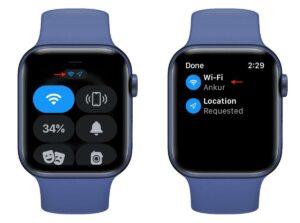
To run an EKG on Apple Watch, open the ECG app, hold the Digital Crown, and stay still for 30 seconds.
Learning how to run an EKG on Apple Watch is simple once your watch is ready. This guide explains setup, the correct recording position, result meanings, common errors, safety limits, and what to do with your reading. The steps reflect Apple’s current ECG instructions and standard heart-monitoring guidance.

What an EKG on Apple Watch does
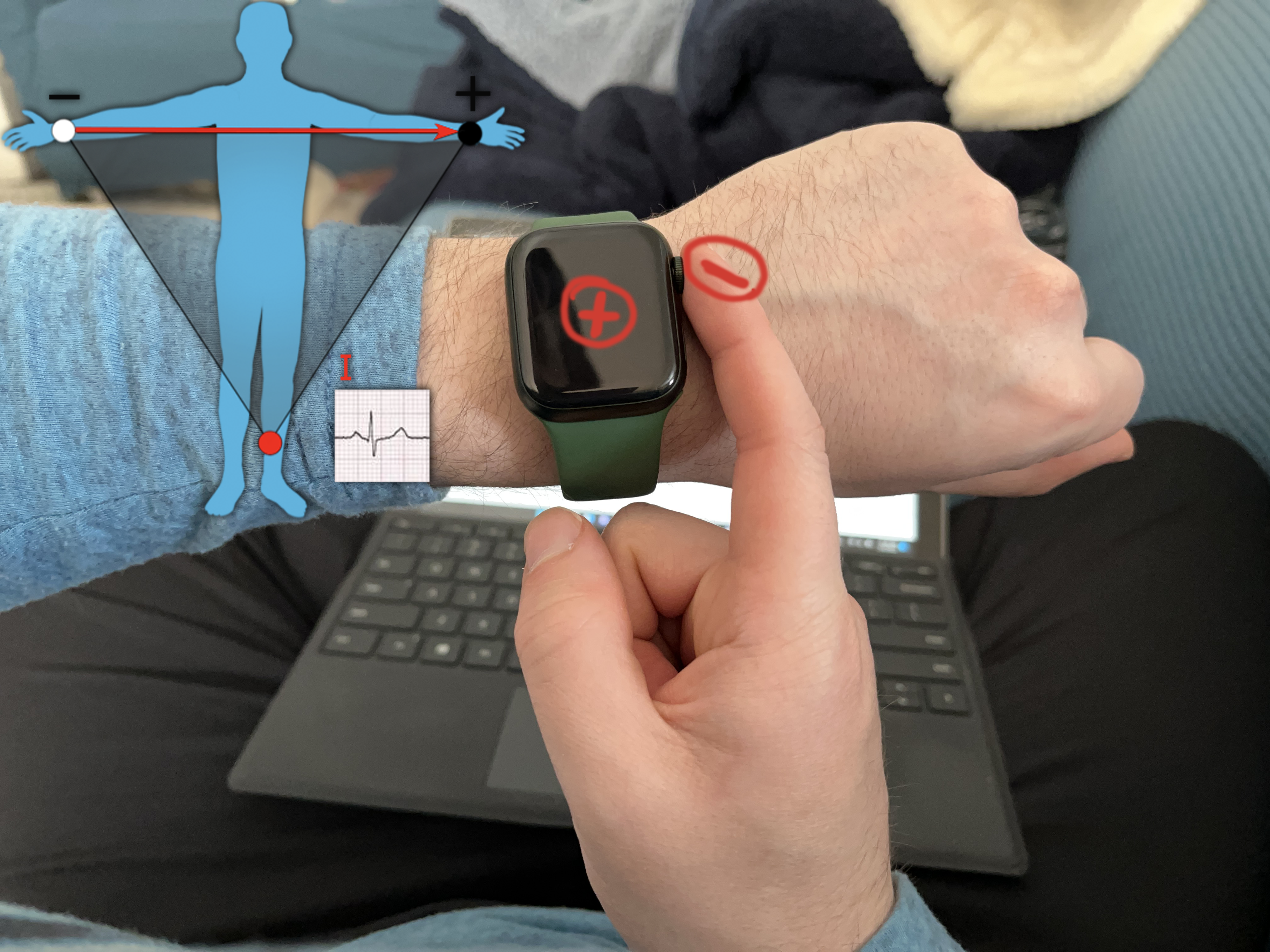
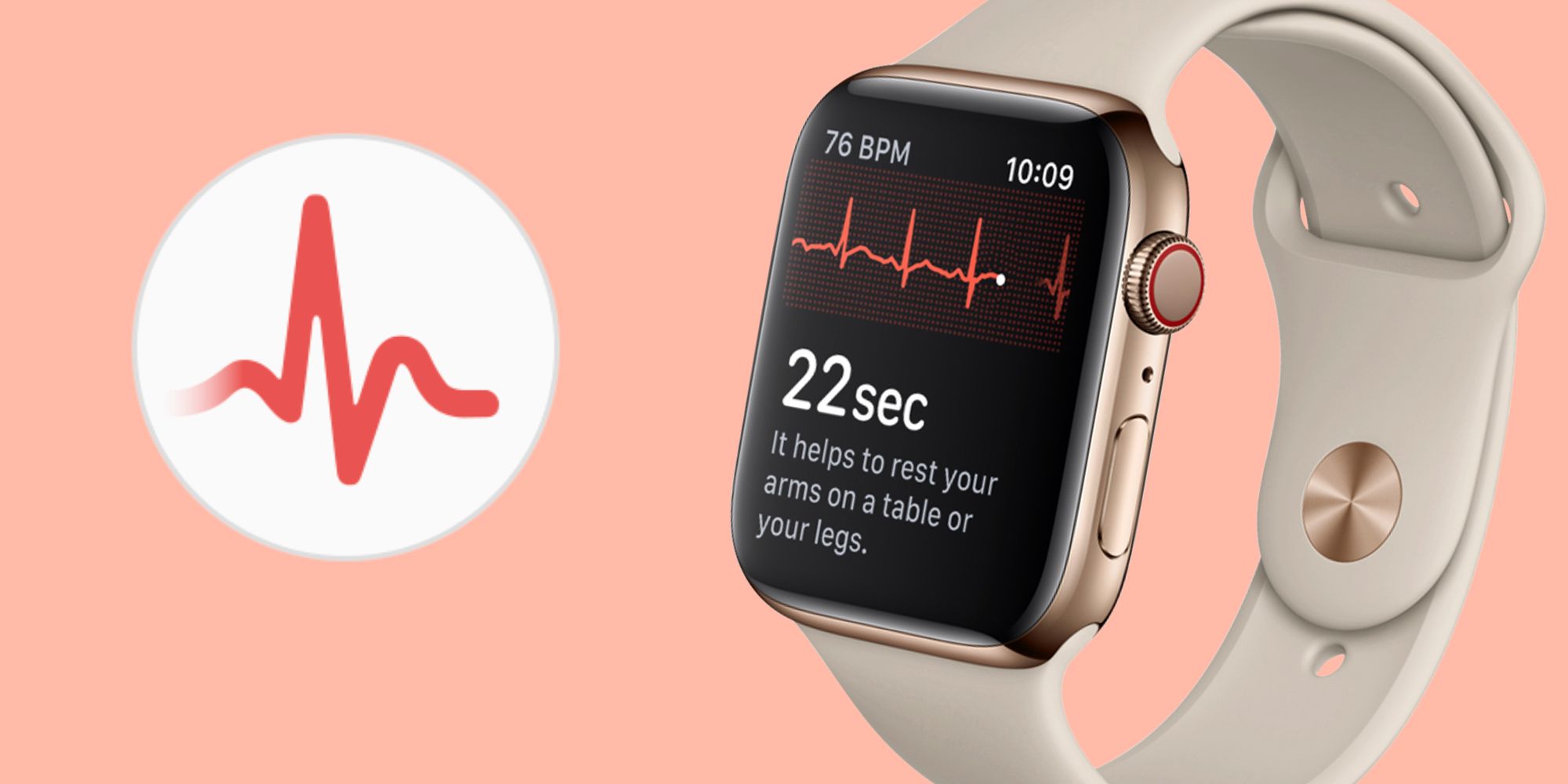
An EKG, also called an ECG, records the electrical signals that make your heart beat. The Apple Watch uses electrodes in the Digital Crown and the back crystal to create a single-lead recording.
This is different from the multi-lead EKG used in a clinic. A doctor can view more heart activity with a clinical EKG, while the Apple Watch offers a quick check for signs of an irregular rhythm.
The Apple Watch ECG app can classify a recording as:
• Sinus rhythm, which usually means the heart rhythm appears regular
• Atrial fibrillation, also called AFib, which is an irregular heart rhythm that may need medical review
• Inconclusive, which means the app could not classify the result
• Poor recording, which means the signal was not clear enough to analyze
An Apple Watch EKG does not detect every heart problem. It is not a replacement for a medical exam, a full EKG, or emergency care.
Check if your Apple Watch supports ECG
Before learning how to run an EKG on Apple Watch, confirm that your device supports the feature.
The ECG app works on Apple Watch Series 4 and later, including many Apple Watch Ultra models. Apple Watch SE models do not include the electrical heart sensors needed for an ECG. Availability can also differ by country or region because medical features need local approval.
You should also check these requirements:
• Your Apple Watch must have the ECG app installed
• Your watch must run a supported version of watchOS
• Your paired iPhone must use a compatible version of iOS
• You must be at least 22 years old to use the ECG app
• The feature must be available in your region
To check your watch, open the Watch app on your iPhone and tap General, then About. You can also search for ECG in the Apple Watch app list. If you do not see the app, update your devices and confirm regional availability.
Do not confuse the ECG app with irregular rhythm notifications. Irregular rhythm alerts can check for possible AFib in the background, but they do not create a full ECG recording when an alert appears.

Set up the ECG app
You need to complete setup before you can run an EKG on Apple Watch for the first time. Keep your iPhone nearby and make sure both devices have enough battery.
Follow these steps:
-
Open the Health app on your iPhone.
-
Tap Browse, then tap Heart.
-
Select Electrocardiograms, or ECG.
-
Tap Set Up ECG App.
-
Follow the instructions on the screen.
-
Enter your birth date when asked.
-
Read the safety information and finish the setup.
If the ECG app is already installed, you can open it from the Apple Watch. Press the Digital Crown and look for the ECG icon. You can also use the iPhone Watch app to confirm that the app is available.
If setup fails, update iOS and watchOS first. Then check that the watch is unlocked, worn on the wrist selected during setup, and paired with the correct iPhone.

How to run an EKG on Apple Watch
Once setup is complete, you can record an EKG in about 30 seconds. The process is painless and does not send electricity through your body.
Use this method for the clearest reading:
-
Sit down and rest your arm on a table or in your lap.
-
Make sure the Apple Watch fits snugly against your wrist.
-
Open the ECG app on the watch.
-
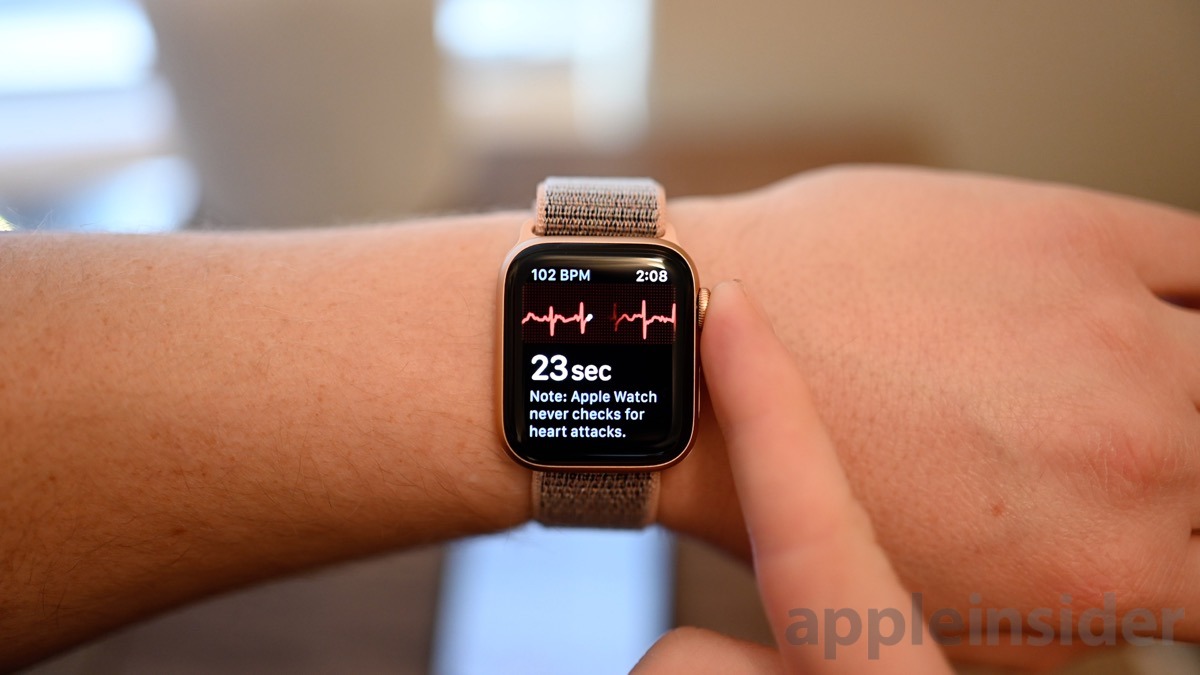
Rest one finger from your opposite hand on the Digital Crown.
-
Keep your finger on the crown without pressing it.
-
Stay still and avoid talking for 30 seconds.
-
Wait for the result to appear.
The watch completes the electrical circuit between your two arms. That is why your finger must touch the Digital Crown while the watch rests on your wrist.
Do not try to record an ECG while walking, exercising, or moving your arm. Motion can create noise in the signal, much like a shaky camera can blur a photo.
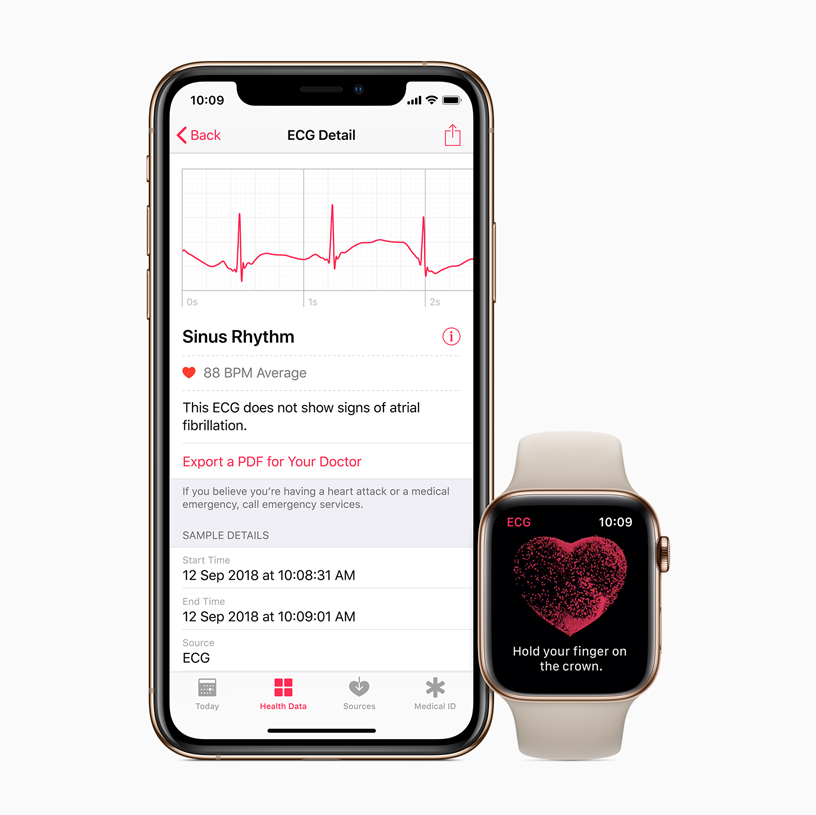
After the recording, the app stores the result in the Health app on your iPhone. You can review the waveform, add symptoms, export a PDF, or share the result with a health care professional.
How to get a better Apple Watch EKG reading
Many poor recordings come from small setup problems. In my experience helping people troubleshoot wearable health features, the most common mistake is holding the watch too loosely or moving during the recording.
Use these practical tips:
• Clean and dry your watch and skin before recording
• Wear the watch snugly, but not so tight that it feels uncomfortable
• Rest both arms on a table or your lap
• Keep your feet flat if that helps you relax
• Avoid recording right after intense exercise
• Wait until your breathing slows after climbing stairs
• Keep your finger still on the Digital Crown
• Do not press hard on the crown
• Move away from strong electrical devices if the app reports poor contact
Cold hands can also affect the result. Warm your hands naturally, then try again. Do not use the ECG app over wet skin, lotion, or a bandage.
If your watch is on your right wrist, check the orientation settings. The ECG app can work on either wrist, but the watch must be worn correctly and make steady skin contact.
Understand your Apple Watch ECG results
The result gives you useful information, but it needs context. One reading is only a short snapshot of your heart rhythm.
Sinus rhythm
A sinus rhythm result means the recording looks regular and does not show signs of AFib during that brief test. It does not prove that your heart is completely healthy.
You may still have symptoms that need medical attention. Chest pain, fainting, severe shortness of breath, or sudden weakness should never be dismissed because an Apple Watch shows sinus rhythm.
Atrial fibrillation
An AFib result means the recording shows an irregular rhythm pattern that may be consistent with AFib. Contact your doctor or another qualified health professional for guidance, especially if this is a new result.
Some people have AFib without symptoms. Others notice a racing, fluttering, or uneven heartbeat. Do not start, stop, or change medication based only on an Apple Watch reading.
Inconclusive
An inconclusive result can happen for several reasons. The rhythm may not fit the app’s categories, or the heart rate may be too high or too low for the recording.
It can also happen because of motion, poor contact, or an implanted device. Repeat the test when you are calm and still, but seek professional advice if the result keeps appearing.
Poor recording
A poor recording means the watch could not collect a reliable signal. Check your fit, clean your skin, rest your arms, and keep your finger still.
A poor recording is not the same as an abnormal heart rhythm. It usually means the recording conditions need improvement.
Save and share your Apple Watch ECG
After you learn how to run an EKG on Apple Watch, saving the report can help you discuss symptoms with a clinician.
To find the result:
-
Open the Health app on your iPhone.